
Patreon is built for recurring memberships, while Ko-fi and Buy Me a Coffee are built for quick, low-friction support. If your audience pays you every month for ongoing perks, Patreon is the stronger fit. If most of your income will be one-off “thank you” payments, Ko-fi or Buy Me a Coffee will feel lighter, and Ko-fi is the cheapest place to start. Below we compare all three on fees, supporter experience, tools and payouts, then show where a no-account tip link like ours fits next to them.
TL;DR
- Patreon: best for structured, recurring memberships with tiers. For pages created after August 4, 2025, the published fee information lists a 10% platform fee, with processing and other charges possibly on top.
- Ko-fi: best for tip-first creators who want a free start. The free plan charges 0% on one-time tips and 5% on memberships and other listed features, plus processor fees.
- Buy Me a Coffee: a close cousin of Ko-fi, centered on a simple “buy a coffee” tip page with optional memberships. Confirm its current fee on its own pricing page before you commit.
- None of them is a one-click tip: supporters on all three generally land on a profile page first. If you want tips with no account and no friction, a personal tip link is a different tool.
Table of Contents
- What each platform is actually for
- Fees: what you keep
- One-time tips vs recurring memberships
- Supporter experience
- Tools for engagement and customization
- Payouts and getting started
- Is Ko-fi legit?
- Which should you pick?
- Our perspective: the missing fourth option
- Add a no-account tip link to your setup
- FAQ
- Sources
What each platform is actually for
These three get compared constantly, but they started from different ideas.
Patreon is a membership platform. Fans pledge a monthly or annual amount, you define tiers, and benefits attach to each tier. Its core model is recurring billing with creator-defined pricing, which is why it suits podcasters, writers, musicians and video makers who publish on a schedule and can promise something regular.
Ko-fi is tip-first. Ko-fi and Buy Me a Coffee both prioritize low-friction tipping, with memberships as an optional extra. Ko-fi also layers on a shop, commissions and memberships, so one page can hold several income streams.
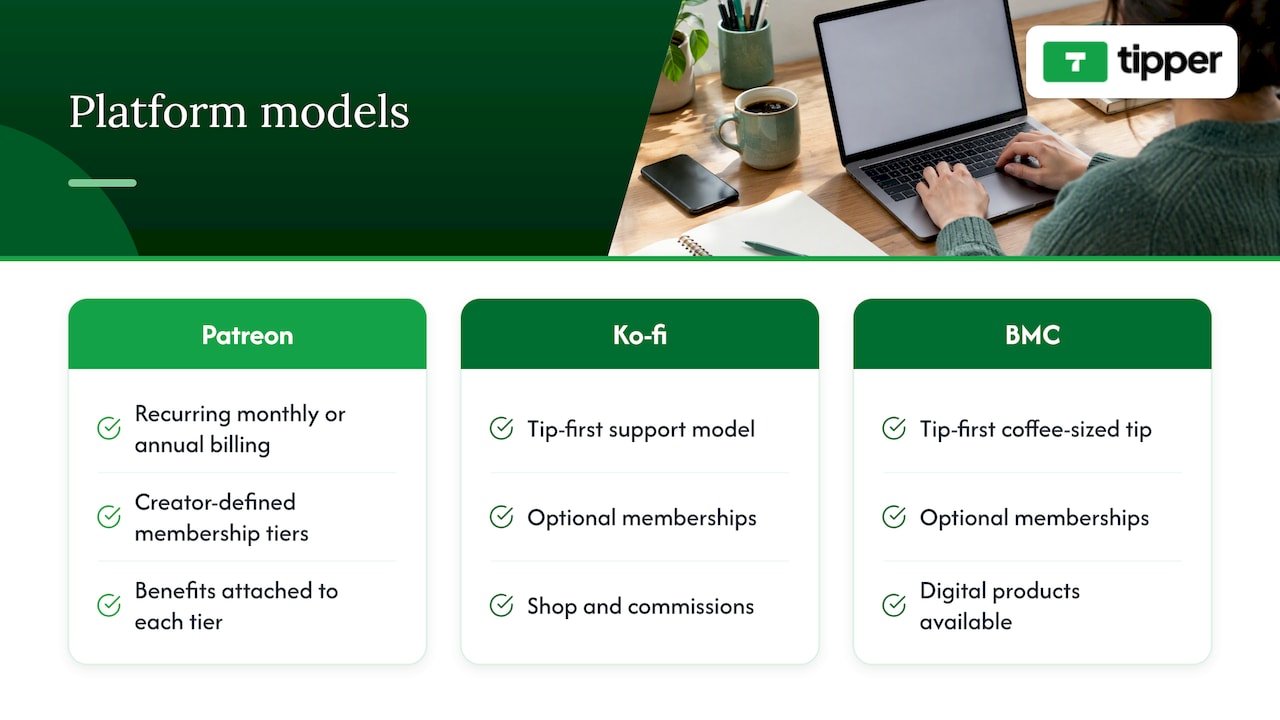
Buy Me a Coffee works much like Ko-fi: a branded page, a coffee-sized tip as the headline action, and memberships and digital products available if you want them. The practical differences are in branding, feature details and fees, so compare the current pricing pages side by side rather than trusting a years-old blog post.
One honest caveat applies to every option here. Platforms make collecting and delivering easier, but they do not create income or audience conversion on their own. Pick the tool that matches how your fans already want to support you.
Fees: what you keep
Fees are the number most creators search for, and they are also the part that changes most often. Here is what the checked sources say.
| Patreon | Ko-fi (free plan) | Buy Me a Coffee | |
|---|---|---|---|
| Platform fee on one-time tips | Not its main use | 0% | Check current pricing page |
| Platform fee on memberships | 10% for pages published after August 4, 2025 | 5% | Check current pricing page |
| Payment processing | Additional | Additional | Additional |
| Best at | Recurring tiers | Tips, shop, commissions | Simple coffee-style tips |
Two details matter. First, Patreon’s 10% applies to newer pages, and the same source notes that legacy pages may have different rates. Second, processor fees, payout fees, currency conversion and taxes can all come on top, so the headline percentage is never the whole story.
A worked example
Say your supporters send you $500 in a month. These numbers ignore processor fees, which hit every platform.
- All one-time tips on Ko-fi free: a 0% platform fee means $500 before processing.
- All memberships on Ko-fi free: a 5% fee is $25, leaving $475.
- All memberships on Patreon (new page): a 10% fee is $50, leaving $450.
That gap of $25 a month is real, but it is not the whole decision. Patreon’s audience expects subscriptions and its tier tools are deeper. If tiers help you convert fans into steady members, the extra 5 points can pay for themselves. If your fans mostly tip, the difference is simply money lost. One independent breakdown reaches a similar conclusion: Ko-fi is the cheapest place to start, and Patreon the better place to scale a structured membership.
One-time tips vs recurring memberships
This is the question underneath the comparison. Ask yourself what your audience does today.
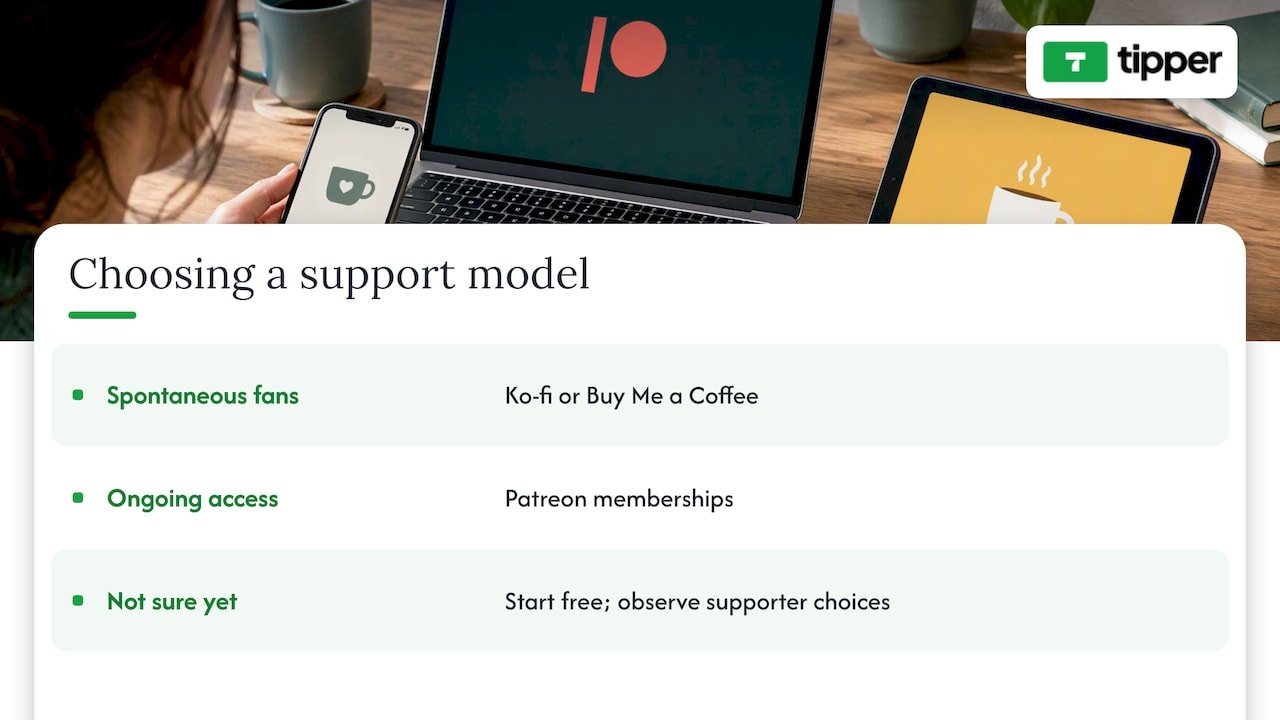
Your fans are loyal but spontaneous. Twitch and Kick viewers, TikTok followers and people who found one great video rarely want a monthly bill. They want to say thanks once. Ko-fi and Buy Me a Coffee suit this better than Patreon.
Your fans want ongoing access. Early episodes, behind-the-scenes posts, a private community: that is a membership, and Patreon is built for it.
You are not sure yet. Start where it costs nothing and see what supporters actually choose. We cover the timing in our look at tips versus subscriptions, including why many creators see steady pay take months to build either way.
Supporter experience
Creator-side features get all the attention, but the supporter’s path decides whether a payment happens.
- Patreon: supporters typically create an account and set up a recurring pledge. That commitment is fine for a devoted fan and a barrier for a casual one.
- Ko-fi and Buy Me a Coffee: supporters land on your page, choose an amount and pay. The flow is lighter, though the exact steps (and whether a name or email is requested) depend on the platform’s current checkout, so test it yourself as a supporter before you publish your link.
Every extra tap loses some people. That is the reasoning behind a different approach, which we get to below.
Tools for engagement and customization
| Need | Patreon | Ko-fi | Buy Me a Coffee |
|---|---|---|---|
| Tiered memberships | Core feature | Optional | Optional |
| One-time tips | Secondary | Core feature | Core feature |
| Page customization | Brand-focused creator page | Customizable page | Customizable page |
| Selling products | Limited compared with the others | Shop and commissions | Digital products |
Treat that table as a map of emphasis, not a spec sheet. All three keep adding features, so check the current feature list for anything you cannot live without, such as email export, discount codes or content gating.
Payouts and getting started
Payout rules (methods, schedules, minimums, holds) differ by platform and change over time, and payment-processor rules add another layer. Before you choose, open each platform’s help center and read the payout section for your country, then ask three questions:
- How do I get paid, to a bank, PayPal or a card?
- How long after a supporter pays does the money reach me?
- Is there a minimum balance or a fee to withdraw?
Getting started is easy on all three: you make a free page, add a bio and an image, and share the link. Do this on a Sunday afternoon, not as a month-long project. If you are deciding how much effort to put into promotion afterward, planning your posts with a content strategy platform can help you decide what to publish and when.
Is Ko-fi legit?
Yes. Ko-fi is an established platform that creators use to collect tips, memberships and shop sales, and people read it as a lower-pressure alternative to Patreon. The usual common sense applies. Use a page you can verify from the creator’s own channels, and be careful with any link sent to you in a direct message.
Which should you pick?
- Choose Patreon if you publish on a schedule, can promise recurring perks and want tiered pricing and a well-known brand.
- Choose Ko-fi if tips come first, you want a 0% fee on one-time support and a place to sell commissions or products.
- Choose Buy Me a Coffee if you like its page style and simple tip flow, after confirming current fees.
- Use more than one if your audience is mixed. A Patreon for superfans and a lightweight tip link for everyone else is a common setup.
If you want to widen the field, we have written guides on Patreon alternatives, Ko-fi alternatives and Buy Me a Coffee alternatives, plus a broader digital tipping platform comparison.
Our perspective: the missing fourth option
We build Tipper, so we see this comparison from the angle of the supporter who never wanted a profile in the first place.
Most fan-support sites ask the fan to do something before they can give: join, sign in, subscribe or browse a page. A viewer who just enjoyed your stream is at peak generosity for about thirty seconds. We designed Tipper around that moment. Anyone can send a tip from your personal link or QR code with Apple Pay, Google Pay or a card, with no account on their side. They can leave a thank-you exchange too, because creators can reply with a note, a photo or a video.
We also think the money should reach the person who earned it. Creators keep 100% of their tip earnings, and a small payment processing fee is added at checkout. Creating and keeping an account is free, with no subscription.
Tipper is not a membership engine, and we do not pretend it replaces tiers. If your income depends on monthly perks, Patreon deserves a serious look. But for tips from live audiences, short-form followers, freelancers and in-person moments, a link that asks nothing of the supporter is hard to beat. Many creators run both.
— Tipper
Add a no-account tip link to your setup
Whatever you choose above, you can put a Tipper link in your bio, stream panels or on a printed QR code. Supporters pay in seconds, and you can answer with a personal thank-you.
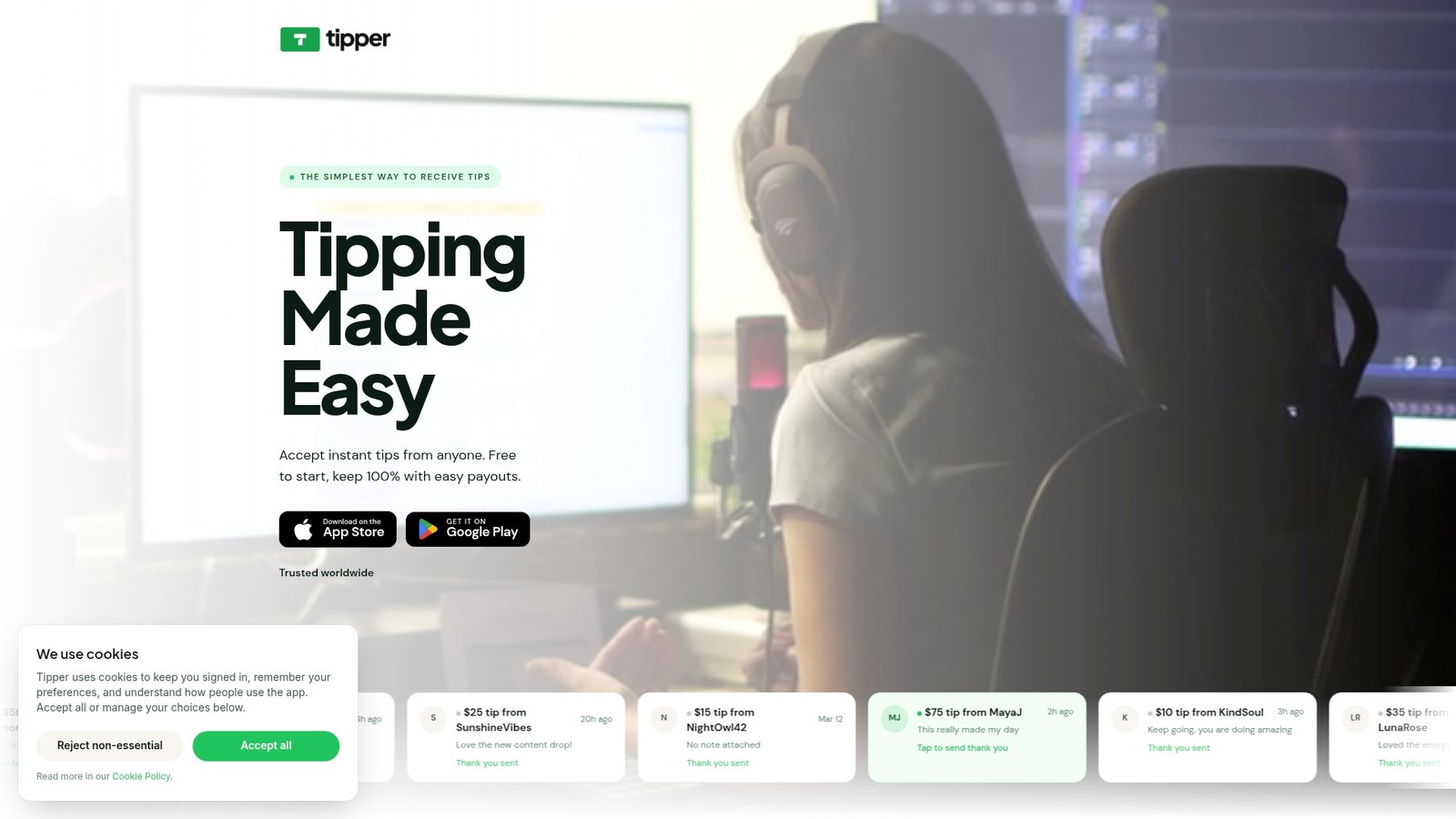
Tipper is free to create and maintain, with no subscription. The payment processing fee is added to each tip at checkout. See how it works on the Tipper homepage, or read our guide to collecting tips with no signup.
FAQ
Is Patreon better than Ko-fi?
It depends on your income mix. Patreon is stronger for recurring, tiered memberships, while Ko-fi is cheaper to start and better for one-time tips. Ko-fi’s free plan charges 0% on one-time tips, whereas Patreon’s published fee is 10% on newer pages.
What is the difference between Ko-fi and Buy Me a Coffee?
Both lead with simple tipping and treat memberships as an add-on. The differences are in page style, features and fees. Read each platform’s current pricing page, since both update them.
Can supporters tip without an account?
It varies by platform and by the checkout they use, so test each as a supporter. With Tipper, supporters never need an account and can pay with Apple Pay, Google Pay or a card.
Can I use Patreon and Ko-fi together?
Yes, and many creators do. Use Patreon for members who want recurring perks and a tip option for everyone else. Just keep the links clear so fans know which is which.
Sources
- Fan-Funded Platforms Compared, Open Music Business
- Direct Fan Support, Benny Sutton glossary
- Patreon vs Ko-fi for Musicians, Chartlex




Leave A Comment