


If you create content and have ever tried to collect audience tips, you already know the friction is real. A clunky payment page, a required account signup, or a confusing checkout flow can kill a supporter’s impulse before they ever hit “send.” The best examples of one-click tip solutions solve this by collapsing the entire transaction into a single tap or click. These tools, formally known as frictionless micro-payment or instant tip widgets, come in more varieties than most creators realize. This article breaks down the strongest options, compares them honestly, and helps you pick the setup that fits your workflow.
Table of Contents
- Key takeaways
- Examples of one-click tip solutions: what to look for first
- 1. SimpleTip
- 2. Lazortip
- 3. Kit Tips
- 4. UniLink Tips block
- 5. Aurpay crypto tip jar
- 6. WooCommerce or Shopify tip jar products
- 7. Preset tip buttons in website builders and newsletters
- Comparison of key tipping solutions
- My honest take on getting tipping right
- Start collecting tips with Tipper
- FAQ
Key takeaways
| Point | Details |
|---|---|
| Two-phase tipping works best | Auto-provision a wallet or passkey on first use, then every subsequent tip is one click. |
| Preset amounts reduce hesitation | Offering fixed amounts like $5, $10, and $20 cuts decision fatigue and speeds up the transaction. |
| Crypto tips need zero complexity | Gasless transactions and biometric login remove the barriers that make crypto tipping fail. |
| Embed beats external links | Native widgets on your site or newsletter outperform standalone tip page links in conversion. |
| Fees add up faster than you think | Platforms charge anywhere from 0% to 5%+, so your net earnings depend heavily on your choice. |
Examples of one-click tip solutions: what to look for first
Before picking a tool, you need a framework. Not every platform that calls itself “one-click” actually delivers on that promise. The difference between a genuinely fast tipping experience and a rebranded checkout page comes down to a few specific criteria.
Ease of setup and integration matters more than it sounds. Some tools require developer access or API keys. Others give you a shareable link in under two minutes. Your choice should match your technical comfort level.
Frictionless user experience is the core promise. True one-click tipping operates in two phases: a one-time provisioning step where the user’s wallet or payment credentials are saved, and then a single-tap experience for every tip after that. If your audience has to re-enter payment details every time, it is not a real one-click solution.
Payment method breadth determines how many people can actually tip you. Some tools support only credit cards. The best ones accept Apple Pay, Google Pay, PayPal, Venmo, and crypto without forcing users to create accounts.
Security and privacy directly affect whether people trust the process. Platforms that avoid storing sensitive data, skip KYC requirements, or use biometric authentication build credibility with cautious users.
Fees and transaction costs are where many creators get surprised. Use a PayPal fee calculator before committing to any platform that routes payments through PayPal, because fees compound faster than expected on small transactions.
Pro Tip: Look for platforms where the tip button can be embedded directly into your content. Native tip widgets on platforms like Substack, Ghost, or custom HTML sites consistently outperform standalone tip page links in frequency of use.
1. SimpleTip
SimpleTip is an open-source widget that takes a smart approach to one-click tip collection setup. The first time a reader tips, the system auto-creates a wallet and walks them through funding it. After that, every tip is a single click with no checkout popup appearing again.

What makes it particularly useful for creators is the split tip feature. You can configure tips to divide automatically between the content author and the subject of the content, which works well for interview-based creators or collaborative channels. Payment method support is wide: cards, Apple Pay, Google Pay, PayPal, Venmo, Zelle, M-Pesa, and crypto are all on the table.
The open-source nature means you can self-host it and customize the look to match your brand. The tradeoff is that initial setup requires some technical confidence.
2. Lazortip
Lazortip is one of the most interesting quick tip solutions in the crypto space right now. It runs on Solana and removes every piece of friction that normally makes crypto tipping a bad experience for mainstream audiences.
Users tap the tip button and authenticate with FaceID or TouchID. No seed phrases. No wallet extensions. No gas fees. The transaction sends gasless in the background, and the tipper never sees a wallet popup. For creators with a crypto-native audience, this is the cleanest implementation available. The biometric login also doubles as a security layer, which matters for supporters who are cautious about mobile payments.
The limitation is obvious: your audience needs to be at least moderately comfortable with Solana-based transactions. This tool is not the right fit if your community is entirely Web2.
3. Kit Tips
Kit (formerly ConvertKit) built tipping directly into its creator platform, and it is one of the most beginner-friendly one-click tip examples available today. Creators configure preset tip amounts, typically $5, $10, $20, and $50, with an optional custom tip floor set at $5 minimum.
The result is a dedicated tipping page that you can either share as a link or embed using provided code. Supporters pick an amount and pay without creating a Kit account. For newsletter creators already on the Kit platform, this is the path of least resistance because everything lives inside a tool you are already using.
Preset amounts work well because they align with what research shows about decision fatigue. When someone sees four clear options instead of a blank dollar field, they are far more likely to complete the transaction quickly.
4. UniLink Tips block
UniLink’s Tips block is built specifically for casual, frictionless support without the overhead of a donation campaign. Quick-tap buttons let supporters choose $1, $3, $5, or similar amounts. There are no goal trackers, no tiers, and no progress bars.
Payment routing goes through Stripe or PayPal, which means broad compatibility with existing supporter payment methods. The key advantage here is simplicity: minimal steps and a clean interface that does not make the tipping process feel like a fundraiser. For influencers who want a low-pressure “buy me a coffee” feel without signing up for a dedicated platform, this block is worth testing.
5. Aurpay crypto tip jar
Aurpay brings crypto tipping to ecommerce by letting creators set up a tip jar product directly on WordPress or Shopify. Supporters pay through the normal checkout flow using their crypto wallet. No KYC is required and no middleman holds the funds. Aurpay’s fee sits at approximately 0.8%, which is well below most traditional payment processors.
This approach is clever because it piggybacks on checkout infrastructure that already works. If you run a Shopify store alongside your content, adding a tip jar product costs almost no setup time. The checkout flow is familiar to your audience, which reduces the trust barrier that often slows crypto adoption.
6. WooCommerce or Shopify tip jar products
Beyond Aurpay, you can configure a simple virtual tip product on WooCommerce or Shopify without any third-party tipping tool. Create a product called “Tip” or “Support my work,” set a fixed price or allow buyers to enter a custom amount using a price field plugin, and share the product link.
This method works for creators who already manage an ecommerce store and do not want another tool in their stack. The downside is that the checkout flow is longer than a dedicated tip widget, which means slightly more friction. You can offset this by enabling Google Pay one-click checkout in your store settings. With stored credentials active, repeat tippers complete the transaction in one tap on Android.
7. Preset tip buttons in website builders and newsletters
Most major website builders (Squarespace, Webflow, Wix) and newsletter platforms let you create button-linked forms or external redirect buttons. Pairing these with Stripe Payment Links gives you a surprisingly clean tipping setup without dedicated software.
Create separate Stripe Payment Links for three or four fixed amounts. Add them as buttons on your site or newsletter footer. Label each clearly: “Tip $5,” “Tip $10,” “Tip $25.” When a reader clicks, Stripe handles the payment page, and Apple Pay or Google Pay appear automatically on mobile. The setup takes about 30 minutes and costs only Stripe’s standard processing fee. This is one of the best one-click tip methods for creators who want full control without vendor lock-in.
Comparison of key tipping solutions
| Solution | Setup difficulty | Payment types | Unique feature | Fee range | Best for |
|---|---|---|---|---|---|
| SimpleTip | Moderate (self-host) | Cards, wallets, crypto | Split tips, auto wallet | Varies | Tech-comfortable creators |
| Lazortip | Moderate | Solana crypto only | Gasless + biometrics | Gasless | Crypto-native audiences |
| Kit Tips | Easy | Card, PayPal | Built-in to Kit platform | Kit plan fee | Newsletter creators |
| UniLink Tips | Easy | Stripe, PayPal | No campaign overhead | Stripe/PayPal rates | Casual supporter setups |
| Aurpay | Easy (ecommerce) | Crypto | No KYC, no custody | ~0.8% | Store-based creators |
| Stripe Payment Links | Easy | Cards, Apple/Google Pay | Full control, no platform | ~2.9% + $0.30 | Independent creators |
Pro Tip: If your audience is split between Web2 and Web3 users, consider running two parallel options: a card-based widget for general followers and a crypto solution like Lazortip for your Web3 community. You capture both without complicating the experience for either group.
My honest take on getting tipping right
I have worked with enough creator communities to say this clearly: most tipping setups fail not because of the tool, but because of where and how the button is placed.
Creators obsess over which platform to pick and then bury the tip button at the bottom of a page no one scrolls to. I have seen creators generate more in tips after simply moving their button to the top of their newsletter or pinning it in their bio link than after switching tools entirely.
The other mistake I see constantly is over-engineering the first-time experience. Yes, reducing setup friction matters deeply for repeat tipping. But if your first-time flow asks too many questions or requires too many permissions, you lose people before they ever become repeat tippers. Keep the first interaction under 30 seconds, and everything else gets easier.
On the crypto side, I am genuinely impressed by what Lazortip is doing. Eliminating seed phrase complexity is not a minor UX tweak; it is the difference between a feature your audience actually uses and one they abandon after one confused attempt.
The creators I respect most treat tipping like a natural part of their content rhythm, not a fundraising moment. The framing matters as much as the tool.
— Steve
Start collecting tips with Tipper
If you want a one-click tipping setup that works out of the box without technical headaches, Tipper is worth a serious look. Tipper lets you share a personalized tip link, and supporters send tips instantly using Apple Pay or Google Pay without creating an account. You keep 100% of what you earn. Supporters can even send thank you notes or videos, which creates a real connection rather than a transactional exchange.
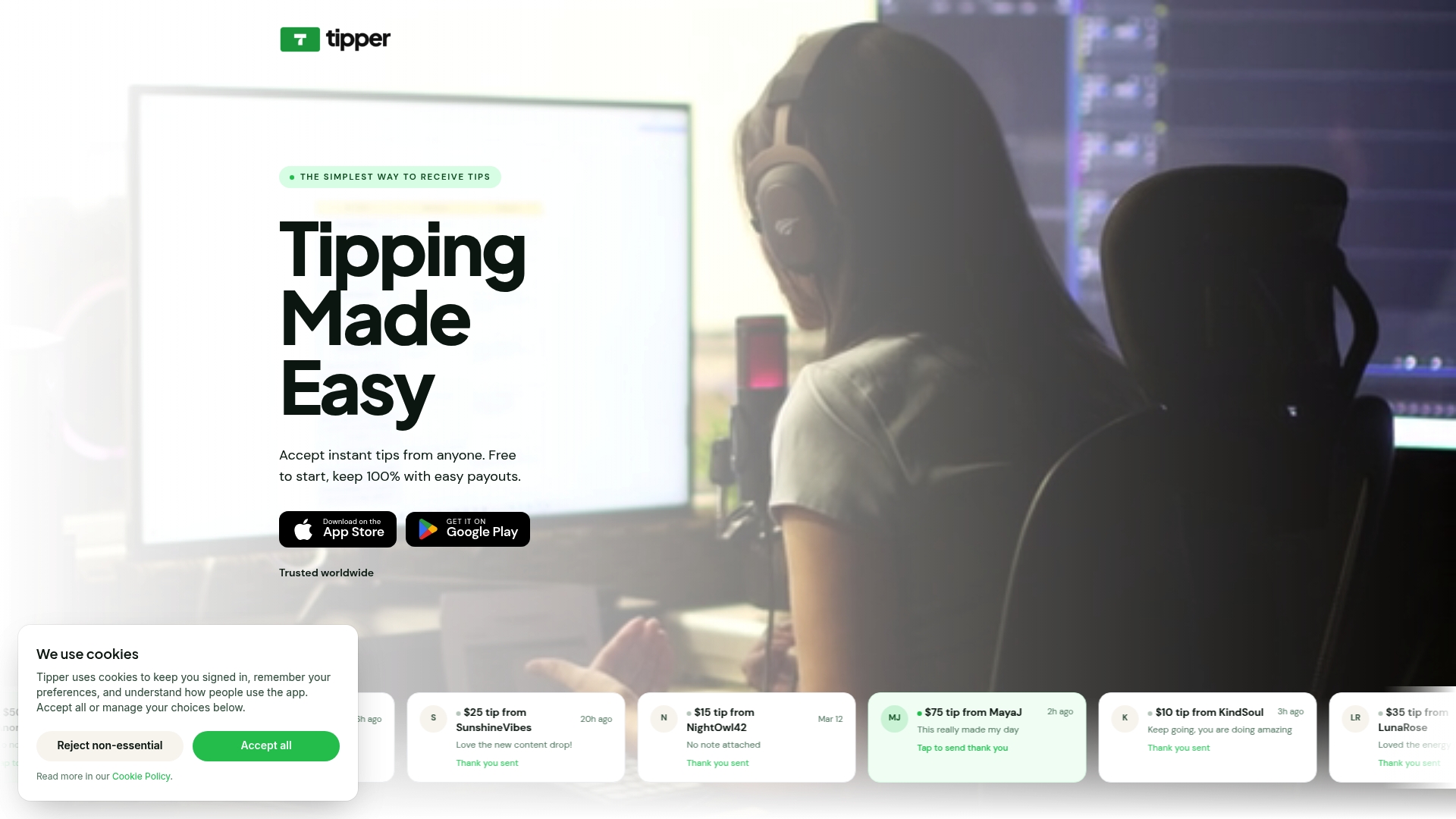
Whether you are a freelancer, a YouTuber, or a newsletter writer, Tipper makes tipping simple for your audience and transparent for you. No platform cuts, no complicated setup, and full privacy for everyone involved.
FAQ
What are the best one-click tip solutions for creators?
SimpleTip, Kit Tips, UniLink, and Tipper are among the strongest options, each suited to different audience types and technical setups. The best choice depends on your platform, payment preferences, and how much setup time you are willing to invest.
How do one-click tips actually work?
Most effective tools use a two-phase approach: a one-time setup where the user saves payment credentials or creates a wallet, followed by a true single-click transaction for every tip after that.
Are crypto one-click tip tools safe to use?
Platforms like Lazortip use biometric authentication and gasless transactions to make crypto tips secure without exposing users to seed phrase risks. Aurpay avoids custody entirely, so funds go directly to the creator.
Do tip platforms take a cut of my earnings?
Most charge either a platform fee or pass through processor fees from Stripe or PayPal. Aurpay charges approximately 0.8%, while Stripe-based setups run around 2.9% plus $0.30 per transaction. Tipper lets creators keep 100% of their tips.
What payment methods should my tip solution support?
At minimum, look for Apple Pay, Google Pay, and card support. Research shows 84% of shoppers value one-click payment options, and 80% actively use stored credentials, so wallet support directly affects how many tips you actually receive.




[…] the checkout for returning customers. Even 5–10% off signals that you noticed they came back, and one-click tip solutions show this tactic consistently lifts repeat […]