


TL;DR:
- Setting up a tipping option requires the right subscription, compatible hardware, and well-calibrated presets. Proper design of the tip screen, including a visible “No Tip” button, encourages customer engagement and increases tips. Continuous staff training and regular adjustments improve tipping rates and ensure compliance across all transaction types.
A tipping option is a checkout feature that lets customers add a gratuity to their payment using preset percentages, fixed dollar amounts, or a custom entry field. When you set up a tip option for your small business correctly, you give customers an easy way to reward great service while boosting staff income and loyalty. The industry term for this feature is “gratuity configuration,” and it applies equally to point-of-sale (POS) systems and online checkout flows. Done right, it increases revenue without a single extra sales conversation.
What do you need to set up a tip option for your small business?
The first requirement is a merchant payment subscription that includes gratuity features. Most POS systems require a specific subscription tier to unlock tipping, and once activated, owners can configure whether the tip screen appears before or after the customer selects a payment method. Choosing the right moment matters because a tip prompt shown too early can confuse customers who have not yet committed to paying.
Beyond the subscription, you need compatible hardware and software working together. A customer-facing display or tablet screen is the most effective hardware setup because it removes the awkward moment where a customer must tip while the staff member watches. Software settings must allow you to toggle the tipping screen on or off, set preset values, and print tip lines on receipts.
Here is a checklist of what to have in place before you configure anything:
- A merchant payment subscription with gratuity support enabled
- A customer-facing display or tablet for tip selection
- POS software that supports preset percentage and fixed-amount tip buttons
- Receipt printer configured to include a tip line
- Clarity on whether tips are taxable under your local laws
Pro Tip: Check your local tax code before you go live. Tip tax status must align with local business tax laws for compliance and accurate financial reporting. Getting this wrong creates headaches at year-end.
| Requirement | Why it matters |
|---|---|
| Merchant payment subscription | Unlocks the tipping feature in your POS or checkout software |
| Customer-facing display | Removes staff pressure and increases tip frequency |
| Configurable tip presets | Lets you set amounts that match your business model |
| Receipt with tip line | Gives customers a paper record and reduces disputes |
| Tax status configuration | Keeps your books accurate and legally compliant |
How do you configure tipping presets and customize tip amounts?
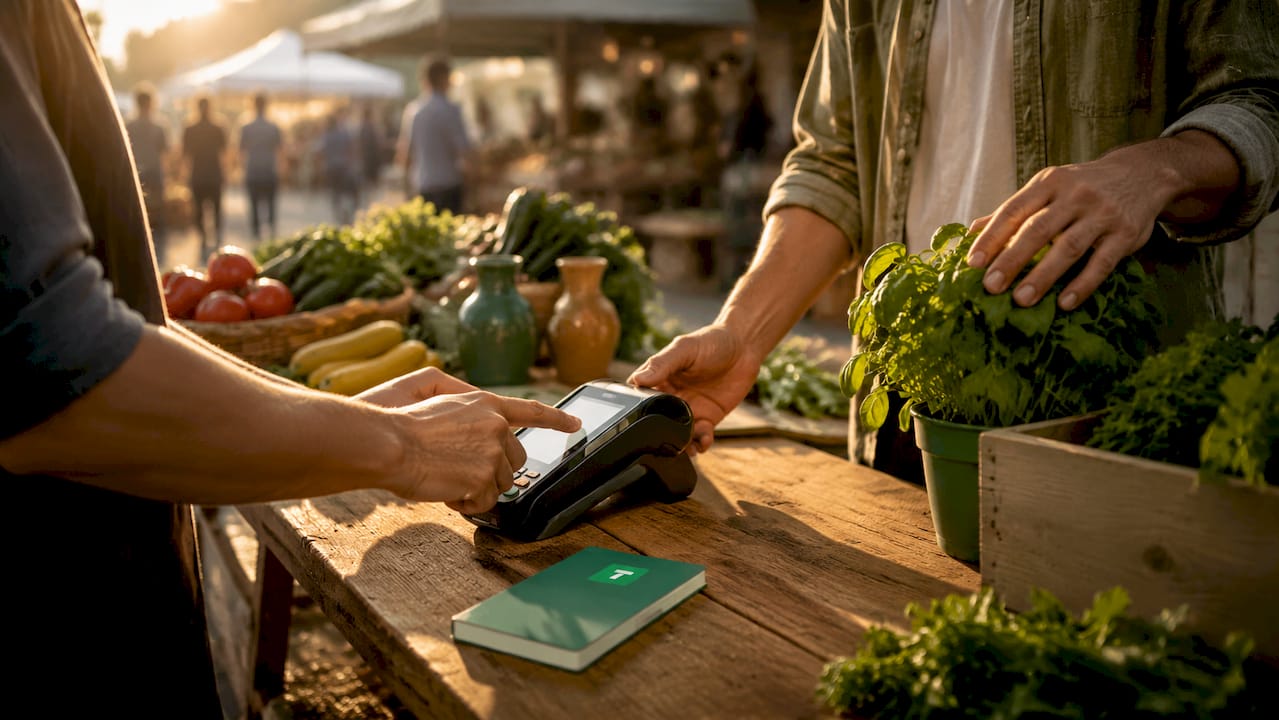
Preset selection is where most small business owners make their first mistake. Industry standard tip presets cluster around 10%, 15%, and 20%, and these numbers work because customers already recognize them. Starting with familiar anchors reduces hesitation at the checkout screen.
The choice between percentage-based and fixed-amount tips depends on your transaction size and service type. Percentage-based tips work best for service-heavy businesses where order value reflects the effort involved, such as a hair salon or a catering order. Flat amounts provide more clarity for simpler, lower-value transactions like a coffee or a quick errand.
For transactions under $10, the math on percentages gets awkward fast. Dollar-based tip options are clearer and more effective for small-dollar purchases because a 15% tip on a $4 coffee is $0.60, which looks odd on a screen. Showing $1, $2, and $3 buttons instead removes that confusion entirely.
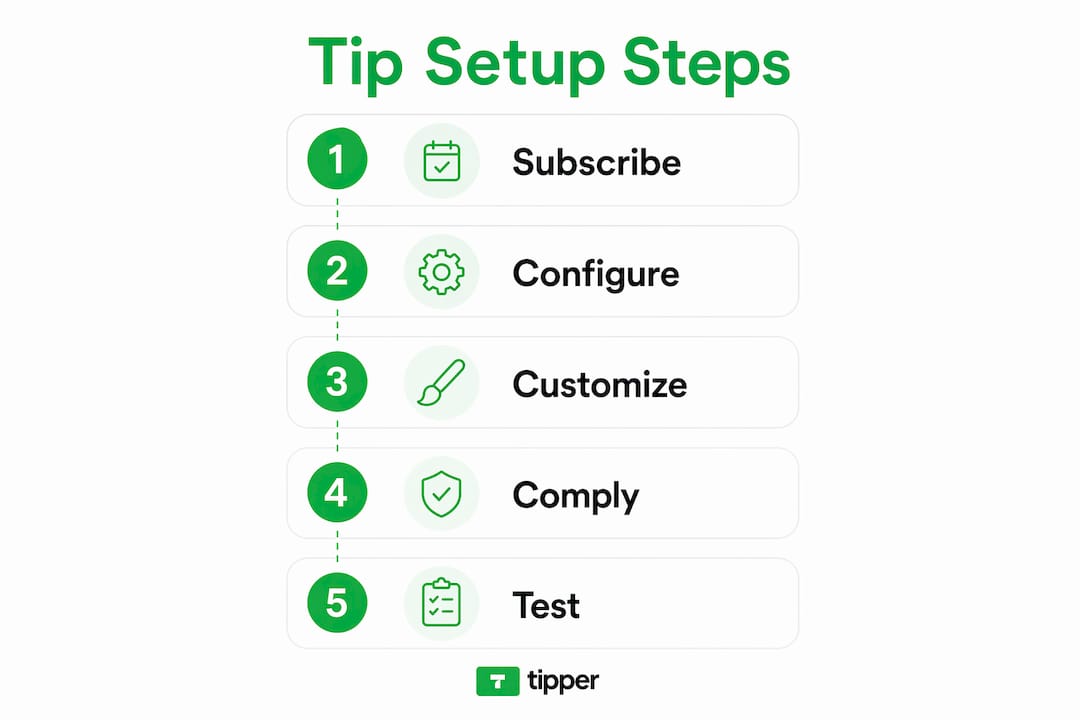
Follow these steps to configure your tip presets effectively:
- Log into your POS or checkout software and navigate to the payments or gratuity settings section.
- Enable the tipping feature and select your tip type: percentage or fixed amount.
- Set three preset buttons. For percentage-based businesses, use 10%, 15%, and 20%. For fixed-amount businesses, choose values that feel natural for your average transaction.
- Add a custom amount field so customers can enter any number they choose.
- Add a clear “No Tip” or “Skip” button as the final option on the screen.
- For online stores using WooCommerce, configure tip placement at the cart or checkout page and set taxability based on your local requirements.
- Test the full flow on your hardware before going live with real customers.
Pro Tip: Avoid setting your lowest preset above 15% if your average transaction is under $30. Anchoring too high pushes customers toward the “No Tip” button instead of a middle option.
What are the best practices for tip screen design and customer experience?
The tip screen is a customer service moment, not just a payment step. Transparent tip screen etiquette that includes preset and custom amount options without staff prompting produces higher tip rates and stronger customer loyalty. The goal is a screen that feels helpful, not pressuring.
The single most important design decision is including a visible “No Tip” option. Providing a clear “No Tip” or “Skip” button paradoxically leads more customers to tip because it removes the feeling of being trapped. When customers feel free to decline, they are more likely to choose a preset instead.
Placement of the tip prompt also matters. Showing the tip screen after the customer confirms their order total but before they tap their card gives them a moment to decide without rushing. Showing it after payment is processed feels like an afterthought and reduces tip frequency.
Businesses should prioritize transparent tip screen etiquette to avoid negatively impacting customer loyalty. Creating an experience where customers choose from presets or custom amounts without staff prompting is the most effective way to build engagement and repeat visits.
Hardware and software must stay in sync. Tip configuration is a critical touchpoint in customer service, and businesses must ensure their receipt printer is fully synced with their digital tipping software to maintain a consistent experience across all transaction types. A mismatch between what the screen shows and what the receipt prints creates confusion and erodes trust.
Key design principles to apply:
- Keep the tip screen uncluttered. Three preset buttons, one custom field, and one “No Tip” option is the right amount of choice.
- Use dollar amounts for transactions under $10 and percentages for higher-value services.
- Train staff to step back or look away when the tip screen appears. Customer-facing tip screens reduce awkwardness and increase tip frequency by removing the need for staff to ask directly.
- Match the screen’s visual style to your brand colors and fonts for a professional feel.
- Review your cashless tipping setup periodically to confirm the flow still matches your current menu prices and transaction averages.
How do you troubleshoot common tipping issues and improve over time?
Low tip adoption is usually a design problem, not a customer attitude problem. If customers are skipping tips at a high rate, the first place to check is your lowest preset. Setting the lowest percentage option too high creates friction and causes customers to leave fewer tips overall. Anchoring the range at a comfortable starting point is the fix.
A second common issue is tips not appearing correctly in your reporting system. This usually means the tip amount is being recorded as part of the sale total rather than as a separate line item. Check your POS settings to confirm tips are tracked independently from revenue, which matters for both staff payouts and tax reporting.
For online businesses, integration between your ordering system and your payment processor is the most frequent source of errors. Adding tip options to your checkout requires confirming that the tip value passes correctly through to your payment gateway and appears on the order confirmation email.
Practical steps for ongoing optimization:
- Review your tip data monthly. Look at which preset customers choose most often and adjust your range if the highest option is rarely selected.
- Collect informal feedback from staff about customer reactions to the tip screen. They hear comments you never will.
- Test your tip flow after every software update. Updates sometimes reset gratuity settings to default.
- For delivery orders, confirm that tips entered online transfer correctly to your delivery management system and show up in driver payouts.
- Consider Apple Pay and Google Pay tipping as additional payment methods. Mobile wallet users complete checkout faster, which reduces drop-off at the tip screen.
Pro Tip: Run a 30-day test with adjusted presets and compare your average tip percentage before and after. Small changes in anchor values often produce measurable differences in total gratuity collected.
Key Takeaways
Setting up a tipping option correctly requires the right subscription, compatible hardware, well-calibrated presets, and a tip screen designed to inform rather than pressure customers.
| Point | Details |
|---|---|
| Subscription first | Enable tipping at the merchant account level before configuring any screen settings. |
| Match tip type to transaction | Use percentages for high-value services and fixed amounts for transactions under $10. |
| Anchor presets at 10% | Starting the range at 10% reduces friction and increases overall tip frequency. |
| Always include “No Tip” | A visible skip option reduces customer pressure and paradoxically increases tipping rates. |
| Sync hardware and software | Receipt printers and digital screens must match to maintain a consistent customer experience. |
What I have learned from watching small businesses get tipping wrong
Most small business owners treat the tip screen as a set-it-and-forget-it feature. They turn it on, accept the default presets, and never look at it again. That is a mistake I have seen cost real money over time.
The businesses that collect the most tips are not the ones with the highest presets. They are the ones that made small, deliberate choices: a “No Tip” button that is easy to find, a lowest preset that feels reasonable, and staff who know to give customers space at the screen. Those details compound over thousands of transactions.
The other thing most guides skip is the conversation with your team. Staff training on tip screen etiquette is as important as the technical setup. When employees understand that stepping back during payment increases their own tips, they do it consistently. That behavioral shift costs nothing and pays off every shift.
Tipping is also a signal of customer satisfaction. If your tip rate drops after a menu change or a staffing shift, that data tells you something your customer surveys probably will not. Treat your tip analytics as a feedback tool, not just a revenue line.
— Tipper
Tipper makes tipping simple for small businesses
Small business owners who want a tipping setup that works across every payment method, without the complexity of configuring POS subscriptions and hardware integrations, have a direct option.
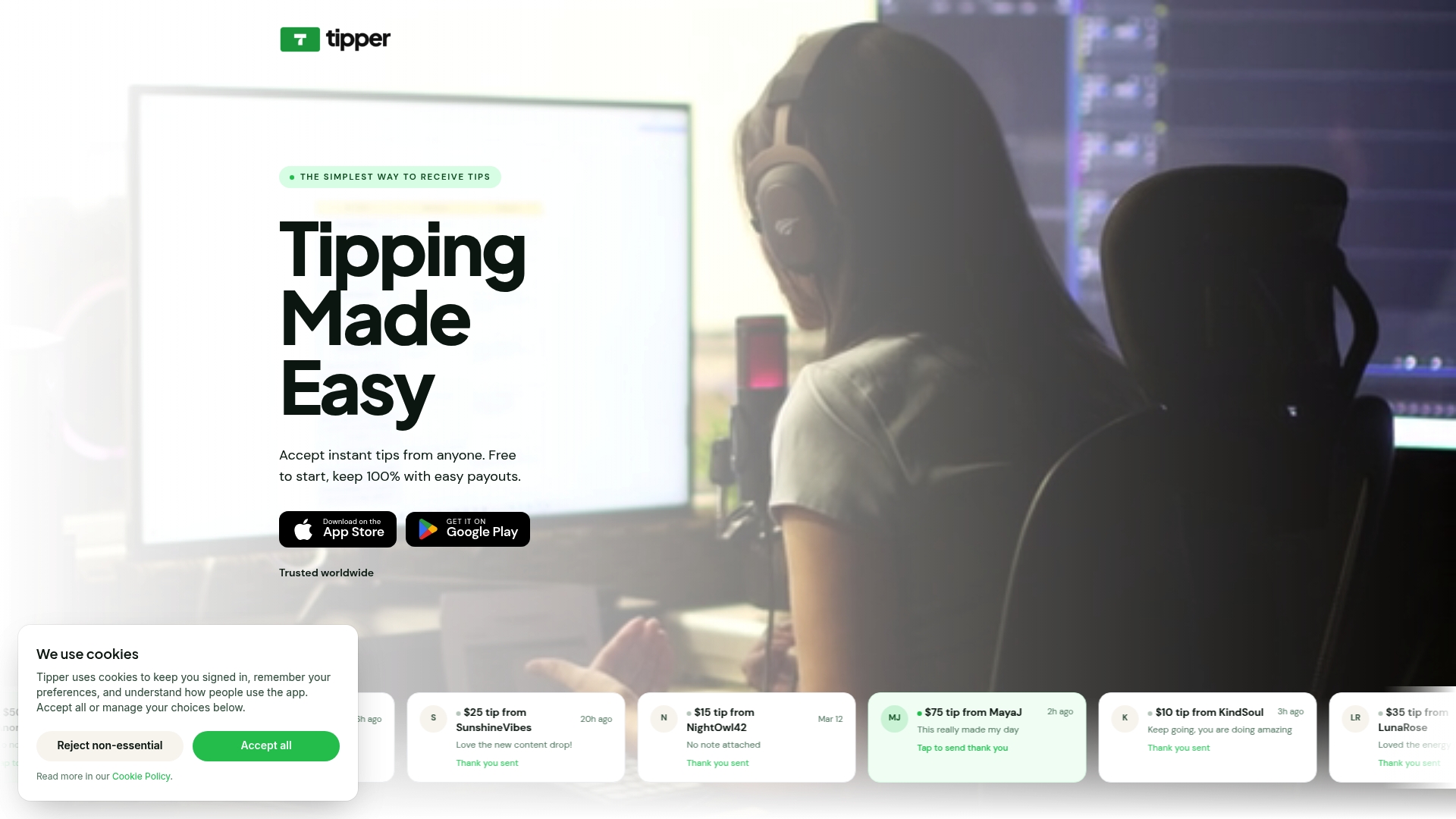
Tipper lets customers send tips instantly through a personalized link, using Apple Pay, Google Pay, or any card, with no account required on either side. There are no platform fees taken from your earnings. You keep 100% of every tip. Customers can also leave a thank-you note or video, which builds the kind of connection that brings them back. If you are ready to start collecting tips without the technical setup overhead, Tipper is built for exactly that. You can also review frictionless tipping best practices to get the most from your setup from day one.
FAQ
What subscription do I need to enable tipping on a POS?
Most POS systems require a merchant payment subscription that specifically includes gratuity features. Check your current plan’s feature list before assuming tipping is already available.
Should I use percentage or fixed-amount tip presets?
Use percentage-based presets for service-heavy businesses and fixed dollar amounts for transactions under $10. The right format reduces customer confusion and increases tip frequency.
Are tips taxable for small businesses?
Tip taxability depends on your local and state tax laws. Configure your POS or checkout software to reflect the correct tax status, and consult a tax professional if you are unsure how tips are classified in your jurisdiction.
Why are customers skipping the tip screen?
The most common cause is a lowest preset that feels too high, which pushes customers toward the “No Tip” button. Lower your starting preset and add a clearly visible skip option to improve adoption rates.
Can I add a tipping option to my online store?
Yes. Platforms like WooCommerce support tip configuration through checkout settings or plugins, letting you add preset buttons, custom amount fields, and control over where the tip prompt appears in the checkout flow.




[…] How to Set Up a Tip Option for Your Small Business […]