

Collecting tips and managing creator bio links often means sacrificing branding, paying high platform fees, or missing out on essential analytics. Many platforms either take a share of every tip, restrict advanced features to paid tiers, or lack real-time link monitoring that stops revenue leaks from broken URLs. This comparison breaks down how three creator tipping link platforms handle fees, payment simplicity, branding options, and link management so you can match a solution to your content and monetization needs.
Table of Contents
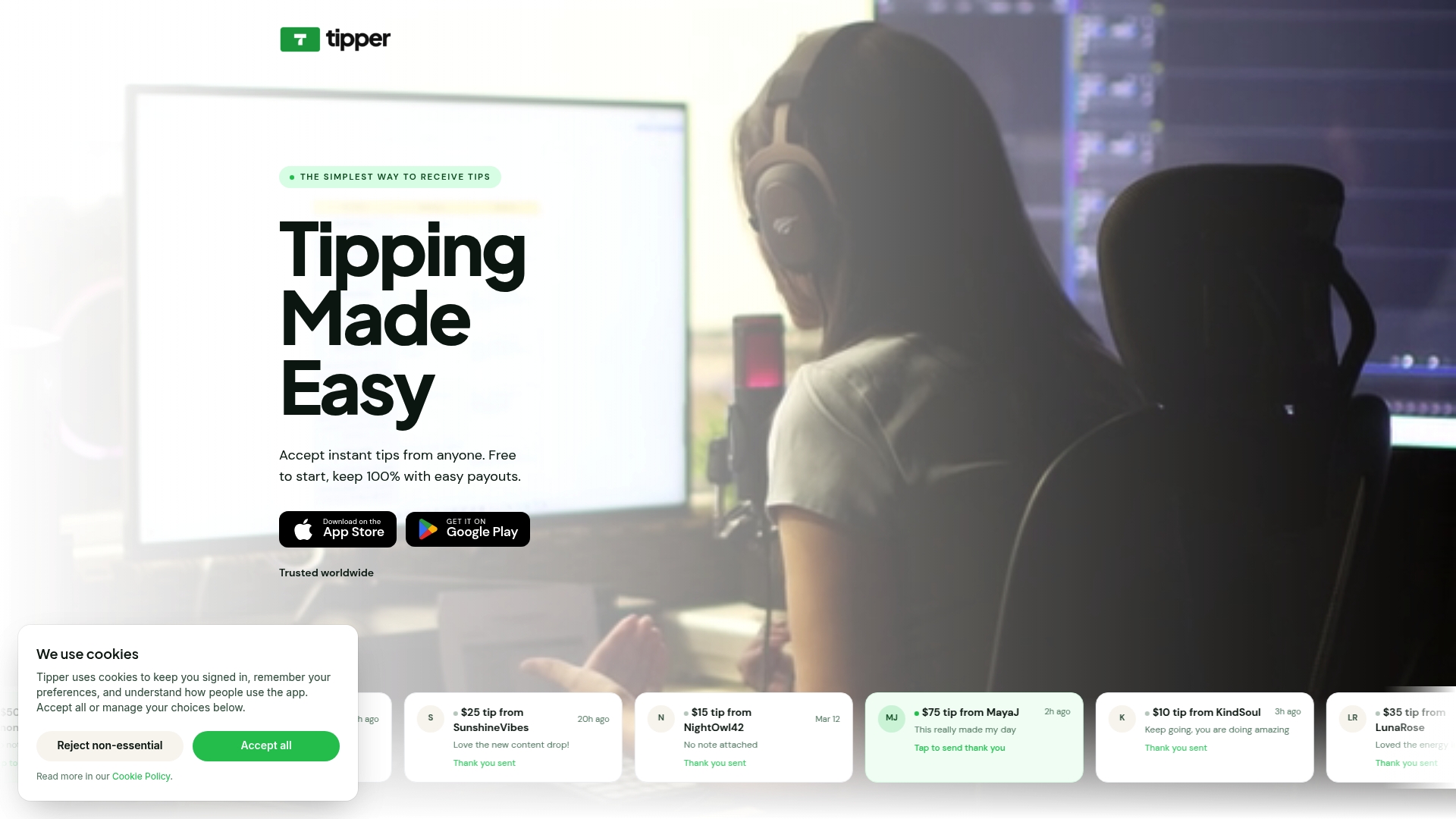
Tipper
At a Glance
Creators keep 100% of earnings while supporters can tip without an account using Apple Pay or Google Pay. You can collect tips online via a personalized link or in person with a QR code and receive instant payouts.
Core Features
-
Personalized link pages and scannable QR codes for in-person or social sharing.
-
No sign-up required for tippers; payments work with Apple Pay, Google Pay, or cards at checkout.
-
Fast setup so a profile can be live in minutes and accept payments immediately.
-
Private tip flow that does not expose personal details and supports thank you messages by notes or short videos.
Key Differentiator
The clearest distinction is economic. Tipper does not take a platform cut so creators retain tip revenue, with payouts available immediately or on a fast schedule. That flows directly into creator cash flow rather than sitting behind subscription or split rules.
Pros
-
Free to start: No upfront cost to create a tip page so creators can test tipping on a single video or event without risk.
-
Quick sharing options make tipping friction low. A single link or printed QR code integrates with socials and live sets.
-
No sign-up for tippers lowers the donor friction barrier which helps casual supporters complete payments on mobile devices.
-
The platform is designed around privacy. Tips do not reveal your personal contact details and supporters can leave private notes or video messages.
-
Handles both online and in-person scenarios so the same page works on stream overlays, profiles, and vendor booths.
Cons
- Limited visual customization for the tip page makes branding basic; if you need a highly styled landing experience you will feel constrained.
Who It’s For
Creators, educators, performers, and small business owners who want a simple, private way to collect direct support without platform fees. Ideal when you need quick setup for one-off events, social posts, or continual tip collection without building a storefront.
Unique Value Proposition
Keeping every dollar a supporter sends changes creator economics. With Tipper the math is straightforward: the amount a fan clicks to send largely becomes receivable income minus payment processor charges. That improves per-tip revenue and shortens the cash cycle for solo creators and small teams.
Real World Use Case
A YouTuber drops a personalized tip link in video descriptions and pins a QR code to livestream scenes. Viewers on phones tap Apple Pay, send a tip without signing up, and the creator receives the payout quickly. Supporters can add a short thank you video that the creator can respond to privately.
Website: https://tipper.app
Linktree
At a Glance
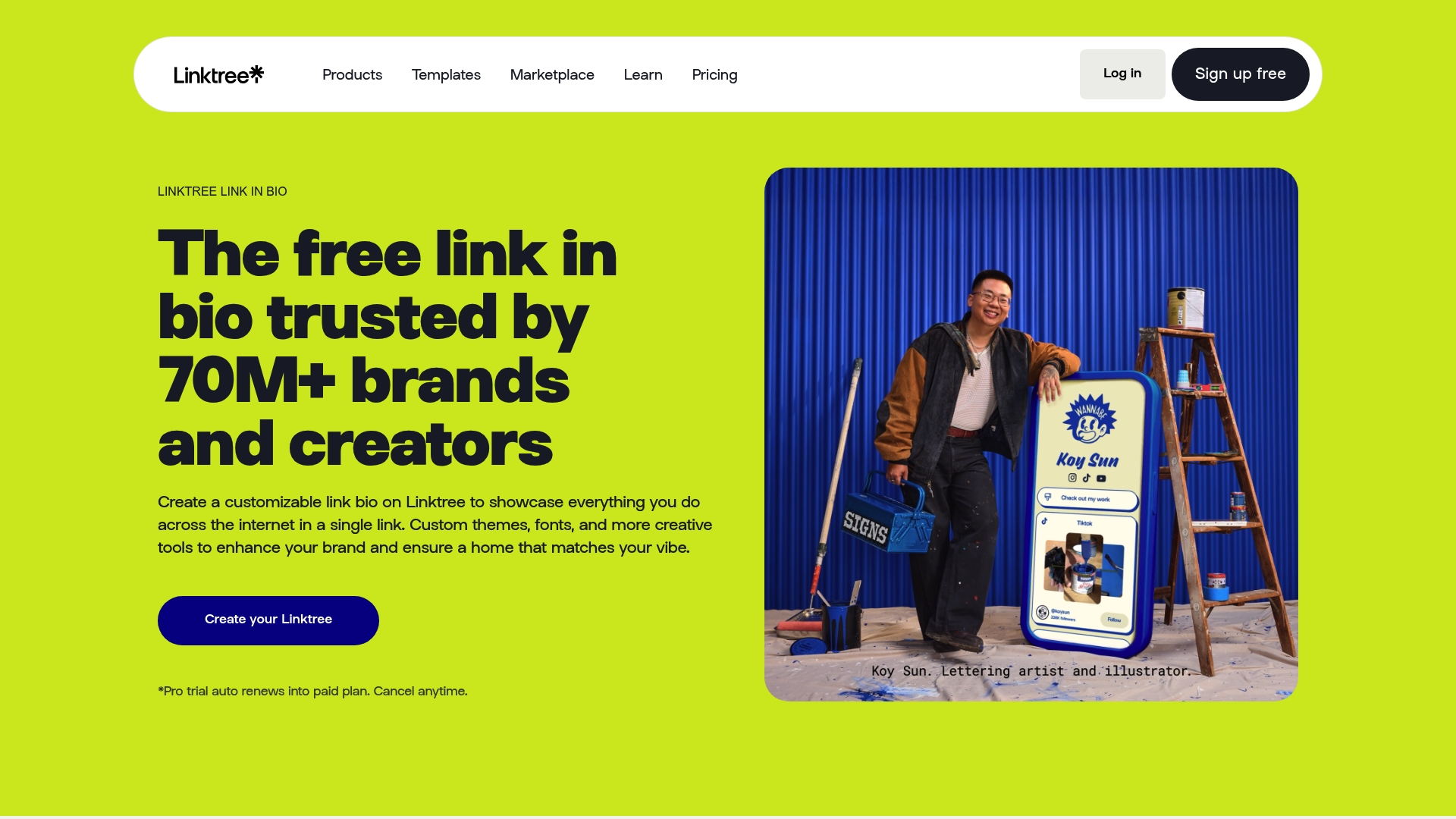
Linktree’s marketing materials state it is trusted by over 70 million users globally, positioning the product as a broadly adopted link-in-bio hub with built-in monetization and analytics. The emphasis is on packaging multiple outlets and offerings behind a single, brandable profile link.
Core Features
Linktree centers on a customizable profile page with themes, fonts, and backgrounds that let creators match their brand.
- Customizable link in bio page with themes and display options.
- Link shortener that provides trackable, shareable links.
- QR codes for quick offline to online handoffs.
- Contact forms and email integrations for audience capture.
- Monetization tools including Shops and digital products.
Key Differentiator
The clearest differentiator is the combination of customization and direct monetization tools on one profile. Where many alternatives are minimal link lists, Linktree wraps link management, commerce features, and analytics into the same member profile so creators can both promote and sell from a single landing page.
Pros
-
Centralizes links and offerings so you send followers to one maintained profile rather than juggling multiple posts. This saves time and reduces friction on conversion paths.
-
Integrates with familiar marketing tools such as Canva and Shopify, making it easier to design assets and surface products without manual linking work.
-
The free tier covers basic needs while paid tiers add deeper customization and analytics, meaning small creators can start without a budget and scale when needed.
-
Built-in tracking gives you click counts and engagement breakdowns to inform what to promote next. That analytics layer helps creators prioritize content that actually converts.
Cons
-
Support responsiveness varies; several users report slow or unhelpful customer service when issues arise.
-
There are reports of website and app functionality issues, including customization glitches and occasional account access problems.
-
Billing friction appears in the field. Users have complained about unexpected renewals or charges and dissatisfaction with perceived value relative to some paid tiers.
When It May Not Fit
-
If you require guaranteed uptime or enterprise-grade support, the reported variability in customer service makes Linktree a risky choice.
-
If your workflow depends on flawless account continuity for high-volume sales, the functionality and access issues above could interrupt revenue.
-
If you need transparent, inflexible billing policies, the renewal and charge complaints suggest you should prefer a vendor with clearer invoicing controls.
Who It’s For
Creators, influencers, and small businesses that want a single public profile to route followers to content, products, and signups. It fits users who value quick setup, visual customization, and built-in monetization over running a self-hosted landing page.
Real World Use Case
A fitness coach uses Linktree to host program links, sell digital workouts via the Shops feature, and collect emails through an embedded form. She measures which workout previews drive purchases and adjusts weekly promotions based on the click and conversion data.
Website: https://linktree.com/link-in-bio
Connectr.ee
At a Glance
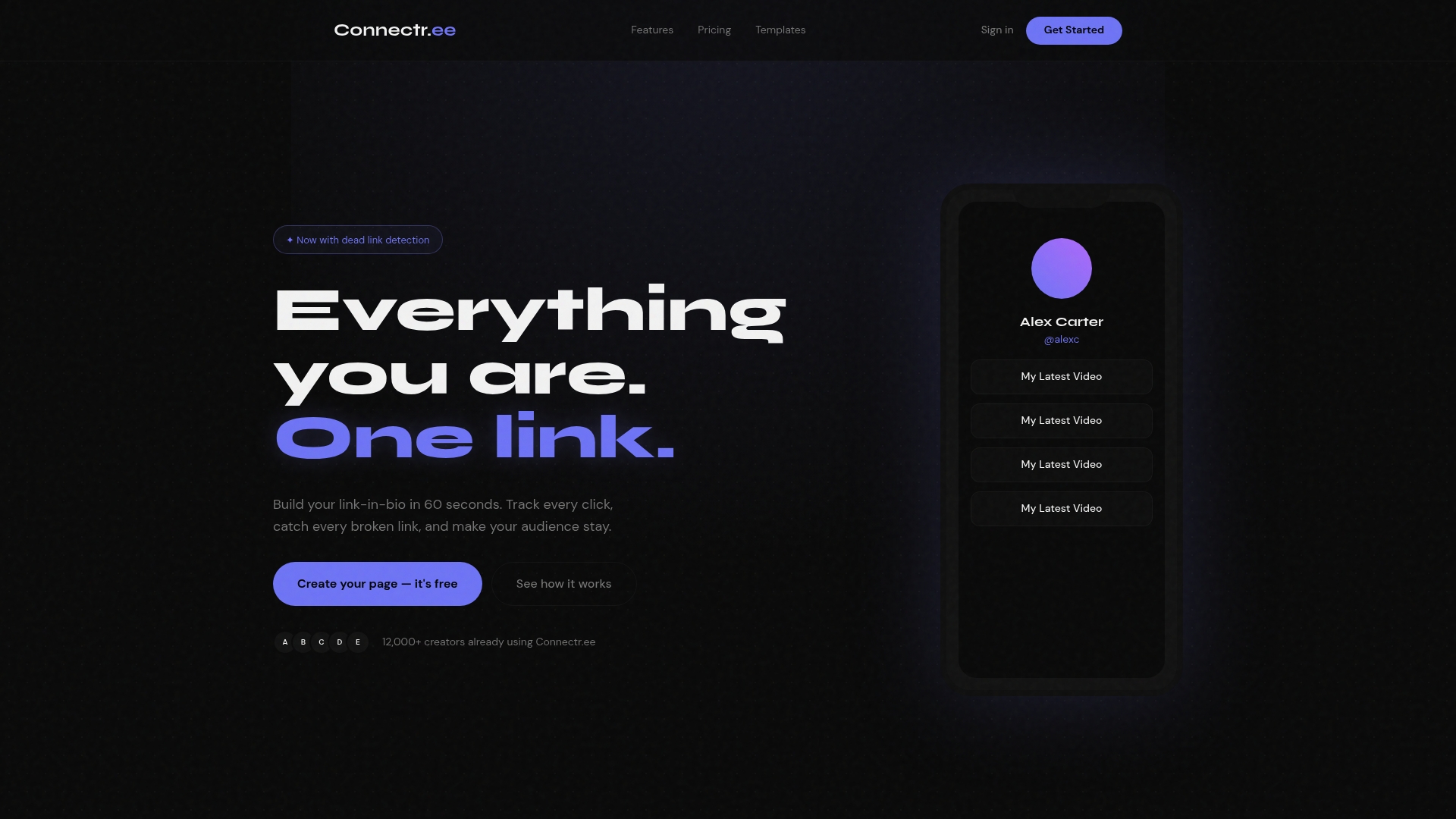
Create custom bio links in 60 seconds and get notified when those links break. Connectr.ee pairs fast setup with dead link detection and basic affiliate tracking so creators can keep link pages tidy and revenue flowing without constant manual checks.
Core Features
- Create custom bio links in 60 seconds for quick launch and profile updates.
- Dead link detection and alerts that notify you when an outbound link stops working.
- Detailed click analytics to see which links attract attention and conversions.
- Affiliate tracking and conversion monitoring for attribution across sponsored posts.
- Custom domain support so pages match your brand and social profiles.
Key Differentiator
Connectr.ee focuses on link hygiene and rapid deployment rather than payments. Its combination of fast setup, link-level affiliate tracking, and real-time dead link alerts is tailored for creators who publish frequently and need low-friction link maintenance. That contrasts with Tipper, which centers on instant tipping and direct monetization rather than link management.
Pros
- Easy onboarding. The setup flow requires no design skills, so you can publish a branded page in minutes and avoid hours of configuration.
- Actionable analytics. Click-level metrics show what content drives traffic, which helps you prioritize links that convert rather than guess.
- Proactive maintenance. Dead link alerts reduce revenue leakage from broken affiliate links and keep evergreen pages accurate.
- Branding control. Custom domain support removes the default domain and helps maintain a professional appearance across social profiles.
- Free entry point. A freemium tier provides essential features and lets you test the core workflow before committing.
Cons
- The free plan includes Connectr.ee branding, which some creators will find distracting on storefront or affiliate pages.
- Advanced analytics and affiliate features are gated behind paid plans, so power users will need to upgrade to access conversion details.
- Third-party integrations are not detailed in the provided materials, which suggests limited automation compared with ecosystems that offer dozens of native apps.
When It May Not Fit
If you need turnkey payment collection, instant tipping, or wallet-based donations, this is not the right tool. Connectr.ee lacks the native payment focus that platforms like Tipper provide, so creators prioritizing donations over link tracking will find the feature set narrow.
If your workflow depends on deep integrations with multiple marketing tools, the unspecified integration list above implies you may have to rely on manual exports or a separate automation layer.
Who It’s For
Content creators, influencers, and small businesses who run multiple affiliate links and want a low-effort, branded landing page with alerts and basic conversion visibility. It fits creators who publish often and need link reliability rather than an all-in-one payments hub.
Real World Use Case
A YouTuber centralizes every affiliate link on a Connectr.ee page, points video descriptions to that single URL, and receives alerts when a vendor changes an affiliate path. Click analytics reveal which videos drive the most purchases and where to place new sponsorships.
Pricing
Free forever plan at $0/month offering core link pages and basic analytics. A Pro plan adds dead link alerts, advanced analytics, custom domains, and branding removal; specific Pro pricing and details are available after sign-up according to the vendor.
Website: https://connectr.ee
Comparing Creator Tipping Platforms
The creator economy necessitates tools that streamline the tipping process, enhance audience interactions, and optimize revenue retention. Below, we compare three prominent platforms, examining strengths and tradeoffs to identify which options best align with varying needs.
Revenue Retention and Payouts
Tipper distinguishes itself in its approach to revenue. By ensuring creators retain 100% of their tips and offering immediate payouts, Tipper significantly enhances cash flow for creators relying on these earnings. This contrasts with platforms like Linktree and Connectr.ee, which focus on broader functionalities and do not prioritize tipping flows or revenue maximization.
Customization Features
For creators needing tailored branding options, Linktree offers advanced profile customizations, including themes, fonts, and backgrounds. Connectr.ee supports custom domains for enhanced brand alignment but includes platform branding in its free tier, which may detract from professionalism. Tipper’s customization is limited, focusing on simplicity and efficacy rather than aesthetic flexibility.
Analytics and Optimization
Connectr.ee excels in its analytics, providing detailed click metrics and dead link detection. This makes it ideal for use cases where content performance tracking is critical. While Linktree also incorporates engagement analytics, its emphasis leans towards campaign support rather than granular auditability of link performance. Tipper, by contrast, prioritizes payment flows over granular marketing insights.
Best Fit Recommendations
- Tipper: Suitable for individuals prioritizing direct support solutions without shared revenue or setup complexity. Quick payout turnaround adds further appeal to those reliant on immediate cash flow.
- Linktree: Recommended for multi-channel creators and influencers seeking an integrated hub for content distribution and e-commerce in one branded experience.
- Connectr.ee: Best for affiliate marketers and creators maintaining numerous outbound links, due to its analytics and link monitoring features.
Our Pick
For creators emphasizing a streamlined tipping experience where revenue retention and privacy are priorities, Tipper emerges as the superior choice. However, those emphasizing branding flexibility or utilizing multi-platform sales funnels may find Linktree or Connectr.ee better suited. This makes Tipper particularly compelling for creators looking to focus solely on enhancing supporter engagement and maximizing tip revenue.
Creator Tipping Links Comparison
Determining the best creator tipping link platform starts with understanding which solution maximizes revenue retention, ease of use, and tipper convenience.
| Product | Key Differentiator | Best For | Pricing | Notable Limitation |
|---|---|---|---|---|
| Tipper | No platform fee, instant tip payouts | Creators needing direct, instant tips | Not disclosed | Limited visual customization for branding |
| Linktree | Combines link management with monetization features | Broadly managing links and offerings | Not disclosed | Reported customer service issues affecting usability |
| Connectr.ee | Dead link detection along with affiliate tracking | Managing affiliate links effectively | Free basic plan | Features for payments require separate integrations |
Discover a Smarter Way to Monetize Beyond Linktr.ee Alternatives
The article highlights key challenges creators face with link management and monetization tools like linktr.ee alternatives. Many creators want quick, private, and fee-free ways to receive direct support from their audience without complicated setups or platform cuts. If you need a solution that puts control and earnings fully in your hands, Tipper delivers. With no sign-up required for supporters and instant payouts allowing you to keep 100% of your tips, it addresses the pain points of slow payment access and revenue sharing.
Experience a tipping platform designed just for creators who want fast setup, total privacy, and seamless tipping using Apple Pay or Google Pay. Don’t let platform fees slow your growth. Visit Tipper and start collecting instant tips today, directly increasing your income with personalized links and QR codes that work anywhere you need them.
Frequently Asked Questions
What advantage does Tipper offer for creators wanting to collect tips?
Tipper allows creators to keep 100% of their earnings while providing supporters with a frictionless tipping experience. This is due to its model where no platform fees are deducted from tips, enabling instant payouts that enhance cash flow for creators. To benefit from this, creators can quickly set up a personalized tip page and start receiving tips immediately.
How does Tipper compare to Linktree regarding monetization?
Linktree provides extensive customization features and integrates monetization tools, making it a solid choice for users seeking to promote multiple offerings behind one link. Tipper, however, specializes in direct tipping, making it ideal for creators focused on receiving immediate support without the complexities of managing a storefront. Users should choose based on whether they prioritize direct tips or comprehensive link management.
Which platform is best for immediate payouts: Tipper or Connectr.ee?
Tipper is specifically designed for instant payouts to creators, allowing them access to their funds right away after receiving tips. In contrast, Connectr.ee emphasizes link management and maintenance features without integrated payment collection, making it less suitable for creators who need quick revenue. Creators seeking fast payouts should opt for Tipper to streamline their income flow.
Can supporters leave messages when they tip through Tipper?
Yes, supporters can leave private notes or video messages when they tip using Tipper. This feature enhances the personal connection between creators and their supporters while ensuring that neither party’s personal contact details are disclosed. For creators who value interaction, this adds a meaningful layer to their tipping experience.
What is a limitation of Tipper regarding customization?
Tipper offers limited visual customization for the tip page, which may feel basic for users who desire a highly stylized landing experience. Despite this, it remains effective for creators who need a straightforward and quick setup without extensive branding requirements. Users who need detailed branding might consider this factor when choosing Tipper.




[…] Top 3 linktr.ee Alternatives 2026 […]