


You can turn on Shopify tipping in about two minutes: open Settings > Checkout, switch on tipping, enter up to three preset percentages and save. In-person tips on Shopify POS live in a separate setting, and tips that go to a specific person, like a stylist or a creator, need a link or QR code on top of that. This guide covers all three setups, the limits Shopify documents, and how to handle the “tip jar” and salon cases.
TL;DR
- Online tipping: Settings > Checkout > show tipping at checkout, then set Preset 1, 2 and 3. A custom amount field is added for you.
- POS tipping: POS app > Settings > Checkout > Tips > Collect tips. It applies to card payments on a supported reader.
- Shopify’s native tips are store-wide and arrive as one total. They are not tied to a named person or a single product.
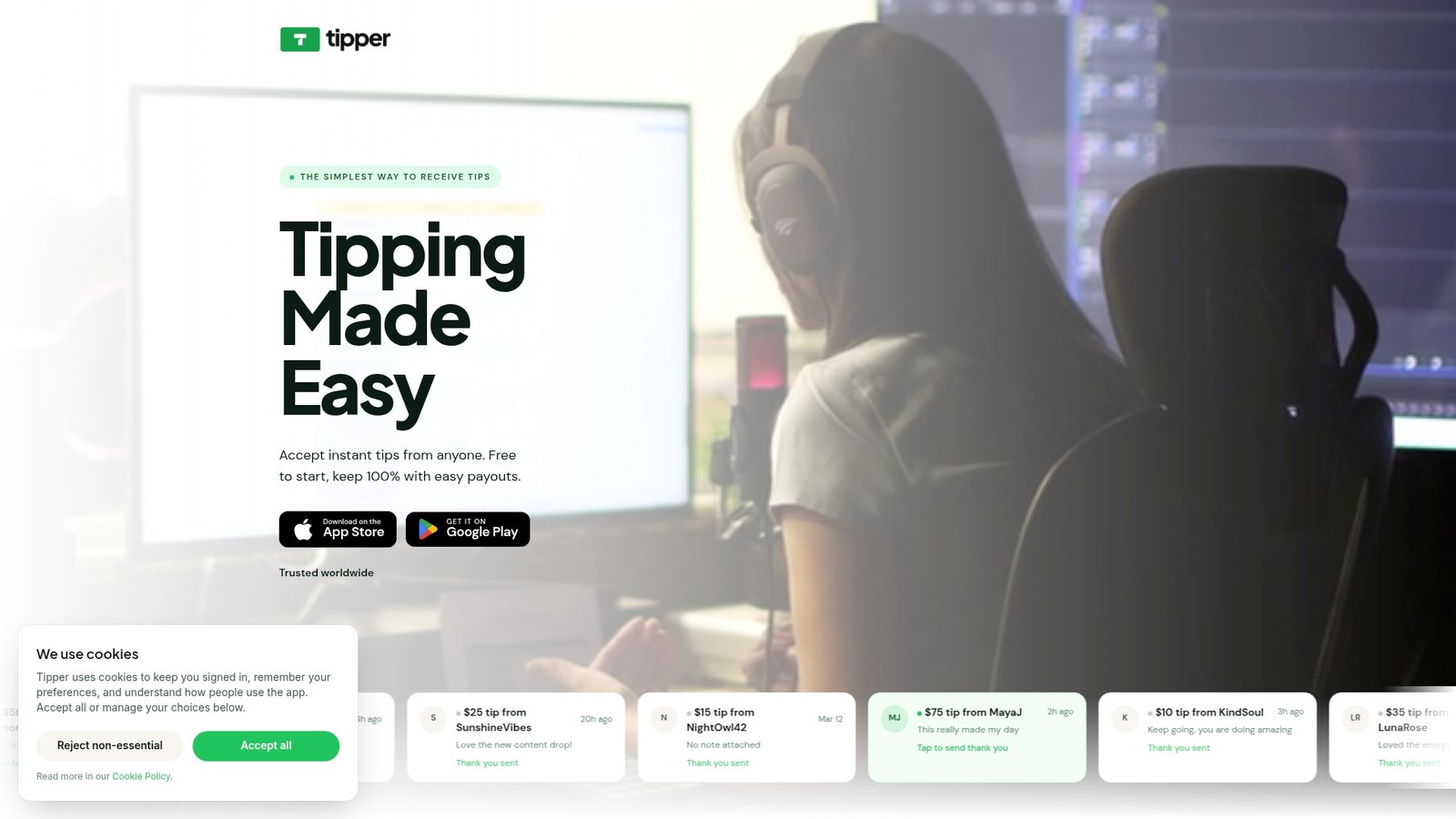
- For per-person tips (salon chairs, freelancers, creators), a personal tip link or QR code such as Tipper’s fills that gap without the tipper needing an account.
- Check the limits before launch: $1,000 caps, Shop Pay Installments, subscriptions and offsite gateways.
Table of Contents
- How to turn on tipping at Shopify online checkout
- Setting up tipping on Shopify POS
- What native Shopify tipping covers, and where a tip link helps
- Shopify tip jar: the simple options
- Does a tip prompt hurt checkout completion?
- Salon QR tipping and digital tipping
- For creators with a Shopify store
- Our perspective
- Add a tip link in minutes
- FAQ
- Sources
How to turn on tipping at Shopify online checkout
These steps follow Shopify’s own tipping documentation:
- In your Shopify admin, go to Settings > Checkout.
- Find the tipping section and select Show tipping at checkout.
- Enter up to three percentages in the Preset 1, Preset 2 and Preset 3 fields.
- Optionally select Hide tipping options until customers choose to add a tip, which keeps the checkout page quieter.
- Save.
Shopify adds the custom-amount field automatically, so you don’t build it. Settings changes can take up to 30 seconds to show on the checkout page, so wait before you test and before you assume something broke.
Choosing your three presets
The presets are the part you control, so make them match what you sell. A store that ships a $30 candle and a studio that sells $400 services should not use the same percentages. A few practical rules:
- Keep the three values evenly stepped, so the middle one reads as the default.
- Use round numbers a person can do in their head.
- If your orders are small, remember that a percentage of a small order is a very small tip. That is one reason many sellers prefer a flat-dollar option for low-value purchases. We cover the logic of setting a minimum tip amount in a separate guide.
Our walkthrough on adding a tipping option to your checkout process goes deeper on how presets and wording affect what people choose.
Limits to check before you launch
Shopify lists several conditions that decide whether the tip prompt shows and works. Run through them first:
| Situation | What Shopify documents |
|---|---|
| Tip size online | Customers cannot tip more than 100% of the order total, and tips are limited to $1,000 USD |
| Shop Pay Installments | Customers cannot add tips when using it |
| Subscriptions | The Subscription API does not support tipping for carts with an item on a selling plan |
| Offsite payment gateways | Some might not recognize the tipping line item |
| Fees | Tips are subject to credit card or third-party transaction fees |
All of these come from the same Shopify Help Center page. If a customer tells you the tip prompt is missing, the usual suspects are a payment method on this list, a recent setting change that hasn’t propagated yet, or tipping not being switched on in checkout settings.
Setting up tipping on Shopify POS
If you also sell in person, tips are configured separately. According to Shopify’s POS tipping page:
- Tap the menu icon in the POS app.
- Go to Settings > Checkout > Tips.
- Activate Collect tips.
- Enter up to three preset percentages.
- Optionally turn off custom tips, or set minimum tip amounts that swap percentages for fixed dollar values on transactions under a limit you choose.
The fixed-dollar minimum is useful for coffee carts, pop-ups and small-ticket services, where 18% of a $6 sale is a tip nobody would call meaningful.
What POS tipping requires
POS tips are available only for credit payments processed with a supported card reader. Shopify lists the Tap & Chip reader, Chipper 2X BT, WisePad 3 and Shopify POS Go. For USD and CAD, the maximum tip is $1,000 on checkout totals up to $500, and 2x the checkout total above $500. On split payments the maximum is always 2x the checkout total. One hardware buyer’s guide prices the Tap & Chip reader at $49 and the POS Terminal, which shows customers their cart and lets them add tips on the screen, at $349. Confirm current hardware prices on Shopify’s own site before you buy.

Two practical consequences follow. Cash customers never see a tip prompt, so cash tips need their own jar or tracking. And if you refund a sale, tips can be refunded separately: tap the order, select Refund, tap the plus beside Tip to set the quantity to 1, and confirm.
Reporting on in-person tips
Shopify’s POS tip reports separate tip revenue from sales revenue. The Tips report shows what each staff member collected, and the Finances report shows total tips. That split is handy at tax time, and it matters for anyone running a team.
What native Shopify tipping covers, and where a tip link helps
Native tipping is built for one job: a store-wide tip prompt on every order. It is one toggle for the whole store. A Shopify community answer from 2022 confirms that a product-specific tip prompt isn’t available on the core plans. The workaround people describe is adding a custom tip on the cart page based on a particular product or cart value, which takes theme or code work.
Attribution works the same way. Online tips arrive as part of your payout, and one analysis of Shopify’s native tipping points out that online tipping gives a total and does not say who earned it. If you have employees, US rules on recording and distributing their tips still apply, so work out your split process with your accountant or payroll provider.
That is the point where a personal tip link makes sense. A tip link is attached to a person or a business, not to a cart. It works before, during or after a purchase, in the store or off it, and it doesn’t touch your checkout code at all.
Shopify tip jar: the simple options
People searching for a “Shopify tip jar” usually want one of three things.
A tip at checkout. Use the built-in setting above. It takes minutes and costs nothing beyond the card fees Shopify mentions.
A tip at the counter. Use POS tips with a supported reader.
A tip outside the checkout. Put a tip link or QR code on your site, packaging, receipts, thank-you page or social profiles. This suits sellers who want appreciation payments without changing the order flow, and it fits anyone selling services, content or custom work through a Shopify store.
Tipper is built for the third case. Supporters tip through your personalized link or QR code with Apple Pay, Google Pay or a card, and they do not need an account. Because it’s a link, you can place it anywhere a customer already is. Creators keep 100% of the tip, and a small payment processing fee is added to each tip at checkout. For layout ideas, see how businesses share tipping links and our guide to setting up a tip option for a small business.
Where to place a tip link on a Shopify store
- On the order confirmation or thank-you page, after the purchase is done.
- In the shipping confirmation email or the packing slip, with a short note.
- In the footer or an “About the maker” page.
- On your link-in-bio and social profiles, if you sell through a creator brand.
Placement after the sale respects what research on tipping sequence found. A study in the Journal of Service Research reported that asking for a tip before a service is completed, rather than after, led to smaller tips, lower return intentions and lower online ratings, because customers inferred manipulative intent. A brief justification offset some of the harm but not all of it. The takeaway for your store: a clear reason for the tip and a request that comes after the value is delivered usually reads as more natural.
Does a tip prompt hurt checkout completion?
Store owners on Reddit ask this constantly, and there is no single answer for every store. What we can say from published data is that checkout is already a sensitive step. Baymard’s 2025 survey, as cited by Flowcart, puts average cart abandonment at 70.22%, with 18% of respondents naming a checkout process that was too long or complex.
So keep tipping light wherever it appears at checkout. Use the option to hide tip choices until a customer asks to add one. Keep to three clean presets. And if your goal is appreciation rather than a revenue line on every order, a post-purchase tip link keeps the checkout as short as it was.
Salon QR tipping and digital tipping
Salons are a case where the checkout toggle is not the whole answer. Clients pay at the front desk, the person who earned the tip is the stylist, and many clients still pay for the visit with cash or with a card on a different system.

If you run the salon on Shopify POS, turn on POS tips as described above. Staff totals then show up in the Tips report. Two things to plan for: the prompt appears only for card payments on a supported reader, and cash tips need a separate method.
A QR code or personal link covers the rest:
- Create a link for each stylist, or one for the salon. Each person gets their own page with their name and a short thank-you.
- Print the QR code. Put it on the mirror at the station, on the card handed over with the receipt, or at the front desk.
- Add a thank-you. Tipper lets creators respond with a text note, photo or video, which keeps the personal touch that a salon relationship depends on.
- Share it by text. After the appointment, send the link with a message so clients can tip from the chair or on the way out.
Clients can pay with Apple Pay or Google Pay in a few taps without registering anywhere, which removes the main reason people skip a digital tip. Our Apple Pay tipping setup guide walks through the client side, and point-of-sale tipping alternatives shows how link-based tips sit next to a card terminal.
For creators with a Shopify store
Many creators run merch on Shopify and also collect support through their audience. The two do not conflict. Shopify handles orders; a tip link handles “I just want to say thanks”. Put your Tipper link in the same places your audience already finds you: stream panels, video descriptions, bio links and the store’s thank-you page.
If you also sell sponsorships, it helps to know where your numbers sit. This overview of TikTok creator rate benchmarks helps you judge a brand quote against the market, while tips stay a separate, direct income stream from fans. For tip amounts, our guide to custom tip amounts that convert and the roundup of one-click tip solutions for creators are good next reads.
Our perspective
Most tipping advice starts with the checkout page. We start with the person being thanked.
A tip is a small, personal gesture. It works best when it takes seconds, asks nothing of the supporter and reaches the right person. That is why Tipper is built around a personalized link and QR code, with no account required to send a tip, and Apple Pay, Google Pay and card support.
We also think a tip should feel like a conversation. A thank-you note, photo or video back to the supporter turns a payment into a connection, and that is what brings people back.
Creators and small businesses keep 100% of their tips. A small payment processing fee is added at checkout, and there is no subscription to create or maintain an account. Use Shopify’s built-in tipping for the order flow, and use a link wherever the tip belongs to a person.
Tipper
Add a tip link in minutes
If you want tips that go straight to you or your team, without touching your checkout code, set up a Tipper page. It’s free to create and maintain an account, supporters tip with Apple Pay, Google Pay or a card, and you share one link or QR code anywhere. Start at tipper.app or read how to collect tips with no signup required.
FAQ
Can I set different tip amounts for different products in Shopify?
Not with the native setting. It is store-wide, with one set of three presets. Community answers describe a cart-page workaround that adds a custom tip conditionally, which needs theme or code changes. A tip link can be given to each service provider instead.
Why isn’t the tip option showing at my Shopify checkout?
First confirm tipping is switched on in Settings > Checkout and wait up to 30 seconds after saving. Then check the payment method: Shop Pay Installments does not allow tips, and some offsite gateways may not recognize the tip line item. Carts with a subscription selling plan also don’t support tipping.
Does Shopify POS show tips for cash payments?
No. POS tips apply to credit payments on a supported card reader, so cash tips need a jar or manual tracking. A QR code at the counter lets cash-paying clients leave a digital tip too.
How do salons let clients tip digitally?
Give each stylist a personal tip link and print its QR code for the station and the front desk. Clients scan it and pay with Apple Pay, Google Pay or a card, without creating an account. Send the link by text after the visit for clients who leave in a hurry.
Sources
- Shopify Help Center: Setting up tipping options for online checkout
- Shopify Help Center: Collecting tips with the Shopify POS
- Shopify Community: product-specific tipping option at checkout
- Shopify online tipping and attribution analysis
- Best Shopify POS hardware kit buyer’s guide
- Journal of Service Research: How tip request sequence impacts customers
- Shopify checkout best practices 2026
- TikTok creator rate benchmarks



Leave A Comment