

To accept tips online, create a tip page, get a personal link or QR code, and put it everywhere your audience already is: your stream panels, bio, video descriptions and in-person signage. The best setups let supporters pay in a few taps with Apple Pay, Google Pay or a card, with no account to create. Below you will find the steps, what to compare before you choose a tool, how the main PayPal alternatives differ, and what the IRS expects you to keep track of.
TL;DR
- Set up one tip page with a personal link and QR code, then place it where people are already watching or listening.
- Fewer steps for the supporter means more tips: wallet payments (Apple Pay, Google Pay) with no sign-up beat forms and logins.
- Compare platform fees, processing fees, payout speed and whether the tipper needs an account before you commit.
- Tips are income in the U.S. Keep records from day one, whichever tool you use.
- Tipper is free to create, has no subscription, and is built so creators keep 100% of what supporters send, with processing added at checkout.
Table of Contents
- What “accepting tips online” actually means
- How to set up online tips in five steps
- Where to put your tip link so people see it
- What to compare before you choose
- PayPal alternatives for tips and donations
- Taxes and records: what U.S. creators should know
- Privacy and safety on both sides of a tip
- Our perspective
- Start collecting tips with Tipper
- FAQ
- Sources
What “accepting tips online” actually means
A tip is a voluntary payment with nothing sold in return. That makes it different from a store checkout, a paid membership or a commission. The supporter decides the amount, usually on impulse, usually from a phone, and usually in the middle of something else: a livestream, a scroll, a performance.
That last part shapes everything. A tip happens in a moment of appreciation that lasts maybe thirty seconds. If the supporter has to build a profile, verify an email or hunt for your PayPal handle, the moment passes. Good tip collection is mostly the removal of friction.
There are three common ways to do it:
- Share a payment handle from a general-purpose payment app. It works, but the supporter usually needs the same app and an account.
- Use a membership or donation platform with a creator page. Supporters often browse a profile and may be nudged to sign up.
- Use a dedicated tip link or QR code that opens a payment sheet directly. This is the model Tipper uses, and it is the closest to a digital tip jar.
If you want the background on how the model works, our explainer on what digital tipping is and how it works covers it from scratch.
How to set up online tips in five steps
1. Pick a tool that matches how your audience pays
Start with your audience, not the feature list. If your viewers are mostly on phones, wallet payments matter most. If they are on desktop in a stream chat, a short link that opens quickly matters more. Either way, a supporter without an account for your chosen platform should still be able to pay.
2. Create your tip page
Keep the page short: your name or brand, a line on what the tip supports, and suggested amounts. A recognizable photo or logo helps people trust they are paying the right person. With Tipper, creating and maintaining an account is free and there is no subscription, and your page can be customized with your own look.
3. Get your link and your QR code
Your personalized link goes online. The QR code goes anywhere a phone camera can reach: a printed card at a market stall, a slide at the end of a talk, a sticker on a guitar case, a monitor at a meetup. Test the code from a phone that is not yours before you print a hundred of them.
4. Decide how you will say thank you
A thank-you message is a small ritual that turns a one-off payment into a relationship. Tipper lets you reply with a note, a photo or a short video. Even a ten-second clip tells a supporter their tip landed with a real person, and people who feel noticed tend to come back.
5. Connect payouts and keep records
Link your payout details and make a habit of exporting or noting your tip totals monthly. More on why in the tax section below.
Where to put your tip link so people see it
Placement beats persuasion. A link nobody sees earns nothing, and a link seen at the right moment earns without any hard sell.
| Where you are | What to do |
|---|---|
| Twitch, Kick or YouTube live | Pin the link in the panel or description, add a chat command that posts it, and mention it once per stream at a natural high point |
| YouTube videos | Put it in the first lines of the description and again in the pinned comment |
| TikTok and Instagram | Put it in your bio link, or in a link hub such as Linktree, and say “link in bio” after a useful moment |
| Podcasts and newsletters | Add it to show notes and footers |
| In person (busking, markets, events, services) | Show the QR code on a card, sign or table tent at eye level |
| Freelance work | Add it to invoices, delivery emails and project hand-off pages |
The best moment to ask is right after you have delivered value, not before. For ideas on wording and placement, see how businesses share tipping links for more tips. If you want a deeper look at keeping the experience smooth for the supporter, read our guide to frictionless client tipping best practices.
One etiquette note: ask once and be gracious, and never make tips feel like a condition for access. Our digital tipping etiquette guide goes through the do’s and don’ts for both sides.
What to compare before you choose
Tools that look alike on the surface can behave very differently once money moves. Check these five things.
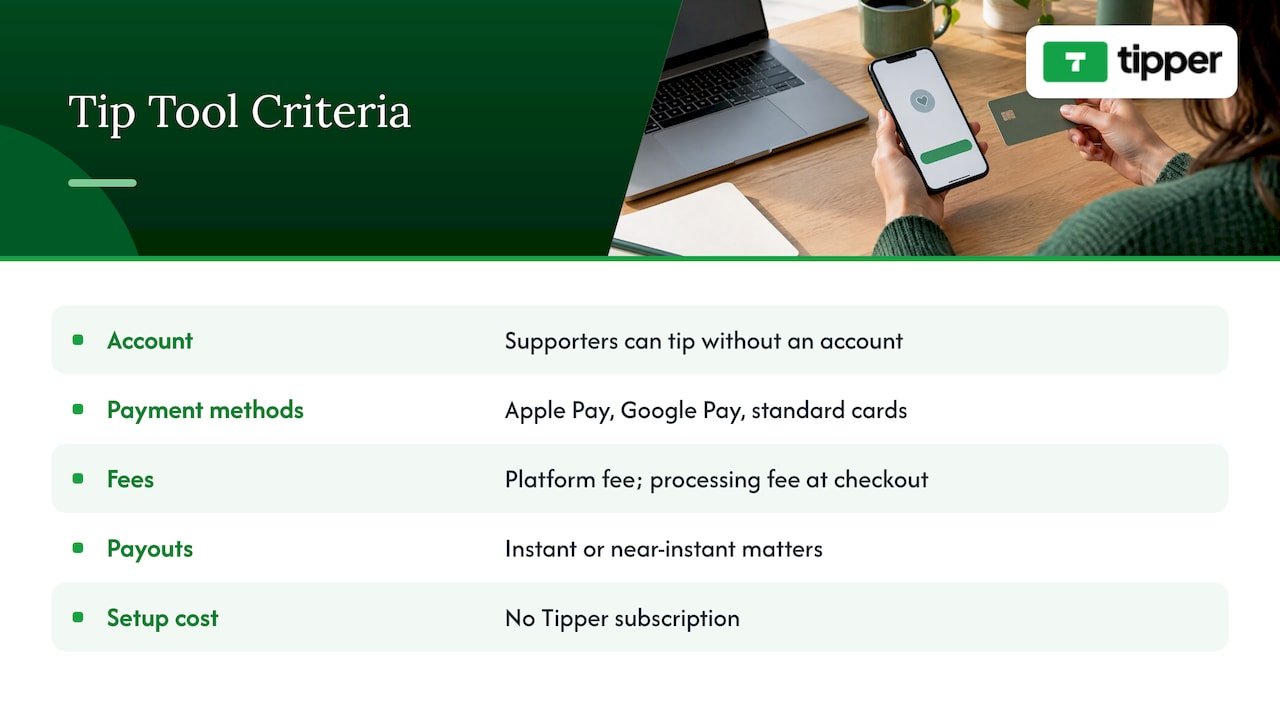
Does the supporter need an account? This is the biggest driver of completed tips. A supporter who must register will often abandon the payment. Tipper is built so supporters can tip without creating an account.
Which payment methods are supported? Look for Apple Pay, Google Pay and standard cards. Tipper supports all three.
What are the fees, and who pays them? Most platforms charge a platform fee, a payment processing fee, or both. Some add the processing fee at checkout so it is visible to the payer, while others deduct it from your payout. Tipper charges a transaction-based platform fee, with a small payment processing fee added on each tip at checkout, and does not publish a flat price. Creators keep 100% of their earnings, which is the core of our model. Read the fee page on any tool you consider, and compare what lands in your bank for a $10 tip, not the headline percentage.
How fast do payouts arrive? Instant or near-instant payouts matter if tips are a meaningful part of your cash flow. Our piece on instant tip payments for creators explains what to look for.
What does setup cost in time and money? A subscription you pay before earning anything is a different proposition from a free account. Tipper has no subscription.
For a broader side-by-side, our digital tipping platforms comparison walks through the field for creators.
PayPal alternatives for tips and donations
PayPal is familiar, which is its strength. The friction shows up when a supporter does not have an account, is not logged in on the device in front of them, or needs to type your email or handle by hand. Creators who want a smoother tip flow usually look at one of three paths.
| Option type | Examples | Best for | Watch for |
|---|---|---|---|
| Dedicated tip link or QR code | Tipper | Live tips, in-person tips, quick one-off appreciation | Confirm fees and payout speed on the provider’s page |
| Support-page platforms | Buy Me a Coffee, Ko-fi | Creators who want a profile page, memberships or a shop | Plans, fees and features differ, so read the current fee page |
| Link hubs with tip features | Throne, Linktree | Creators who already route their audience through one link | Check how tipping is handled and what the payment provider charges |
The right choice depends on what your audience does. If most of your tips come in the moment, from people who have never heard of the platform, no-account wallet payments are the strongest fit. That is the case we built Tipper for: instant tips through a personalized link, with Apple Pay, Google Pay and card support, and the creator keeping 100% of earnings.
You do not need to give up your existing setup. Many creators keep a PayPal link on their profile for people who prefer it and lead with a faster tip link as the main call to action.
Taxes and records: what U.S. creators should know
Tips are income. The IRS states that all cash and non-cash tips received by workers are income and subject to federal income tax, and that applies whether the money arrives in a jar or through a phone. If you are self-employed, as most creators and freelancers are, you report it on your own return.
Two practical points:
- Payment processors may send a Form 1099-K. The IRS notes that a 1099-K reports gross payments that can include both income and non-income items, so a business recipient should keep records and account for the difference. The same IRS material says 1099-Ks generally should not be issued for personal payments, though reimbursements between friends or family can show up on them.
- Your own records matter more than any form. Keep a simple monthly log of tip totals, payout dates and any fees. If you send a thank-you video or run a giveaway, note that too.
If you want to go a step further and understand how payment events get captured and attributed across your own site and tools, this walkthrough on tracking payment events server-side is a useful look at the technical side. For the money side in plain terms, our comparison of digital tips versus cash covers what creators keep, fees and taxes.
For your specific situation, such as quarterly estimated payments or deductions, talk to a CPA or enrolled agent. The rules depend on how much you earn and how your income is structured.
Privacy and safety on both sides of a tip
Supporters want to know their payment details are safe and that tipping will not put them on a list. Creators want to avoid scams and impersonation. A few habits cover most of it.
For creators
- Share your link only from your own official channels, and pin it so fake copies are easy to spot.
- Use the same handle and photo on your tip page as on your main profile.
- Put the QR code on physical materials you control, and do not stick it over someone else’s.
- Do not display supporters’ names or messages without their consent.
For supporters
- Check that the tip page shows the creator’s name before you pay.
- Pay with a wallet such as Apple Pay or Google Pay when you can, since you do not have to type card details.
- Be wary of anyone who DMs you a tip link out of the blue.
Tipper’s model puts privacy first: supporters tip without opening an account, so they are not handing over a profile to send a thank-you.
Our perspective
Most tip tools were built for the creator’s convenience, and the supporter’s experience came second. We started from the other end. The person who wants to say thanks is already in a good mood, and our job is to stay out of the way for the next fifteen seconds.
That is why a supporter can tip through a personalized link or QR code with Apple Pay, Google Pay or a card, and without creating an account. Every extra screen is a chance for the moment to pass.
It is also why creators keep 100% of their earnings with Tipper. A tip is a gesture of appreciation, and we think the creator should be fully rewarded for it. A small processing fee is added at checkout, so what the supporter sends is what reaches you.
And the moment should go both ways. A note, a photo or a short video as a thank-you turns a payment into a connection, which is what keeps an audience around.
Tipper
Start collecting tips with Tipper
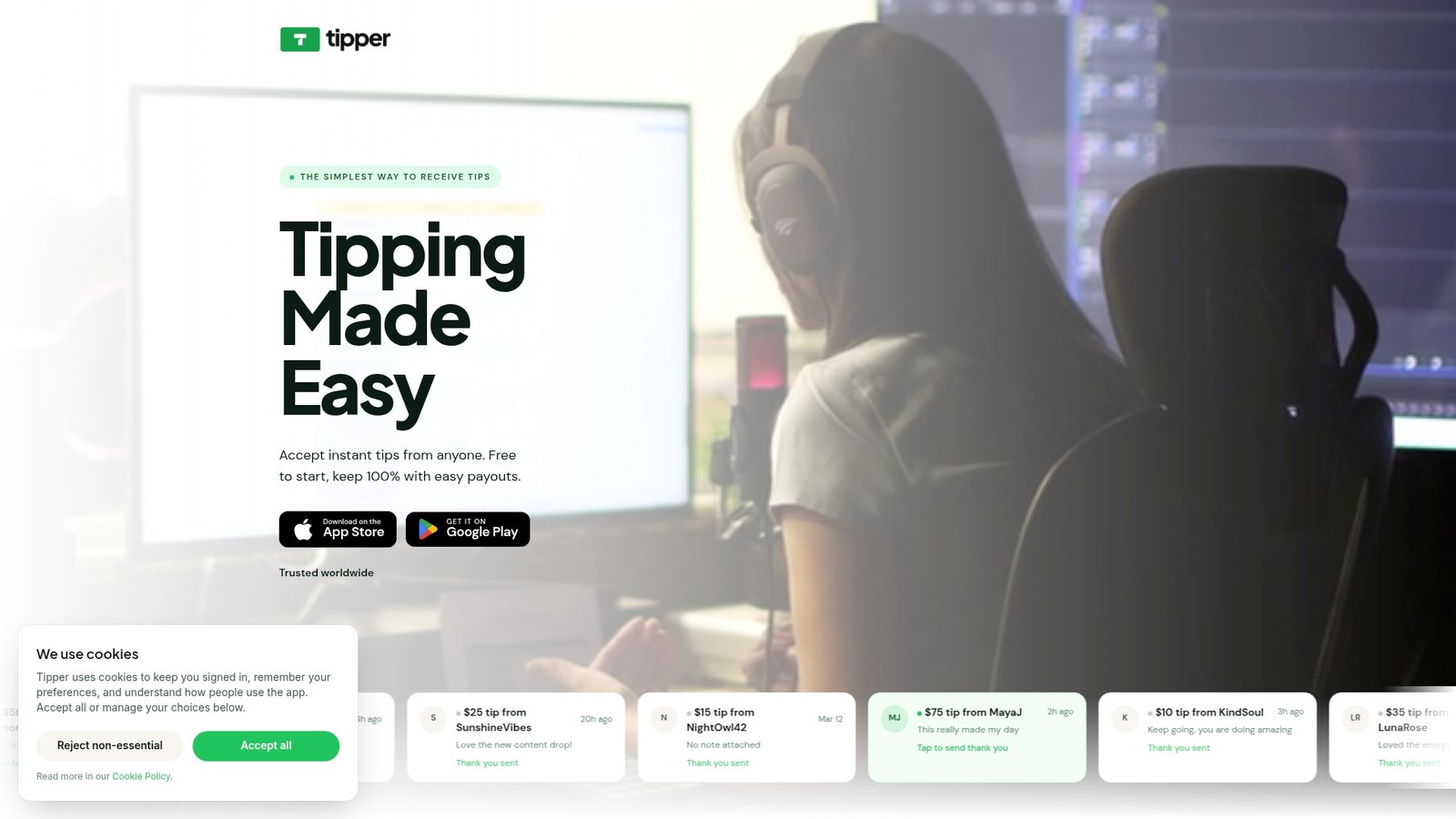
If you want a tip page live today, Tipper is free to create and maintain, with no subscription. You get a personalized link and QR code, a customizable page, and thank-you messages in text, photo or video. Supporters pay with Apple Pay, Google Pay or a card, with no account needed. A platform fee applies per transaction, and a small payment processing fee is added at checkout.
Create your Tipper page and put the link in your bio, stream panel or on a printed card. If you run a physical business and want to see how Apple Pay fits in, our guide to Apple Pay tipping setup walks through it.
FAQ
Can people tip me online without an account?
Yes, with the right tool. With Tipper, supporters open your link or scan your QR code and pay with Apple Pay, Google Pay or a card, with no account. This is the main reason a dedicated tip link tends to feel faster than handle-based payment apps.
How much does it cost to accept tips online?
It depends on the platform. Most charge a platform fee, a payment processing fee, or both. Tipper is free to set up with no subscription, charges a transaction-based platform fee, and adds a small processing fee at checkout; it does not publish a flat price, so check the checkout for the exact amount.
Do I have to pay taxes on online tips?
In the U.S., yes. The IRS treats tips as income, and self-employed creators report them on their own return. Keep monthly records of what you receive, and ask a CPA or enrolled agent about estimated payments for your situation.
What is the best way to share a tip link on a livestream?
Pin it in your panel or description, add a chat command that posts it, and mention it once at a natural high point rather than repeatedly. Show the QR code on screen for viewers on a second device.
What can I use instead of PayPal for tips?
Options include dedicated tip-link tools like Tipper, support-page platforms like Buy Me a Coffee and Ko-fi, and link hubs like Throne. Choose by whether supporters need an account, which wallets are supported, and what lands in your bank after fees.



Leave A Comment