
The fastest way to set up tipping on Linktree is to create a personal tip link with a tipping service, then add it to your Linktree as a regular link with a clear title like “Send me a tip.” That’s three steps: create the link, paste it in, test it on your phone. Most creators finish in under ten minutes, and fans can tip without installing anything or signing up if you pick a service that allows it.
Below you’ll find the exact steps, what to check on fees and payouts before you choose a tool, how to title and place the link so people tap it, and how a tip link fits next to your other monetization links.
TL;DR
- Linktree works as the front door: your tip link goes in as a standard link, and the tipping service handles the payment.
- Pick a tip link where supporters don’t need an account and can pay with Apple Pay, Google Pay or a card. Fewer steps means more completed tips.
- Compare fees before you commit. Peer-to-peer apps and processors charge different rates, and the “Goods and Services” label changes who pays.
- Name the link for the action (“Tip me $5”), put it in the top three slots, and test it on both iPhone and Android.
- Use the same tip link on every platform (TikTok, Instagram, YouTube, Twitch) so tips don’t depend on one bio.
Table of Contents
- How tipping works with Linktree
- Step-by-step: add a tip link to your Linktree
- Name and place the link so people tap it
- What to check on fees and payouts before you choose
- Comparing your options for a Linktree tip link
- Using a tip link alongside other link-in-bio monetization
- Making tipping easy and trustworthy for supporters
- Troubleshooting common Linktree tip link problems
- Get your tip link live
- FAQ
- Sources
How tipping works with Linktree
Linktree is a link-in-bio page. It lists your links in one place, so one bio URL can send people to your videos, store, newsletter and, in this case, your tip page.
There are two ways to take money through a Linktree page:
- Link out to a tip page. You add a standard link that opens your tip link, either a payment app profile (PayPal.me, Cash App, Venmo) or a dedicated tipping page. The supporter pays on that page.
- Use Linktree’s own payment link types. According to one third-party walkthrough, Linktree offers commerce-style links connected to Stripe or PayPal, which can include name-your-price payments. Availability and plan requirements change, so check what your Linktree dashboard offers under Add link before you rely on it.
The same walkthrough notes that Venmo and Cash App have no native Linktree integration, so you add those links by hand. That’s the approach this guide focuses on, because it works on any Linktree plan and doesn’t tie your tips to one page builder. If you ever change link-in-bio tools, the tip link moves with you.
Step-by-step: add a tip link to your Linktree
Step 1: Create your tip link
Sign up with the tipping service you’ve chosen and set up your page. With Tipper, creators get a personalized link or QR code, and supporters can tip without creating an account. You can customize your tip page and set up a thank-you message as text, a photo or a video.

Whatever tool you use, copy the final URL. Open it in a private browser window to confirm it loads without logging in.
Step 2: Add it as a link in Linktree
- Log in to Linktree and open your Links tab.
- Choose Add link and paste your tip URL.
- Give it a title (more on that below).
- Add a thumbnail or icon if your theme supports it. A coffee cup, heart or dollar sign reads instantly.
- Drag it near the top and make sure it’s switched on.
Menu labels shift when Linktree updates its dashboard, so if a button is named differently, look for the option that adds a plain URL link.
Step 3: Test it like a supporter
This step catches most problems. Do it on a real phone, not just your desktop:
- Open your public Linktree URL from your Instagram or TikTok bio, the way a fan would.
- Tap the tip link. Does the page load fast, in the in-app browser?
- Check that the payment sheet shows Apple Pay on an iPhone and Google Pay on Android, if your tool supports them.
- Send yourself a small tip from a different account or ask a friend to send one. Confirm it arrives and see what the supporter sees afterward.
- Read the thank-you message as the sender would.
In-app browsers in social apps sometimes behave differently from Safari or Chrome, so test from inside the app that sends you the most traffic.
Name and place the link so people tap it
A tip link buried under six other buttons with a vague title won’t get tapped. A few habits help:
- Name the action, not the tool. “Tip me $5 for the next video” beats “Support.” “Buy me a coffee” works if it fits your brand.
- Say what the money does. “Tips fund the weekly stream” gives a reason in a few words.
- Top three slots. Most visitors tap what they see first. Put your tip link under your main call to action.
- Keep one tip link. Don’t list PayPal, Venmo, Cash App and a tip page as four separate buttons. Offer one primary link and let the page handle method choice. Decision fatigue costs you tips.
- Match the link to the audience. Streamers can pin the same link in chat commands. Freelancers can add it to invoices and email signatures, and a QR code works for in-person events.
If your main traffic is short-form video, our guide on a TikTok tip link for creators covers where to place it on that platform.
What to check on fees and payouts before you choose
The tool behind your Linktree button decides what you keep. Compare these before you paste anything:
| What to check | Why it matters |
|---|---|
| Fee structure | Platform fee, processing fee and who pays each |
| Payment methods | Apple Pay, Google Pay and cards convert better than forcing a login |
| Account required to tip? | Every extra step loses supporters |
| Payout speed and method | How soon money reaches your bank |
| Tax paperwork | What the provider reports on your earnings |
Here’s what published US sources say about common options:
- PayPal. PayPal’s own fee schedule lists a 2.99% domestic rate for receiving Goods and Services payments as of September 2026. A financial technology review put PayPal’s standard online checkout at 3.49% plus $0.49 per domestic transaction as of April 2026. The rate you pay depends on the product you use, so read the schedule for your account type.
- Cash App. Cash App’s terms say its “Earn in P2P” feature lets eligible US sole proprietors receive payments for goods and services in a personal account, and its fee table lists no setup or monthly fee for Cash App Balance accounts. The same review lists a flat 2.75% fee for Cash App for Business merchant payments.
- Tipper. Creating and maintaining a creator account is free, with no subscription. Each tip carries a platform fee plus a small payment processing fee added at checkout. We don’t publish a fixed rate here, so check the current figures on the Tipper site before you publish your link.
“Goods and Services” versus “Friends and Family”
Don’t ask supporters to send tips as “Friends and Family” to dodge fees. The same review advises using Goods and Services for actual goods or services, since it includes purchase protection and charges the seller a fee. Tips that arrive as business income should also be treated that way when you do your taxes. If you aren’t sure how to report tip income, a CPA or an enrolled agent can tell you how it applies to your situation, and the IRS publishes guidance on its own site.
Comparing your options for a Linktree tip link
| Option | Supporter needs an account? | Typical setup | Best for |
|---|---|---|---|
| Dedicated tip link (Tipper) | No, Apple Pay, Google Pay or card | Create page, paste link | Creators who want a branded page and thank-you notes |
| PayPal.me | Often prompts a PayPal login or card entry | Make a PayPal.me URL, paste | Fans who already use PayPal |
| Cash App link | Cash App account typical | Share your $cashtag link | Younger, US-based audiences |
| Venmo link | Venmo account typical | Copy profile link, paste | Casual US peer-to-peer tips |
| Linktree commerce link | Depends on connected processor | Connect Stripe or PayPal in the dashboard | Name-your-price items on the page itself |
The row that moves the needle is the second column. A fan scrolling on a phone who has to log in or install an app often gives up. A payment sheet with Apple Pay or Google Pay lets them finish in seconds. Our overview of Apple Pay and Google Pay tips explains why that matters for small operators.
You don’t have to pick only one. Some creators keep a payment-app link for their core fans and a no-account tip link as the main button.
Our perspective on tipping from a link in bio
We built Tipper around one observation: the moment a fan wants to say thanks is short. If that moment runs into a sign-up form, it’s gone. That’s why we let supporters tip with Apple Pay, Google Pay or a card without creating an account, so your Linktree button leads to a payment, not a registration page.
We also think a tip should feel personal. A thank-you note, photo or video back to the supporter turns a one-time payment into a relationship, and that’s what brings people back to tip again.
Our model is designed so creators keep 100% of their earnings, with the platform fee and payment processing shown at checkout rather than hidden. For creators on Twitch, Kick, YouTube, TikTok and Instagram, we think one reliable link that works everywhere beats a stack of buttons that each need a different app.
Tipper
Using a tip link alongside other link-in-bio monetization
Tipping works best as one layer in a mix. A simple structure that many creators use:
- Top slot: your current priority. A new video, a product launch or a livestream.
- Second slot: your tip link. Low commitment, no purchase decision. Anyone who enjoyed your content can act.
- Middle: products and services. Merch, presets, courses, booking links, a paid newsletter.
- Lower: memberships and affiliate links. Recurring support and recommendations for people who want more.
Tips and memberships don’t compete. A tip captures a spontaneous moment, while a membership suits fans who want ongoing access. If you’re comparing the field, our rundown of creator donation platforms walks through tax readiness and no-account tipping.
A few tactical notes:
- Link-in-bio is not the only place. Add your tip link to video descriptions, stream panels, email footers and pinned comments. Use a QR code on screen or at events.
- Ask at the right time. Mention the link right after you deliver value: the end of a tutorial, a finished stream, a delivered project.
- Rotate the reason. “Tips this week go toward new lighting” gives fans a fresh cause without changing the link.
- Close the loop. Reply to tips with a short thank-you. On Tipper you can send text, photo or video thank-yous, which supporters often value as much as the content itself.
Making tipping easy and trustworthy for supporters
People pay when they trust the page. Check these from the supporter’s side:
- The link opens fast and looks like you. Add your name, photo and a one-line explanation.
- The payment methods are familiar. Apple Pay, Google Pay and major cards signal a legitimate checkout.
- The total is clear. Supporters should see what they’re paying, including processing fees, before they confirm.
- Privacy is respected. Supporters who tip without creating an account share less personal data, which many people prefer.
- A message is optional, not forced. Let people add a note if they want to, but don’t require it.
If you also tip in person, for example at pop-ups or workshops, our cashless tipping setup guide covers QR codes and counter signs.
Troubleshooting common Linktree tip link problems
- The link opens but the payment button doesn’t show Apple Pay. Apple Pay appears only on compatible devices and browsers with a card in Wallet. Test on an iPhone in Safari, then in the app browser.
- Fans say the page asks them to log in. You’ve probably linked to a payment app profile rather than a no-account tip page. Swap the URL.
- Nobody taps the link. Check the title and position. Rewrite it as an action with an amount and move it up.
- Tips arrive but you can’t tell where they came from. Use one tip link per platform if your tool supports it, or ask supporters to add a note.
- The link breaks after an edit. Re-test after changing your Linktree theme or reordering links.
Get your tip link live
If you want a link supporters can use without an account, create your tip page with Tipper. Free to set up, with no subscription, you get a personalized link and QR code, Apple Pay, Google Pay and card payments, a customizable page, and thank-you messages in text, photo or video.
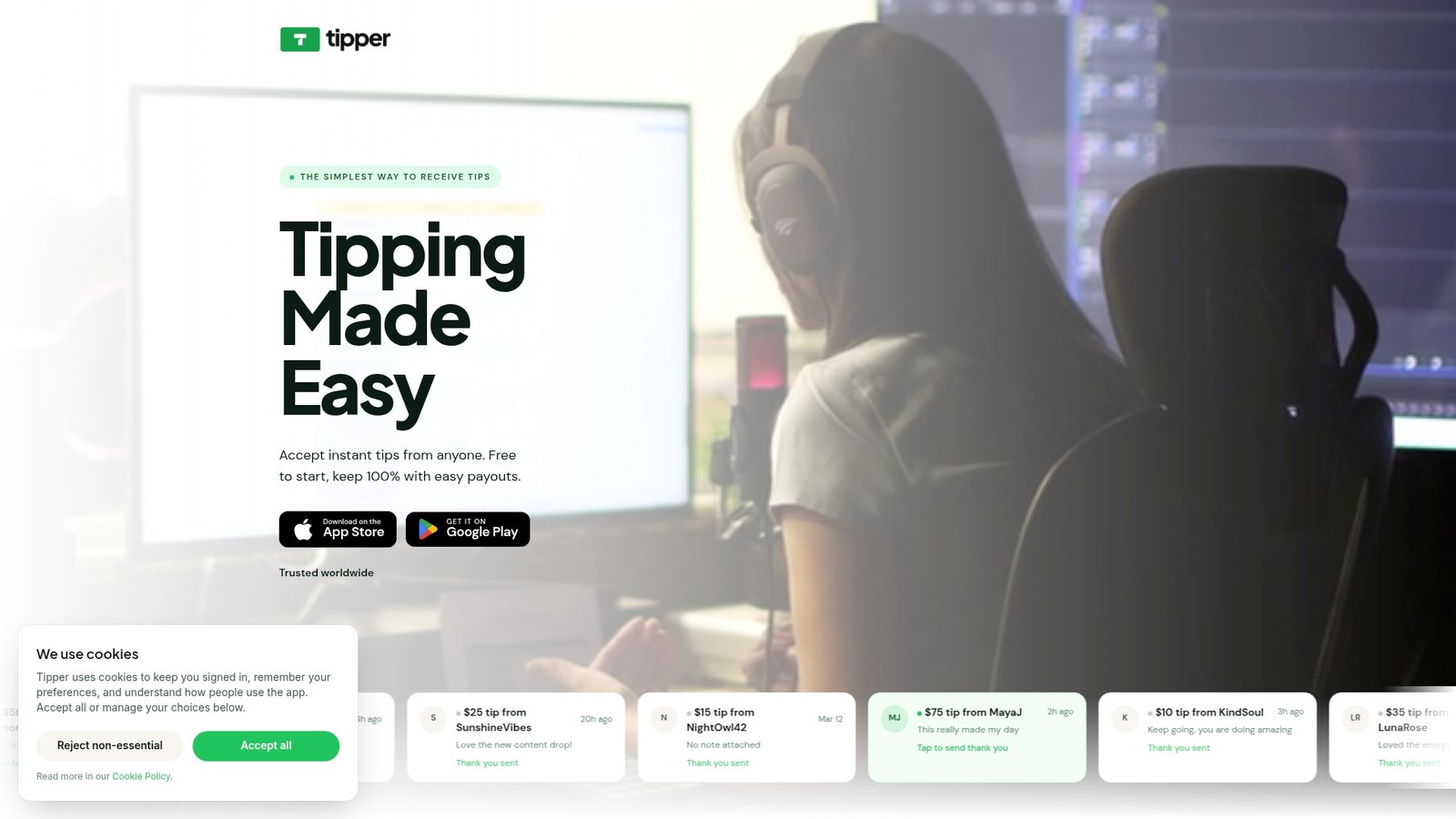
Create your page on tipper.app, copy the link, and add it to your Linktree using the steps above. If you want to see how no-signup tipping works from the supporter side, read our guide to collecting tips with no signup required. Prefer cards? Here’s how to set up credit card tipping in about 20 minutes.
FAQ
Does Linktree have a built-in tip jar?
Linktree has payment-style link types in some plans, reportedly connected to Stripe or PayPal, but many creators simply add an external tip link as a normal link. Features and plan limits change, so check your dashboard. A standard link works on any plan.
Do supporters need an account to send a tip?
That depends on the tool. With payment apps like Venmo or Cash App, supporters typically need an account. With Tipper, supporters can tip with Apple Pay, Google Pay or a card and don’t need to sign up.
Can I add more than one tip link to my Linktree?
You can, but one main tip link usually performs better because it removes choices. If your audience strongly prefers a specific app, add that as a secondary link lower on the page.
How do I know my Linktree tip link works?
Open your public Linktree URL on a phone, tap the link from inside the social app that sends you traffic, and complete a small real tip. Confirm the money and the thank-you message both arrive as expected.
Sources
- Linktree Payments: How to Add Payment Links to Your Bio
- PayPal US merchant fees, September 2026
- Cash App US Terms of Service
- Best Payment Apps 2026: Venmo vs Zelle vs PayPal vs Cash App



Leave A Comment