

The best way to collect tips at a dance party is a mobile-optimized tip page paired with a dynamic QR code or instant pay link that accepts Apple Pay and Google Pay, then redirects to a quick thank-you reward. That’s the whole system. Everything else is placement and timing.
Here’s the three-step verdict if you’re setting this up before a show tonight:
- Build the page. Create a tip page on a platform like Tipper, set a few preset amounts, and add a short thank-you message or video.
- Generate the code. Turn that page into a dynamic QR code or a short link you can text, post, or print.
- Place it and say it. Put the code somewhere eye level and well lit, then mention it out loud at least twice during your set.
Miss any one of those three and your tip rate drops, usually because the code is either invisible or nobody knew it existed.
Key Takeaways
Performers who pair a mobile tip page with a visible, well-timed QR code convert far more of their audience’s goodwill into actual tips.
| Point | Details |
|---|---|
| Setup speed matters | Build your tip page, connect payout, and generate a QR code in under 10 minutes before doors open. |
| Placement drives scans | Put codes at eye level near the mic stand, merch table, and bar edge, using matte finishes over glossy ones. |
| Scripts beat silence | Ask for tips at the opening, midway point, and closing, using a 10 to 15 second script each time. |
| Fees stay simple | Expect a small platform fee plus standard processing costs, with payouts landing within a few business days. |
| Tipper handles the setup | Tipper offers dynamic QR codes, Apple Pay and Google Pay support, and lets creators keep their tips earned. |
Table of Contents
- How Fast Can You Set Up Party Dance Games for Tipping?
- Where Should You Place QR Codes at a Live Event?
- What Should Your Signs Say?
- How Do You Collect Tips During a Livestream?
- What Do Fees and Payouts Actually Look Like?
- When Should You Ask for Tips During a Set?
- What If Your QR Code Won’t Scan?
- Why This Setup Changed My Show Routine
- Collect Tips Without the Guesswork of Building It Yourself
- Sources
- FAQ
How Fast Can You Set Up Party Dance Games for Tipping?
You can be live before soundcheck ends. Here’s the sequence:
- Create your account (about 2 minutes). Sign up on a tipping platform and verify your identity if required.
- Connect your payout method (2 minutes). Link a bank account or a processor like Stripe so tips land somewhere real.
- Build your tip page (3 minutes). Add your name or DJ handle, a short bio line, suggested tip amounts, and a one-line thank-you redirect.
- Generate your QR code and short link (1 minute). A dynamic QR code means you can change the destination later without reprinting anything, which matters if you’re touring or rotating venues.
- Test on both iOS and Android (1 minute). Scan it yourself, then hand your phone to someone else and watch them do it.
That’s under 10 minutes for the entire flow, start to finish.
Pro Tip: Test your printed QR code from about 20 inches away, roughly the distance between a bar top and someone leaning in. If it doesn’t scan instantly under dim venue lighting, bump up the size or contrast before doors open.
Where Should You Place QR Codes at a Live Event?
Placement is the single biggest lever you control, and it’s the one most performers get wrong. A code buried in a corner booth or printed too small might as well not exist.
Put your code in these spots, in order of priority:
- Front of the mic stand, facing the crowd
- The edge of the merch table, where people already have cash or cards out
- Bar or registration points, where there’s a natural pause
- The DJ booth face, visible to anyone dancing nearby
- A floor easel near high-traffic pathways like the entrance or restroom line
Eye level beats waist level every time, and matte finishes beat glossy ones because gloss reflects stage lighting and turns your QR code into an unreadable smear. High-visibility QR placement measurably increases scan rates, and pairing the code with a simple call-to-action nearby helps people understand what happens the moment they scan.
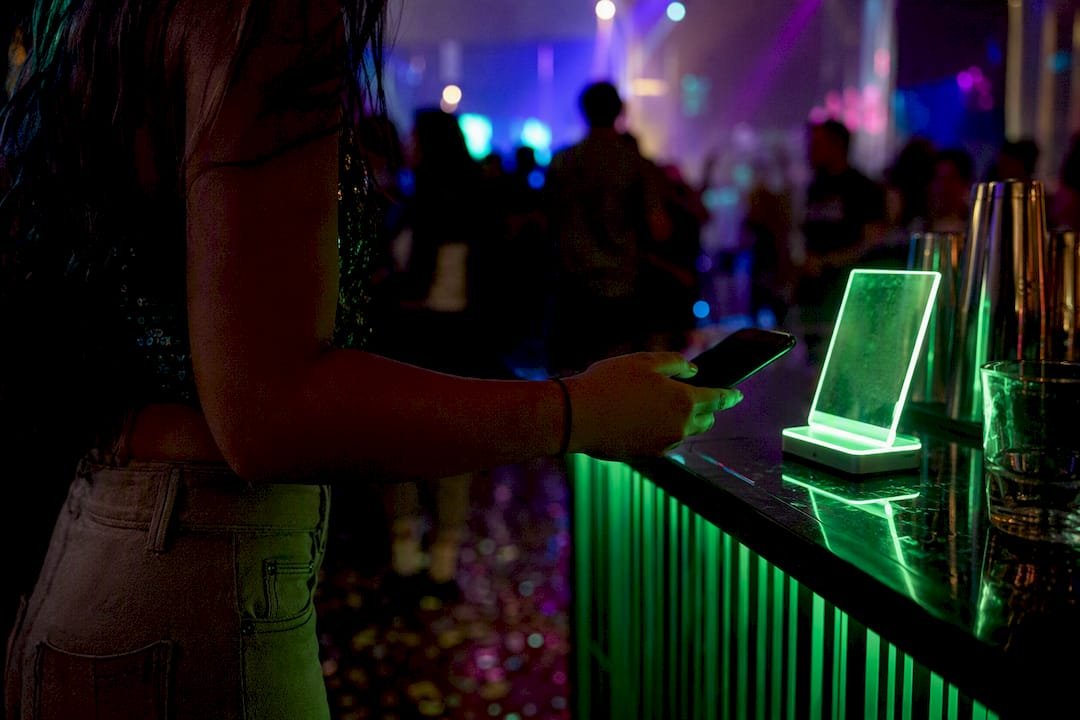
Pro Tip: If your venue is dark, skip paper entirely and use a backlit sign or a tablet propped on a small stand. Light sells the code better than size does.
What Should Your Signs Say?
Good sign copy does two things: it tells people what tipping does, and it removes the need to think.
Try lines like:
- “Tap to tip, thanks for dancing with us”
- “Loved the set? Tips fund the next single”
- “Scan for the after-hours playlist, tips appreciated”
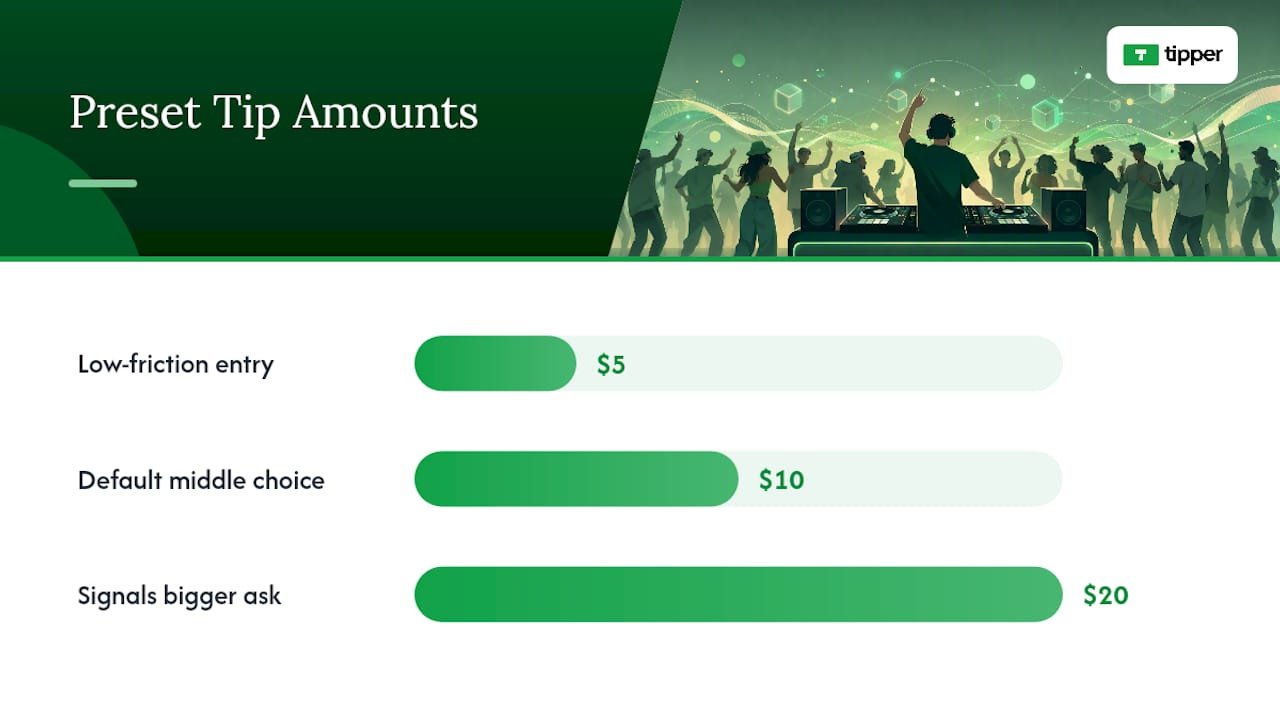
For preset amounts, offer three clearly labeled options rather than a blank field. Suggested tip amounts reduce decision fatigue and tend to raise completion rates because the tipper isn’t doing math on a dance floor. A simple $5 / $10 / $20 spread works for most club and private-party settings; a family-friendly event might lean toward $3 / $5 / $10 instead.
Tie the incentive to something specific, like an instant thank-you video, a shout-out on the mic, or early access to a track. That small reward loop is what turns a one-time tip into a repeat one across the night.
| Tip Amount | Why It Works |
|---|---|
| $5 | Low-friction entry point, easy yes |
| $10 | Anchors as the “default” middle choice |
| $20 | Signals a bigger ask without feeling out of place |
Pro Tip: Match your sign’s tone to the room. A lounge crowd responds to a quieter, wittier line; a packed club needs something short enough to read in two seconds while moving past.
How Do You Collect Tips During a Livestream?
Virtual dance parties need the same tip page, just displayed differently. Pin your link at the top of the chat, drop it into a stream overlay that stays visible during high-energy moments, and repeat it in the stream title so late joiners see it immediately.
- Add the short link to your video description for anyone watching the replay later
- Schedule a chat-bot reminder every 15 to 20 minutes so it doesn’t rely on you remembering
- Coordinate the on-screen prompt with a spoken cue, like calling out the link right as a big drop hits
Real-time tipping tools paired with on-screen incentives hold attention better than a static link sitting quietly in the description. Test the mobile flow yourself before you go live. A link that opens clean on desktop but breaks on a phone browser will cost you tips you never see.
What Do Fees and Payouts Actually Look Like?
Most tipping platforms charge a small platform fee plus a standard payment processing fee on card, Apple Pay, or Google Pay transactions. Neither is hidden if the platform is worth using, but you should know the numbers before someone asks you on the mic.
- Expect a modest transaction fee layered on top of standard card processing rates
- Payouts typically land in your bank within a few business days after the event, depending on your processor
- Reconcile the same night if possible: check your dashboard, confirm the total against what you expected, and flag anything that looks off early
Platforms that let you embed a payment link directly and route funds into a creator-controlled payout flow keep this process simple instead of routing you through a middleman account.
Pro Tip: *You don’t need to itemize fees on your sign.
When Should You Ask for Tips During a Set?
Timing matters as much as placement. Ask too early and nobody’s warmed up. Ask too late and the room’s already heading for the door.
- Opening hello (first 10 minutes): a light mention while people are still settling in.
- Midway reminder (around the halfway mark): a quick, energetic callout tied to a high point in the set.
- Closing thank-you (last 10 minutes): a warmer, more direct ask paired with a genuine thanks.
A script that works for most rooms: “If you’re vibing with this, the QR code by the booth gets you a tip in ten seconds, and I’ll shout you out on the next track.” Keep it under 15 seconds and match your energy to the room. A club set wants punchy and fast, a private party allows a little more warmth.
Pro Tip: Never stack your tip ask right after announcing last call or a big transition. Give it its own moment so it doesn’t get lost.
What If Your QR Code Won’t Scan?
Most scanning problems come down to three things: bad lighting, glare, or a code printed too small. Check for reflections first, since glossy paper under stage lights is the number one culprit.
If the QR still fails, fall back to the short link version. Text it, post it, or have it visible as plain text under the code itself. On the payment side, confirm your payout connection is active, double-check that Apple Pay and Google Pay are both enabled, and glance at your dashboard to verify a tip actually landed rather than just appearing to send.
- Keep a printed short link as backup in case the code itself is unreadable
- Consider an NFC tap card at the merch table for a tap-to-pay alternative
- Have one staff member carry a phone with the tip page bookmarked, ready to hand off
Small fixes like these, drawn from common contactless tipping mistakes, solve most scan failures before they cost you a tip.
Why This Setup Changed My Show Routine
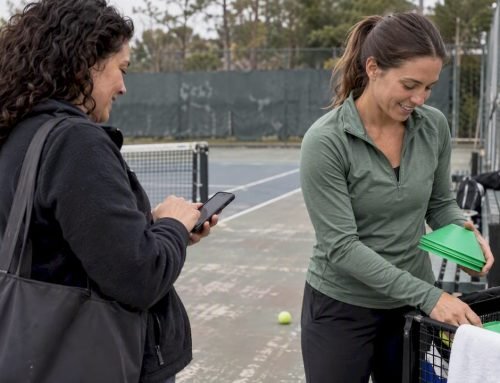
I used to treat tips as an afterthought, something people did if they remembered on their way out. Once I put a code at eye level on the DJ booth and mentioned it twice, the difference wasn’t subtle. Fans stayed engaged longer because the thank-you message made the interaction feel personal instead of transactional. Winning Touch Tennis used a similar tipping page setup to collect appreciation payments from members, and the lesson translates directly: visibility plus a fast, frictionless page beats any amount of charm alone.
Collect Tips Without the Guesswork of Building It Yourself
Tipper gives DJs, dancers, and party entertainers a tip page built specifically for this kind of fast, high-energy moment. It supports Apple Pay and Google Pay so there’s no app download standing between a dancer and their tip, generates a dynamic QR code you can reuse across venues, and lets you customize thank-you messages with text, photos, or short videos.

A typical show-night workflow looks like this: build your tip page during soundcheck, generate the QR, tape it to the mic stand and merch table, then mention it twice during your set with a quick shout-out incentive. That’s it. Set up your tip page before your next show and have it running in under 10 minutes.
Sources
FAQ
What’s the fastest way to start collecting tips at a party?
Create a tip page on a platform like Tipper, generate a dynamic QR code, and place it at eye level near your booth. The whole setup takes under 10 minutes.
Where should I put my QR code for the best scan rate?
Front of the mic stand, the merch table edge, and the bar or registration area work best, since visibility is the single biggest factor in whether people actually scan.
How much should I suggest people tip?
Three clearly labeled presets, like $5, $10, and $20, work well because they reduce decision fatigue compared to an open amount field.
Can I collect tips during a livestream?
Yes. Pin your tip link in the chat, add it to your stream overlay, and repeat it in your title and video description so replay viewers can tip too.
What fees should I expect when using a tipping platform?
Most platforms charge a small platform fee plus standard card, Apple Pay, or Google Pay processing costs, with payouts typically arriving within a few business days.


Leave A Comment