

Frictionless client tipping best practices are defined as quick, optional, and respectful tipping flows that remove every unnecessary barrier between a client’s gratitude and your earnings. With 78% of U.S. consumers reporting tipping fatigue, the pressure to get this right has never been higher. Platforms like Tipper, Apple Pay, and Google Pay have made it possible to collect tips in seconds without forcing clients to create accounts or enter card details manually. The result is a tipping experience that feels natural, not coerced, and that keeps clients coming back.
1. What are the core principles of frictionless client tipping?
Frictionless tipping is built on three non-negotiable principles: optionality, speed, and respect. Remove any one of these and you risk losing the tip entirely, along with the client relationship.
Optionality means your tipping prompt must never feel like a demand. VP0 recommends showing a single warm, optional screen with preset amounts and an easy dismiss option. That means no guilt-driven copy, no repeated prompts on every session launch, and no language that implies tipping is expected.

Speed means the entire process from prompt to confirmation should take under ten seconds. Preset tip amounts are the single biggest driver of speed. When a client sees three clear dollar amounts or percentages, they make a decision instantly instead of doing mental math.
Respect means honoring social norms and client autonomy. Western University research confirms that negative customer reactions spike when tipping prompts violate social expectations. Giving clients explicit permission to skip a tip actually increases overall satisfaction and reduces the psychological friction that kills repeat business.
- Keep tip prompts to a single screen with no more than three preset amounts
- Always include a clearly visible “No Tip” or “Skip” option
- Use warm, appreciative language rather than guilt or obligation framing
- Never repeat the tip prompt within the same session or service interaction
- Time the prompt after the service is complete, not before
Pro Tip: Write your tip prompt copy in the second person and frame it as a gift, not a transaction. “Leave a thank-you for [Name]” converts better than “Add a tip.”
2. Which technologies enable the smoothest digital tipping experiences?
The technology layer is where most tipping flows break down. Clients abandon tips not because they are unwilling but because the payment step is too slow or unfamiliar.
Apple Pay and Google Pay are the two most critical integrations for any digital tipping setup. Gratifid’s three-tap rule defines the gold standard: select an amount, choose a payment method, and confirm. Apple Pay and Google Pay eliminate manual card entry entirely, which is the single biggest friction point in digital tipping flows. If your tipping page does not support these wallets, you are losing a significant share of potential tips at the payment step.
NFC tap-to-tip technology takes speed even further. QR codes take about 15 seconds to complete a tip, while NFC tap-to-tip finishes in approximately 2 seconds. For live service environments like photography sessions, personal training, or pop-up events, that difference is the gap between a completed tip and a forgotten one.
App-less tipping via QR codes or personalized links is the standard for online creators and freelancers. Tipping flows lose conversions when clients must download an app or create a profile. Browser-based flows that open directly in a mobile browser, with wallet payment options pre-loaded, consistently outperform app-gated alternatives.
One technical detail most guides skip: in-app browser limitations cause payment failures. Redirecting users from in-app browsers to full browsers improves payment method support and reduces drop-off at the payment step. If your tipping link is shared via Instagram DMs or Facebook Messenger, test it in those environments specifically.
- Apple Pay and Google Pay: best for all digital tipping scenarios
- NFC tap-to-tip: best for in-person, live service environments
- QR code links: best for remote, online, or post-service tipping
- Personalized browser-based links: best for content creators and freelancers
Pro Tip: Test your tipping link inside every app you use to share it, including Instagram, TikTok, and email clients. In-app browser failures are invisible to you but fatal to your conversion rate.
3. How to design tipping prompts that respect client psychology and social norms
Behavioral economics divides tippers into two groups. ScienceDaily research identifies “appreciators,” who tip to express genuine gratitude, and “conformists,” who tip to meet perceived social expectations. Frictionless tipping systems should speak to appreciators, not conformists. The moment your prompt feels like social pressure, conformists tip resentfully and appreciators feel manipulated.
The language of your prompt matters as much as its placement. Phrases like “Show your appreciation” or “Support [Name]’s work” activate gratitude. Phrases like “Tipping is customary” or “Most clients leave 20%” activate conformist pressure and produce reactance, which is the psychological pushback that makes people want to do the opposite of what they are being asked.
| Prompt type | Language example | Psychological effect |
|---|---|---|
| Appreciation-based | “Leave a thank-you for [Name]” | Activates gratitude, reduces pressure |
| Norm-based | “Most clients tip 18–20%” | Triggers conformist behavior, risks resentment |
| Guilt-based | “Your tip makes a difference” | Produces reactance and negative brand association |
| Neutral with skip | “Add a tip? No pressure either way.” | Highest satisfaction, strong repeat tipping |
Context sensitivity is also critical. Harvard Business Review notes that expanding tipping into non-traditional contexts creates UX challenges that require context-specific design. A tip prompt after a one-hour coaching call lands differently than one after a $5 digital download. Match the weight of your prompt to the weight of the interaction.
4. What are practical best practices for creators and small business owners?
These steps translate the principles above into a repeatable setup you can implement this week.
- Place your tip prompt outside the core workflow. Never interrupt a client mid-project review, mid-checkout, or mid-content delivery with a tip request. The prompt belongs at the natural end of the interaction.
- Use 2–3 preset tip amounts anchored to realistic values. If your average project is $200, preset amounts of $10, $20, and $40 give clients a clear range without sticker shock. Anchoring works because clients use the middle option most often.
- Time your prompt post-service, every time. Pre-service tipping requests produce cognitive dissonance and increased friction. Send your tipping link in the same message where you deliver the final work or wrap up the session.
- Make the “No Tip” option impossible to miss. A small, gray “Skip” button hidden below the fold is a dark pattern. It damages trust. A clearly labeled “No thanks” option at the same visual weight as the tip amounts signals confidence and respect.
- Avoid forcing app downloads or account creation. Use a platform like Tipper that lets clients tip through a personalized link with no account required. Every extra step between the prompt and the payment costs you conversions.
- Send a warm thank-you after every tip. Warm acknowledgment after tipping significantly increases the likelihood of repeat tips. A cold or silent confirmation makes tipping feel transactional and forgettable. Tipper supports personalized thank-you notes and video messages, which turn a one-time tip into an ongoing relationship.
- Test your full tipping flow on mobile before going live. Over 60% of digital payments happen on mobile devices. If your tipping page breaks on a phone or inside a social media app, you will never know unless you test it yourself.
5. How do frictionless tipping methods compare for different business scenarios?
Not every tipping method fits every business model. The table below maps the four main approaches to the scenarios where each performs best.
| Method | Best for | Setup complexity | Client effort | Cost |
|---|---|---|---|---|
| NFC tap-to-tip | In-person services, live events | Medium (hardware needed) | ~2 seconds | Hardware cost, low per-tip fees |
| QR code tipping | Remote, post-service, retail | Low | ~15 seconds | Minimal to free |
| Personalized tip link | Online creators, freelancers | Very low | ~10 seconds | Platform fee or free |
| App-based tipping | Repeat clients, subscription services | High (app download required) | High on first use | Variable |
For freelancers sharing work via email or Notion, a personalized tip link from a platform like Tipper is the lowest-friction option available. You drop the link into your invoice or project delivery message and the client tips in under ten seconds using Apple Pay or Google Pay. For a photographer at a wedding, an NFC-enabled card or wristband lets guests tap and tip without touching a screen at all.
The smartest approach blends methods. Use a QR code on your physical invoice or packaging, a tip link in your digital delivery, and an NFC device at any in-person touchpoint. Clients encounter the option in the format that fits their moment, which is the definition of a digital payment request done right.
Pro Tip: If you serve clients both in person and online, set up both a QR code and a personalized link from the same platform. Consistency in branding across both formats builds trust and recognition.
Key takeaways
Frictionless client tipping works when it is optional, fast, and timed after service delivery, with wallet payments and warm follow-ups built in from the start.
| Point | Details |
|---|---|
| Optionality reduces friction | Always include a visible “No Tip” option to increase satisfaction and repeat tipping. |
| Post-service timing is critical | Sending tip prompts after delivery eliminates cognitive dissonance and improves conversion. |
| Wallet payments remove the biggest barrier | Apple Pay and Google Pay eliminate manual card entry, the top reason clients abandon tips. |
| Preset amounts speed up decisions | Two to three anchored amounts reduce decision fatigue and increase tip completion rates. |
| Warm acknowledgment drives repeat tips | A personalized thank-you after each tip turns a single transaction into an ongoing relationship. |
Why most tipping setups fail before the client even sees the prompt
I have reviewed dozens of tipping setups for freelancers and small business owners, and the most common failure has nothing to do with technology. It is timing. Creators send their tipping link in a separate follow-up message, days after the project wraps. By then, the emotional peak of receiving great work has passed. The client has moved on. The tip never happens.
The second most common mistake is hiding the “No Tip” option. I understand the instinct. It feels like you are making it easier to say no. But clients notice dark patterns. When they feel manipulated, they do not just skip the tip. They think less of you. The creators I have seen build the strongest tipping habits are the ones who make skipping genuinely easy and then let the quality of their work do the asking.
The future of this space is moving toward tap-to-tip wristbands and fully embedded wallet flows where the tip is one tap inside an existing payment confirmation. That is still a year or two away for most small businesses. For now, the gap between a good tipping setup and a great one is almost always in the copy, the timing, and the thank-you. Get those three right and the technology handles the rest.
I also want to flag something the Nestamedia Studios team put well when discussing digital payment design: the best tipping experiences feel like a natural extension of the service, not an afterthought bolted on at the end. That framing should guide every decision you make about your tipping flow.
— Steve
Start collecting tips the easy way with Tipper
If you are a creator or freelancer ready to put these strategies into practice, Tipper is built for exactly this. You get a personalized tip link that clients can use in seconds, with no account required on their end. Apple Pay and Google Pay are supported out of the box, preset tip amounts are fully customizable, and you keep 100% of every tip you receive.
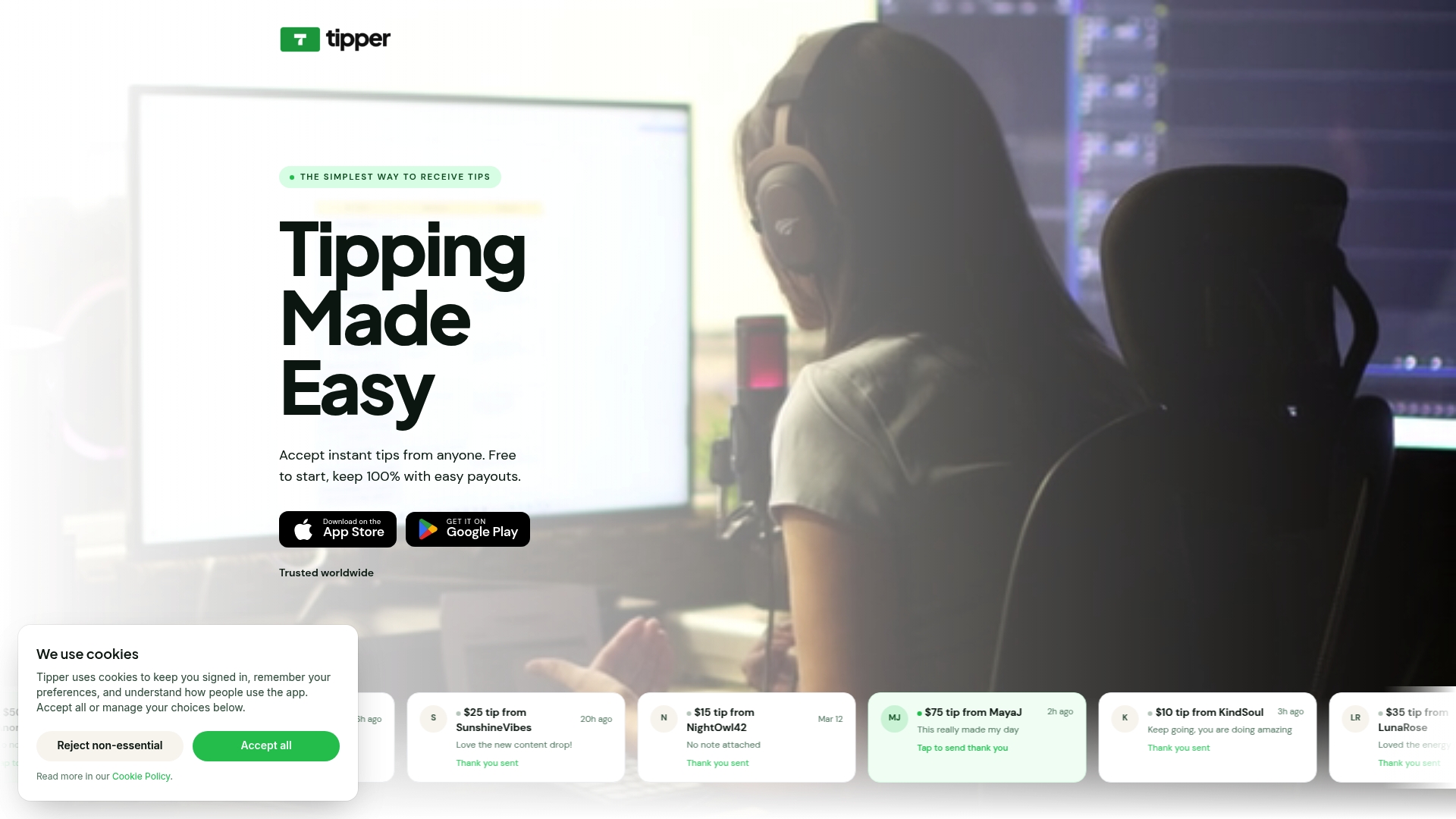
Tipper also lets you send personalized thank-you notes and video messages after each tip, which is the single highest-impact thing you can do to encourage repeat support. If you want to explore the full range of options available in 2026, including Apple Pay tipping setup and no-fee tipping systems, those resources are worth your time. Start with Tipper and have your first tipping link live in under five minutes.
FAQ
What is frictionless client tipping?
Frictionless client tipping is a tipping flow designed to minimize barriers between a client’s intent to tip and the completed payment. It uses preset amounts, wallet payments like Apple Pay or Google Pay, and optional prompts with clear skip options.
When should I send a tip prompt to clients?
Send tip prompts after the service or deliverable is complete, never before. Pre-service tipping requests create cognitive dissonance and increase the likelihood of abandonment.
Do I need an app for clients to tip me?
No. App-less tipping via a personalized link or QR code is the standard for low-friction digital tipping. Platforms like Tipper let clients tip through a browser with no account or app download required.
Why should I include a “No Tip” option?
Including a visible “No Tip” option reduces reactance and increases overall client satisfaction. Research confirms that explicit permission to skip a tip lowers pressure and improves the likelihood of repeat tipping in future interactions.
What is the fastest digital tipping method available?
NFC tap-to-tip is the fastest method, completing in approximately 2 seconds. QR code tipping takes around 15 seconds, making it the better option for remote or online tipping scenarios where NFC hardware is not available.



Leave A Comment