




Suggested Tip Amounts for Creators: What to Offer
Offer three preset amounts, roughly $5, $15 and $50, make each one a small, clearly optional thank-you, and attach a short, sincere reason to each. That ladder gives supporters an easy yes without making anyone feel cornered, and it works best when the tip takes seconds to complete. With Tipper, supporters tip through your personal link or QR code with Apple Pay, Google Pay or a card, and they never have to create an account.
This guide covers the amounts worth offering, the research behind presets and anchoring, wording that keeps tips voluntary, call-to-action examples, and how to raise the number of tips you get without nagging.
TL;DR
- Start with a three-tier ladder of about $5, $15 and $50, and tie each tier to a specific, small thank-you.
- Dollar amounts that look small, and a mid-range anchor, tend to lift average tips. Oversized defaults can trigger backlash.
- Keep every amount optional: fewer choices, a clear reason and a sincere, one-time ask beat repeated requests.
- Tips often spike after helpful or emotional content and after a milestone, so time your ask for those moments.
- Remove friction: a no-account checkout with Apple Pay or Google Pay means the amount is the only decision left.
Table of Contents
- Why suggested amounts matter
- A starting ladder: $5, $15, $50
- What platforms already teach your audience
- Dollars, anchors and what research says about amounts
- Keeping every amount clearly optional
- Tip call-to-action examples that work
- How to get more tips online
- What tips add up to: a worked example
- Our perspective
- Set up your tip page with Tipper
- FAQ
- Sources
Why suggested amounts matter
A blank amount field forces a supporter to do two things at once: decide to give and decide how much. Many people stall on the second. Pew Research Center’s November 2023 survey of 11,945 U.S. adults found that only 34% say it is very or extremely easy to know whether to tip, and 33% say the same about how much. Your audience wants a sense of what is normal, and a few well-chosen presets provide it.
The same survey found that 72% of U.S. adults say tipping is expected in more places than it was five years ago. That is the background your supporters bring to your page. They have seen a lot of tip screens, so yours should feel lighter than most: few options, plain language, no pressure.
A starting ladder: $5, $15, $50
Creator Growth Lab recommends a three-tier “Natural Tip Ladder” of $5, $15 and $50. The low tier is a small thank-you, the mid tier covers a small personalization or shout-out, and the high tier is tied to a clear deliverable such as a custom request or priority access.
Here is how that looks on a creator page:
| Tier | Amount | What it says | Example label |
|---|---|---|---|
| Small thank-you | $5 | Pure appreciation, no extras | “Buy me a coffee” |
| Personal touch | $15 | A named shout-out or a personal reply | “Get a shout-out” |
| Deliverable | $50 | A specific, defined extra | “Request a topic” |
A few notes on using it:
- Keep the low tier genuinely low. Most of your tips will land here, and a low entry point makes giving feel casual.
- Make the middle tier the anchor. It is the amount you would be happy to see most often.
- Only offer a top tier you can deliver. If $50 promises a custom request, set aside time to fulfil it.
- Always leave room for another amount. Presets guide; they should never cap generosity.
If your audience skews younger or your content is short-form, shift the whole ladder down, for example $3, $10 and $25. If you serve professionals, a freelancer’s thank-you tip or a client appreciation can sit higher. Check the numbers against your own results after a few weeks, then adjust.
What platforms already teach your audience
Your supporters already have price expectations from the platforms they use. Knowing them helps you set amounts that feel familiar.
- YouTube Super Thanks offers fixed amounts of $2, $5, $10 or $50 per transaction on videos and Shorts.
- YouTube Super Chat lets viewers pay between $1 and $500 to highlight a live-chat message, with higher amounts getting more prominent placement and longer pins.
- Twitch Bits pay streamers $0.01 per Bit, so a 1,000-Bit cheer is $10. At under 100 concurrent viewers, Bits and tips typically add $10 to $50 per stream session.
Two patterns stand out. Small steps of $2 to $10 are the everyday range, and $50 is a recognizable ceiling for a standard preset. A $5, $15, $50 ladder sits comfortably inside what viewers already see, while leaving a clear gap between a quick thanks and a purchase-like gesture.
A tip on your own link is different from an in-platform feature: it works wherever your audience finds you, from a bio link to a printed QR code, and you are not limited to one platform’s fixed menu. For a wider look at the options, see our comparison of digital tipping platforms.
Dollars, anchors and what research says about amounts
Frame amounts in dollars
A study by Bluvstein and Raghubir across nine studies found that dollar framing increases tip amounts when the dollar values look numerically smaller than their percentage equivalents. For creators this is simple: tips are not tied to a bill, so show clean dollar figures and skip percentages entirely.
Anchors move the average
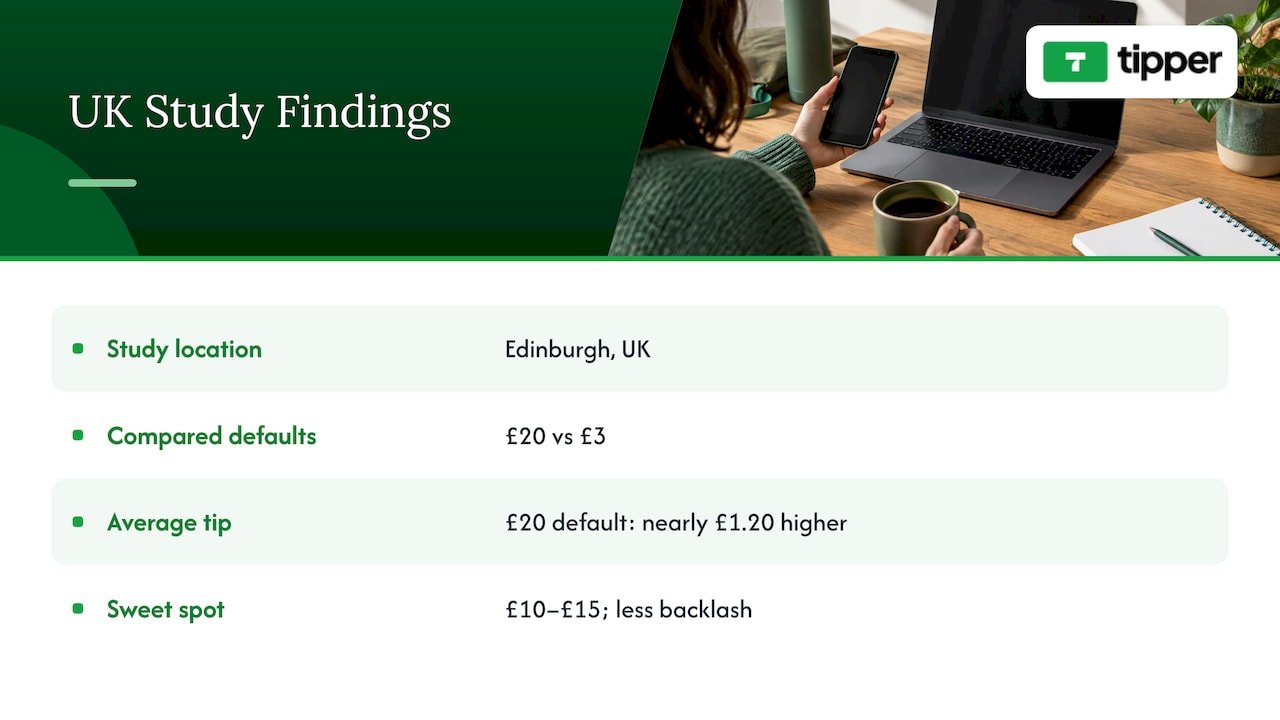
An April 2026 study of Edinburgh street performers tracked 82 performers across 1,587 performances and more than 2,000 digital tips. A £20 default produced tips nearly £1.20 higher on average than a £3 default, and the researchers found that £10 to £15 looked like the sweet spot for maximizing tips without triggering backlash. The study is UK-based and in pounds, so treat it as a direction, not a price list. The takeaway for a U.S. creator: a mid-range anchor lifts the average, and pushing the highlighted amount too far invites resistance. That is why $15 as the middle rung of the ladder is a sensible place to start.
Presets help, but tone matters
Research published in The Conversation by Alei Fan and colleagues found that participants who saw specific tip suggestions gave higher tips, and that a less cluttered design led to less dissatisfaction. A 2025 Stockholm School of Economics thesis found that preselected defaults raise acceptance of the default option, but that when people felt manipulated, they tipped less.
So the design target is clear: show a few amounts, do not preselect an aggressive one, and keep the page clean. Bankrate’s 2025 survey of 2,277 U.S. adults found that 38% are annoyed with pre-entered tip screens. A creator page that opens with a simple choice and an obvious “any amount” option reads as the opposite of that experience.
Visible totals change behavior
A UCLA Anderson Review study found that when community tips were not visible, users tipped smaller amounts but much more often, increasing the total tip amount by 39%, and that the behavior stayed sticky after the change. For a creator, that suggests being thoughtful about whether to display other people’s amounts. Many small, private tips can add up to more than a few large public ones. For more on how norms shape giving, see these social proof strategies, and our own piece on social proof and tip amounts.
Keeping every amount clearly optional
The most common mistake with suggested amounts is making them sound like a price. Five habits keep them feeling like a gift.
- Use the word “optional” in plain sight. “Totally optional, always appreciated” costs you nothing.
- Offer three choices, not seven. Fewer options make the decision lighter and the page cleaner.
- Say what a tip does. HSM University’s CRE-302 course notes that tips often rise when a creator explains what support pays for. “Tips cover my editing software and a faster upload schedule” beats a bare button.
- Thank people personally. A short note or video response turns a transaction into a relationship. Tipper supports thank-you messages as text, photo or video, which makes it easy to reply in your own voice.
- Never gate your free content behind guilt. Tips are a thank-you for what is already given. Your free work stays free.
Bankrate’s same survey found that 58% of Americans say the amount they tip is most influenced by the quality of the service, and only 10% always tip the same amount regardless. For creators, that means the most reliable lever is not the preset. It is how helpful, entertaining or moving the work was. The presets simply make it easy to act on a good feeling. Our guide to digital tipping etiquette goes deeper on tone from both sides of the tip.
Tip call-to-action examples that work
The same HSM University lesson says a simple, sincere call to action usually works better than repeated requests. Its own example: “if this video saved you a trip to the repair shop, you can support the channel here.” Notice the pattern: it names a specific benefit, then offers support as an option.
Use that pattern across formats:
Video or podcast description
- “If this walkthrough saved you an afternoon, you can say thanks with a tip. Any amount is appreciated.”
- “This episode took about 20 hours to research. If it helped, the link below is a quick way to chip in.”
Livestream
- “Thanks for hanging out tonight. If you want to send a tip, the link is in the panel below, and I will read every note.”
- When you hit a milestone: “We just passed 1,000 followers. If you want to celebrate with a small tip, I will thank you personally.”
Social posts and bio
- “Free tips every week. If one helped, tips keep them coming.”
- “Tip jar: $5 says thanks, $15 gets a shout-out.”
In person (freelancers, musicians, small businesses)
- A printed QR code on a card or table sign: “Enjoyed the service? Scan to leave a tip. No app or account needed.”
What these share: one idea per ask, a concrete reason, and no guilt. Write them in your own voice, and rotate the wording so regular viewers do not hear the same line every time.
How to get more tips online
Amounts are one lever. The bigger gains come from timing, placement and friction.
Time the ask to moments of value. HSM University’s lesson says tips often spike after especially helpful or emotional content, when a creator shares a milestone, or when they explain what support pays for. Put your link at the end of a tutorial that solved a problem, right after a heartfelt story, or in the post celebrating a milestone.
Ask once, sincerely. Repeated requests wear on people. One clear mention per piece of content, plus a permanent link in your bio, is enough.
Put the link where the feeling is. Pin it in comments, add it to your video description’s first lines, include it in your stream panels, and print the QR code for any in-person work.
Cut every step you can. Each extra screen costs you tips. When a supporter can tap your link, choose an amount and pay with Apple Pay or Google Pay without creating an account, the decision stays about generosity, not logistics. We cover the mechanics in how real-time tips work and in our guide to collecting tips with no sign-up.
Close the loop. A personal thank-you after a tip encourages the next one, and it makes supporters feel seen. Our article on direct tipping engagement shows how that connection pays off for influencers.

What tips add up to: a worked example
HSM University’s course gives a worked example for a tutorial creator with 50,000 monthly viewers, a tipping rate of 0.2% and an average tip of $6. After 8% fees, that creator would receive roughly 100 tips and about $550 a month.
Three levers move that number:
- Tipping rate: more people choosing to tip, driven by timing, wording and friction.
- Average tip: driven by your ladder and anchor.
- Fees: what you keep from each tip.
The course also frames tipping as a signal. Tips are small and irregular but cheap to set up, and they show how many people might join a membership or back a project. That makes them useful supplementary income and an early indicator of deeper audience commitment. If you want to understand the model further, read about the benefits of tip-based revenue.
Our perspective
Suggested amounts are a courtesy, not a toll. The best ones answer a question your supporter is already asking: what is a normal, comfortable way to say thanks?
We built Tipper around that idea. A supporter opens your link or scans your QR code, picks an amount and pays with Apple Pay, Google Pay or a card. There is no account to create, so nothing stands between a good feeling and a tip. Because creators keep 100% of their earnings, the money a supporter intends for you is meant to reach you.
The thank-you matters as much as the payment. A note, a photo or a short video turns a one-time tip into a relationship, and that is what brings people back. Pick a few amounts, say plainly what they support, and thank people like a person would.
Tipper
Set up your tip page with Tipper
Tipper lets creators, freelancers, influencers and small businesses collect tips through a personalized link or QR code. Creating and maintaining an account is free with no subscription. Supporters tip with Apple Pay, Google Pay or a card without making an account, you customize your tip page, and you can reply with a text, photo or video thank-you. A small processing fee is added at checkout on each tip.
You can create your Tipper page and add your ladder in a few minutes. If you run a business, our guide to Apple Pay tipping setup walks through it.
FAQ
What are good suggested tip amounts for a creator page?
A three-tier ladder of about $5, $15 and $50 is a practical start. The low tier is a simple thank-you, the middle tier fits a shout-out or personal reply, and the top tier belongs to a defined extra. Adjust the numbers to your audience and review them after a few weeks.
Should I use percentages or dollar amounts?
Use dollar amounts. Creator tips are not tied to a bill, and research on tip framing shows that dollar values can raise tip amounts when they look numerically smaller than the percentage equivalent. Clean figures like $5 and $15 are also easier to read on a phone.
How do I ask for tips without sounding pushy?
Ask once, attach a specific reason, and say the tip is optional. A line like “if this saved you a trip to the repair shop, you can support the channel here” names a benefit and leaves the choice to the viewer. Then thank every supporter personally.
When are people most likely to tip?
Tips often rise after especially helpful or emotional content, after a milestone, and when you explain what support pays for. Place your link at those moments and keep a permanent link in your bio so supporters can find it any time.
Do my supporters need an account to tip?
Not on Tipper. Supporters open your link or scan your QR code and pay with Apple Pay, Google Pay or a card. Removing the sign-up step keeps the decision focused on the amount.
Sources
- Pew Research Center: tipping culture survey, November 2023
- Bankrate: 2025 Tipping Survey
- UCLA Anderson Review: Platform Design in a Tipping Economy
- SSRN: The Psychology of Tip Frames
- The Conversation: payment apps and tip suggestions
- Cultural Economics: Edinburgh buskers and digital tipping
- HSM University: Fan funding, tips and crowdfunding
- Creator Growth Lab: Tipping Strategies That Feel Natural
- YouTube Super Chat vs Super Thanks guide
- Eklipse: how to make money streaming
Recommended

Why Small Businesses Accept Digital Tips to Grow Revenue
TL;DR:
- Small businesses accept digital tips because they increase revenue and match customer payment habits. Implementing QR codes or payment links requires no extra hardware and simplifies tip tracking and compliance. Proper placement of prompts immediately after service boosts tips and builds customer loyalty.
Digital tipping is defined as the practice of collecting gratuity through mobile payments, QR codes, or payment links instead of physical cash. Small businesses accept digital tips because they directly increase tip income, reduce cash handling risks, and align with how customers already pay. Businesses adopting digital tip prompts see a 22% increase in average tips compared to cash-only operations. That number reflects a structural shift: customers who carry no cash still want to tip, and digital systems close that gap. For small business owners exploring the benefits of digital tipping, the case is straightforward and backed by real data.
Why small businesses accept digital tips and earn more
The core reason small businesses accept electronic tips is revenue. A 22% lift in average tip amounts is not a rounding error. It represents real income for service workers and real margin protection for business owners who operate on thin profits.
The mechanism is simple. Customers who intend to tip often skip it when they have no cash. A digital prompt at the right moment removes that barrier entirely. Timing tip prompts immediately after service completion increases tipping conversion rates. That means a coffee shop presenting a tip screen at checkout, or a salon texting a payment link right after an appointment, captures tips that would otherwise be lost.
The impact of digital tips on sales extends across many service categories:
- Coffee shops and cafes: Counter staff receive tips at checkout through tablet prompts, capturing gratuity from card and mobile pay customers who carry no cash.
- Hair salons and barbershops: Payment links sent via text after a service let clients tip at their own pace without awkward in-person moments.
- Car washes and auto detailers: QR codes posted at pickup points let customers tip the crew without hunting for dollar bills.
- Food delivery and catering: Digital tip options built into order confirmations capture gratuity before the customer closes the app.
- Freelancers and mobile service providers: A personalized tip link shared after a job is complete lets clients reward good work instantly.
Pro Tip: Place your digital tip prompt at two moments: right after service completion and again in your follow-up receipt or confirmation message. Double exposure significantly improves conversion without feeling pushy.
How does digital tipping improve customer loyalty?
Customer loyalty follows convenience. When paying is easy, customers return. Digital tipping fits directly into the payment habits most customers already use, including Apple Pay, Google Pay, and card tap payments.
The shift away from cash is not a preference. It is a behavioral reality. Customers who pay by card or phone have no physical cash to leave behind. A business that only accepts cash tips is invisible to a growing portion of its own customer base. Accepting electronic tips means every customer, regardless of how they pay, has a path to show appreciation.
Personalization deepens that connection. Staff profiles and preset tip percentages boost customer engagement and tipping rates by making the experience feel personal rather than transactional. When a customer sees a name and photo attached to a tip prompt, they are tipping a person, not a machine.
Here is how small businesses can build loyalty through their digital tipping setup:
- Display staff names and photos on tip screens or payment links so customers feel a direct connection to the person they are rewarding.
- Offer three preset tip amounts (for example, $2, $3, or $5 for a coffee order) so customers decide quickly without mental friction.
- Send a thank-you message after a tip is received. Platforms like Tipper allow businesses to respond with a personal note or short video, which turns a transaction into a relationship.
- Keep the interface clean and fast. A tip screen that takes more than two taps to complete loses customers mid-process.
Pro Tip: A thank-you video from the staff member who provided the service is one of the highest-converting follow-ups you can send. Customers who receive one are far more likely to tip again on their next visit.
What are the operational benefits of digital tipping?
Digital tipping does more than increase revenue. It reduces the administrative burden that comes with managing cash gratuity across a team.

Automated tracking and tax compliance
Digital tipping platforms automate tip distribution and minimize human error in tip reconciliation. For a small business owner managing payroll manually, this matters. Tip income must be reported accurately for tax purposes, and cash systems rely entirely on employee self-reporting. Automation removes that dependency and produces records that hold up to IRS scrutiny.
Reduced cash handling risk
Digital tipping reduces cash theft risks by limiting the amount of physical money on the premises. Less cash means fewer opportunities for miscounting, disputes between staff, or outright theft. For a small business with a tight team, that security improvement has real value.
Transparency for staff and owners
Tip transparency gives both customers and employees access to detailed tip reports. Staff can see exactly what they earned and when. Owners can verify distribution without relying on manual logs. That clarity reduces conflict and builds trust within the team.
The table below compares cash tip management against digital tip management across the operational factors that matter most to small businesses.
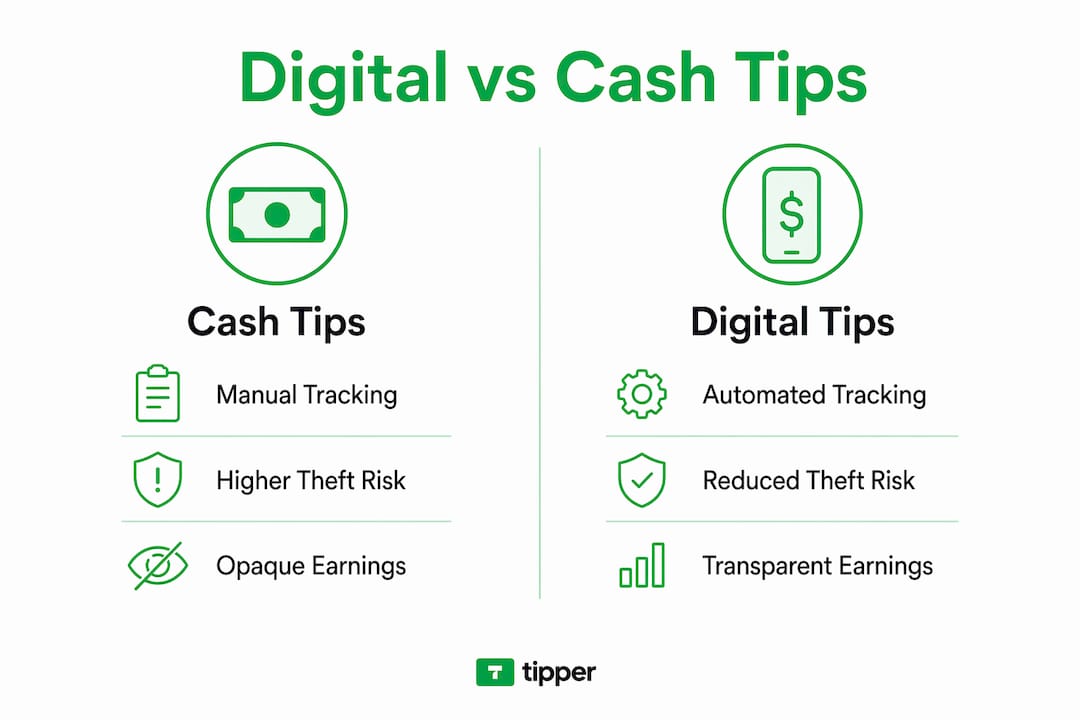
| Operational factor | Cash tip management | Digital tip management |
|---|---|---|
| Tip tracking accuracy | Manual, error-prone | Automated, real-time records |
| Tax compliance | Relies on self-reporting | Automated reporting built in |
| Security | Cash on premises, theft risk | No physical cash, reduced risk |
| Staff transparency | Informal, dispute-prone | Detailed reports for all parties |
| Customer reach | Cash carriers only | All payment types included |
How can small businesses start accepting digital tips?
The most common reason small business owners delay digital tipping adoption is a false belief that it requires expensive hardware or complex point-of-sale integration. QR codes and NFC enable instant tipping via digital wallets without requiring POS integration or app downloads. That changes the math entirely.
Small businesses can start digital tipping with simple tools like printed QR code cards, requiring minimal training and no expensive equipment. A QR code printed on a card stock and placed at a counter costs almost nothing. It works with any smartphone camera and connects directly to a payment link.
Practical setup steps for any small business:
- Generate a tip link or QR code through a platform like Tipper. No app download is required for the customer. They scan, choose an amount, and pay with Apple Pay or Google Pay in seconds.
- Place prompts at high-visibility touchpoints: the checkout counter, the service station, the table, the front door on exit, and the follow-up receipt email.
- Brief your staff in under 10 minutes. The conversation is simple: “We now accept tips by phone. If a customer asks how, show them the QR code.” No technical training needed.
- Use a cashless tipping setup guide to map out which customer touchpoints in your specific business will generate the most tip conversions.
- Test and adjust placement. A QR code at eye level on a counter outperforms one taped to the bottom of a receipt. Move prompts based on where customers naturally pause.
The businesses that see the fastest results are those that treat digital tipping as a customer experience feature, not a back-office tool. When the prompt feels natural and the payment takes seconds, customers follow through. Local businesses that have studied how digital tipping benefits their revenue consistently report that placement and timing matter more than the specific platform used.
Key Takeaways
Small businesses that accept digital tips increase average tip income, reduce cash handling risks, and build stronger customer loyalty by meeting customers where they already pay.
| Point | Details |
|---|---|
| Revenue lift is documented | Businesses using digital tip prompts see a 22% increase in average tips versus cash-only operations. |
| Timing drives conversion | Presenting a tip prompt immediately after service completion captures gratuity that would otherwise be lost. |
| No hardware required | QR codes and NFC tags enable digital tipping without POS upgrades or app downloads for customers. |
| Operations improve automatically | Automated tip tracking reduces payroll errors, improves tax compliance, and eliminates cash theft risk. |
| Loyalty follows convenience | Personalized tip interfaces with staff profiles and preset amounts increase customer engagement and repeat visits. |
The part most small business owners get wrong about digital tipping
Most small business owners I talk with frame digital tipping as a technology decision. They ask which platform to use, whether it integrates with their POS, and how much it costs. Those are the wrong first questions.
The real question is simpler: are your customers leaving without tipping because the option is not there? If you accept card payments and you do not have a digital tip option, the answer is almost certainly yes. The technology is the easy part. A QR code on a card costs nothing. Tipper lets customers tip through a personalized link using Apple Pay or Google Pay, with no account required on their end. The barrier to starting is lower than most owners realize.
What I find more interesting is the employee side of this equation. Staff morale in service businesses is directly tied to tip income. When tips increase by a meaningful amount and arrive consistently, turnover drops. That is a real operational benefit that rarely shows up in the marketing language around digital tipping, but it shows up clearly in the day-to-day experience of running a service business.
The one caution worth naming is tipping fatigue. Customers who feel prompted to tip at every interaction, including self-service kiosks and fast-food counters, are starting to push back. The solution is not to avoid digital tipping. It is to place prompts where they genuinely make sense and to keep the experience fast and pressure-free. A well-placed QR code that takes three seconds to use will never feel aggressive. A full-screen tip prompt that blocks the checkout screen might.
— Tipper
Tipper makes digital tipping simple for small businesses
Small business owners who want to start collecting digital tips do not need a complicated setup. Tipper gives you a personalized tip link that customers can use instantly with Apple Pay or Google Pay, no account required on their end.
You keep 100% of every tip. Tipper handles the payment processing, sends real-time notifications, and lets you respond to supporters with a personal thank-you note or video. Whether you run a salon, a food truck, or a freelance service, start collecting tips in minutes with no hardware and no technical setup. For businesses ready to go further, the QR code tipping guide covers exactly how to place prompts for maximum results.
FAQ
Why do small businesses accept digital tips instead of cash?
Digital tips capture gratuity from customers who carry no cash, which is a growing majority of card and mobile pay users. Businesses using digital tip prompts see a 22% increase in average tips compared to cash-only operations.
Do I need special equipment to accept digital tips?
No special equipment is required. QR codes and NFC tags enable instant tipping through digital wallets without POS integration or app downloads, making setup accessible for any small business.
How does digital tipping help with taxes and payroll?
Digital tipping platforms automate tip tracking and distribution, producing accurate records that support tax compliance and reduce manual payroll errors for small business owners.
Does digital tipping improve employee satisfaction?
Higher and more consistent tip income directly improves staff morale and reduces turnover in service businesses. Transparent tip reporting also eliminates disputes over distribution.
When is the best time to show a digital tip prompt?
The highest-converting moment is immediately after service completion. A follow-up prompt in a receipt email or confirmation message provides a second opportunity without feeling intrusive.
Recommended

How Small Businesses Promote Tip Links Effectively
TL;DR:
- Tip links are shareable URLs that allow customers to send instant digital tips without creating accounts. Promoting these links after providing value and placing them strategically increases recurring income and customer engagement. Small businesses should focus on a few high-impact channels and optimize post-tip experiences to build long-term supporter relationships.
A tip link is a shareable URL that lets customers send a digital tip to a business or creator instantly, without creating an account or handling cash. Knowing how small businesses promote tip links is the difference between a link that sits unclicked and one that generates real, recurring income. The most effective promotion strategy puts value first, places the tip option at the right moment, and removes every possible point of friction. Platforms like Tipper make this achievable by letting anyone pay via Apple Pay or Google Pay, with the business keeping 100% of earnings.
How do small businesses promote tip links in their content?
Promoting tip links works best when the tip option appears after the customer has already received value. A coffee shop owner who posts a short video tutorial on latte art, then places a tip link at the end, converts far better than one who opens with “support us here.” The tip feels like a natural response to something the customer already enjoyed.
Placement follows the logic of visual hierarchy. Human eyes scan digital content in a Z-pattern, which means bottom-right placement is the natural landing spot for a call-to-action. Putting your tip button there, rather than at the top of the page, aligns with how customers actually read. This one change alone improves click rates without any additional promotion.
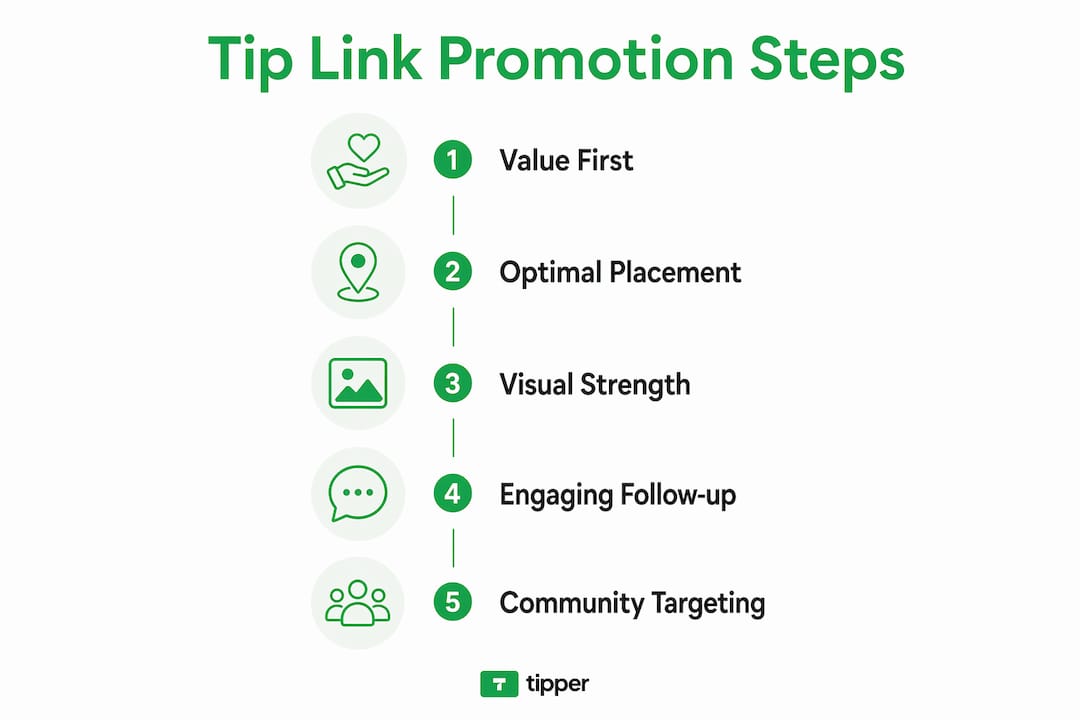
Visual content strengthens the tip page itself. Businesses with high-quality photos on profiles see a 42% increase in customer direction requests. That same principle applies to tip pages: a well-photographed page signals professionalism and builds the emotional connection that motivates tipping.

Adding a short personal video takes it further. A personalized video on a tip page can increase tip likelihood by up to 18% per transaction. A 30-second clip where you thank customers by name or explain what tips support makes the transaction feel personal, not transactional.
Word choice matters more than most small business owners realize. Framing the ask as “leave a tip” instead of “make a donation” reduces psychological pressure and frames the exchange as casual appreciation. “Donation” implies charity and creates hesitation. “Tip” implies a normal, low-stakes reward for good service.
- Place the tip button at the end of content, not the beginning
- Use high-quality photos and a short personal video on your tip page
- Write “leave a tip” instead of “donate” in all customer-facing copy
- Apply Z-pattern visual hierarchy to position your call-to-action naturally
- Lead with the story or service, then introduce the tip option
Pro Tip: Never open an email, post, or page with your tip link. Share something genuinely useful first. The tip link performs best as a quiet, natural conclusion to a moment of real value.
What marketing strategies help small businesses promote tip links?
The most common mistake in tip link promotion is spreading effort across too many platforms. Focusing on 3–5 high-impact channels produces better results than posting the same link everywhere and hoping something sticks. Pick the platforms where your customers already spend time, then commit to those fully.
Here is a practical sequence for building a tip link promotion strategy:
-
Identify your top 3 platforms. For most local businesses, this means Instagram, a Google Business Profile, and either TikTok or Facebook, depending on the customer’s age range. Choose based on where your existing audience already engages with you.
-
Lead every post with value. A hair stylist might share a quick tip on protecting color-treated hair. A personal trainer might post a 60-second mobility drill. The tip link appears at the end, after the customer has already received something useful. Value-first communication drives higher engagement than leading with the ask.
-
Balance promotional and educational content. A rough guide: for every post that mentions your tip link, publish two or three posts that ask nothing of the customer. This ratio keeps your audience engaged rather than fatigued.
-
Use social proof deliberately. Sharing a thank-you message from a customer who tipped, or mentioning that tips help fund a specific goal, builds trust. Social proof influences tip amounts and lowers the hesitation barrier for first-time tippers.
-
Write calls-to-action that are specific and honest. “If today’s tutorial helped you, a small tip means I can keep making these” outperforms “support my work” every time. Specificity creates connection. Vagueness creates distance.
Micro-communities, such as local Facebook groups, neighborhood apps, or niche subreddits, often outperform large general audiences for tip link promotion. A smaller, warmer audience converts at a higher rate than a large, cold one.
How can you optimize the post-tip experience for more leads?
The moment right after a customer tips is the highest-motivation point in the entire interaction. Most businesses waste it by showing a generic “thank you” screen and nothing else. That screen is prime real estate for building a longer relationship.
Post-tip screens are an underutilized opportunity to capture leads and offer value when customer motivation peaks. The customer has just demonstrated goodwill. They are warm, engaged, and open to the next step. Use that moment intentionally.
- Invite mailing list sign-ups immediately. Customers who have just tipped are significantly more likely to subscribe. Research shows 18% of customers join mailing lists when invited right after a positive tip transaction. That is a meaningful conversion rate from an audience you already have.
- Offer exclusive content as a reward. A recipe, a discount code, a behind-the-scenes video, or early access to a new product gives the customer a reason to stay connected beyond the tip.
- Automate the follow-up. Set up a simple email sequence that triggers after a tip interaction. The first message thanks the customer. The second shares something valuable. The third introduces your next offer or event.
- Ask for a review. Customers who tip are already satisfied. A post-tip prompt asking for a Google or Yelp review converts at a higher rate than a cold review request sent days later.
Pro Tip: Treat the post-tip screen like a landing page, not a receipt. Design it with the same care you would give any customer-facing page. One clear next step performs better than three competing options.
Common mistakes small businesses make when promoting tip links
The single biggest error is leading with the tip link before establishing any value. Sending a cold message that opens with “here’s my tip link” signals desperation and creates immediate resistance. The link should always follow content, not precede it.
Several other mistakes consistently reduce tip conversion rates:
- Using “donation” language. The word triggers a charity mindset. Customers feel pressure rather than appreciation. Stick with “tip” in every context.
- Sending customers off-site. Embedding a tips block on your page outperforms sending users to an external link. Every extra click is a chance for the customer to drop off. Keeping the tipping experience on your own page maintains trust and context.
- Setting tip amounts too high. Preset amounts between $1 and $10 keep tipping approachable. A $25 default tip amount creates hesitation. A $3 default feels easy and low-stakes.
- Spreading across too many channels. Posting your tip link on eight platforms with minimal effort on each produces worse results than owning two or three platforms deeply.
- Placing the tip button at the top of the page. Customers who have not yet consumed your content have no emotional reason to tip. Position the button at the bottom, after the value has been delivered.
For small businesses just starting out, cashless tipping setup does not require technical expertise. The key is choosing a platform that handles payment processing without adding friction for the customer.
Key Takeaways
Promoting tip links effectively requires value-first content, precise placement, and a post-tip strategy that converts satisfied customers into long-term supporters.
| Point | Details |
|---|---|
| Lead with value, not the link | Share useful content first; introduce the tip option only after the customer has received something. |
| Place the tip button strategically | Bottom-right or end-of-scroll positions align with natural visual scanning and improve click rates. |
| Use “tip” not “donation” | Casual framing reduces psychological pressure and increases willingness to complete the transaction. |
| Optimize the post-tip screen | Invite mailing list sign-ups and offer exclusive content when customer motivation is at its peak. |
| Focus on 3–5 platforms | Concentrated effort on a few high-impact channels outperforms scattered promotion across many. |
What I’ve learned about tipping psychology in small business settings
Most small business owners treat the tip link as a payment tool. It is actually a relationship signal. When a customer tips, they are saying they feel connected enough to give something back without being required to. That distinction changes how you should promote it.
The businesses I have seen succeed with tip links share one trait: they frame tipping as casual reciprocation, not a financial ask. A barista who says “tips help me keep creating content for you” lands differently than one who says “please support my work.” The first is a conversation. The second is a transaction.
Digital payment behavior has shifted significantly. Customers who pay with Apple Pay or Google Pay are already conditioned to quick, frictionless transactions. They do not want to create accounts or enter card numbers. Meeting them where they already are, with a payment method they trust, removes the last barrier between intention and action.
My honest advice: experiment with your framing, your placement, and your post-tip offers. What works for a freelance photographer will not work identically for a local bakery. The principles are consistent. The execution needs to fit your specific audience.
— Tipper
Tipper makes tip link promotion simple for small businesses
Small businesses that want to put these strategies into practice need a tipping platform that removes friction at every step. Tipper is built for exactly that.
Tipper lets customers tip instantly using Apple Pay or Google Pay, with no account required on either side. The tips block feature embeds directly on your page, so customers never leave your content to complete a tip. Tipper integrates with Stripe and PayPal, keeping payment processing reliable and familiar. Businesses keep 100% of every tip, and thank-you messages via notes or video add the personal touch that turns a one-time tipper into a repeat supporter. If you are ready to put a frictionless tipping system to work for your business, Tipper is where to start.
FAQ
What is a tip link and how does it work?
A tip link is a shareable URL that lets customers send a digital payment to a business or creator instantly, without creating an account. Platforms like Tipper process the payment through Apple Pay, Google Pay, or card, and the business receives the funds directly.
Where should I place my tip link for the best results?
Place your tip link at the end of your content, after the customer has received value. Bottom-right placement on a web page aligns with natural Z-pattern visual scanning and produces the highest click rates.
How do I get customers to actually use my tip link?
Lead with useful or entertaining content, then introduce the tip link as a natural conclusion. Value-first promotion consistently outperforms cold link sharing, because customers tip in response to a positive experience, not a request.
What preset tip amounts work best for small businesses?
Preset amounts between $1 and $10 keep tipping approachable and reduce hesitation. Higher default amounts create psychological resistance and lower overall conversion rates.
How can I use the post-tip screen to grow my business?
Use the post-tip screen to invite mailing list sign-ups, offer exclusive content, or request a review. Research shows 18% of customers who have just tipped will join a mailing list when invited at that moment, making it one of the highest-converting lead capture opportunities available.
Recommended

How to Add a Tip Button to Your Blog in 2026
A tip button is a payment widget that lets blog readers send small, voluntary payments directly to a creator with one click. Adding a tip button to your blog gives readers a frictionless way to say “thank you” without a subscription or commitment. The industry term for this is a “tip jar,” and it functions as a low-pressure monetization layer on top of your existing content. Preset amounts like $3, $5, and $10 have become the standard for creator support, and payment processors like PayPal and Stripe are the most trusted rails for handling those transactions.
How to add a tip button to your blog: tools and plugins
The right tool depends on your blogging platform. WordPress bloggers have the widest selection, including dedicated donation and tip plugins that embed directly into posts or pages. Squarespace and Wix support tip buttons through third-party embed codes or native payment blocks. Any platform that accepts custom HTML can host a tip button from an external service like Tipper.
Most tools fall into three categories by feature depth:
- Basic embed tools: Generate a button with a single fixed amount and a PayPal or Stripe link. Setup takes under ten minutes. Best for bloggers who want a fast, no-code solution.
- Preset amount platforms: Let you configure multiple tip tiers, typically $3, $5, and $10, so readers can choose. These preset tip amounts mirror casual everyday expenses and maximize the chance a reader follows through.
- Advanced tip jar platforms: Include custom branding, thank-you messages, analytics, and multiple payment methods. Tipper falls into this category, offering Apple Pay and Google Pay support alongside traditional card payments.
For tech-savvy audiences, crypto tip jars built as products on WooCommerce or Shopify send tips directly to a wallet with minimal fees and no middleman. That approach suits niche audiences but adds setup complexity most bloggers do not need.
| Feature category | What to look for |
|---|---|
| Preset tip amounts | Whole-number options: $3, $5, $10 |
| Payment options | PayPal, Stripe, Apple Pay, Google Pay |
| Ease of integration | HTML embed or native plugin |
| Thank-you messaging | Automated confirmation or personal note |
| Account requirement for supporters | No signup preferred for higher conversion |

PayPal remains the most trusted processor for independent creator sites. Reader familiarity with PayPal reduces hesitation when entering payment details on a blog they have never purchased from before.
Step-by-step setup for a blog tip button
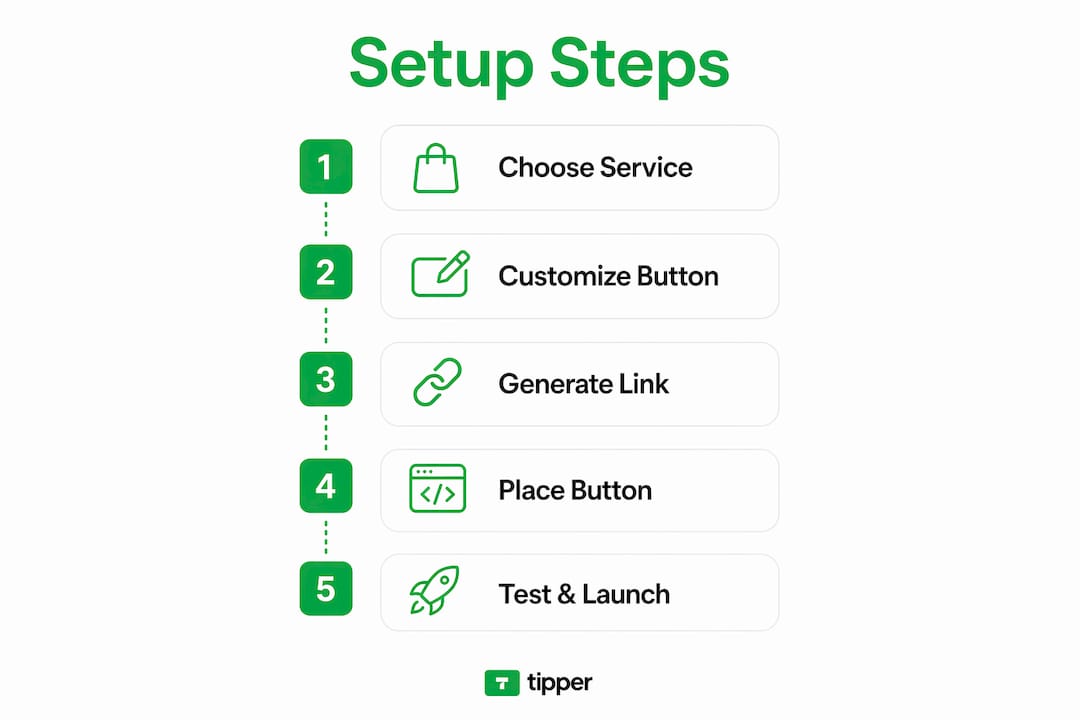
Getting a tip button live on your blog takes less than an hour when you follow a clear sequence. The steps below apply to any platform, whether you use a plugin or an external service like Tipper.
-
Create your payment account. Sign up for a PayPal Business account or a Stripe account if you do not already have one. Connect it to your bank account and verify your identity. This step is non-negotiable. Without a verified processor account, tips cannot reach you.
-
Choose your tip platform or plugin. Select a tool that matches your platform. WordPress bloggers can install a dedicated tip plugin directly from the plugin directory. Bloggers on other platforms should choose a service that provides an HTML embed code or a shareable tip link.
-
Configure your preset tip amounts. Set three whole-number amounts: $3, $5, and $10. Whole number presets reduce cognitive load and make tipping feel like a quick, casual gesture rather than a financial decision. Avoid amounts like $2.50 or $7.99.
-
Write your call-to-action title. Choose a phrase that fits your voice. “Buy me a coffee” works for casual, personal blogs. “Support my work” fits more earnest or professional creators. Emotionally framed CTAs aligned with your brand voice drive more consistent tip flow than generic prompts like “Donate here.”
-
Embed the button on your blog. Paste the embed code or plugin shortcode at the end of your blog post, just below your closing paragraph. Do not place it in the header or sidebar on the first attempt. End-of-post placement is where readers are most engaged.
-
Run a live payment test. Send yourself a $3 tip using a real card on your live site. Live payment tests catch broken redirects, missing confirmation emails, and failed thank-you messages that sandbox tests miss entirely.
Pro Tip: Place your tip button at the bottom of your three most-read posts first. Those pages already have proven reader engagement, so they give you the fastest real-world feedback on what is working.
Where to place your tip button for maximum impact
Placement is the single biggest variable in tip button performance. End-of-post placement consistently outperforms sidebars and headers because readers who finish a long article are already invested in your content. A reader who scrolls to the bottom has self-selected as someone who found value. That is the exact moment to ask for support.
The most effective placement strategy combines multiple touchpoints without feeling aggressive:
- End of post: Primary placement. Position the button directly after your final paragraph, before comments.
- Sticky footer bar: A subtle, persistent bar at the bottom of the screen keeps the option visible without interrupting reading.
- About page: Readers who visit your About page are actively curious about you. A tip option there converts well.
- Email signature: Add your Tipper link to every email you send. Readers who reply to your newsletter are already engaged.
- Social media bio: A tip link in your Instagram or LinkedIn bio captures support from followers who never visit your blog directly.
Your CTA language matters as much as placement. Keep it friendly and low-barrier. Avoid language that sounds like a fundraiser or a charity appeal. Phrases like “If this helped you, buy me a coffee” feel personal. Phrases like “Please donate to support ongoing content creation” feel formal and create friction.
Pro Tip: Test two different CTA phrases over 30 days by alternating them on your most-visited post. Track which version generates more clicks using your platform’s analytics or a URL shortener with click tracking.
Common mistakes that kill tip button conversions
Most tip buttons underperform not because readers are unwilling to tip, but because the setup creates unnecessary friction or confusion.
- Setting a fundraising goal. A tip jar without a target encourages smaller, more frequent tips. A visible goal adds pressure and makes readers feel like they are contributing to a campaign rather than thanking a person.
- Using fractional preset amounts. Amounts like $2.50 or $4.99 slow readers down. Fractional amounts increase cognitive load and make the decision feel more like a purchase than a casual gesture.
- Burying the button. A tip button in a sidebar widget or buried in a footer menu gets ignored. Readers do not go looking for ways to pay you.
- Skipping the live payment test. Sandbox environments do not replicate real transaction flows. A broken redirect or missing confirmation email means you lose the tip and the reader’s goodwill.
- Ignoring thank-you messages. A confirmation message or personal note after a tip builds the relationship. Readers who feel acknowledged are more likely to tip again.
- Mismatched CTA language. A casual food blog using corporate language like “financial contributions are appreciated” creates a tone mismatch that makes readers hesitate.
A tip button is an invitation, not a demand. The moment it feels like an obligation or a campaign, readers disengage. Keep the ask light, the amounts simple, and the thank-you genuine.
Key Takeaways
A tip button converts best when you combine whole-number preset amounts, end-of-post placement, and emotionally resonant CTA language that matches your blog’s voice.
| Point | Details |
|---|---|
| Use whole-number presets | Set $3, $5, and $10 to reduce friction and match casual spending habits. |
| Place at end of post | End-of-post placement outperforms sidebars because readers are most engaged after finishing content. |
| Frame the CTA emotionally | Phrases like “Buy me a coffee” outperform generic prompts by aligning with your personal brand voice. |
| Test with a real payment | Always run a live transaction to catch broken redirects and missing confirmation messages. |
| Skip the fundraising goal | No target amount keeps the environment casual and encourages frequent small tips. |
What I have learned from running tip buttons on real blogs
The biggest surprise when I first started experimenting with tip buttons was how much CTA wording mattered. I ran the same button with two different phrases on identical posts. “Support my work” generated a handful of tips. “Buy me a coffee” generated three times as many over the same period. The content was identical. The only variable was the six words above the button.
Whole-number preset amounts made a noticeable difference too. When I tested a $4.99 option against a clean $5, the $5 option won without question. Readers do not want to think. They want to feel good about a quick, generous gesture. Fractional amounts interrupt that feeling.
The live payment test saved me real money. I skipped it once on a new setup and spent two weeks wondering why my tip button had zero conversions. The redirect was broken. Every reader who clicked got an error page. I had no idea until a reader emailed me. Test with a real card, every single time.
Placement experiments taught me that the About page is underrated. Readers who visit that page are already curious about the person behind the content. A tip option there converts at a rate that surprises most bloggers I have talked to. If you have not tried it, add your tip link there this week.
The digital tipping landscape is still maturing, and the bloggers who build the habit of testing and iterating now will have a real advantage as reader expectations around creator support continue to shift.
— Tipper
Tipper makes adding a tip button to your blog simple
Tipper gives bloggers a personalized tip link that works on any platform, with no account required from the reader. Supporters pay instantly using Apple Pay, Google Pay, or a card, and you keep 100% of every tip.
Setting up takes minutes. You configure your preset amounts, write your CTA, and share your link or embed your button wherever your readers are. Tipper also lets supporters send a personal note or video with their tip, which turns a one-time transaction into a genuine connection. For bloggers who want a tip button that works without technical headaches, Tipper is the fastest path from zero to live. You can also explore how other creators are using tip jar tools to build sustainable income from their content.
FAQ
What is a tip button on a blog?
A tip button is a payment widget that lets readers send a small, voluntary payment to a blogger with one click. It functions as a digital tip jar, typically offering preset amounts like $3, $5, or $10.
How do I add a tip button to my blog without coding?
Use a service like Tipper, which provides a shareable link or embed code that works on any platform. No coding is required, and setup takes under an hour.
Where should I place the tip button for the best results?
End-of-post placement consistently outperforms sidebars and headers. Readers who finish an article are most engaged and most likely to tip.
What preset tip amounts should I use?
Set $3, $5, and $10 as your standard presets. These whole-number amounts mirror casual everyday expenses and reduce the friction that causes readers to abandon the tip flow.
Do readers need an account to tip through Tipper?
No. Tipper lets anyone send a tip using Apple Pay, Google Pay, or a card without creating an account, which removes the single biggest barrier to first-time tips.
Recommended

Freelancer Tipping Workflow: Your 2026 Guide
A freelancer tipping workflow is a structured process that lets content creators and freelancers receive, track, and manage tips without disrupting existing client relationships or payment systems. Most freelancers treat tips as an afterthought, which costs them both income and professional credibility. A deliberate workflow covers tool selection, client communication, tax documentation, and payment routing. The IRS now allows freelancers in tipping-customary fields to deduct up to $25,000 of tip income in 2026, which makes getting this process right a financial priority, not just a convenience.
What does a freelancer tipping workflow actually require?
A freelancer tipping workflow requires three things working together: a payment channel that accepts tips, a tracking system for tax purposes, and a clear communication plan for clients. Without all three, you leave money on the table and create accounting headaches at tax time. The industry term for this combined approach is “tip management workflow,” though most freelancers encounter it under the broader label of freelance payment methods.
Digital tipping separates itself from traditional invoicing because tips are voluntary, immediate, and emotionally driven. That distinction shapes every tool choice you make.

Choosing the right payment processor
Payment processors vary widely in how they handle tips. Stripe supports tip line items natively within its checkout flow, making it the cleanest option for freelancers who already invoice through a web-based system. PayPal works for domestic tips, but cross-border fees reach 4.4% plus fixed costs, with exchange rates running 3–4% worse than mid-market. That fee structure quietly erodes tip income for freelancers with international clients.
Crypto tip jars via gateways like AurPay give freelancers a low-fee alternative, especially for clients who prefer pseudonymous payments. Mobile wallets like Apple Pay and Google Pay reduce friction at the point of tipping, which directly increases conversion rates.
| Payment Method | Typical Fee | Best For |
|---|---|---|
| Stripe tip line | 2.9% + $0.30 | Invoice-based freelancers |
| PayPal (domestic) | 2.9% + $0.30 | US-only client base |
| PayPal (international) | Up to 4.4% + fixed | Not recommended for tips |
| Crypto gateway | Varies, often under 1% | Privacy-focused or global clients |
| Apple Pay / Google Pay | Processor rate applies | Mobile-first tip moments |
Pro Tip: Use Apple Pay or Google Pay as your front-end tip method and route payments through Stripe on the back end. You get low friction for the client and clean transaction records for your books.
Tip blocks vs. donation blocks
The distinction between a tip block and a donation block matters more than most freelancers realize. Tips are casual with no funding goal; donations carry goals, deadlines, and tier rewards. Using a donation block when you mean to collect tips signals the wrong intent to clients and reduces participation. Choose a tip block for spontaneous appreciation and reserve donation-style tools for crowdfunded projects.
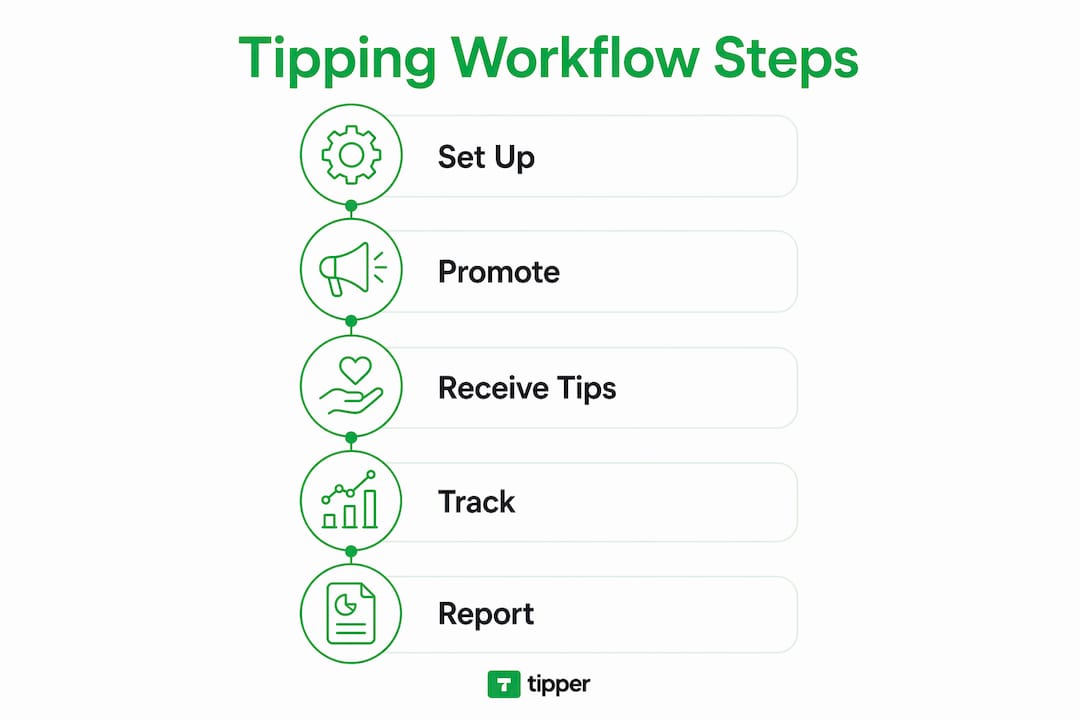
How to set up your tipping workflow step by step
A working tip management workflow takes less than a day to build. The steps below move from infrastructure to client communication.
-
Pick one primary tip channel. Choose a payment processor or dedicated tip platform and commit to it. Splitting tips across three apps creates reconciliation problems at tax time.
-
Create a dedicated tip jar product. In WordPress, Shopify, or your invoicing platform, set up a tip jar as a standalone product. This integrates with your existing checkout flow and logs every transaction automatically. It also looks professional, which matters when clients decide whether to tip.
-
Set preset tip amounts. Preset amounts of $1, $3, and $5 convert better than open-ended fields. Presets above $15 reduce participation because they trigger cost-conscious hesitation. Offer three or four button options and include a custom amount field for clients who want to give more.
-
Embed the tip block in the right places. Add your tip link to your invoice footer, project delivery email, and portfolio site. These are the three moments when client satisfaction peaks and tipping intent is highest.
-
Communicate tipping options before the project starts. Payment processes, including tipping, should be agreed upon before work begins to prevent surprises. A single sentence in your contract or onboarding email covers this: “My invoices include an optional tip link for clients who want to show extra appreciation.”
-
Test the full flow. Send yourself a $1 test tip through every channel you set up. Confirm the payment lands, the receipt generates, and the transaction appears in your tracking log.
Pro Tip: Add your Tipper link directly to your email signature. Clients who loved the work will tip in the moment. Waiting until the invoice arrives means the emotional peak has passed.
What mistakes undermine a freelancer tipping workflow?
The most common mistake is mixing tips with donations in the same workflow. Clients who see a “donate” button assume you are fundraising, not accepting appreciation. That framing reduces tip conversion and can feel awkward in a professional context. Use tip-specific language everywhere.
Relying solely on peer-to-peer apps creates a second problem. High fees and poor exchange rates on international transfers mean a $20 tip can net you $17 or less after processing. That gap compounds across dozens of transactions per year.
Failing to document tip income is the most expensive mistake a freelancer can make. The IRS requires daily, timestamped records of tip income to support deduction claims. A missing log means a missing deduction, and potentially a penalty if audited.
A third pitfall is skipping the client communication step. Freelancers who add a tip link without mentioning it risk clients feeling surprised or pressured. Transparency about tipping in client relationships avoids trust issues and contract violations. One proactive sentence in your onboarding materials eliminates the risk entirely.
Common mistakes to avoid:
- Using donation blocks instead of tip blocks for casual appreciation payments
- Routing international tips through high-fee P2P apps without checking exchange rates
- Skipping a dedicated tip jar product and collecting tips through informal bank transfers
- Failing to keep timestamped daily records of tip income
- Omitting tipping expectations from client contracts or onboarding emails
What are the tax rules for freelancer tip income in 2026?
Freelancers in tipping-customary occupations, including creative performance, hospitality, and content creation, can deduct up to $25,000 of tip income in 2026 via Schedule 1-A. The deduction phases out for high earners, so freelancers approaching upper income thresholds should consult a tax professional before assuming the full deduction applies.
Digital tip logs with timestamps are the IRS-preferred documentation method. A spreadsheet with date, amount, client name, and payment method satisfies audit requirements. Dedicated tip jar products generate this data automatically, which is one more reason to use them over informal payment methods.
| Tax Consideration | Detail |
|---|---|
| Maximum deduction | Up to $25,000 of tip income for qualifying occupations |
| Reporting form | Schedule 1-A |
| Documentation required | Daily digital logs with timestamps |
| Phase-out | Applies to high-income freelancers |
| Ongoing contracts | Tips typically replaced by annual or holiday bonuses |
Tipping customs also differ by engagement type. Tipping runs at 15–20% for one-time or short freelance jobs, while ongoing retainer contracts typically substitute tips with annual bonuses. Knowing which category your work falls into helps you set client expectations correctly and plan your income accordingly.
Pro Tip: Set a calendar reminder on the last day of each month to export your tip transaction history from your payment processor. Monthly exports take two minutes and build a complete, audit-ready record by year-end.
Key Takeaways
A structured tip management workflow is the single most effective way for freelancers to capture, track, and keep tip income without creating client friction or tax problems.
| Point | Details |
|---|---|
| Use tip blocks, not donation blocks | Tip-specific framing increases client participation and avoids professional confusion. |
| Set preset amounts under $15 | Presets at $1, $3, and $5 convert better than open-ended or high-value fields. |
| Document daily with timestamps | Digital logs are required to claim up to $25,000 in IRS tip deductions for 2026. |
| Communicate tipping upfront | One sentence in your contract prevents client surprise and protects trust. |
| Minimize fees on international tips | High-fee P2P apps can cut tip income by 4.4% or more on cross-border payments. |
Why I think most freelancers set up tipping backwards
Most freelancers build their tip workflow after a client asks how to tip them. That reactive approach costs real money. By the time a client asks, the emotional peak of the project delivery has already passed, and the tip amount drops or disappears entirely.
The freelancers I have seen build the most consistent tip income treat tipping as a client feedback channel, not a bonus. They embed tip links at delivery, mention them in onboarding, and use preset amounts that remove the mental effort of deciding how much to give. The result is not just more tips. It is faster cash flow and a clearer signal about which clients value the work most.
Niche matters too. Designers and video editors receive tips most often at project delivery. Writers and consultants on retainer rarely see tips because the ongoing relationship shifts client behavior toward bonuses. Knowing your niche’s tipping norm lets you frame the option correctly without it feeling out of place.
The one thing I would tell every freelancer: frictionless tipping is not about asking more. It is about removing every barrier between a satisfied client and the moment they want to show it. A single link, a familiar payment method, and a low preset amount does more than any follow-up email ever will.
— Tipper
Tipper makes tip collection simple for freelancers
Freelancers who want a purpose-built solution for collecting tips without the fee drag or setup complexity have a clear option in Tipper. The platform generates a personalized tip link that clients can use instantly, with no account required on their end. Payments go through Apple Pay, Google Pay, or card, and you keep 100% of every tip.
Tipper also lets clients add a thank-you note or video with their tip, which turns a financial transaction into a genuine moment of connection. Setup takes minutes, and the link works across email signatures, invoices, and portfolio sites. For freelancers who want to start collecting tips without building a custom checkout flow, Tipper is the fastest path from delivery to payment.
FAQ
What is a freelancer tipping workflow?
A freelancer tipping workflow is a structured system for receiving, tracking, and managing tips from clients or audiences. It covers payment channel selection, client communication, and tax documentation.
How much should clients tip freelancers?
Tipping runs at 15–20% for one-time or short freelance jobs. Ongoing retainer clients typically substitute tips with annual or holiday bonuses instead.
What preset tip amounts convert best?
Preset amounts of $1, $3, and $5 convert better than open-ended fields. Presets above $15 reduce participation because they create cost hesitation.
Do freelancers have to report tip income to the IRS?
Yes. Freelancers must report all tip income and can deduct up to $25,000 via Schedule 1-A in 2026 if they work in a tipping-customary occupation and maintain daily digital records.
What is the difference between a tip block and a donation block?
A tip block collects casual appreciation with no funding goal. A donation block carries goals, deadlines, and tier rewards. Using the wrong format reduces participation and sends the wrong signal to clients.
Recommended

Local Business Digital Gratuity Examples That Work
Digital gratuity is the practice of collecting customer tips through electronic methods such as NFC cards, QR codes, and integrated payment prompts, replacing or supplementing cash. Local business digital gratuity examples range from a coffee shop NFC card near the register to a QR code on a restaurant table that routes tips directly to staff digital wallets. These methods work because they meet customers where they already are: paying with their phones. A nationwide coffeehouse chain saw a 20% increase in employee tips within six months of switching to digital tipping. That result is repeatable, and the playbook is simpler than most owners expect.
1. What are the best local business digital gratuity examples?
The most effective digital gratuity systems share one trait: they fit inside the existing payment moment without adding friction. The customer is already reaching for their phone or card. A well-placed prompt captures a tip that would otherwise never happen.
NFC tip cards at the point of sale
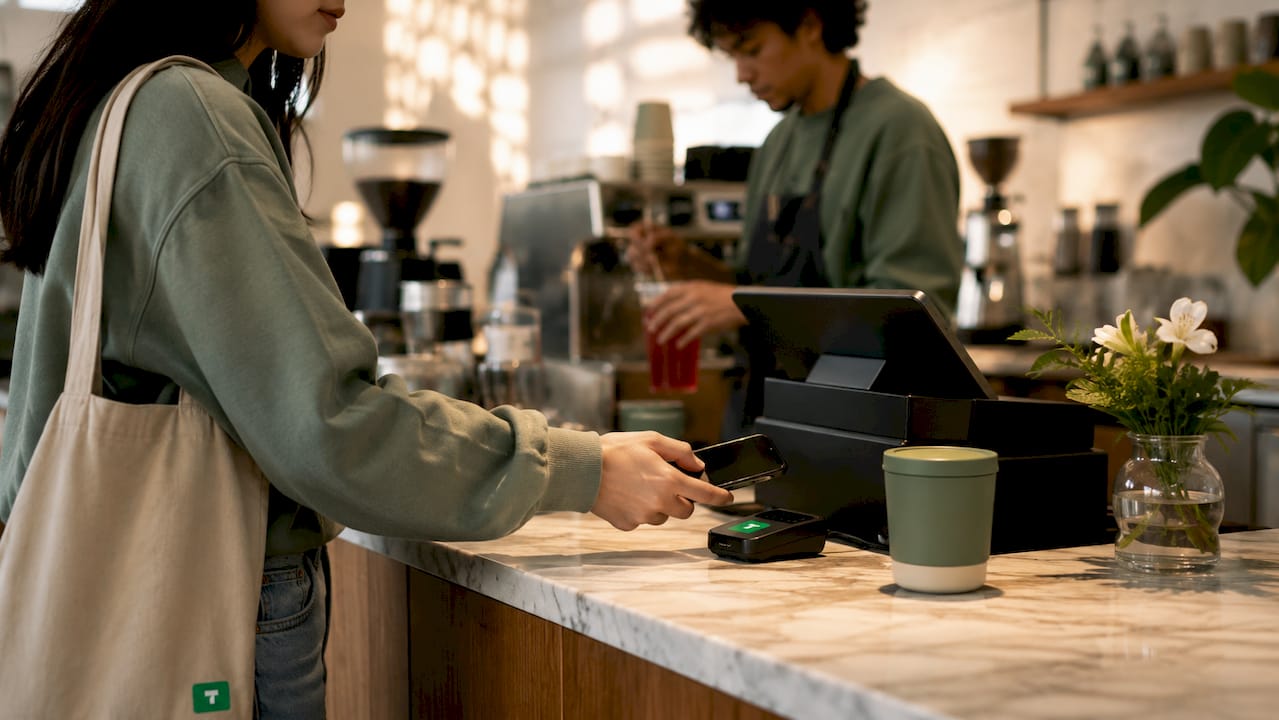
NFC cards sit near a register or on a counter. A customer taps their phone and a tip screen appears instantly, no app download required. Local cafés using NFC cards saw a 28% tip increase within 60 days, along with 18% more five-star reviews and 12% social media follower growth. That combination of outcomes from a single tap makes NFC one of the highest-return tools available to small businesses.
QR codes at tables and counters
A printed QR code on a table tent, receipt, or counter card opens a tipping page when scanned. QR codes work especially well in full-service restaurants, salons, and food trucks where the customer lingers after the transaction. The setup cost is near zero, and the code can link to a page that also collects a review or a social follow. Tipper supports this format natively, letting businesses generate a personalized link that customers reach by scanning.
Tip prompts inside mobile payment apps
Many point-of-sale terminals now display a tip screen as part of the Apple Pay or Google Pay checkout flow. The customer sees preset amounts (for example, 15%, 20%, or 25%) before confirming payment. This format works because the tip decision happens before the customer puts their phone away, not as an afterthought. Apple Pay and Google Pay tips also process instantly, which means staff see their earnings faster.
Embedded tips in online ordering and delivery platforms
Online ordering pages for restaurants and food businesses can include a tip field at checkout. The customer selects an amount before placing the order, so the tip is collected without any in-person interaction. This format captures gratuities from customers who would never carry cash and who complete the entire transaction on their own device.
Multi-function NFC devices that bundle tips, reviews, and follows
Some NFC devices go beyond tipping. A single tap can prompt a customer to leave a Google review, follow the business on Instagram, and tip a staff member, all from one screen. This bundled approach increases the value of each customer interaction without requiring extra staff effort. For businesses focused on contactless tip collection, these devices represent the most efficient format currently available.
Pro Tip: Place your NFC card or QR code at eye level near the payment terminal, not buried on a table. Visibility at the moment of payment is the single biggest driver of tap-through rates.
2. How clear, transparent tipping workflows increase digital gratuity success
Transparency is the most underrated factor in digital tipping performance. Customers tip more when they understand exactly what they are paying and why.
The core principle is simple: show the customer the full amount, including the tip, before they confirm payment. Pre-set tip options and service charge controls improve tipping performance and reduce friction by removing the mental math that slows customers down. A customer who sees “$4.50 tip (20%)” in plain text is more likely to accept it than one who has to calculate the amount themselves.
Avoid stacking multiple tip requests in a single transaction. Asking a customer to tip the barista, then the delivery driver, then the kitchen staff in separate prompts creates what researchers call “tipflation.” A viral incident involving a $25 order with excessive tip prompts showed that poor communication around tipping can generate negative feedback that spreads far beyond the original customer. One clear, well-timed prompt outperforms three confusing ones every time.
Tronc systems, which are automated tip distribution frameworks used in hospitality, add another layer of trust. Automated tronc distribution gives staff full, transparent visibility of tips earned and aligns with tax regulations to protect the business from compliance errors. Customers who know tips go directly to staff, not into a general fund, are more likely to tip generously.
“Clear and simple tipping workflows without excessive prompts sustain customer trust and maximize gratuities. Transparency and automation in tipping build employee trust and protect business compliance, making them the two pillars of any successful digital gratuity program.”
Staff communication reinforces all of this. A brief, natural mention from a server or barista (“You can tap here to leave a tip if you’d like”) removes ambiguity and increases conversion without pressure. Clear signage near the payment point serves the same function for self-service environments.
3. What technological features boost digital gratuity effectiveness?
The right technology removes every barrier between a customer’s intention to tip and the actual payment. The features below separate high-performing digital gratuity systems from basic ones.
| Feature | What it does | Why it matters |
|---|---|---|
| NFC and QR quick-tap | Opens tip screen in one tap or scan | Reduces steps and abandonment |
| Preset tip percentages | Displays 15%, 20%, 25% before payment | Removes calculation friction |
| Role-based tip profiles | Routes tips to specific staff or roles | Accurate attribution in multi-role teams |
| Central dashboard controls | Adjusts tip options by location or channel | Fast changes during peak periods |
| Instant digital payout | Sends tips to staff wallets immediately | Improves morale and reduces cash errors |
Role-based profiles deserve special attention. In hotels, spas, and restaurants, multiple staff members serve a single customer. Role-based profiles and team sharing in digital gratuity platforms are critical for accurate tip attribution in these multi-role environments. A general-purpose payment app cannot handle this correctly without dedicated workflow features.
Central dashboard controls give managers real-time flexibility. Configuring toggleable, channel-specific tipping options from one dashboard prevents confusion and allows fast operational adjustments during busy periods. A manager can turn off a tip prompt for a self-service kiosk during a lunch rush and restore it afterward without touching the hardware.
Instant digital payout access significantly improves employee satisfaction by giving workers autonomy over their earnings. Staff who receive tips in a digital wallet within minutes of a shift are more engaged than those waiting for a weekly cash envelope. That engagement shows up in customer service quality, which drives more tips in return.
Pro Tip: If your business has multiple service roles, choose a platform with role-based tip distribution before anything else. Misattributed tips are the fastest way to damage staff trust in a new digital gratuity system.
4. How to implement digital gratuity systems smoothly
Implementation does not require a large budget or a technology overhaul. Most local businesses can set up NFC or QR-based digital tipping in under 20 minutes without complex point-of-sale integration. The barrier is lower than most owners assume.
A practical rollout follows these steps:
- Choose your entry point. Start with a standalone NFC card or a printed QR code. Neither requires integration with your existing payment system. Place it at the counter or on the table where payment happens.
- Set your tip options. Configure two or three preset amounts or percentages. Fewer choices reduce decision fatigue. A 15%, 20%, and 25% structure covers most customer preferences.
- Train staff in one sentence. Teach your team to say something brief and natural, not scripted. “You can tap here if you’d like to leave a tip” is enough. Pressure-free mentions outperform silence and scripted pitches alike.
- Keep cash tipping available. Digital and cash gratuity are not mutually exclusive. Maintaining a tip jar alongside your digital option captures customers who prefer cash and signals that you are not forcing a new behavior.
- Monitor and adjust. Review tip totals weekly for the first month. If a specific prompt or placement underperforms, adjust the position, the preset amounts, or the timing of the request. Cashless tipping setup is iterative, not a one-time decision.
- Use dashboard controls during peak periods. If your platform supports it, increase the default tip suggestion during high-traffic hours when service quality is highest and customers are most satisfied.
- Collect feedback alongside tips. Link your tip prompt to a short review request. Customers who just tipped are in a positive frame of mind and more likely to leave a five-star review than those who are not prompted at all.
The benefits of digital tipping for local businesses compound over time. Early adopters in a neighborhood often see a competitive advantage in staff retention because their employees earn more and receive it faster.
Key takeaways
Digital gratuity systems work best when they are visible, simple, and transparent, combining NFC or QR entry points with instant staff payouts and clear tip options shown before payment confirmation.
| Point | Details |
|---|---|
| NFC and QR are the fastest entry points | Both deploy in under 20 minutes with no POS integration required. |
| Transparency drives higher tips | Showing the full amount including tip before payment reduces friction and increases acceptance. |
| Role-based distribution protects staff trust | Accurate tip attribution in multi-role teams requires dedicated workflow features, not general apps. |
| Instant payouts improve employee morale | Staff who receive tips immediately are more engaged, which improves service quality and tips over time. |
| Avoid tip stacking | Multiple prompts in one transaction cause customer frustration and can generate public backlash. |
What I’ve learned about digital gratuity after watching hundreds of local businesses
The businesses that see the biggest gains from digital tipping are not the ones with the fanciest technology. They are the ones that treat the tip prompt as part of the service experience, not as an afterthought bolted onto the payment terminal.
The most common mistake I see is over-prompting. A business installs a digital tipping system, gets excited, and adds tip requests at every touchpoint: the ordering screen, the receipt email, the loyalty app. Customers notice. The backlash is quiet at first, then it shows up in reviews. One well-placed, well-timed prompt beats five scattered ones every time.
Staff buy-in is the other factor that separates successful rollouts from failed ones. When employees understand that digital tips reach their wallets faster than cash ever did, they become advocates for the system. They mention it naturally to customers. They stop dreading the end-of-shift cash count. That shift in attitude is visible to customers and creates a better experience all around.
My honest recommendation for any local business owner reading this: start with a single NFC card or QR code, place it at the payment moment, and watch what happens for 30 days before adding anything else. The psychology behind tipping behavior rewards simplicity. Customers tip when the moment feels right and the action feels easy. Your job is to make both of those things true, not to engineer every possible tip opportunity out of them.
The future of local gratuity practices is not about more prompts. It is about better ones.
— Tipper
Tipper makes digital gratuity simple for local businesses
Setting up a digital tipping system should not take a full day or a developer. Tipper lets customers send tips instantly through a personalized link, with no account required on their end. Customers pay using Apple Pay or Google Pay, and the tip arrives without delay.
Businesses keep 100% of their tip earnings, and the platform handles the payment flow from start to finish. Whether you run a café, a salon, or a food truck, Tipper fits into your existing setup without replacing your point-of-sale system. Customers can also send a thank-you note or video with their tip, which adds a personal touch that builds loyalty. Visit Tipper to see how fast you can go live, or read more about no-fee tipping systems to compare your options before deciding.
FAQ
What is digital gratuity for local businesses?
Digital gratuity is the collection of customer tips through electronic methods such as NFC cards, QR codes, or payment app prompts. It replaces or supplements cash tipping and routes earnings directly to staff digital wallets.
How quickly can a local business set up digital tipping?
Most businesses can deploy a standalone NFC card or QR code in under 20 minutes without integrating with an existing point-of-sale system. No technical expertise is required for basic setups.
Do digital tips increase the amount customers leave?
Local cafés using NFC cards reported a 28% tip increase within 60 days of adoption. Preset tip options shown before payment confirmation reduce friction and consistently produce higher average gratuities than cash-only systems.
How should tips be distributed fairly among staff?
Role-based tip profiles in dedicated digital gratuity platforms route tips to specific staff members or roles automatically. General payment apps lack this feature, which makes them a poor fit for multi-role hospitality environments.
What is the biggest mistake businesses make with digital tipping?
Stacking multiple tip prompts across a single transaction is the most common error. Excessive prompting causes customer frustration and can generate negative public feedback, as documented in widely shared incidents involving confusing tip requests on small orders.
Recommended
How to Add a Tip Option to Your Service Invoice
Adding a tip option to a service invoice is defined as including a voluntary gratuity field within your billing document, giving clients a clear, frictionless way to pay more than the base rate. Freelancers and small business owners who use this approach consistently report higher per-project income without raising their listed prices. Industry-standard preset tip percentages cluster at 15%, 20%, and 25%, with fixed-dollar amounts preferred for transactions under $10. The key rule: the tip line must always appear as a separate, clearly labeled item, distinct from your core service charges. That separation prevents billing disputes and builds client trust from the first invoice.
How to add a tip option to your service invoice
The first step is confirming that your invoicing platform supports a native tipping feature. Most digital invoicing platforms allow you to enable tipping directly from your account dashboard, with preset tip percentages and a custom-amount field already built in. If your platform does not offer this natively, you can add a manual line item labeled “Gratuity” as a workaround.

Before you touch any settings, check two things: your account permission level and your payment processor’s tipping support. Some platforms restrict tip configuration to admin-level accounts. Others require you to enable tipping at the payment processor level before the option appears on client-facing invoices.
Tax treatment is the detail most freelancers overlook. Tips are generally not subject to sales tax, but they are taxable income. Platforms like WooCommerce let you configure tip tax status independently from the service charge, which keeps your books clean. Confirm your platform does the same before going live.
Feature categories to evaluate before setup
| Feature | What to look for |
|---|---|
| Preset tip percentages | 15%, 20%, 25% options with ability to edit |
| Custom tip amount | Free-entry field for clients who want to tip differently |
| Label customization | Ability to change “Tip” to “Gratuity” or a branded phrase |
| Tax status control | Separate tax toggle for the tip line item |
| Mobile compatibility | Tip prompt visible on phone and tablet payment screens |
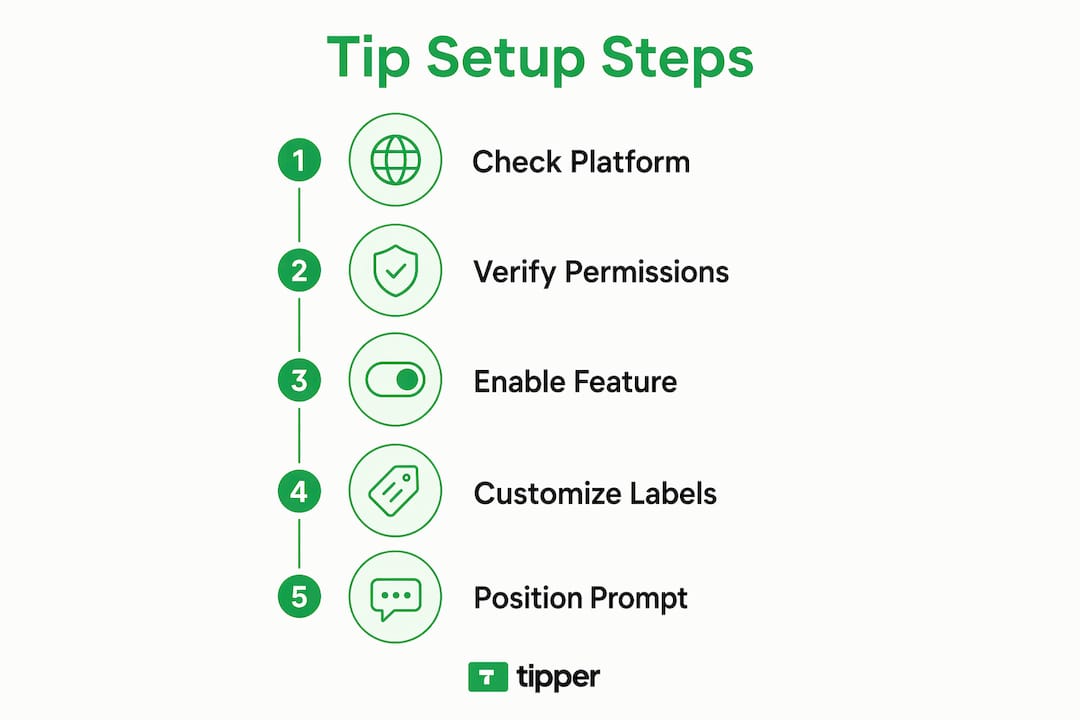
Pro Tip: If your platform locks the label to “Tip” and you prefer “Gratuity,” add a manual non-inventory line item with your preferred label. This workaround costs you two minutes and gives you full control over how the charge reads on the invoice.
Step-by-step: enabling and customizing tipping on invoices
Follow these steps to get tipping live on your next invoice.
- Log into your dashboard. Go to Settings, then Payments or Invoicing, and look for a “Tipping” or “Gratuity” toggle.
- Enable the feature. Flip the toggle on. Most platforms apply this change across all outgoing invoices within 1–5 minutes.
- Set your preset percentages. Enter 15%, 20%, and 25% as your defaults. Add a “Custom amount” option so clients are never boxed in.
- Customize the label. Change “Tip” to “Gratuity” if your brand calls for it, or use a phrase like “Show your appreciation.” If the platform does not allow label edits, use the manual line item method described above.
- Check tax settings. Confirm the tip field is marked as non-taxable for sales tax purposes.
- Preview the client view. Send a test invoice to yourself and verify the tip prompt appears clearly, below the subtotal, and before the total.
- Go live. Send your next real invoice and monitor whether clients engage with the tip field.
For platforms with no native tipping support, the manual method works reliably. Create a line item called “Gratuity (optional)” with a $0.00 default value. Add a short note in the invoice memo: “Feel free to adjust the gratuity line to any amount you’d like.” This keeps the request professional and low-pressure.
Pro Tip: Always place the tip prompt between the subtotal and the grand total. Clients who see the subtotal first have a clear reference point, which makes them more likely to add a tip rather than skip it.
Automated vs. manual tip addition
| Method | Best for | Key limitation |
|---|---|---|
| Native dashboard toggle | Platforms with built-in tipping | Limited label and percentage customization |
| Manual line item | Any platform, full label control | Requires editing each invoice individually |
| E-commerce checkout field | Online service sellers using WooCommerce | Requires plugin or checkout configuration |
What mistakes should you avoid when adding tipping options?
The most common mistake is burying the tip prompt after the client has already committed to paying. Tip prompts work best when they appear at the moment of payment, not in a follow-up email sent hours later. Clients who have already closed their browser are unlikely to reopen an invoice just to add a tip.
A second mistake is making the tip feel mandatory. Labeling a line item “Service Charge” when it is actually optional creates confusion and sometimes disputes. Transparent invoice presentation that clearly distinguishes optional tips from required fees is the standard that reduces client friction and protects your reputation.
Here are the most common pitfalls and how to fix them:
- Unclear labeling. Use “Gratuity (optional)” or “Tip (your choice)” to signal that the field is voluntary.
- Wrong timing. Integrate the tip prompt into the payment screen, not a post-payment thank-you email.
- Locked percentages. If your platform only offers 10%, 15%, and 20%, add a custom-amount field or use a manual line item for clients who want to tip more.
- No offline fallback. For in-person work, provide a printed receipt with a tip entry line when no touchscreen device is available.
- Forgetting mobile. Test your invoice on a phone before sending. A tip field that is hard to tap on mobile gets skipped.
“Collecting tips at the moment of service leverages customer goodwill optimally. Relying on secondary follow-up actions consistently produces lower tip rates, because the emotional peak of the client experience has already passed.”
The fix for most of these problems is the same: treat the tip prompt as part of the payment flow, not an afterthought. Clients who feel respected and unpressured tip more often and more generously.
Best practices to maximize tip revenue and client satisfaction
A frictionless tipping experience starts with placement. The tip field should appear at the point of checkout, directly before the client clicks “Pay Now.” That single placement decision has a larger impact on tip rates than the specific percentages you offer.
Customize your tip language to match your brand tone. A graphic designer might use “Love the work? Add a thank-you.” A home service provider might keep it simple: “Tip your technician.” The phrasing signals professionalism and makes the request feel natural rather than awkward. You can read more about tipping etiquette by industry to find the right tone for your field.
These practices consistently produce better results:
- Use mobile payment methods. Apple Pay and Google Pay reduce checkout friction, and clients who pay faster tend to tip more readily.
- Send digital receipts with a thank-you note. A brief, personal message after payment reinforces goodwill and encourages repeat tipping.
- Offer three preset options plus a custom field. Three choices prevent decision fatigue. The custom field catches clients who want to tip above your highest preset.
- Avoid tip fatigue. Do not add tip prompts to every touchpoint. One clear prompt at payment is enough.
- Build a tipping culture over time. Clients who tip once are more likely to tip again. Consistent, quality service is the foundation. Learn how to promote tipping culture across your client relationships.
Pro Tip: For recurring clients, consider adding a short line to your invoice memo: “Tips are always appreciated but never expected.” This phrasing reduces pressure while keeping the door open, and clients who genuinely value your work will act on it.
Key Takeaways
Adding a tip option to your service invoice increases revenue when the prompt is placed at the point of payment, labeled clearly, and kept fully optional.
| Point | Details |
|---|---|
| Standard preset percentages | Use 15%, 20%, and 25% as defaults, plus a custom-amount field for flexibility. |
| Timing is the biggest factor | Tip prompts at the payment screen outperform post-payment follow-up emails every time. |
| Clear labeling prevents disputes | Mark tips as optional and separate them from core service charges on every invoice. |
| Manual line items fill platform gaps | If your platform lacks native tipping, add a “Gratuity (optional)” line item manually. |
| Mobile compatibility matters | Test your invoice on a phone before sending to confirm the tip field is easy to use. |
Why timing changed everything for me
The first time I added a tip field to my invoices, I put it in a follow-up email sent after the client confirmed receipt of the work. The tip rate was low. Not because clients were unwilling, but because the moment had passed. By the time they saw the email, they had moved on mentally.
Moving the tip prompt to the payment screen changed the result immediately. Clients who were still in the mindset of completing a transaction responded far more often than those I asked hours later. The lesson was simple: goodwill is time-sensitive.
I also learned that default settings are rarely the right settings. Most platforms default to percentages that feel low for service work, and the label “Tip” can feel transactional in professional contexts. Switching to “Gratuity” or a custom phrase took me ten minutes and made the request feel more aligned with the quality of work I deliver.
The one thing I would tell any freelancer starting out: do not overthink the percentages. Clients who want to tip will tip. Your job is to make it easy, clear, and well-timed. Everything else is secondary.
— Tipper
Tipper makes invoice tipping simple for freelancers
Freelancers and small business owners who want to add tipping to their payment flow without rebuilding their entire invoicing setup have a direct path forward with Tipper.
Tipper lets you collect tips through a personalized link, with no account required from the client. Payments go through Apple Pay or Google Pay in seconds, and you keep 100% of every tip you receive. There are no platform fees eating into your gratuity income. Whether you send invoices by email or handle payments in person, Tipper fits into your existing workflow without friction. Clients can also leave a thank-you note or video, which adds a personal layer to every transaction. Get started at tipper.app and start collecting tips on your next invoice today.
FAQ
What is a tip option on a service invoice?
A tip option on a service invoice is a voluntary gratuity field that lets clients add an extra payment above the base service charge. It appears as a separate line item, clearly labeled, before the invoice total.
What tip percentages should I offer on my invoice?
The standard preset percentages are 15%, 20%, and 25%. Always include a custom-amount field so clients can tip any amount they choose.
Can I change the label from “Tip” to “Gratuity” on my invoice?
Many platforms restrict label changes for the tip field. The standard workaround is adding a manual non-inventory line item with your preferred label.
When is the best time to prompt clients for a tip?
The tip prompt should appear at the moment of payment, before the client clicks “Pay Now.” Prompts at checkout produce significantly higher tip rates than follow-up emails sent after payment is complete.
Do tips on invoices count as taxable income?
Tips are generally not subject to sales tax but are taxable income for the service provider. Confirm your platform separates the tip’s tax status from the core service charge to keep your records accurate.
Recommended

How Tip Acknowledgment Builds Community Bonds
Tip acknowledgment is the intentional expression of gratitude that follows a tip or token of support, and it is one of the most direct ways creators and community leaders build lasting bonds with their audiences. The practice works as positive reinforcement: when a supporter receives a genuine, timely response to their contribution, they feel seen, and that feeling drives repeat engagement. Research confirms that real-time tip acknowledgment can increase job satisfaction among service-based roles and creators by 25%. That number reflects something deeper than workplace morale. It shows that recognition reshapes how people relate to each other over time. Tipper, a platform built around personalized tipping and thank-you messages, is designed precisely around this insight.
How does tip acknowledgment build community?
Tip acknowledgment builds community by triggering a psychological feedback loop that makes contributors feel valued and connected. When someone tips a creator or community member and receives a personal response, the brain registers that exchange as a social reward. Real-time tip notifications trigger a dopamine response that validates creator effort more effectively than anonymous cash tips. That validation is not just pleasant. It is the mechanism that turns a one-time supporter into a loyal community member.

Reciprocity deepens this effect. When acknowledgment is genuine and specific, it creates what researchers call “chains of appreciation.” A 2026 study found that nurturing appreciation chains within groups fosters upward cycles of social cohesion and well-being across ages 10–79. That range matters because it shows the effect is not limited to any single demographic. It works in gaming communities, creator fan bases, local service teams, and nonprofit groups alike.
The role of fairness also shapes these bonds. When contributors see that their support is noticed and named, they trust that the community values equal participation. That trust reduces the social friction that causes people to disengage. Recognition signals that every contribution counts, which keeps people coming back.
“Gratitude shared openly within a group does not just thank one person. It signals to everyone watching that this community notices effort and rewards it.”
Three core mechanisms explain why acknowledgment strengthens bonds:
- Positive reinforcement: Immediate feedback after tipping encourages repeat support behaviors from patrons and community members.
- Social proof: Public acknowledgment shows other community members that generosity is recognized, which normalizes giving.
- Belonging: Being named and thanked signals membership. It tells the contributor they are part of something, not just a transaction.
What are effective methods for acknowledging tips in digital communities?
Personalization is the single most important factor in effective tip acknowledgment. Generic automated responses do the opposite of what you intend. Generic acknowledgments alienate supporters; personalization with photos, names, or specific references transforms tipping into meaningful interaction. A creator who responds to a tip with “Thanks for the support!” loses the moment. A creator who says “Sarah, your tip during last Tuesday’s stream meant a lot. It helped me hit my equipment goal” creates a memory.
Practical methods for meaningful acknowledgment include:
- Respond in real time when possible. Platforms that send instant tip notifications give creators the chance to acknowledge support while the moment is still warm. A response within minutes carries far more weight than one sent days later.
- Name the contributor publicly. A shoutout during a live stream, a mention in a newsletter, or a post on a community board tells the contributor and everyone watching that their support was noticed.
- Celebrate milestones and firsts. The first tip a creator ever receives, the hundredth supporter, or a funding goal crossed deserve specific recognition. Consistent public thanks for milestones improve emotional investment and drive ongoing participation.
- Use video or voice messages. A short recorded thank-you carries more emotional weight than text. Tipper allows creators to send thank-you messages through notes or videos, which turns a financial transaction into a personal moment.
- Create a gratitude ritual. End each live session with an “appreciation round” that names every supporter from that session. This small habit signals that no contribution goes unnoticed.
Pro Tip: Rotate your acknowledgment format. If you always respond with text, try a 15-second video reply once a week. Variety signals genuine effort rather than automated habit.
Creators who build acknowledgment into their workflow, rather than treating it as an afterthought, see stronger audience retention. The acknowledgment does not need to be elaborate. It needs to be specific, timely, and human.
Why does systemic gratitude matter for long-term community health?
Systemic gratitude is different from saying “thank you” occasionally. It is the practice of embedding appreciation into the regular rhythm of a community so that recognition becomes a shared habit, not a rare event. Systemic gratitude practices embedded as daily group rituals build resilience, higher trust, better collaboration, and reduce burnout. Sporadic grand gestures do not produce the same result.
The distinction matters for creators and community leaders because burnout is a real threat. When contributors feel consistently recognized, they stay engaged longer. When recognition is rare or unpredictable, people start to wonder whether their support matters.
Systemic practices that work include:
- Weekly appreciation posts that highlight contributors by name across social channels.
- Peer-to-peer recognition boards where community members can thank each other, not just the creator.
- Gratitude walls in Discord servers or community forums where supporters can see their names displayed over time.
- Monthly milestone announcements that celebrate collective achievements and credit the supporters who made them possible.
The table below shows how isolated versus systemic gratitude affects key community outcomes:
| Outcome | Isolated thanks | Systemic gratitude |
|---|---|---|
| Supporter retention | Low to moderate | High |
| Trust between members | Slow to build | Builds steadily |
| Burnout risk for creators | Higher | Lower |
| Community participation | Sporadic | Consistent |
| Emotional investment | Surface level | Deep and ongoing |
Inclusive participation is also critical. Systemic gratitude only works when all contributors feel eligible for recognition, not just the biggest tippers. Acknowledging a first-time $1 supporter with the same warmth as a recurring $50 contributor tells your community that presence matters as much as size.
What challenges arise in tip acknowledgment and how do you fix them?
The biggest risk in tip acknowledgment is inauthenticity. When gratitude feels scripted or obligatory, it backfires. Authentic community-building requires creating safe spaces for honest appreciation rather than forced positivity. A creator who sends the same copy-pasted thank-you to every supporter is not building community. They are performing it.
Common pitfalls include:
- Transactional language. Phrases like “Thanks for your purchase” or “We appreciate your business” signal that the acknowledgment is automated, not personal.
- Delayed responses. Thanking someone three weeks after their tip communicates that the acknowledgment is an afterthought.
- Acknowledging only large tips. This creates a visible hierarchy that discourages smaller contributors from engaging.
- Over-acknowledgment. Thanking every micro-interaction with equal fanfare dilutes the meaning of recognition and can feel overwhelming to both creator and supporter.
Pro Tip: Write your acknowledgments as if you are texting a friend who just did something kind for you. That tone, specific and warm without being formal, is the one that builds real connection.
The solution to forced gratitude is not less acknowledgment. It is better acknowledgment. Failing to recognize contributions consistently leads to community complacency and disengagement. The goal is to find a rhythm that feels natural for you and meaningful for your supporters. Start with one genuine acknowledgment per day and build from there.
Creators also face the challenge of scale. As a community grows, personal responses become harder to sustain. The answer is to use tools that support personalization at scale, such as platforms that let you send video notes or attach a personal message to each tip notification, without requiring you to write from scratch every time.
Key Takeaways
Tip acknowledgment builds community by turning financial support into a personal, repeating social exchange that deepens trust, loyalty, and belonging over time.
| Point | Details |
|---|---|
| Acknowledgment drives repeat support | Immediate, personal responses reinforce giving behavior and keep supporters engaged. |
| Personalization beats automation | Named, specific thank-yous build connection; generic responses alienate contributors. |
| Systemic gratitude outperforms one-off thanks | Daily or weekly recognition rituals build resilience and reduce creator burnout. |
| Recognize all contribution sizes | Treating first-time and recurring supporters equally signals that presence matters. |
| Authenticity is non-negotiable | Scripted or forced gratitude erodes trust faster than no acknowledgment at all. |
What I have learned from watching acknowledgment transform communities
Tipper’s perspective on this is shaped by watching creators go from transactional to transformational in how they relate to their audiences. The shift rarely comes from a big strategy change. It comes from one creator deciding to send a 20-second video reply to a supporter instead of a templated text. That one moment changes the relationship.
The creators who build the most loyal communities are not always the ones with the best content. They are the ones who make their supporters feel like insiders. Acknowledgment is the tool that does that. When a supporter sees their name mentioned in a live session or receives a personal note after tipping, they stop being an audience member and start being a community member.
The mistake I see most often is waiting until a community is “big enough” to start these practices. The best time to build acknowledgment habits is when your community is small. Those early supporters become your most vocal advocates precisely because they were seen before it was easy to see them.
Start with one consistent practice. Pick a format, a video note, a weekly shoutout post, or a gratitude round at the end of each session, and do it every time. Consistency matters more than creativity. Your supporters will notice the pattern, and that pattern is what builds trust.
— Tipper
Tipper makes tip acknowledgment personal and instant
Creators who want to turn tips into genuine community moments need a platform that supports personal acknowledgment without friction. Tipper lets anyone send a tip through a personalized link using Apple Pay or Google Pay, with no account required. Creators keep 100% of their earnings and can respond with a thank-you note or video directly through the platform.
That combination of frictionless tipping and personal response tools is what separates a transaction from a relationship. With real-time tip notifications, creators can acknowledge support the moment it arrives, which is when acknowledgment carries the most weight. Visit Tipper to set up your personalized tipping link and start building the kind of community where every contribution is seen.
FAQ
How does tip acknowledgment build community?
Tip acknowledgment builds community by creating a positive feedback loop where contributors feel seen and valued, which encourages repeat engagement and deepens social bonds over time.
Why does personalization matter in tip acknowledgment?
Generic automated responses alienate supporters, while personalized acknowledgments that use names and specific references transform tipping into meaningful interaction and strengthen community loyalty.
What is systemic gratitude and why does it matter?
Systemic gratitude is the practice of embedding regular recognition rituals into a community’s routine. Research shows these daily gratitude practices build resilience, trust, and reduce burnout more effectively than occasional grand gestures.
How often should creators acknowledge tips?
Creators should acknowledge tips as close to real time as possible. Consistent, timely recognition matters more than elaborate responses, and varied public and private acknowledgments are key to sustained community involvement.
What makes tip acknowledgment feel authentic?
Authentic acknowledgment is specific, timely, and written in a personal tone rather than corporate language. Avoiding scripted phrases and referencing the contributor’s actual support makes the response feel genuine rather than obligatory.
Recommended

What Is the Voluntary Tip Economy? A 2026 Guide
The voluntary tip economy is an economic system where consumers choose to pay extra money directly to service workers, shifting part of the wage burden from employers to customers. This system generates over $50 billion annually in the United States alone. That figure reflects not just restaurant servers but millions of workers across hospitality, personal care, delivery, and increasingly, digital content creation. The formal industry term for this arrangement is “gratuity-based compensation,” though “voluntary tip economy” captures its defining feature: no law compels the payment. The federal tipped minimum wage has sat at $2.13 per hour since 1991, which means tips are not a bonus for most workers. They are the paycheck.
What is the voluntary tip economy and how is it defined?
The voluntary tip economy is defined as any compensation system where gratuities are paid at the customer’s discretion rather than mandated by contract or law. The word “voluntary” is the critical distinction. A service charge added automatically to a restaurant bill is not a tip in this sense. A customer choosing to tap 20% on a payment terminal after a haircut is.
This system operates across a wide range of industries. Restaurant servers, hotel housekeeping staff, taxi and rideshare drivers, salon workers, baristas, food delivery couriers, and now digital creators all participate in some form of voluntary tipping. The voluntary nature of tipping creates a power dynamic where the consumer holds direct financial influence over the worker’s income.

The scale of this system makes it economically significant. Millions of American workers depend on tips as their primary income source, not a supplement. That dependency shapes everything from how workers interact with customers to how businesses set base wages and staffing levels.
How does the voluntary tip economy operate in practice?
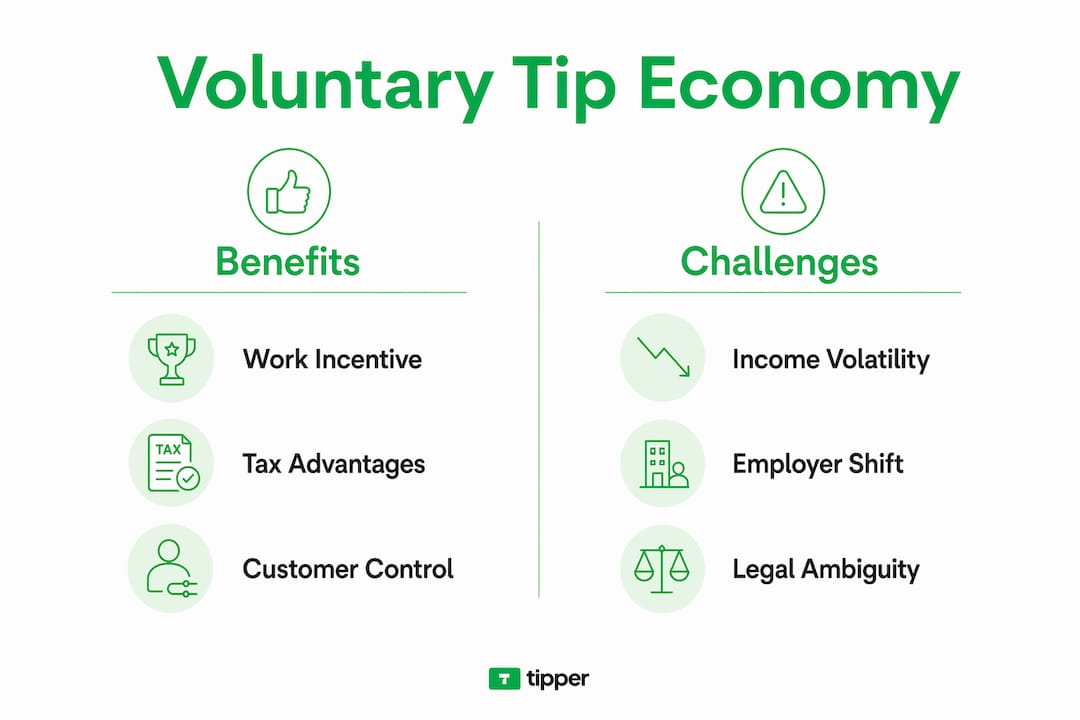
Standard tipping expectations at full-service restaurants run 18% to 22% of the bill. That range did not emerge from any law or industry standard. It grew from decades of social norm formation, reinforced by the stagnant federal tipped minimum wage.
Behavioral economists identify two types of tippers driving this system:
- Appreciators tip above the norm when service genuinely exceeds expectations.
- Conformists match the prevailing social expectation regardless of service quality.
Studies show that appreciators push average tip percentages upward over time, while conformists lock in those higher rates as the new baseline. This dynamic explains why the “standard” tip has crept from 15% to 20% over the past two decades.
Social pressure plays a real role. Nearly 66% of consumers feel obligated to tip when digitally prompted, even in contexts where tipping was not previously expected. That obligation is not legal. It is psychological.
Common voluntary tipping scenarios include:
- Tipping a restaurant server after a meal
- Adding a gratuity at a coffee shop counter via a tablet prompt
- Tipping a rideshare driver through an app after the ride ends
- Sending a digital tip to a content creator through a platform like Tipper
- Leaving cash for hotel housekeeping at checkout
Pro Tip: Always calculate your tip on the pre-tax subtotal. Tips based on the full bill include sales tax, which means you are tipping the government’s portion of the transaction, not just the service.
What economic impacts and challenges does the voluntary tip economy create?
Tipping shifts the wage burden from employer to customer. That shift benefits businesses directly. Instead of raising base wages, employers rely on customer generosity to bring workers to a living wage. Behavioral economists note that this arrangement can mask higher effective prices while keeping listed wages artificially low.
The economic challenges for workers are real and underappreciated. Tip income is volatile. A slow Tuesday night, a bad weather week, or a single difficult customer can cut a worker’s income significantly. That volatility makes budgeting, saving, and qualifying for loans harder than it is for salaried workers.
| Factor | Salaried worker | Tipped worker |
|---|---|---|
| Income predictability | High | Low |
| Employer wage obligation | Full base wage | $2.13/hour (federal floor) |
| Performance incentive | Indirect | Direct but inconsistent |
| Tax reporting complexity | Standard W-2 | Requires tip documentation |
The performance incentive argument for tipping is weaker than it appears. Research shows that tip amounts correlate more strongly with bill size, time of day, and customer mood than with actual service quality. That means tipping does not reliably reward better service. It rewards circumstances.
Employers benefit from tip-based compensation through tax advantages, but those advantages come with limits and worker income preferences that complicate the picture.
Pro Tip: If you run a business that relies on tip income for worker compensation, digital tipping tools can improve income consistency by creating a reliable, trackable tip flow rather than depending on cash-only transactions.
How have digital tipping systems transformed the voluntary tip economy?
Digital tipping has changed the mechanics of how tips move from customer to worker. Payment terminals, mobile apps, QR codes, and digital checkout screens now prompt tipping at nearly every transaction. Digital tipping reduces transaction costs and increases transparency for both businesses and workers.
The tradeoff is timing. Cash tips go directly into a worker’s pocket at the end of a shift. Digital tips often process through payroll cycles, delaying access by days or even weeks. For workers living paycheck to paycheck, that delay creates real financial stress.
Digital systems also reshape tipping behavior through interface design. Point-of-sale systems often suggest inflated tip percentages as defaults, nudging customers toward higher amounts regardless of service quality. A screen showing 20%, 25%, and 30% as options makes 20% feel like the minimum, even when 15% was the norm a decade ago.
Key advantages of digital tipping for businesses and workers include:
- Automatic record-keeping for tax reporting
- Reduced risk of cash theft or loss
- Increased tip amounts through social prompting effects
- Easier tip pooling and distribution across teams
- Integration with payroll and accounting software
The role of social proof in digital tipping is significant. When customers see suggested amounts or know others are tipping, they tip more. That social signal does not exist with a cash jar on a counter.
What are the legal and taxation aspects of voluntary tip income?
Qualified tip income is defined under U.S. tax law as voluntary cash tips in traditionally tipped occupations, with deductions capped at $25,000 and specific reporting requirements attached. That definition matters because not all gratuities qualify for the same tax treatment.
Workers must report all tip income to their employer if tips exceed $20 in a calendar month. Employers then withhold federal income tax, Social Security, and Medicare on that reported amount. Failure to report tips accurately creates legal and financial risk for both parties.
Key legal points for tipped workers and employers:
- Workers must keep a daily tip record and report monthly totals to their employer.
- Employers must include reported tips in W-2 wage calculations.
- Mandatory service charges are not tips under IRS rules. They are wages.
- Independent contractors who receive tips report them directly on Schedule C.
- The $25,000 deduction cap applies to qualifying tip income under the 2025 reconciliation framework.
The distinction between employee and independent contractor matters significantly here. Employees have taxes withheld automatically. Independent contractors bear full responsibility for self-employment tax on tip income. Digital creators using platforms like Tipper typically fall into the independent contractor category and must account for this in quarterly estimated tax payments.
Pro Tip: Keep a simple daily log of tip income, even if your employer tracks digital tips. Your own records protect you in the event of a discrepancy during an IRS audit.
How can individuals and businesses engage with the voluntary tip economy?
Businesses that want to benefit from voluntary tipping without creating resentment need to make the process frictionless and pressure-free. The goal is to make tipping easy, not mandatory. Small businesses can set up cashless tipping with minimal technical overhead using QR codes or personalized tip links.
Practical strategies for businesses include:
- Display a QR code at the point of service so customers can tip on their own device.
- Avoid pre-selecting a tip amount on payment terminals. Let customers choose.
- Train staff to thank customers for tips without creating awkward expectation.
- Use tip links on receipts, email follow-ups, and social media profiles.
- Review tipping etiquette standards for 2026 to stay current with evolving norms.
For individuals, the voluntary tip economy now extends well beyond restaurants. 75% of consumers report that tipping expectations have expanded into professional and retail contexts. That expansion means navigating new situations where the right amount is unclear.
| Business type | Recommended tipping approach | Best format |
|---|---|---|
| Full-service restaurant | 18%–22% of pre-tax subtotal | Cash or card at table |
| Coffee shop or counter service | Optional, $1–$2 per order | Digital prompt or jar |
| Content creator or freelancer | Discretionary, any amount | Digital tip link |
| Personal care (salon, spa) | 15%–20% of service cost | Cash or app |
| Delivery service | $3–$5 per order minimum | In-app tip at checkout |
The local business advantages of digital tipping are clearest for small operators who lack the infrastructure of large chains. A personalized tip link costs nothing to create and can generate meaningful supplemental income with zero friction for the customer.
Key Takeaways
The voluntary tip economy functions as a customer-driven compensation system that transfers wage responsibility from employers to consumers, creating both opportunity and financial risk across service industries.
| Point | Details |
|---|---|
| Scale of the system | U.S. tipping generates over $50 billion annually, making it a core income source for millions of workers. |
| Behavioral drivers | Appreciators and conformists together push average tip rates higher over time, independent of service quality. |
| Digital tipping tradeoffs | Digital systems increase transparency and tip amounts but delay worker access to funds compared to cash. |
| Tax obligations | Workers must report tips exceeding $20 per month; qualified tip deductions are capped at $25,000 under current law. |
| Business strategy | Frictionless, pressure-free tipping systems generate more voluntary tips than aggressive prompting or mandatory pools. |
The voluntary tip economy is more complicated than it looks
I have watched the voluntary tip economy shift dramatically over the past decade, and the most important thing I have learned is this: the word “voluntary” does not mean what most people think it means.
When a payment terminal shows you three tip options and a “no tip” button in small gray text at the bottom, that is not a neutral choice. The interface is designed to make tipping feel like the default and declining feel like a social failure. That is not voluntary in any meaningful sense. It is engineered consent.
The businesses that build genuine goodwill through tipping are the ones that make it easy and never make it awkward. A QR code on a table, a tip link in an email, a simple prompt at the end of a digital transaction. No guilt, no theater. Just an honest offer.
The future of voluntary tipping is not in restaurants. It is in the creator economy, in freelance services, and in any context where one person delivers real value to another and wants a direct way to receive appreciation. That is where the model works best, because the relationship is personal and the gratitude is genuine.
— Tipper
Tipper makes voluntary tipping work for creators and businesses
Receiving tips should not require a complicated setup or force your supporters to create an account. Tipper gives creators and businesses a personalized tip link that anyone can use instantly, with Apple Pay, Google Pay, or a card, no login required.
Creators keep 100% of every tip they receive. There are no platform fees eating into earnings, and every transaction comes with the option for a thank-you note or video, so the connection between creator and supporter stays personal. Whether you run a small service business or create content online, start accepting tips through Tipper today. For businesses looking to move beyond traditional checkout prompts, point-of-sale tipping alternatives offer a better path to consistent, frictionless gratuity income.
FAQ
What is a voluntary tip economy?
The voluntary tip economy is a compensation system where customers choose to pay gratuities directly to service workers, with no legal obligation to do so. It generates over $50 billion annually in the U.S. and serves as a primary income source for millions of workers.
How does tipping work in the U.S.?
Standard tips at full-service restaurants range from 18% to 22% of the pre-tax bill, driven by a federal tipped minimum wage of $2.13 per hour. Customers tip at their discretion, though digital prompts increasingly shape the amounts they choose.
Are tips taxable income?
Yes. Workers must report all tip income exceeding $20 per month to their employer, who withholds federal income and payroll taxes. Qualified tip income deductions under current U.S. law are capped at $25,000.
What are the advantages of voluntary tipping for businesses?
Voluntary tipping reduces direct wage costs for employers and creates a tax-advantaged compensation structure. Businesses that implement frictionless digital tipping systems also see higher average gratuities compared to cash-only setups.
How has digital tipping changed the tip-based economy?
Digital tipping increases transparency and average tip amounts through interface prompts and social proof effects, but it delays worker access to funds compared to immediate cash. Nearly 66% of consumers feel obligated to tip when digitally prompted.
Recommended
The Role of Customer Feedback Tipping for Creators
Customer feedback tipping is defined as the practice of using tips to express appreciation and signal satisfaction with service quality, directly influencing how providers perform and engage. This practice sits at the intersection of behavioral economics and relationship building, making it far more than a simple transaction. For content creators, freelancers, and small business owners, understanding how feedback and tipping interact can mean the difference between a loyal supporter base and a disengaged audience. Research confirms that 85% of consumers are more likely to use a business because of positive reviews, while 77% avoid businesses with negative reviews. That data makes one thing clear: the role of customer feedback tipping goes well beyond a few extra dollars.
How does tipping serve as a feedback and monitoring tool?
Tipping is one of the oldest performance monitoring systems in service industries. When a customer leaves a generous tip, they signal satisfaction. When they leave nothing, they signal disappointment. This feedback loop works across restaurants, freelance platforms, and creator ecosystems alike.

Research on tipping behavior identifies two distinct customer types: “appreciators,” who tip to reward genuinely good service, and “conformists,” who tip because social pressure demands it. This distinction matters enormously. Conformist tipping weakens performance incentives because providers receive tips regardless of quality. Appreciator tipping, by contrast, creates a direct link between service quality and financial reward.
For freelancers and content creators, this means the goal is to attract appreciators, not just tip volume. A graphic designer who delivers work ahead of schedule, a podcaster who answers listener questions on air, or a fitness coach who personalizes advice all create conditions where appreciators naturally want to tip. The tip becomes a genuine signal of satisfaction, not a social obligation.
- Reward signal: Tips tell you what worked. A spike in tips after a new content format tells you to keep doing it.
- Punishment signal: A drop in tips after a price increase or quality dip tells you something is wrong before a formal complaint arrives.
- Engagement signal: Supporters who tip repeatedly are your most loyal audience. They are worth more than passive followers.
- Improvement signal: Pairing tip data with written feedback reveals patterns that neither source shows alone.
Pro Tip: Track your tip frequency alongside your content calendar. If tips cluster around specific post types or delivery styles, that pattern is more honest feedback than any survey.
The importance of customer feedback goes beyond collection. Teams that analyze feedback alongside usage data make better financial and operational decisions than those who collect feedback passively. Applied to tipping, this means treating tip data as a metric, not just income.
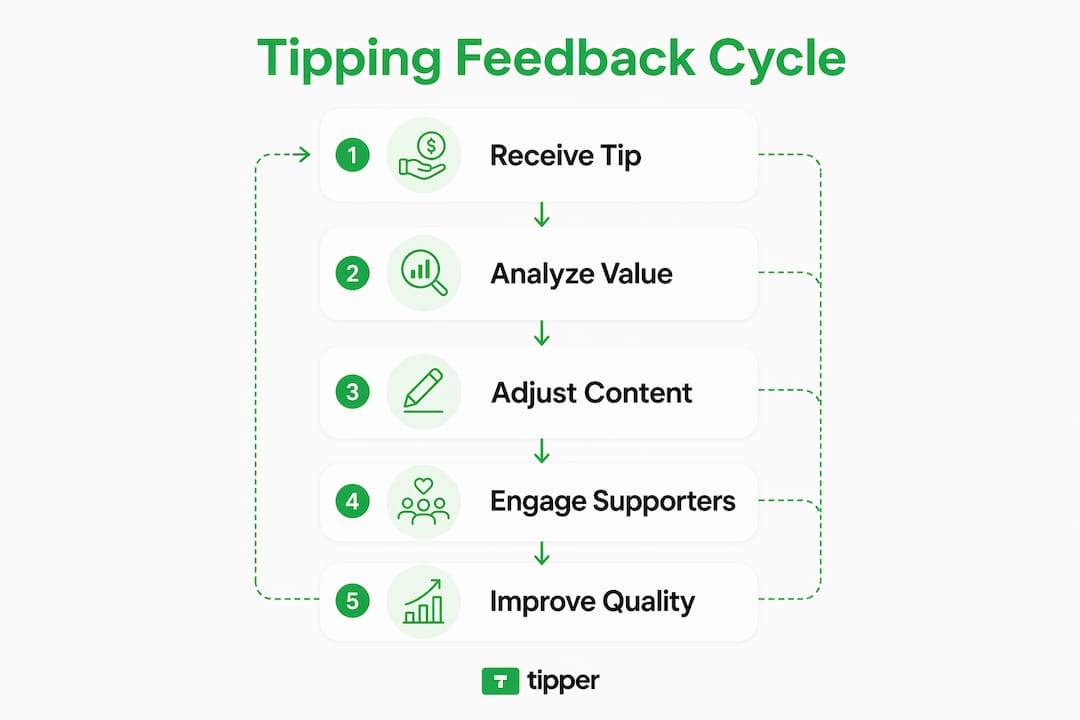
What are the common challenges and risks with tipping prompts?
Tipping fatigue is real, and it is growing. A 399% increase in Yelp reviews mentioning “tipflation” shows that aggressive tipping prompts are eroding brand loyalty and reducing repeat visits, particularly in quick-service environments. That number reflects a broader shift in how customers feel about being asked for tips.
The core problem is psychological reactance. When customers feel pressured to tip, they resist. Research on tipping fatigue confirms that negative reactions to tipping prompts occur most often where tipping norms are unclear. Customers who feel manipulated do not just skip the tip. They often skip coming back.
“Non-normative tipping prompts directly following feedback requests cause reactance, eroding trust as customers feel tips are being bought for positive ratings. Separating tipping from feedback requests is the most effective way to avoid this psychological trap.” — Harvard Business Review
The timing of a tipping prompt matters as much as the prompt itself. Asking for a tip immediately after requesting a review or rating creates a perception that the tip is payment for a positive score. That perception destroys the authenticity that makes tipping meaningful in the first place.
| Risk Factor | What It Causes | How to Reduce It |
|---|---|---|
| Prompt immediately after feedback request | Psychological reactance, distrust | Separate the two requests by time or screen |
| No opt-out option visible | Pressure, resentment | Always include a clear “no thanks” option |
| Unclear tipping norms | Confusion, negative emotion | State what the tip supports in plain language |
| Aggressive or repeated prompts | Fatigue, reduced loyalty | Limit prompt frequency per interaction |
Small retention improvements of 5% can boost profits by 25%–95%. Losing a loyal supporter to a poorly timed tip prompt is a costly mistake that most creators and small businesses never measure.
How can creators and small businesses integrate tipping with feedback effectively?
The most effective approach separates appreciation tipping from transactional feedback entirely. Separating these two requests produces higher voluntary tip rates and reduces negative customer reactions. The practical steps below apply whether you run a Substack newsletter, a local bakery, or a freelance design practice.
-
Ask for feedback first, then wait. Send your feedback request immediately after a transaction or content delivery. Wait at least 24 hours before any tipping prompt appears. This removes the perception that the tip is tied to the review score.
-
Make “no thanks” visible and easy. Including an explicit “no thanks” option alongside tipping prompts reduces the perception of pressure and preserves the customer relationship. A supporter who skips a tip today but feels respected will return tomorrow.
-
Tell supporters where the tip goes. Transparency about tip destination builds trust and reduces friction. A simple line like “Tips go directly to the creator and cover production costs” normalizes the ask without pressure.
-
Frame tipping as appreciation, not payment. Language matters. “If you enjoyed this, a tip means the world” reads differently than “Please tip to support this content.” The first invites; the second demands.
-
Use feedback to improve before asking for tips. Supporters who see their feedback reflected in your work tip more willingly. Acting on comments, adjusting formats based on responses, and acknowledging suggestions publicly all signal that you listen. That signal builds the trust that makes appreciators tip.
Pro Tip: Send a personal thank-you note or short video to supporters who tip. Tipper’s platform supports this natively, and that personal touch converts one-time tippers into repeat supporters.
Promoting a healthy tipping culture in your business starts with respecting customer autonomy. Supporters who feel free to choose will choose more generously over time.
What is the impact of digital tipping platforms on feedback and engagement in 2026?
Digital tipping platforms have changed how feedback and tipping interact. Digital tipping tools use social proof and real-time feedback integration to tailor tipping prompts, increasing voluntary tipping behavior without pressure. The timing and presentation of each prompt is shaped by actual customer data, not guesswork.
Nearly 60% of businesses have shifted to proactive engagement using near real-time feedback, enabling personalized outreach that builds trust and encourages voluntary tipping. That shift reflects a broader understanding: reactive feedback collection is far less effective than acting on signals as they arrive.
The practical benefits for creators and small business owners are concrete:
- Real-time signals: When a supporter tips immediately after a post goes live, that timing tells you the content landed. Platforms that log this data let you spot patterns across weeks and months.
- Social proof integration: Showing that others have tipped, without revealing amounts, normalizes the behavior for new supporters. Social proof directly affects tip amounts and reduces the hesitation first-time tippers feel.
- Feedback loops that improve content: When creators combine tip data with written comments, they identify which topics, formats, and delivery styles generate the most genuine appreciation.
- Reduced friction: Platforms that accept Apple Pay or Google Pay without requiring account creation remove the biggest barrier between a supporter’s intention to tip and the actual tip.
Proactive feedback use improves long-term customer loyalty. For creators, that means treating every tip notification as a data point, not just a deposit.
Key Takeaways
Customer feedback tipping works best when appreciation is kept separate from transactional feedback, prompts respect customer autonomy, and transparency about tip use builds the trust that turns one-time supporters into loyal ones.
| Point | Details |
|---|---|
| Tipping as a feedback signal | Tips reveal what supporters value most, making them a more honest metric than surveys alone. |
| Appreciators vs. conformists | Design your tipping experience for appreciators; conformist tipping weakens quality incentives. |
| Separate feedback from tipping | Asking for tips immediately after feedback requests causes reactance and erodes trust. |
| Transparency builds loyalty | Telling supporters where tips go reduces friction and increases repeat tipping behavior. |
| Digital platforms amplify results | Real-time feedback integration and social proof features increase voluntary tipping without pressure. |
What I’ve learned about tipping and feedback after working with thousands of creators
The most common mistake I see is treating tipping as a revenue line and feedback as a separate customer service task. They are not separate. Every tip is a vote, and every piece of feedback is a map. When you read them together, you stop guessing what your audience wants.
The second mistake is confusing volume with quality. A creator with 50 loyal tippers who feel genuinely appreciated will outperform one with 500 passive followers who tip once out of social pressure and never return. Conformist tipping feels good in the short term. It hollows out your relationship with your audience over time.
Authenticity is not a soft concept here. It has a measurable outcome. Supporters who receive a personal thank-you, who see their feedback reflected in your next piece of work, and who feel free to skip a tip without judgment are the ones who come back. They are the ones who tell their friends. That compounding effect is worth far more than any single tip.
The creators who get this right share one habit: they treat every interaction as a relationship, not a transaction. Tipping becomes a natural expression of that relationship, not a tax on it.
— Tipper
How Tipper helps creators turn appreciation into a sustainable income stream
Creators and small business owners who want to put these principles into practice need a platform built around respect for the supporter relationship.
Tipper is built for exactly this. Supporters can send a tip through a personalized link using Apple Pay or Google Pay, with no account required. Creators keep 100% of their earnings and can respond with a thank-you note or video, turning each tip into a genuine exchange. The platform keeps tipping separate from transactional feedback by design, which means every tip you receive is a voluntary act of appreciation, not a pressured response. Start receiving tips today and build the kind of supporter relationships that grow over time.
FAQ
What is customer feedback tipping?
Customer feedback tipping is the practice of using tips to express satisfaction and reward service quality, functioning as both a financial signal and a relationship-building tool between creators and their supporters.
How does tipping influence service quality?
Tips act as direct performance signals. Appreciators tip to reward genuinely good service, which creates a feedback loop that motivates higher quality work over time.
Why do tipping prompts sometimes backfire?
Tipping prompts cause reactance when they appear immediately after feedback requests or lack a visible opt-out option. Research confirms that unclear tipping norms and pressure tactics reduce satisfaction and repeat visits.
How should creators separate tipping from feedback requests?
Send feedback requests immediately after a transaction, then wait at least 24 hours before any tipping prompt. Separating these two requests produces higher voluntary tip rates and reduces negative reactions.
Does transparency about tips really matter?
Transparency about where tips go builds trust and reduces friction. A brief explanation of how tips are used normalizes the ask and increases the likelihood of repeat tipping behavior.
Recommended

Digital Tipping Platforms Comparison 2026: Creator’s Guide
Digital tipping platforms are defined as tools that let supporters send money directly to creators through contactless, digital payment channels without needing cash or a shared physical space. The digital tipping platforms comparison 2026 reveals a clear truth: the best platform is not the most popular one. It is the one that matches your average tip size, your audience’s location, and your payment preferences. Cash usage is declining as creators without digital tipping options risk missing spontaneous support from digitally native audiences. Tipper, for example, lets supporters pay instantly via Apple Pay or Google Pay with no account required, and creators keep 100% of their earnings.
1. What features define the best digital tipping platforms for creators in 2026?
The single most important feature is fee structure. A platform that charges a fixed fee per transaction will eat a large share of micro-tips, while a percentage-based fee favors smaller amounts. Fixed per-transaction fees typically run around $0.29 or €0.29, which can wipe out most of a $1 tip before it reaches you.
Beyond fees, the best platforms share these qualities:
- Zero friction for supporters. No account creation, no app download, no waiting. The fewer steps between intent and payment, the higher your conversion rate.
- Multiple payment methods. Apple Pay, Google Pay, and major credit cards cover the vast majority of digital-first audiences in 2026.
- Global currency support. If your audience spans multiple countries, your platform must handle multi-currency transactions without punishing exchange rates.
- Privacy and data compliance. Platforms operating under GDPR or equivalent standards protect both you and your supporters.
- Flexible tip amounts. Supporters should be able to send $1 or $100 without the interface making either feel awkward.
Pro Tip: Set a suggested tip amount slightly above your average. Research on pricing psychology shows that anchoring guides supporters toward higher amounts without pressure.
Tipper checks every box on this list. Supporters pay with one tap, creators receive funds with no platform cut, and the setup takes minutes.

2. Top digital tipping methods and technologies used in 2026
Four core technologies power digital tipping in 2026: instant bank-to-bank networks, credit card processors, QR codes, and NFC chips. Each serves a different use case.
Instant bank-to-bank networks work best for micro-tips in supported regions. Wero charges about €0.05 on a €1 tip, compared to a €0.29 fixed fee from card processors. That difference makes bank-to-bank networks up to 5x cheaper for very small amounts.
Credit card processors handle larger tips and international payments well. They charge a percentage of the transaction, which becomes proportionally smaller as tip size grows. For a $20 tip, a 2.9% fee costs $0.58. That is reasonable. For a $1 tip, it is not.
QR codes remain the most accessible contactless method. Every smartphone camera can read one, and they cost nothing to generate. The downside is security: QR codes can be spoofed or replaced at in-person events.
NFC chips, specifically those using NTAG 424 DNA technology, solve the spoofing problem. NFC tipping is harder to spoof and delivers a smooth tap-to-tip experience that venues and live-event creators prefer. The trade-off is device compatibility. Older smartphones may not support NFC tipping.
| Method | Best for | Main limitation |
|---|---|---|
| Bank-to-bank (instant) | Micro-tips in supported regions | Limited geographic coverage |
| Credit card processor | Larger tips, international reach | Fixed fees hurt micro-tips |
| QR code | Broad accessibility, online sharing | Spoofing risk at in-person events |
| NFC chip | In-person events, security-focused | Requires NFC-compatible devices |
Pro Tip: Combine QR and NFC at live events. Display a QR code for broad access and offer an NFC tap point for supporters with compatible devices. Hybrid QR and NFC setups maximize conversion by covering both audiences.
3. How to optimize digital tipping setups for mixed international audiences
Creators with global audiences face a real cost problem. No single payment method is cheapest for every supporter in every country. The solution is a hybrid setup.
Combining low-cost eurozone instant payments with a global card processor reduces overall fees while keeping your tipping page accessible to everyone. EU-based supporters use the instant network. Everyone else uses a card. You present both options clearly on one page.
Practical steps for a mixed-audience setup:
- Segment by region. Identify where your top supporters are located. If 60% are in the EU, prioritize an instant payment option for that group.
- Display local currency. Supporters tip more when they see their own currency. A $5 tip feels different from a €4.62 tip, even at the same exchange rate.
- Keep the interface in one language. Multilingual tipping pages create confusion. Use English as the default for global audiences unless your audience is predominantly one language.
- Test on mobile first. The majority of digital tips come from mobile devices. If your tipping page does not load cleanly on a phone, you lose the tip.
- Minimize redirects. Every page redirect between “I want to tip” and “tip sent” costs you conversions. Platforms like Tipper handle the full transaction on one page.
Cross-platform tipping strategies help creators manage multiple payment methods without overwhelming supporters with choices.
4. Integrating digital tipping into your creator workflow and audience engagement
Tipping works best when it feels like a natural part of your content, not an interruption. The framing matters more than most creators expect. Positive, supportive messaging outperforms generic donation requests every time. “Support this work” converts better than “donate if you can.”
A practical integration workflow looks like this:
- Create a personalized tipping page. Use your name, a short description of your work, and a clear call to action. Tipper generates a shareable link and QR code automatically.
- Add your tipping link to every content channel. Pin it to your social profiles, include it in video descriptions, and add it to your email signature.
- Mention tipping at natural moments. The end of a video, the bottom of a newsletter, or after a live Q&A are all low-pressure moments to mention support.
- Enable real-time notifications. Real-time tip alerts let you acknowledge supporters immediately, which builds loyalty and encourages repeat tips.
- Send a personal thank-you. Tipper supports thank-you notes and video messages. A 15-second video response to a tip creates a connection that no automated email can replicate.
- Track your tip revenue monthly. Reviewing which content generates the most tips tells you what your audience values most. That data shapes your content calendar.
Verified performance tracking shifts audience perception from casual donation to genuine investment in your work. Transparency builds the kind of trust that turns one-time tippers into regular supporters.
5. Common pitfalls and overlooked options in digital tipping platforms
The most expensive mistake creators make is choosing a platform based on name recognition rather than fee math. A well-known card processor may cost you 29 cents on every $1 tip. That is a 29% fee before the percentage charge even applies. Transaction fee structure depends entirely on your average tip amount, and most creators never run the numbers.
Other common mistakes:
- Relying on one payment method. A creator who only accepts card payments excludes supporters who prefer Apple Pay, Google Pay, or bank transfers.
- Weak tipping copy. Phrases like “buy me a coffee” or “donate” carry connotations that reduce conversion. Frame tipping as audience participation, not charity.
- Ignoring NFC for in-person work. Freelancers who meet clients or perform live often overlook NFC tipping. NFC adoption at in-person events is growing because it reduces fraud and speeds up the payment moment.
- Skipping no-fee alternatives. Platforms that charge creators zero platform fees exist. Tipper keeps 100% of tips with the creator, which is a meaningful difference over time.
Choosing a tipping platform without calculating your average tip size against the fee structure is the same as pricing a product without knowing your costs. The math determines your actual earnings, not the platform’s marketing copy.
Explore types of digital tip jar tools to compare categories before committing to a single solution.
Key Takeaways
The best digital tipping platform in 2026 is the one that matches your average tip size, your audience’s geography, and your workflow, not the one with the biggest brand name.
| Point | Details |
|---|---|
| Fee structure drives real earnings | Fixed fees destroy micro-tip revenue; calculate cost per average tip before choosing a platform. |
| Hybrid setups reduce total fees | Combine instant bank networks for EU supporters with card processors for international reach. |
| NFC beats QR for in-person security | NFC chips using NTAG 424 DNA technology reduce spoofing risk and improve conversion at live events. |
| Framing determines conversion | Supportive, non-begging copy consistently outperforms generic donation language. |
| Zero-fee platforms exist | Tipper charges creators no platform fee, meaning 100% of every tip reaches the creator. |
What I have learned from watching creators choose the wrong platform
The pattern repeats constantly. A creator picks a well-known payment processor because it feels safe, then spends months wondering why their tipping revenue is lower than expected. The answer is almost always fee math combined with friction. Their supporters hit one extra step and abandon the process.
The creators who earn the most from tipping share two habits. First, they treat their tipping page like a product page. They write clear copy, use a real photo, and update the page when their content focus changes. Second, they review their tip data monthly. They know which posts drive tips and which do not. That feedback loop shapes their content decisions in ways that no analytics dashboard can replicate.
The technology trend worth watching is NFC at live events. Creators who perform, teach workshops, or meet clients in person are leaving money behind if they rely only on QR codes. An NFC card or sticker costs a few dollars and converts at a higher rate because the tap feels intentional. It is a small investment with a measurable return.
The honest advice is this: start with a platform that charges you nothing and requires nothing from your supporters. Add complexity only when your volume justifies it. Most creators never need more than a clean tipping link, a good payment method, and a genuine thank-you.
— Tipper
Tipper makes digital tipping simple for creators in 2026
Tipper gives you a personalized tipping page with a shareable link and QR code ready in minutes. Supporters pay with Apple Pay, Google Pay, or a card. No account creation, no app download, no friction.
Creators keep 100% of every tip. Tipper handles the payment processing, the thank-you message tools, and the real-time notifications. If you want tipping made easy without platform fees eating your earnings, Tipper is built for exactly that. The setup takes less time than writing a single social post, and your first tip can arrive the same day. Learn more about frictionless tipping practices that help creators convert audience support into real income.
FAQ
What is the cheapest digital tipping platform for micro-tips?
Instant bank-to-bank networks cost significantly less than card processors for tips under $5, with fees as low as $0.05 compared to a fixed $0.29 per transaction from card processors. Tipper charges creators no platform fee at all.
How do I use a digital tipping platform as a freelancer?
Create a personalized tipping page, add your shareable link to your client communications and social profiles, and mention it at natural moments after delivering work. Tipping links for creators can be shared anywhere a URL works.
Is NFC tipping better than QR code tipping?
NFC tipping using NTAG 424 DNA chips is more secure and harder to spoof than QR codes, making it the better choice for in-person events. QR codes remain more accessible for online and remote audiences.
Do supporters need an account to tip through Tipper?
No. Tipper lets supporters send a tip using Apple Pay, Google Pay, or a card with no account required. That zero-friction experience is the main reason conversion rates stay high.
What 2026 tipping app features matter most for international creators?
Multi-currency support, multiple payment methods, and low or no platform fees matter most. A hybrid setup combining regional instant payment networks with a global card processor covers the widest audience at the lowest cost.
Recommended

Loyalty-Linked Tipping Explained: Your 2026 Guide
Loyalty-linked tipping is defined as the practice of connecting customer loyalty rewards directly with digital tipping systems, so that a single payment action captures both a tip and a loyalty credit at once. This model is gaining traction in 2026 because payment-linked loyalty and NFC-based tipping credentials have matured enough to make the experience genuinely frictionless. Businesses using these systems report stronger customer retention and higher worker satisfaction than those running loyalty and tipping as separate programs. Understanding how loyalty-linked tipping works gives both businesses and individuals a clear path to better engagement and real monetization.
What is loyalty-linked tipping explained: the core mechanics
Loyalty-linked tipping works by connecting two systems that traditionally operated in isolation. The first is a payment-linked loyalty program. The second is a digital tipping mechanism. When both are active, a customer’s payment triggers a loyalty reward and delivers a tip to a worker in a single interaction.
Payment-linked loyalty enables automatic reward earning by linking one payment card to a loyalty account. The initial setup takes about 60 seconds. After that, every qualifying transaction earns rewards with zero customer action at the point of sale. No app to open, no card to scan, no code to enter.

The tipping side works through NFC-based personal credentials. A staff member carries a small token or badge loaded with their tipping identity. A customer taps their smartphone to that badge, and a browser payment screen appears instantly. The tip completes via Apple Pay or Google Pay in under one second, with no account creation required.
The key insight is that these two mechanisms work best when they are kept separate at the technical level. Separating loyalty from tipping at the point of sale optimizes the customer experience and operational efficiency for both reward types. Trying to force both into a single POS workflow creates friction and confusion.
How NFC credentials change the tipping experience
NFC tipping credentials give workers a portable professional identity that travels with them. A server at a restaurant, a hotel porter, or a freelance creator can each carry a credential tied directly to their personal payment details. The guest taps, the tip lands in the worker’s account immediately, and the employer never touches the funds. This is a structural shift from the old model where tips pooled through employer systems before reaching workers.
Pro Tip: If you are a business owner setting up loyalty-linked tipping, configure your loyalty program through card-linking first, then deploy NFC tipping credentials separately. Mixing both into one POS screen slows the checkout and reduces tip rates.
Why the psychology behind loyalty tipping drives real behavior
Behavioral psychology explains why loyalty-linked tipping works better than either system alone. The combination activates two powerful motivators: the desire to gain rewards and the fear of losing earned status.
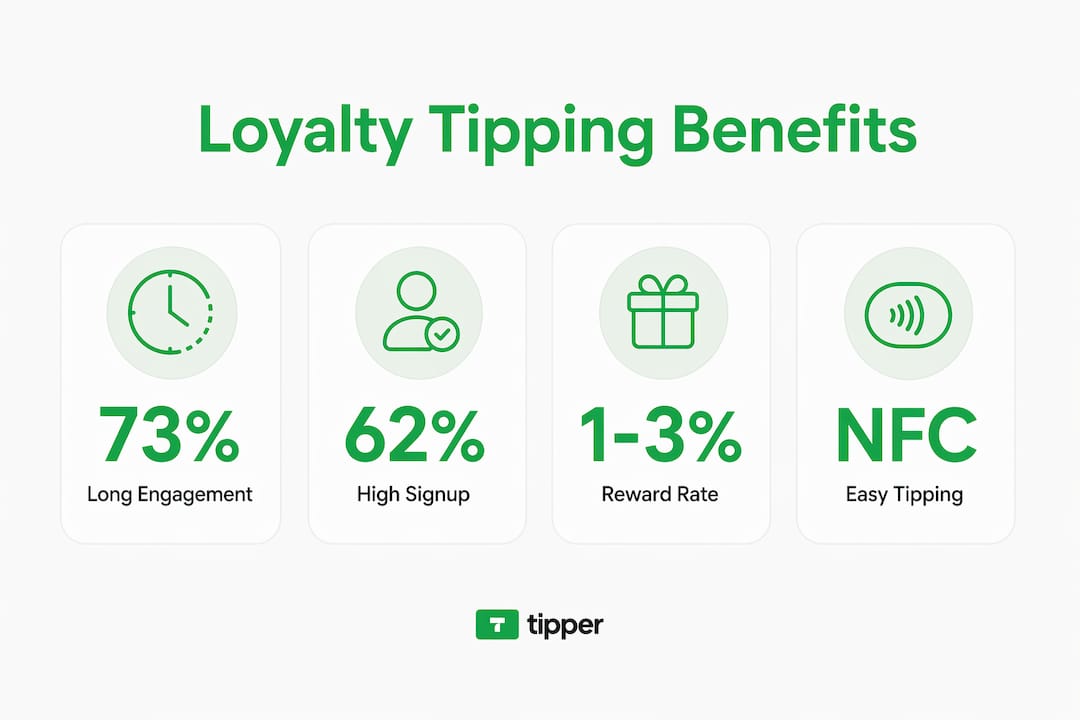
Loss aversion drives customer retention in tiered loyalty programs because customers work harder to avoid losing earned status than they do to gain new benefits. A customer who has reached a “Gold” tier will spend more to protect that status than a new customer will spend to reach it. Tipping fits into this dynamic because it becomes part of the ritual that maintains the relationship with a brand or service worker.
The data on program structures confirms this. Cashback loyalty models have high signup rates of 62% but only 8% engagement after six months. Tiered programs start lower at 38% adoption but hold 73% engagement at 18 months. That gap shows that emotional investment, not just financial incentive, keeps customers active.
Direct, verified tipping through NFC credentials adds another psychological layer. Digital tipping transforms workers from passive recipients into principals with portable professional identities. When a customer taps to tip a specific person, the act feels personal and direct. That emotional connection increases the likelihood of tipping and the likelihood of returning.
Key psychological drivers behind loyalty-linked tipping:
- Loss aversion: Customers protect earned tier status by continuing to spend and engage.
- Reciprocity: Receiving instant, personalized recognition from a worker triggers a desire to tip.
- Habit formation: Frictionless reward capture turns loyalty participation into an automatic behavior.
- Autonomy: Direct NFC tipping gives customers full control over who receives their tip and when.
“Consumer behavior is shifting toward expecting frictionless, no-manual-step rewards and tipping enabled by mobile wallets and identification-linked payments.” — Rewardly research on payment-linked loyalty
What loyalty program structures work best with tipping integration?
Three main loyalty structures exist, and each integrates with tipping differently. Understanding the differences helps businesses choose the right model.
Cashback programs return a percentage of spend as cash or credit. They are easy to understand and drive fast signups. The problem is that cashback feels transactional. Customers earn and redeem without building any emotional attachment to the brand. Tipping in a cashback environment tends to stay flat because the relationship never deepens beyond the discount.
Points programs assign a point value to each dollar spent. Customers accumulate points and redeem them for rewards. Effective points programs tie rewards directly to behavior change and manage breakage, which is the percentage of points that are never redeemed, to subsidize rewards for engaged users. Breakage typically ranges from 10% to 30%. That unredeemed value funds better rewards for active customers, which is how well-run programs stay financially healthy. Points programs pair well with tipping because both systems reward ongoing engagement rather than one-time transactions.
Tiered programs assign customers to status levels based on cumulative spend or activity. Each tier unlocks better rewards. As shown above, tiered programs produce the strongest long-term engagement. They also create the best environment for loyalty-linked tipping because customers at higher tiers are already emotionally invested in the brand.
| Program type | Signup rate | 18-month engagement | Tipping compatibility |
|---|---|---|---|
| Cashback | High | Low | Weak |
| Points-based | Medium | Medium | Strong |
| Tiered | Lower | Very high | Strongest |
Virtual payment cards add another layer to points redemption. Some programs issue a virtual card loaded with redeemable points, which customers use at checkout. This approach keeps the loyalty and payment experience inside a single wallet, making it easier to layer in tipping credentials from the same device.
Pro Tip: For points and tiered programs, set your effective reward rate between 1% and 3% of spend. Rates below 1% feel meaningless. Rates above 3% erode margin faster than breakage can offset.
What are the real benefits of loyalty tipping for businesses and customers?
The benefits of loyalty tipping split cleanly between the business side and the customer side. Both gain something concrete.
For businesses, the primary gain is retention. Modern commerce links mobile wallets to transactions, enabling hyper-personalization and instant recognition at payment. When a business knows who a customer is at the moment of payment, it can tailor offers, track tipping behavior, and identify its most valuable customers without any manual data entry. That data feeds better decisions about staffing, promotions, and service design.
For workers, the gain is financial and psychological. Tips delivered immediately without an employer intermediary improve worker retention in high-turnover environments like hospitality. A server who receives a tip directly to their account within seconds of completing a table service has a fundamentally different relationship with their work than one who waits for a weekly payroll disbursement.
For customers, the gain is simplicity and meaning. A single tap handles both the loyalty credit and the tip. No fumbling with cash, no navigating a payment terminal, no creating yet another account.
Practical steps for businesses implementing loyalty-linked tipping:
- Link your loyalty program to a card-based or mobile wallet system so rewards capture automatically at payment.
- Deploy NFC tipping credentials for individual staff members, separate from the POS loyalty workflow.
- Set tip amounts to display as suggested values rather than open fields. Suggested amounts increase average tip size.
- Protect tip privacy by keeping individual tip amounts visible only to the recipient. Workers and customers both prefer this, and it increases tipping rates.
- Review breakage data quarterly to confirm your reward rate stays within a sustainable range.
For local businesses adopting digital tipping, the NFC credential model removes the need for expensive hardware upgrades. A badge or sticker with an embedded NFC chip costs a fraction of a new POS terminal and works with every modern smartphone.
Key Takeaways
Loyalty-linked tipping works best when payment-linked loyalty and NFC-based tipping credentials operate as separate but complementary systems, each optimized for its own moment in the customer experience.
| Point | Details |
|---|---|
| Keep systems separate | Run loyalty through card-linking and tipping through NFC credentials for best results. |
| Tiered programs win long-term | Tiered loyalty holds 73% engagement at 18 months versus 8% for cashback models. |
| Direct tipping empowers workers | NFC tips reach workers instantly without employer intermediary, improving retention. |
| Breakage funds sustainability | Unredeemed points (10%–30%) subsidize rewards for active users and protect margin. |
| Privacy increases tip rates | Keeping tip amounts private from management raises both worker comfort and tipping frequency. |
The shift I see coming in loyalty and tipping
The most underappreciated part of loyalty-linked tipping is not the technology. It is the power shift it creates for workers. For years, tipping was controlled by whoever owned the POS system. Employers decided when tips were distributed, how they were pooled, and what workers could see. NFC credentials break that model entirely. A worker’s tipping identity now belongs to them, not their employer. They carry it from job to job, build a reputation on it, and receive funds directly. That is a structural change, not a feature update.
Businesses that recognize this shift early will attract better staff. Workers choose employers who let them keep their tipping identity intact. The businesses that try to route NFC tips back through their own systems will lose workers to those that do not.
The privacy dimension matters just as much. Software systems that protect individual tip amounts from management scrutiny consistently see higher tipping adoption. Customers tip more when they know the money goes directly to the person they intend to reward. Transparency to the recipient and privacy from management is the combination that works.
The next phase will be loyalty programs that recognize tipping behavior as a signal of customer quality. A customer who tips consistently is a better long-term customer than one who maximizes cashback without tipping. Programs that weight tipping history in their tier calculations will build more loyal, higher-value customer bases. That is where the real monetization opportunity sits.
— Tipper
Tipper makes loyalty-linked tipping work for you
Tipper is built for exactly this moment in the tipping and loyalty space. Any creator, freelancer, or business can set up a personalized tipping link in minutes, with no signup required from the person tipping. Supporters pay instantly through Apple Pay or Google Pay, and the creator keeps 100% of every tip.
Tipper’s model fits naturally into loyalty-linked tipping programs because it removes every barrier between a supporter’s intention and the actual payment. No apps, no accounts, no delays. The person tipping taps or clicks, and the funds move. For businesses exploring contactless tip collection or creators building a direct support channel, Tipper provides the infrastructure without the complexity. Visit Tipper to set up your tipping link and start receiving instant appreciation from your audience today.
FAQ
What is loyalty-linked tipping?
Loyalty-linked tipping is the practice of connecting customer loyalty rewards with digital tipping systems so that a single payment captures both a tip and a loyalty credit. It uses payment-linked loyalty and NFC-based credentials to make the process automatic and frictionless.
How does NFC tipping work with loyalty programs?
A staff member carries an NFC badge loaded with their personal tipping identity. A customer taps their smartphone to the badge, and a payment screen appears via Apple Pay or Google Pay, completing the tip in under one second with no app or account required.
Which loyalty program type works best with tipping?
Tiered loyalty programs produce the strongest long-term engagement, holding 73% of participants active at 18 months. Their emotional investment structure makes customers more likely to tip consistently compared to cashback or basic points models.
Why should tip amounts stay private from management?
Workers and customers both prefer tip amounts to remain visible only to the recipient. Systems that protect this privacy consistently see higher tipping rates and greater worker comfort, which improves overall adoption of digital tipping programs.
Can small businesses implement loyalty-linked tipping without expensive hardware?
Yes. NFC tipping credentials work as low-cost badges or stickers that pair with any modern smartphone. Payment-linked loyalty requires only a card-linking setup, not a new POS terminal, making the full system accessible for small business cashless tipping at minimal cost.
Recommended

Why Tipping Boosts Service Quality: A 2026 Guide
Tipping is a voluntary monetary reward given to service providers to recognize and encourage quality service, combining social expectations with economic incentives. The question of why tipping boosts service quality is more complex than it first appears. Research shows that bill size drives tip amounts far more than perceived service quality, yet tipping systems still improve aggregate customer satisfaction. Understanding both the social and economic forces behind gratuity helps consumers tip more thoughtfully and helps service professionals earn more consistently.
Why tipping boosts service quality: what the research says
Tipping functions as both a performance incentive and a social signal, but the two roles carry unequal weight. Bill size explains about 70% of the variance in tip amounts, while customer-rated service quality explains only about 4%. That gap is striking. It means most customers tip based on what they spent, not how well they were served.

That said, the 4% figure is not meaningless. An improvement in perceived service quality increases the probability of a customer leaving a tip by approximately 4%. In high-volume service environments, that modest shift adds up across hundreds of daily transactions. Service quality does move the needle, just not as dramatically as the cultural narrative around tipping suggests.
Research also identifies several key drivers of tipping behavior beyond bill size and service quality:
- Social approval: Customers tip partly to be seen as generous and fair by servers and peers.
- Empathy: A personal connection with the server increases tip likelihood.
- Conformity: Customers follow perceived social norms, tipping a standard percentage regardless of their actual experience.
- Reciprocity: Tipping satisfies a felt obligation to reward someone who has served you.
The effects of tipping on service also vary by industry. In restaurants, tipping is deeply embedded in compensation structures. In banking, retail, and personal services, the relationship between tips and service performance is less established. Tipping behavior is driven by social signaling, empathy, and conformity rather than purely by self-interest, which explains why economic theory alone cannot predict tipping patterns in one-off transactions.
What this means for service quality at scale
Individual tip amounts correlate weakly with service quality. Yet tipping systems improve aggregate customer satisfaction even when individual tip decisions are driven by social norms. The system works at a macro level because it creates a culture of attentiveness, even if each transaction does not perfectly reward each interaction.
How do social norms shape tipping and service behavior?
Social norms are the invisible engine behind most tipping decisions. The conformity effect causes many customers to tip a standard percentage regardless of service quality. Customers tip 18–20% at a restaurant not because they consciously evaluated the service, but because that is what people do. This norm sustains the tipping system even when individual service falls short.
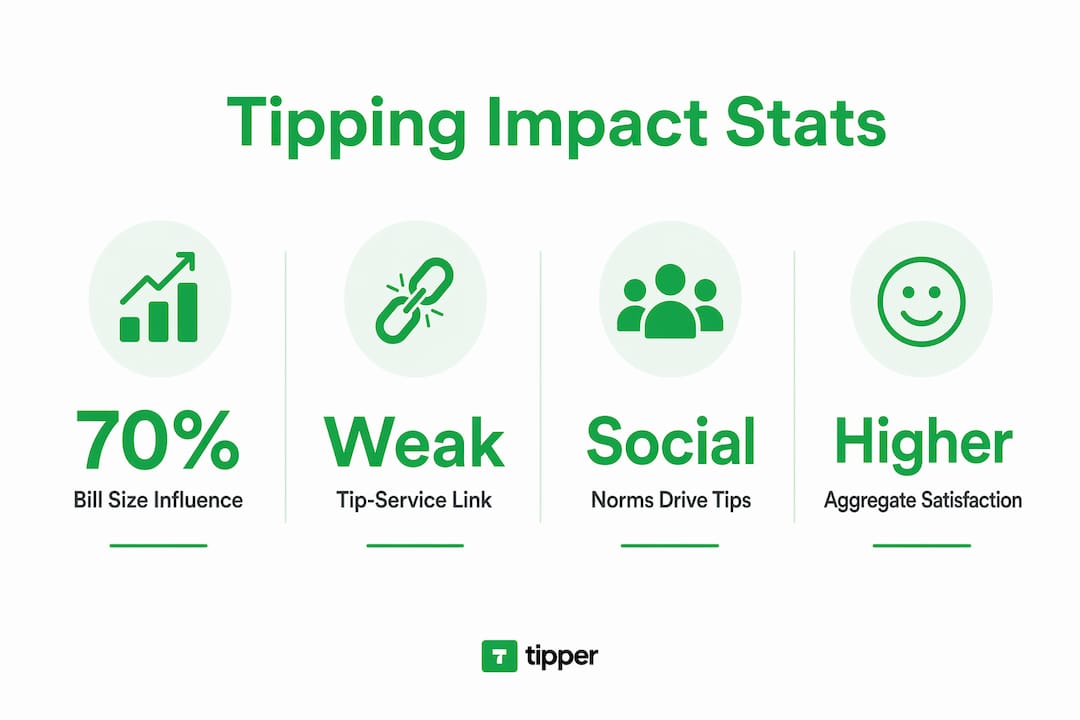
Social rapport between customer and server plays a measurable role. Servers who introduce themselves by name, make eye contact, and mirror customer body language receive higher tips. These behaviors build the empathy and connection that tipping sustains through reciprocity and social approval. The interaction itself becomes part of the service experience, not just the food or the product.
Tipping in non-traditional settings creates friction. When a tip prompt appears at a self-service kiosk or a counter where no table service occurred, customers feel social pressure without a clear social contract. Tip prompts in non-traditional or self-service settings often reduce customer satisfaction and repurchase intent. The discomfort comes from a mismatch between the social norm and the context.
- Normative settings: Full-service restaurants, hair salons, taxis. Tipping is expected and reinforces service quality.
- Ambiguous settings: Coffee counters, fast-casual restaurants. Tipping is optional and often driven by guilt rather than gratitude.
- Non-normative settings: Self-checkout kiosks, automated services. Tipping prompts here frequently damage customer experience.
Pro Tip: If you manage a service business, frame digital tip prompts as optional and explain what the suggested percentages represent. Customers who understand the context tip more willingly and return more often.
What are the practical implications for service professionals?
Tipping creates a direct financial incentive for attentive service. Tipped servers earn a median wage of $27 per hour, which reflects how performance-based compensation shapes service culture. That figure underscores why gratuity matters not just as a courtesy but as a core part of service worker income.
Training is the most reliable lever for improving tipping outcomes. Staff who demonstrate product knowledge, attentiveness, and genuine courtesy can enhance tipping outcomes significantly. Specific behaviors that research links to higher tips include:
- Introducing yourself by name at the start of the interaction.
- Repeating the customer’s order back to confirm accuracy and show care.
- Checking in at the right moments, not too often, not too rarely.
- Offering personalized recommendations based on what the customer has ordered before.
- Thanking customers sincerely at the end of the transaction.
These behaviors work because they build the social connection that drives tipping. They also improve the overall service experience, which benefits the business beyond the tip itself.
Digital tipping tools change the mechanics of how tips are collected and distributed. Digital tipping tools offer frictionless tip collection, potentially increasing tip revenue while reducing the awkwardness of cash handling. For managers, the key is transparency. Digital tipping prompts should be explained as calculation aids to reduce customer tip fatigue and negative sentiment. A brief note explaining that suggested amounts help customers calculate a fair tip reduces resistance and increases average tip size.
Pro Tip: Service managers should review tipping etiquette standards for 2026 to align staff training with current customer expectations and digital tipping norms.
What are the real criticisms of tipping as a service incentive?
Tipping as a pure performance incentive has genuine weaknesses. The conformity effect means that most customers tip a standard amount regardless of service quality, which weakens the direct link between pay and performance. A server who delivers exceptional service may receive the same tip as one who delivers average service, simply because both customers follow the same social script.
Unequal tip distribution is a structural problem. In many restaurants, tips flow primarily to front-of-house staff while kitchen workers receive little or none. This creates pay inequity that does not reflect the full team effort behind a quality meal. Customer bias also affects tip amounts, with research showing that demographic factors unrelated to service quality influence how much customers tip.
“Monetizing empathy in non-traditional service contexts can erode customer experience rather than enhance it.” — Harvard Business Review
Some service businesses have experimented with no-tip models, building gratuity into menu prices or service fees. These models often improve pay equity and reduce staff anxiety about income variability. However, restaurants that eliminate tipping often experience lower customer satisfaction ratings online. Customers appear to value the sense of control and reciprocity that tipping provides, even when the financial outcome is similar.
The core tension is this: tipping works as a social system better than it works as a pure economic incentive. Removing it disrupts the social contract without always replacing the satisfaction it generates.
How can consumers use tipping to improve their service experience?
Consumers hold more influence over service quality than they often realize. Tipping thoughtfully, rather than automatically, sends a clearer signal to service providers about what earns genuine appreciation. The impact of tips on service quality grows when customers treat gratuity as a performance-based reward rather than a fixed social tax.
Practical ways to tip more effectively:
- Tip based on service, not just bill size. A $5 tip on a $20 order communicates more than a $5 tip on a $100 order.
- Acknowledge good service verbally. A compliment paired with a tip reinforces the specific behavior you want to see again.
- Use digital tipping when available. It is faster, traceable, and often goes directly to the individual who served you.
- Skip the tip guilt in non-service contexts. Tipping at a self-service kiosk does not improve service quality. Reserving tips for genuine service interactions keeps the signal meaningful.
- Build rapport early. Customers who engage warmly with service staff tend to receive better service, which creates a positive cycle that benefits both sides.
Pro Tip: When you receive outstanding service, leave a short written note alongside your tip. Many service platforms and digital tipping tools allow notes or messages. That personal acknowledgment often means more to the service provider than the dollar amount alone.
The impact of tips on service quality depends on how consistently customers use tipping as a real signal. When gratuity becomes purely automatic, it loses its power to reinforce good behavior.
Key Takeaways
Tipping boosts service quality primarily through social norms and aggregate satisfaction effects, not through a direct one-to-one link between tip size and individual performance.
| Point | Details |
|---|---|
| Bill size dominates tip amounts | Bill size explains 70% of tip variance; service quality explains only about 4%. |
| Service quality still matters | A perceived quality improvement raises the probability of tipping by approximately 4%. |
| Social norms drive conformity | Most customers tip a standard percentage regardless of actual service, sustaining the system socially. |
| Non-normative prompts backfire | Tip requests in self-service settings reduce satisfaction and repurchase intent. |
| Training improves tipping outcomes | Staff who show knowledge, attentiveness, and courtesy earn higher tips and deliver better experiences. |
Tipping is more social contract than economic formula
The research on tipping has shifted my thinking considerably. For years, the conventional wisdom held that tips are a clean performance incentive: serve well, earn more. The data tells a different story. Social conformity, bill size, and empathy drive most tipping decisions. That is not a reason to dismiss tipping. It is a reason to understand it more honestly.
What I find most interesting is the aggregate effect. Individual tip amounts may not track service quality closely, but tipping systems as a whole appear to sustain a culture of attentiveness. Restaurants that remove tipping often see satisfaction scores drop, not because the service gets worse, but because customers lose the sense of agency and reciprocity that tipping provides. That psychological dimension is real and worth preserving.
The future of tipping will be shaped by digital tools and changing social norms. Younger consumers are more comfortable with digital tipping and more skeptical of automatic prompts in non-service contexts. Service businesses that explain their tipping systems clearly, train staff in the behaviors that earn genuine appreciation, and use digital tools to make tipping frictionless will come out ahead. The goal is not to extract tips. The goal is to create service experiences worth tipping for.
— Tipper
Tipper makes fair, instant tipping simple for everyone
Tipping works best when it is easy, transparent, and goes directly to the person who earned it. Tipper is built on exactly that principle.
With Tipper, service providers and creators receive tips instantly through a personalized link, with no account required from the person tipping. Customers can pay via Apple Pay or Google Pay in seconds. Tipper charges no fees, so service workers keep 100% of their tips. The platform also supports thank-you notes and video messages, which deepens the connection between the person tipping and the person being tipped. For any service professional looking to modernize how they collect gratuity, Tipper removes the friction and puts the full reward where it belongs.
FAQ
Does tipping actually improve service quality?
Tipping improves service quality at the system level by creating a culture of attentiveness, though individual tip amounts correlate weakly with individual service performance. Research shows service quality explains only about 4% of tip variance.
Why do customers tip even when service is poor?
The conformity effect causes most customers to tip a standard percentage regardless of service quality, driven by social norms and the desire to avoid social disapproval rather than by a genuine performance evaluation.
What behaviors help service workers earn higher tips?
Staff who introduce themselves by name, repeat orders for accuracy, check in attentively, and offer personalized recommendations consistently earn higher tips, according to research on server behavior and gratuity outcomes.
Are tip prompts at self-service counters effective?
Tip prompts in non-traditional or self-service settings often reduce customer satisfaction and repurchase intent. Businesses that explain prompts as optional calculation aids see better customer responses than those that present them without context.
How does digital tipping affect service quality and worker income?
Digital tipping tools reduce friction in the tipping process and can increase tip revenue while making distribution more transparent. Platforms like Tipper allow instant, no-fee tips that go directly to the service worker, strengthening the link between good service and fair reward.
Recommended
Apple Pay and Google Pay Tips: Benefits for Small Businesses
Apple Pay and Google Pay are the two leading mobile wallets for contactless tip and payment acceptance, giving individuals and small business owners a faster, more secure alternative to cash and traditional cards. The benefits of Apple Pay and Google Pay tips go beyond simple convenience. They include biometric security, lower fraud rates, and measurable increases in tipping frequency. This article breaks down each advantage and gives you practical steps to start collecting tips through both wallets today.
1. What are the key benefits of Apple Pay and Google Pay for tips?
Mobile wallet tipping is defined as accepting gratuities through Apple Pay or Google Pay instead of cash or card swipes. The core advantage is speed. Tap-to-pay transactions take 2–5 seconds versus 15–30 seconds for chip insertion. That difference matters when you are serving a line of customers or collecting tips from a crowd.
Security is the second major advantage. Both wallets use tokenization, which replaces your customer’s actual card number with a one-time digital token. Tokenization and biometric layers make wallet payments safer than traditional contactless cards. No real card data passes between the customer’s phone and your payment system.

The third advantage is reach. Apple Pay operates exclusively within Apple’s ecosystem across iPhone, Apple Watch, iPad, and Mac. Google Pay serves Android and a broader range of platforms. Together, they cover the vast majority of smartphone users in the United States.
2. How tokenization and biometric authentication protect every transaction
Tokenization is the security method that makes mobile wallet payments safer than swiping a physical card. When a customer pays with Apple Pay or Google Pay, their actual card number never leaves their device. A unique, one-time token is generated for each transaction. That token is worthless to anyone who intercepts it.
Biometric authentication adds a second layer. Face ID, Touch ID, or a PIN must confirm every payment before it processes. This means a stolen phone cannot be used to tip or pay without the owner’s face or fingerprint. Biometric authentication speeds up checkout while simultaneously reducing unauthorized use.
The result shows up in fraud data. Apple Pay chargeback rates sit at 0.04% and Google Pay at 0.06%, compared to 0.09% for typical card-not-present transactions. Lower chargebacks mean less time disputing payments and more time running your business.
Pro Tip: Display a small “Apple Pay and Google Pay accepted” sign at your point of sale or on your tipping link page. Customers who see their preferred wallet recognized are more likely to tip without hesitation.
3. Speed and throughput during peak hours
During busy periods, payment speed directly affects how many customers you can serve and how many tips you collect. Mobile tap payments enable significantly higher transactional throughput than chip card insertions during peak service periods. A coffee shop, food truck, or salon that processes 30% more transactions per hour during a rush collects more tips by default.
The math is simple. Faster transactions mean shorter lines. Shorter lines mean happier customers. Happier customers tip more. This is not a minor operational detail. It is a direct revenue driver for anyone who relies on gratuities.
Contactless payment frequency has grown sharply in recent years. The average person in the UK completed over 230 contactless transactions per year, a figure that reflects a broader global shift toward tap-to-pay behavior. That habit carries over to tipping. Customers already comfortable tapping to pay are far more likely to tap to tip.
4. How mobile wallets increase tip frequency and amount
Single-tap loyalty programs integrated with mobile wallets boost participation by 40% compared to plastic loyalty cards. That participation increase directly correlates with repeat visits and repeat tipping. A customer enrolled in your loyalty program through their wallet is a customer who returns.
Mobile wallets also reduce the psychological friction of tipping. When paying with cash, customers must physically hand over bills and mentally calculate a tip. With Apple Pay or Google Pay, a pre-set tip option appears on screen and requires one tap to confirm. That single tap removes the hesitation that kills tip conversion.
Digital receipts linked to wallets reinforce ongoing customer engagement without extra effort on your part. A customer who receives a digital receipt is reminded of your business after they leave. That reminder builds the habit of returning and tipping again.
5. Practical steps to set up Apple Pay and Google Pay for tip acceptance
Setting up Apple Pay acceptance takes under 5 minutes through your payment processor’s dashboard. Apple Pay setup requires bank verification and works across iPhone, Apple Watch, iPad, and Mac. Google Pay setup follows a similar process through your processor or payment gateway.
Here is the recommended setup sequence for small businesses and individuals:
- Choose a payment processor that supports both Apple Pay and Google Pay natively. Most major processors do.
- Enable device detection on your checkout page or tipping link. This shows iPhone users Apple Pay first and Android users Google Pay first.
- Set tip prompts at checkout. Pre-set options like 15%, 20%, and 25% increase average tip amounts compared to open-ended fields.
- Keep a card entry fallback active. Not every customer uses a mobile wallet. Removing manual card entry entirely cuts off a portion of your audience.
- Test both wallets on your own devices before going live. Confirm the tip prompt appears correctly and the payment processes without errors.
Pro Tip: Use a platform like Tipper that supports both wallets through a single personalized link. Customers tap to tip without creating an account, and you receive payment instantly.
6. Accepting both wallets: why one is not enough
Accepting both Apple Pay and Google Pay avoids friction caused by device preference and improves the overall customer experience. Choosing only one wallet means turning away customers on the other platform. That is a preventable loss.
The business case is clear. Apple Pay users are predominantly iPhone owners. Google Pay users are predominantly Android owners. In the United States, both platforms hold significant market share. A freelancer, creator, or small business owner who accepts only one wallet is leaving tips on the table from the other half of their audience.
Device-detection technology solves the display problem automatically. When a customer opens your checkout or tipping page, the system detects their device and shows the matching wallet first. This small UX detail produces measurably higher conversion. Enabling Apple Pay on mobile checkouts reduces cart abandonment by up to 11% on iOS devices. Google Pay shows a 7–9% reduction on Android.
7. Common misconceptions about fees and privacy
The most common misconception about mobile wallet tipping is that Apple Pay or Google Pay charge customers extra fees. Neither Apple Pay nor Google Pay charge users for in-store, online, or app payments. Merchants absorb small processing fees, which are comparable to standard card transaction fees. Customers pay nothing extra to tip through their wallet.
Privacy is the second area of confusion. Some customers worry that merchants can see their card details or purchase history through wallet payments. They cannot. The tokenization system ensures that no real card data is shared with the merchant. Apple and Google do not share individual purchase details with businesses.
“Mobile wallets act as conversion tools by reducing friction through biometric authentication and express checkouts.” — Salesforce Commerce
Chargeback rates reinforce the security argument. Apple Pay’s 0.04% chargeback rate and Google Pay’s 0.06% rate are both well below the industry average for card-not-present transactions. Lower chargebacks protect your revenue and reduce the administrative burden of disputes.
8. How Tipper connects mobile wallet tipping to your personal link
Tipper brings together the mobile payment advantages of Apple Pay and Google Pay into a single, shareable tipping link. For contactless tip collection without hardware or complex setup, Tipper is built specifically for creators, freelancers, and small business owners. Your supporters tip directly through their preferred wallet without creating an account.
The cashless tipping setup process on Tipper takes minutes. You keep 100% of every tip, with no platform fees taken from your earnings. That zero-fee model is a direct advantage over platforms that take a percentage of each transaction.
Key Takeaways
Accepting both Apple Pay and Google Pay is the single most effective way for individuals and small business owners to maximize tip collection, reduce fraud, and serve every customer regardless of device.
| Point | Details |
|---|---|
| Speed drives tip volume | Tap-to-pay takes 2–5 seconds, enabling more transactions and more tips per hour. |
| Tokenization reduces fraud | One-time digital tokens replace card numbers, cutting chargeback rates below 0.06%. |
| Accept both wallets | Supporting Apple Pay and Google Pay covers the full range of iOS and Android customers. |
| No extra fees for customers | Neither wallet charges users, so there is no barrier to tipping through mobile. |
| Loyalty integration boosts returns | Wallet-linked loyalty programs increase participation by 40% over plastic card programs. |
Why I tell every small business owner to go wallet-first
The debate over which wallet is better misses the point entirely. The real question is whether your customers can tip you the moment they feel like it, on whatever device they are holding. If the answer is no, you are losing tips to friction, not to lack of generosity.
I have seen creators and small business owners add a tipping link to their bio, their receipt, or their counter display and immediately start receiving tips they never got before. The wallet was already on the customer’s phone. The only thing missing was a fast, obvious way to use it.
The one mistake I see repeatedly is removing the card fallback too early. Mobile wallets cover most customers, but not all. A customer who cannot pay their preferred way does not tip at all. Keep the fallback. Treat mobile wallets as the express lane, not the only lane.
The future of tipping is not cash in a jar. It is a tap on a phone, a thank-you note sent back through the platform, and a customer who comes back because the experience felt personal. That is what Apple Pay creator tips done right actually look like.
— Tipper
Tipper makes mobile wallet tipping simple for you
Tipper is built for individuals and small business owners who want to accept Apple Pay and Google Pay tips without complicated hardware or monthly fees. You get a personalized tipping link that works on any device, requires no account from the person tipping, and pays you instantly.
Supporters tap to tip through their preferred wallet in seconds. You keep every dollar. Tipper also lets supporters send thank-you notes or short videos, which builds a real connection between you and the people who value your work. If you are ready to start collecting instant tip payments through mobile wallets, Tipper gives you everything you need in one place.
FAQ
Does Apple Pay or Google Pay charge fees for tips?
Neither Apple Pay nor Google Pay charges customers any fees for payments or tips. Merchants pay standard processing fees, which are comparable to regular card transaction costs.
Is it safe to accept tips through Apple Pay and Google Pay?
Yes. Both wallets use tokenization and biometric authentication to protect every transaction. Apple Pay’s chargeback rate is 0.04% and Google Pay’s is 0.06%, both well below the card-not-present average.
Do I need separate hardware for Apple Pay and Google Pay?
Most modern payment processors and tipping platforms support both wallets through the same terminal or link. No separate hardware is required if your processor already supports NFC contactless payments.
Why should I accept both Apple Pay and Google Pay?
Apple Pay serves iPhone users and Google Pay serves Android users. Accepting both removes device-based friction and ensures every customer can tip regardless of which phone they carry.
How do I set up Apple Pay and Google Pay for tip collection?
Choose a payment processor or tipping platform that supports both wallets, enable device detection, and set pre-defined tip amounts. Tipper handles this setup automatically through a single personalized link.
Recommended
Top 3 Radiumpayments.com Alternatives 2026
Finding digital tipping software that balances fast payouts, fair fees, and flexible sharing is harder than it should be for creators and venues. Many options take a platform cut, require account registration for tippers, or hide transaction fees behind unclear pricing. This comparison explains how three alternatives handle payout speed, fee transparency, and sharing tools so creators and hospitality managers can pick software that matches their workflow.
Table of Contents
Tipper
At a Glance
Creators keep 100% of the tips they receive. Tip pages use a personalized link and a QR code so supporters can pay quickly using Apple Pay, Google Pay, or cards. Payouts are automatic and tips can arrive without the sender creating an account.
Core Features
Tipper uses a dedicated tip page and QR code so creators share a single URL for both online and in-person requests. The platform accepts Apple Pay, Google Pay, and credit or debit cards while processing payments on the page. Pages support optional thank-you notes or short videos and go live within minutes for events or streams.
Key Differentiator
The standout feature is that creators keep 100% of earnings with no platform cut, while only payment processors charge fees. That approach preserves the entire platform-side revenue share for the creator. The model reduces the friction of crowdfunded support by removing a middleman percentage.
Pros
Keeping the full tip amount helps small creators and casual performers turn occasional support into meaningful earnings. Quick setup and a single shareable link mean you can add tipping to a livestream, video description, or a printed event card in minutes. Built-in QR code generation and support for Apple Pay and Google Pay raise the conversion rate because supporters can send money without signing up.
Cons
- Transactions are subject to payment processing fees, which vary by provider.
Who It’s For
Creators, influencers, and in-person performers who want a straightforward tipping flow will benefit most. People who rely on frequent microdonations or tips during live events will find the QR code feature useful. Anyone who wants private, accountless support from their audience will get value.
Unique Value Proposition
Instant tips from anyone without sign-up via a personalized link or QR code make Tipper practical for live streams and physical events. Because payouts are automatic and creators retain the full tip amount before processor fees, accounting stays simple. That combo turns casual appreciation into direct creator income with minimal setup.
Real World Use Case
A YouTuber adds their tip link to video descriptions and displays a QR code during live streams. Viewers use Apple Pay or a card to send tips instantly without creating accounts. The creator receives automatic payouts and can reply with a short thank-you video on the tip page.
Website: https://tipper.app
TiPJAR
At a Glance
According to the company, Honest Burgers improved employee retention by 30.5% after adopting TiPJAR. That figure shows clearer tip distribution tied to pay can reduce churn for hospitality staff. TiPJAR centers on transparent tip sharing, real time visibility, and POS and scheduling integrations for venues.
Core Features
TiPJAR delivers end to end tip management that tracks tips from collection through allocation and reporting. It provides real time sharing visibility and customizable collection methods, including Tap To Tip and Supertronc for card tips. The system is system agnostic and integrates with POS and scheduling tools while aligning with the “Fair Tips” Act.
Key Differentiator
TiPJAR links employee pay to measurable tip activity and enforces transparent allocation rules. Its architecture focuses on compliance and customization so operators can match local legislation and their existing payroll workflows. That combination narrows its audience to hospitality teams that need auditability and legal alignment.
Pros
Transparent allocation reduces disputes and makes tip splits auditable across shifts and locations. The platform reduces administrative errors by automating collections and distributions, which frees managers from manual spreadsheets. Integrations with POS and scheduling systems help the service map tips to shifts and roles, improving pay for higher performing staff.
Cons
-
Costs can vary by collection method and device, which may create a budget barrier for smaller operators.
-
Setup requires configuration and staff training, so initial deployment can take manager time and payroll coordination.
-
Fees are passed to customers and employers, so venues seeking a fully free solution will find limits.
When It May Not Fit
Very small venues with minimal tip volume may find the per day fees harder to justify. Teams short on staff time will struggle with the initial setup and the training load. Operators wanting a zero fee, purely free tip tool will need to look elsewhere.
Who It’s For
Hospitality operators and managers who need clear, auditable tip distribution across single or multiple sites will benefit most. Restaurants, bars, and chains that must comply with local tipping laws and map tips to schedules will find the control useful. Venues focused on linking pay to performance also match TiPJAR’s strengths.
Real World Use Case
The vendor reports Parogon Pub Group saw a 16% increase in positive reviews after rolling out TiPJAR. That result pairs with the retention figure above and illustrates outcomes operators aim for when tips become more visible and fairly distributed.
Pricing
Pricing starts at £0.99 per day for small venues and £1.99 per day for multi site operators. Additional optional modules and transaction fees apply depending on the chosen collection method and hardware.
Website: https://wearetipjar.com
Tip Top Jar
At a Glance
Same day payouts for premium plans give creators access to funds on the day tips arrive. Tip Top Jar combines QR codes, links, widgets, and embeds so tippers can pay in person or online. The platform also surfaces tip and message activity in a real time dashboard to keep tracking simple and immediate.
Core Features
Creators build customizable tip pages that include personal details and short stories to connect with supporters. Pages are shareable via links, QR codes, widgets, and embeds so the same page works at a venue and on social media. The system accepts multiple payment methods and currencies and includes advanced analytics and reporting to reconcile tips and monitor engagement across locations.
Key Differentiator
Tip Top Jar stands out for its mix of sharing options plus actionable reporting. The combination of QR codes and link based sharing fits performers who need both in person and remote tipping. The vendor highlights same day payouts for premium plans as a way to speed access to funds.
Pros
Setup and sharing are straightforward, which helps creators and frontline staff get started without technical work. Support for multiple currencies makes it practical for venues and performers who receive international tips. The real time dashboard groups tips, messages, and payout status so organizers can track activity and plan distributions. Paid plans include faster payout timing and tiered features for teams.
Cons
-
Limited public detail on transaction fee structure. The product notes fees but does not list a full breakdown in the supplied content.
-
Per tip and monthly fees are not clearly disclosed outside plan descriptions. That lack of transparency complicates budgeting for busy venues.
-
Advanced analytics and team features appear behind paid tiers. Smaller groups may need the paid plan to access reporting and same day payouts.
When It May Not Fit
Large hospitality operations that require a clearly published transaction fee schedule for accounting may find this product incomplete. Teams that need advanced analytics without upgrading will face limitations. Organizations that expect full feature parity on a free plan will likely need to budget for a paid tier.
Who It’s For
Performers, creators, and small teams who want a simple way to collect and manage digital tips will find this well matched. Street performers, independent musicians, and small service businesses benefit from flexible sharing and multi currency support. Venue staff who split tips across locations will also appreciate the reporting on paid plans.
Real World Use Case
A street musician posts a QR code at a live set and shares the same link on social media. Supporters pay with credit card, PayPal, or Venmo and leave short messages that appear in the dashboard. The musician reviews tip totals at the end of the night and requests a payout using the platform for clearing funds and managing records.
Website: https://tiptopjar.com
Comparison of alternatives
When selecting digital tipping software, creators and organizations must balance earnings retention, operational features, and cost efficiency. The solutions reviewed—Tipper, TiPJAR, and Tip Top Jar—each offer strengths tailored to specific needs.
Earnings retention and fees
Tipper enables users to retain 100% of collected tips before standard processor fees, a unique benefit compared to other options. Meanwhile, TiPJAR and Tip Top Jar retain platform or per-day fees that may impact smaller venues more significantly. This distinction establishes Tipper as the solution aligning most cost-effectively for creators seeking full revenue retention.
Advanced functionality and reporting
While Tipper prioritizes simplicity and user-friendly tipping, TiPJAR excels in compliance and transparency. Designed for multi-site hospitality venues, TiPJAR integrates tips into payroll systems while adhering to local regulations. Tip Top Jar stands out for performers who require simultaneous online and in-person access, given its QR code features and real-time analytics dashboard.
Best fit
- Creators prioritizing full earnings without platform cuts will see Tipper as the strongest choice due to its revenue retention policy.
- Hospitality venues managing staff tips and requiring compliance functionality will benefit from TiPJAR’s integration and accountability.
- Solo performers and international creators needing versatile tools for in-person and online tips will prefer Tip Top Jar for its payment customization.
Our pick
For creators valuing earnings retention and ease of setup, Tipper emerges as a compelling choice. However, venues requiring transparency and payroll integration might find TiPJAR more suitable for their operations.
Choosing the right digital tipping platform depends on finding the tool that supports both functionality and creator-oriented revenue models.
| Service | Core Feature | Key Differentiator | Best For | Pricing | Notable Limitation |
|---|---|---|---|---|---|
| Tipper | Dedicated tip page, QR code, instant setup | Creators keep 100% of tips | Individual creators, live event performers | Price not published | Transactions subject to processor fees |
| TiPJAR | Transparent tip sharing with POS integration | Hospitality compliance and auditability | Restaurant and bar owners | £0.99–£1.99 per day | Setup requires time and staff training |
| Tip Top Jar | Multi-currency linking, real-time dashboard | Same-day payouts support | Street performers and small teams | Price not published | Limited transparency on fee structures |
Why Creators and Performers Choose Tipper Over Radiumpayments.com Alternatives
Creators, influencers, and in-person performers often face challenges with complicated tip collection methods or losing part of their earnings to platform fees. Tipper solves these problems with a simple, account-free tipping process that lets supporters pay instantly via Apple Pay, Google Pay, or cards. Creators keep 100% of their earnings before payment processing fees, ensuring complete control over their income.
If you want a direct way to collect tips without delays or complicated setups, visit Tipper. Set up your personalized tip page with QR code support and start receiving automatic payouts today. Join others who have simplified tipping and maintained full earnings with Tipper’s easy-to-use system.
FAQ
How does Tipper support quick payouts for creators?
Tipper provides automatic payouts on tips received, eliminating delays. Same day payouts are available for premium plans, giving creators access to funds as soon as tips arrive. Consider using Tipper if you want fast access to your earnings.
What is the difference between TiPJAR and Tipper?
TiPJAR emphasizes transparent tip sharing and integrates with POS and scheduling tools to manage tips effectively. Tipper, on the other hand, is ideal for creators who want to collect tips online and in-person via QR codes without involving extensive setup or training. Choose Tipper for a simpler tipping experience without the complexities of compliance.
Which platform offers customizable shareable links for creators?
Tipper allows creators to use a dedicated tip page with customizable links and QR codes for easy sharing. This feature helps creators reach their supporters quickly and effectively, whether online or in-person. Opt for Tipper if you need straightforward sharing options for collecting tips.
Can I use Tipper for cashless tips at live events?
Tipper is designed for cashless tipping, accepting payments through Apple Pay, Google Pay, and credit or debit cards. This makes it suitable for live events, enabling creators to receive tips without needing a payment account from their supporters. Consider Tipper for a hassle-free tipping experience at events.
Does Tipper charge fees on tips collected?
Tipper does not take a cut from the tips collected by creators; only payment processors charge fees. This means creators retain 100% of the tips they receive, making it a beneficial choice for those wanting to maximize their earnings. Use Tipper to keep the entirety of your earnings minus the processor fees.
Recommended

Top 5 gettrendstack.com Alternatives 2026
Finding an online tipping service that pays out instantly and works for both live events and digital profiles remains difficult. Many platforms charge high fees, restrict payouts to certain regions, or force creators and staff to use complex multi-step donation forms. This guide compares payout speed, sharing options, and fees across five online tipping services so performers and service managers can pick the best fit for their workflow.
Table of Contents
Tipper
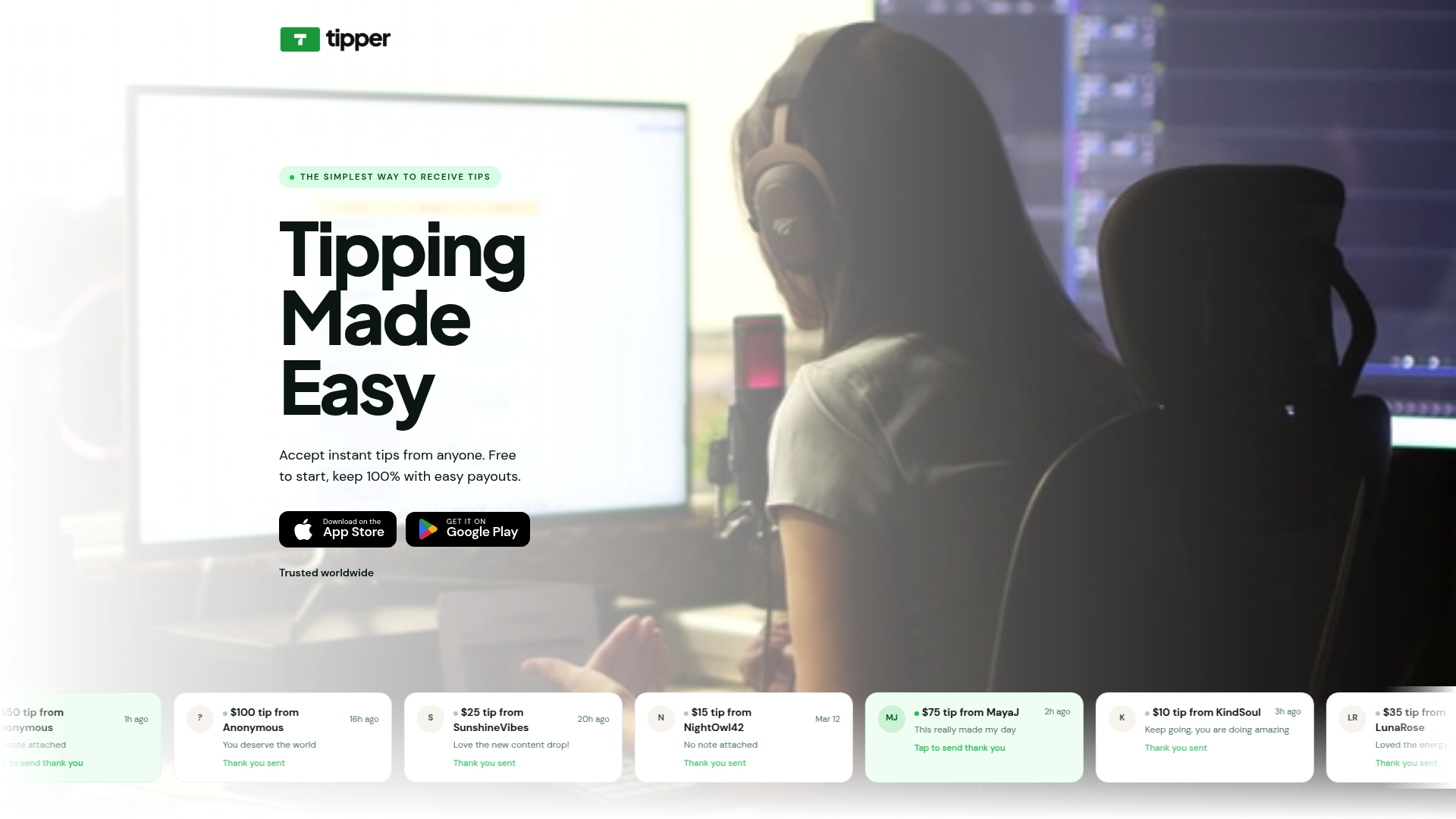
At a Glance
Tipper claims creators keep 100% of tips. It accepts payments through a single link or QR code and advertises instant payouts without platform cuts. Tippers do not need an account and can pay with Apple Pay, Google Pay, or credit cards.
Core Features
Tipper accepts tips via personalized links and QR codes and lets you build a simple profile page with built-in payments. No sign-up is required for people who tip, and the checkout supports Apple Pay, Google Pay, and credit cards while passing payment processor fees through at checkout. Setup takes minutes and the same link can live in social bios, live stream descriptions, or printed materials.
Key Differentiator
Instant payouts through a single link or QR code set Tipper apart from typical donation tools. That design removes account friction for supporters and shortens the path from tip to creator. The product centers on the immediate transfer of funds and lightweight sharing mechanics rather than long form storefronts.
Pros
Tipper is fast to set up and simple for audiences to use, which lowers friction during a live stream or event. The vendor advertises that creators keep 100% of tips, and payouts are routed immediately according to that claim. The platform supports flexible sharing via links and QR codes and keeps personal details private so supporters do not see creator banking data.
Cons
- Limited detailed customization of the profile or tip page functionality
Who It’s For
Tipper fits creators and performers who want a low friction way to collect gratuities online and in person. If you publish short video, run live streams, or busk at events you can use the same link across platforms. Freelancers and online coaches who accept occasional tips will appreciate the instant payout model and simple setup.
Unique Value Proposition
Personalized link pages with built-in payments and optional thank you notes or videos put a direct connection between supporter and creator. That payout claim shortens the cash flow timeline and removes platform revenue splits from the equation. For creators who prioritize quick receipts and simple sharing, this replaces multi-step donation forms with a single, reusable payment endpoint.
Real World Use Case
A YouTuber places their Tipper link in video descriptions and social bios and calls it out during live streams to collect direct tips. At a meetup they display a QR code on a poster so attendees can tip without cash. The creator then sends short thank you notes or videos to supporters using the profile page.
Website: https://tipper.app
Tiplor
At a Glance
One QR code and link work on any stage, offline, online, in social bios, and across festivals. That single touchpoint pairs with instant payouts to bank accounts via Stripe. The setup requires no extra hardware, so venues and performers can collect digital tips quickly and visibly.
Core Features
Tiplor uses a QR code and plain links that accept Apple Pay, Google Pay, and credit cards so fans can tip without accounts. The system sends real time tip notifications and displays earnings in an analytics dashboard that tracks support and popular tip amounts. Artist profiles, fundraising tools, and social sharing options let performers promote links in event listings and bios.
Key Differentiator
One code and link that work everywhere is the platform’s operating idea. That single entry point keeps patron flows consistent across in person shows, livestreams, and festival stages while giving performers access to payout timing and contribution data. Performers who need a portable, recognizable tip method benefit from that unified approach.
Pros
Tiplor is quick to deploy and needs only a printed code or a shared link, which helps performers who travel between venues. It supports payments in Stripe supported regions, so acts that tour internationally can collect without switching vendors. Real time notifications and an analytics view let performers see which songs or moments trigger the most support. The platform works both online and offline, and it can add tips to Apple Wallet for returning fans. Pricing has no monthly charge; the vendor charges a 15% transaction fee on each tip.
Cons
- The 15% fee may feel steep for small tips and repeated micro payments.
- Payouts and payment coverage depend on Stripe availability and policies, which could affect timing.
- The service is limited to countries where Stripe operates, so some touring routes will not be supported.
- Several users report only modest options for customizing onstage branding and visual layouts.
When It May Not Fit
Groups that need to sell tickets, merchandise, or take complex orders will find Tiplor too narrow because it focuses on tips and fundraising. Organizations that require full white label branding or advanced visual control should look elsewhere. Acts that perform in cash only settings or in regions without Stripe access cannot rely on Tiplor for consistent income.
Who It’s For
Performers, buskers, and venues that want a no fuss, cashless tip method will get the most value. Festival organizers and small venue managers can use the single code approach to simplify artist pages and donation stations. Artists running short fundraising drives at a show will appreciate the fundraising tools and direct payout flow.
Real World Use Case
A local band posts a visible QR code onstage during a set and adds the same link to its Instagram bio. Fans tip via Apple Pay or cards and the band receives notifications and analytics after each set. Tips route to the band’s bank account through Stripe, letting the group track earnings and popular contribution amounts across shows.
Website: https://tiplor.com
Tip Top Jar
At a Glance
Same day payouts on paid plans shorten the wait between receiving tips and getting paid. Tip Top Jar’s materials state those same day payouts are available to paid accounts. The platform combines customizable tip pages with shareable links, QR codes, and a real time dashboard for tracking tips and messages.
Core Features
Tip Top Jar offers custom tip pages with images and stories that let creators add context to requests for support. The platform supports multiple sharing formats, including links, QR codes, widgets, and embeds, so you can collect tips online or at live events. The dashboard updates in real time and the product supports several currencies plus common payout paths such as PayPal and ACH bank transfers.
Key Differentiator
The strongest angle is the combination of a live activity view and fast payouts. The real time dashboard shows incoming tips and messages as they arrive, which helps performers and teams sort receipts during events. That payout promise pairs with deeper analytics and team management on paid plans to support venues and multi-person setups.
Pros
Setup and management work quickly and the basic page can be launched with a one time fee or on the free plan. Multiple payment methods and currency support let you accept tips from an international audience while keeping records organized in the dashboard. Paid plans add faster payout timing, expanded analytics, branding controls, and tools for handling multiple team members across locations. The product fits creators who want simple sharing options such as QR codes, embeds, and link distribution.
Cons
- Payout processing may include fees and limits that affect small operations. This can make net receipts smaller for low value tips.
- Many advanced capabilities sit behind paid plans, leaving the free tier limited to a basic tip page. That forces teams who need branding or multiadmin tools to upgrade.
- International payout coverage varies by method and country, and some users reported constraints depending on their location.
When It May Not Fit
If you need fully free advanced features then Tip Top Jar may not match your needs because paid tiers unlock team and branding modules. If your business depends on bank transfers in a specific country then payout availability could be restricted. If you require built in payroll or invoice tools then this product lacks those specialized workflows.
Who It’s For
This service matches creatives, performers, service teams, and venue managers who need an easy way to collect and track tips. It fits people who want quick setup and tools for in person and online tipping without building a full payments stack. Teams that need multiadmin controls and branding will find paid plans more useful than the free option.
Real World Use Case
A musician places Tip Top Jar QR codes on a stage riser and on social posts to capture donations from fans in different currencies. The artist watches incoming tips on the real time dashboard during the set and replies to messages through the same interface. When the gig ends the musician requests payouts and, on a paid plan, receives funds quickly.
Pricing
A free plan covers a basic tip page and simple sharing. Paid plans start at $4.99/month billed annually and add faster payouts, more analytics, team management, and branding options. Additional modules are available for extra pages, admins, bank payouts, and branding assets.
Website: https://tiptopjar.com
EasyTip
At a Glance
EasyTip reports more than 3,500 businesses in the UK and beyond use the system. That scale points to strong adoption among hospitality operators. The platform combines cashless tipping with review prompts and tax tools to help staff and managers track tips and feedback.
Core Features
EasyTip offers QR code tips for table and counter payments and tipping terminals that accept tap to pay cards and mobile wallets. It includes a check in system that links tips to staff for fair allocation and automated tip distribution with tax compliance support. The software can also prompt customers for reviews immediately after tipping to improve online reputation.
Key Differentiator
The product stands out for automated compliant tip collection and distribution combined with integrated review prompts. That tight pairing reduces manual payroll work while capturing customer sentiment at the tipping moment. For operators who want tips, payouts, and feedback in one workflow, that integration shortens the feedback loop.
Pros
Easy to install hardware and simple setup reduce administrative time for managers and payroll teams. EasyTip’s marketing materials state it can increase earnings by up to 30 percent; that claim signals meaningful upside for high-volume venues. Immediate feedback after tipping boosts staff morale and can lead to better online reviews, and the system includes tools aligned with UK tipping legislation to help with compliance.
Cons
-
Trustpilot reviews indicate some buyers find setup complex and require support for configuration.
-
Limited customization options for distribution rules frustrate operators with unusual payroll splits.
-
Reliance on smartphone access and internet connectivity can cause interruptions in low-signal environments.
When It May Not Fit
If your venue regularly loses mobile signal or relies on cash tips, EasyTip will feel fragile. The software targets hospitality sectors in specific regions, so operators outside the UK, UAE, or US should verify local support first. Businesses needing highly customized payout rules may need additional tools alongside this system.
Who It’s For
Restaurant, salon, hotel, taxi, and service owners who want cashless tipping and simpler tip payouts will benefit most. Small chains and single-location businesses seeking faster staff payouts and more customer reviews will find the tool relevant. Operators focused on UK compliance and straightforward distribution will get the most value.
Real World Use Case
A restaurant group deploys QR codes at every table so guests tip on their phones. Tips flow into EasyTip, the system allocates payments to staff, and it triggers a review prompt after payment. Managers use the review data to address recurring service issues and maintain online ratings.
Pricing
The listing shows a Free entry level. No specific fee structure or tier prices are publicly listed, so larger venues should contact EasyTip for plan details. Pricing likely varies by business size and hardware needs.
Website: https://easytip.net
Tippy

At a Glance
Instant tip deposits and no processing fees for tips paid directly to staff stand out. Tippy supports kiosks, QR codes, NFC links, and POS integrations for in-person tipping. That mix makes it a practical choice for salons, spas, auto shops, and similar service venues.
Core Features
Tippy combines a Stand-Alone Tipping Kiosk for countertop checkout with QR code, Link, and NFC workflows for on-the-go tips. The product advertises POS integrations that attach tipping to checkout, plus instant tip deposits and staff float that move funds directly to employees. Customizable platform options target common service industry needs.
Key Differentiator
Tippy focuses squarely on front-line service venues and in-person tipping workflows. Its approach bundles hardware options and contactless methods tailored to physical checkout environments. That narrow focus contrasts with broader tip management tools that emphasize online-only collections.
Pros
Tippy helps generate higher tips by offering multiple customer touchpoints at checkout and on the floor. Instant payouts improve staff cash flow and help managers simplify tip distribution. The company claims strong customer service ratings; that claim appears repeatedly in marketing materials and underpins positive customer anecdotes.
Cons
- Some webpages for specific features return 404 errors, which makes researching technical details difficult.
- Public documentation offers limited technical depth and few configuration examples, so you may need vendor contact for setup answers.
- Available customization details are sparse on the site, which could slow advanced branding or specialized workflow requests.
When It May Not Fit
Organizations that need fully documented APIs or public developer resources will likely find Tippy lacking. Large multi-location chains requiring centralized reporting and heavy customization may need a different tip management system. Teams that rely mainly on online donations or remote tipping will find the product too focused on in-person workflows.
Who It’s For
Service professionals and business owners in salons, spas, auto shops, gyms, and hospitality who want contactless and countertop tipping. Managers who prioritize fast staff payouts and simpler tip handling will get the most value. Small to mid-sized venues with regular foot traffic match the product profile best.
Real World Use Case
A salon installs a kiosk at checkout and scans QR codes at each styling station. Clients add tips via NFC or a short link during payment. Staff receive instant deposits to their pay floats, reducing manual tip splits and decreasing payout delays for the team.
Pricing
Pricing is not publicly listed on the website and the product entry is informational only. Expect to contact sales for quotes and hardware pricing, since online pricing details are not available. Ask about setup fees and POS integration costs during vendor outreach.
Website: https://meettippy.com
Comparison of alternatives
Tipper stands out due to its promise of instant payouts while ensuring creators keep the entirety of their earnings, which directly benefits individual users and performers seeking monetary support. By contrast, the alternatives present unique strengths catering to specialized needs reflecting broader demands for diversity in online tipping mechanisms.
Payout process and platform fees
Tipper prioritizes immediate payment directly to creators while ensuring no platform fees are deducted, making it suitable for those relying on minimal payout delays. Tiplor incorporates Stripe as its payment backbone, which facilitates international payouts but imposes a 15% transaction fee per tip, potentially reducing overall creator benefits. Tip Top Jar introduces varying payout durations contingent on subscription tiers and geographical accessibility, coupling this with functionalities targeted toward teams or venues. EasyTip and Tippy emphasize physical establishments by deploying self-service kiosks or automated tip allocations integrated with point-of-sale setups.
Administrative insights and customization
Tippler excels in presenting performers with rich analytical dashboards updated in real time, enabling identification of peak audience generosity and engagement patterns. Tip Top Jar employs a similar model geared towards multi-location venues managing team-specific gratuity assets but splits higher-level customizations under subscription plans. EasyTip directly meshes cashless tipping alongside reputation enhancements via immediate review prompts but limits visual adaptability.
Best fit
- Independent creators or freelancers needing consistent and complete revenue assists without added platform deductions would benefit most from Tipper’s simplicity and reliability.
- Performance-focused creators who wish to expand geographic monetization avenues will find Tiplor viable if situated within Stripe domains.
- Venue teams and operational managers leveraging Tip Top Jar’s interface gain real-time patron insights integrated with payout timeline transparency.
- Hospitality businesses strongly prioritizing tip compliance distributions paired with centralized reputation mechanism align best with EasyTip.
Our pick
Tipper delivers an user experience for creators desiring immediate access to earnings coupled with platform transparency fulfilling simplified digital interactions for diversified creators across formats. However, in scenarios prioritizing international analytics alongside multi-admin customization, solutions such as Tiplor and Tip Top Jar perform accordingly to specific prerequisites.
To decide among online tipping services, compare features like frictionless setup and transaction advantages.
| Platform | Key Differentiator | Best For | Pricing | Notable Limitation |
|---|---|---|---|---|
| Tipper | Instant payouts via links/QR codes | Creators needing fast and easy tips | Price not published | Limited detailed page customization |
| Tiplor | Single touchpoint QR code and link | Performers who tour across venues | 15% transaction fee | Stripe dependency for payouts |
| Tip Top Jar | Real-time dashboard and fast payouts | Creatives needing versatile currency support | Free plan with paid tiers from $4.99/month | Fee processing affects net receipts for low-value tips |
| EasyTip | Integrated tip and review prompts | Hospitality businesses seeking a cashless solution | Price not published | Reliance on internet access for operations |
| Tippy | Stand-alone tipping kiosks and NFC options | Service venues with high foot traffic | Price not published | Limited public documentation for advanced setup |
How Can Creators Break Free From Complex Donation Systems?
Creators and performers often face challenges with high fees and account requirements when collecting tips. Tipper solves these pain points by letting supporters send instant tips using a simple personalized link or QR code. Anyone can tip using Apple Pay, Google Pay, or credit cards—without needing an account. Plus, creators keep 100% of their earnings which maximizes income.
If you seek a no-friction way to monetize content and connect with your audience, visit Tipper. Set up fast payouts through your own link and send thank you notes to supporters with ease. Check out Tipper for a straightforward tipping solution trusted by freelancers, influencers, and creators worldwide.
FAQ
How does Tipper support instant payouts for creators?
Tipper allows creators to receive instant payouts without platform cuts. The platform advertises that creators keep 100% of tips, enhancing the cash flow for users during events and live streams.
What is the difference between Tipper and Tiplor?
Tiplor is known for its quick setup with a single QR code and link that works across various platforms. Tipper excels in providing instant payouts directly to creators without account setup for people who tip, making it ideal for low-friction tipping during live performances.
Which platform allows for a highly customizable tip page?
Tip Top Jar provides customizable tip pages that include images and stories, letting creators add context to their requests for support. In contrast, Tipper focuses on simplicity and quick setup, making it less customizable but easier to use.
Can I use Tipper for social media tipping if I have a unique profile?
Yes, Tipper supports personalized links that creators can use in social media bios to collect tips without requiring tippers to create an account. This feature effectively enables effortless tipping during online interactions.
What payment methods does Tipper accept?
Tipper accepts payments through Apple Pay, Google Pay, and credit cards, streamlining the tipping process for supporters. This makes it convenient for users to pay without needing to register or sign up.
Does Tipper have any limitations compared to other services?
Tipper’s key limitation is that it offers limited customization on profiles compared to other platforms like Tip Top Jar, which allows for more detailed personalization options. This makes Tipper less suitable if advanced branding is a priority.
Recommended

How Tipping Frequency Signals Content Success in 2026
Tipping frequency is defined as the rate at which an audience voluntarily sends financial tips to a creator over a given period. Understanding how tipping frequency signals content success is one of the most underused skills in a creator’s analytics toolkit. Unlike raw view counts or follower growth, tipping frequency reflects genuine audience trust. It is shaped by payment friction, social norms around tipping culture, and the psychological state of your audience. Crucially, tipping frequency and tip value are two separate metrics, and confusing them leads to bad decisions about content strategy and monetization.
How tipping frequency signals content success through payment behavior
Payment method is the single biggest external factor distorting tipping frequency data. Contactless payments produce a tipping rate of only 4.6% compared to 14.9% for chip and PIN transactions. That gap does not mean contactless audiences value content less. It means the payment experience changes tipping from a habitual reflex into a deliberate choice.
For creators, this distinction matters enormously. A drop in tipping frequency after switching to a frictionless payment interface like Apple Pay or Google Pay is not a red flag. It is a shift in tipping behavior, not audience sentiment. Frictionless payment interfaces change who tips and when, but the tips that do come through tend to carry stronger intent behind them.

| Payment Method | Tipping Rate | What It Signals |
|---|---|---|
| Chip and PIN | 14.9% | Higher habitual tipping frequency |
| Contactless / digital | 4.6% | Lower but more deliberate tipping |
| No-account instant pay | Higher conversion | Reduced friction increases tip completion |
Creators should always note the payment context before drawing conclusions from a frequency change. A sudden drop in tips after migrating to a new platform may simply reflect a change in payment flow, not a change in audience loyalty.
- Track tipping frequency separately for each payment channel you use
- Compare tip frequency before and after any interface change
- Weight deliberate digital tips more heavily than habitual low-friction tips
- Avoid reading a frequency dip as a content quality failure
Pro Tip: If you recently added Apple Pay or Google Pay as a tipping option, give your audience at least 30 days before drawing conclusions from the frequency data. Behavioral adjustment takes time.
What is tip fatigue and how does it distort tipping signals?
Tip fatigue is the psychological exhaustion that sets in when audiences feel pressured to tip too often or at inappropriate moments. 44% of consumers report leaving smaller tips than before, and 59% say they feel obligated to tip rather than genuinely motivated. That combination is a warning sign for any creator who relies on tipping frequency as a success indicator.
The psychological mechanism behind tip fatigue is called reactance. When tipping feels demanded rather than earned, audiences push back by tipping less or not at all. Over-requesting tips reduces consumer willingness to tip and damages long-term audience relationships. The damage is not always visible immediately. Tip frequency may hold steady for weeks before declining sharply.
“Tipping should feel like applause, not a toll booth. The moment your audience feels charged rather than appreciated, frequency drops and trust erodes.”
Creators can protect tipping frequency by following a few clear principles:
- Request tips only after delivering clear, specific value (a tutorial, a solved problem, an exclusive insight)
- Avoid placing tip prompts at the start of content or during low-value moments
- Space tipping requests so they do not appear in every piece of content
- Use instant gratification cues to frame tips as a natural thank-you rather than a fee
Pro Tip: Rotate your tipping call-to-action language. Repeating the same phrase in every video trains audiences to tune it out. Fresh, specific language tied to the value you just delivered converts far better.
Tipping frequency vs. tip value: what each metric actually tells you
High tipping frequency and high tip value are not the same thing, and treating them as interchangeable is a common mistake. High-volume, low-value tipping often correlates with viral content, where broad reach drives many small tips from casual viewers. Niche creators, by contrast, typically see lower tip frequency but higher average tip values per transaction.
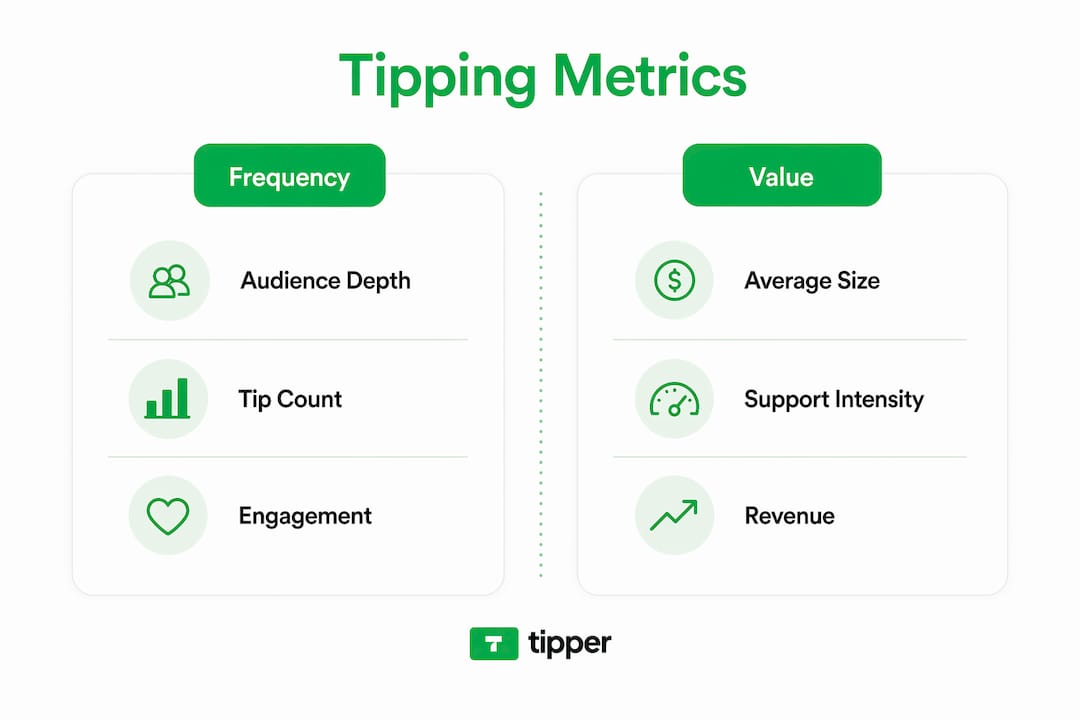
Tipping frequency signals audience depth rather than just reach. A creator with 500 tips at $2 each has a very different audience profile than one with 50 tips at $20 each. The first has broad but shallow support. The second has a loyal, high-value community. Both are worth having, but they require different content and monetization strategies.
| Tipping Pattern | What It Signals | Best Response |
|---|---|---|
| High frequency, low value | Broad reach, viral appeal | Focus on volume content and brand deals |
| Low frequency, high value | Loyal niche community | Deepen exclusive content and direct support |
| Declining frequency, stable value | Audience shrinking but committed | Prioritize retention over acquisition |
| Rising frequency, rising value | Strong growth and trust | Scale content output and tipping touchpoints |
Creators should segment tipping data by both dimensions before making any content decisions. Relying on frequency alone produces a distorted picture of content performance.
- Pull both tip count and average tip value from your analytics monthly
- Map each metric to specific content types to identify what drives each pattern
- Use cross-platform tipping data to compare audience behavior across channels
- Treat high average tip value as a stronger sustainability signal than raw frequency
What complementary metrics should creators track alongside tipping frequency?
Tipping frequency is a lagging indicator. It reflects trust that was built over time, not the immediate performance of a single piece of content. Content success is better predicted by completion rates of 50–80% and engagement velocity spikes within the first 30–60 minutes of publishing. Those are leading indicators that algorithms respond to directly.
Tipping frequency tells you about the quality of your audience relationship. Completion rate and engagement velocity tell you about the quality of a specific piece of content. You need both to make good decisions.
- Completion rate. A completion rate above 50% signals that your content holds attention. Above 80% is a strong algorithmic signal on most short-form platforms. Track this per video, not as an average.
- Engagement velocity. The speed at which likes, comments, and shares accumulate in the first hour after publishing predicts algorithmic distribution. A slow start rarely recovers.
- Return viewer rate. The percentage of viewers who watch your content more than once indicates genuine interest. High return rates often precede increases in tipping frequency.
- Tip-to-view ratio. Divide total tips by total views for a given content piece. This ratio isolates tipping behavior from reach and gives a cleaner signal of audience depth.
- Tip timing relative to content. Tips that arrive immediately after publishing indicate a highly engaged core audience. Tips that trickle in over weeks suggest discovery-driven reach rather than community loyalty.
Pro Tip: Build a simple monthly spreadsheet that tracks completion rate, engagement velocity, tip count, and average tip value side by side. Patterns across these four columns will tell you more than any single metric alone.
How can creators optimize tipping strategies to improve frequency signals?
The most effective tipping strategies place requests at moments of peak perceived value. Mapping tipping opportunities to high-value content moments preserves audience trust and stabilizes conversion rates over time. A tip prompt placed immediately after solving a viewer’s specific problem converts far better than a generic end-screen request.
Interface design also directly affects tipping frequency. Frictionless, account-free payment options increase tip conversion by removing the steps that cause drop-off. Requiring a viewer to create an account before tipping eliminates a large portion of potential tips. Platforms that support Apple Pay, Google Pay, or one-click tipping links see meaningfully higher completion rates.
- Place tip prompts after delivering a clear, specific insight rather than at the start or end of every piece
- Use a personalized tipping link that works without account creation
- Accept multiple payment methods to reduce friction for different audience segments
- Monitor frequency changes after each interface or placement adjustment to isolate what drives behavior
- Avoid adding tip prompts to every content piece. Scarcity of the ask increases its perceived sincerity
Pro Tip: Test placing your tipping link in the first comment rather than only in the bio. Viewers who engage with comments are already in a higher-trust state and convert at a higher rate.
Key takeaways
Tipping frequency signals content success most accurately when interpreted alongside tip value, payment method context, and leading engagement metrics like completion rate and engagement velocity.
| Point | Details |
|---|---|
| Payment method distorts frequency | A drop in tips after switching to contactless does not mean lower content quality. |
| Tip fatigue is a real risk | 44% of consumers already tip less. Over-requesting accelerates this decline. |
| Frequency and value are separate signals | High frequency reflects broad reach; high average value reflects loyal community depth. |
| Tipping is a lagging indicator | Pair tipping data with completion rate and engagement velocity for accurate content assessment. |
| Placement drives conversion | Tipping requests placed at high-value content moments consistently outperform generic prompts. |
What I have learned from watching tipping data evolve
Tipping frequency is one of the most misread metrics I have seen creators act on. The instinct is to treat a drop in tips as a sign that content is getting worse. That is almost never the right interpretation. Payment method changes, platform migrations, and audience growth all shift frequency without touching content quality at all.
The creators who use tipping data well treat it as a relationship barometer, not a performance score. When frequency rises steadily over months, it means the audience is deepening its trust. When it drops sharply after a specific content change, that is worth investigating. But a slow drift downward often just means the audience is growing and the core supporters are becoming a smaller percentage of a larger total.
The other mistake I see constantly is chasing frequency at the expense of value. A creator who adds tip prompts to every video, every newsletter, and every social post will see short-term frequency gains followed by a hard drop. Audiences have a finite tolerance for being asked. Respect that limit and your tipping data will stay meaningful. Ignore it and the metric becomes noise.
The most sustainable approach is to build content that earns tips without demanding them. When a viewer tips without being prompted, that is the clearest signal of content success you will ever get.
— Tipper
Tipper makes tipping frequency work for you
Tipping frequency only becomes a useful signal when your audience can actually tip without friction. Tipper gives creators a personalized tipping link that works instantly, with no account required from the supporter. Viewers can pay with Apple Pay or Google Pay in seconds, which removes the drop-off that kills conversion on most platforms.
Creators keep 100% of every tip, and supporters can attach a note or video message to make the moment personal. If you want tipping data that actually reflects your audience’s engagement rather than payment barriers, start with Tipper and see how a frictionless setup changes your numbers. For a deeper look at how instant payments work, the instant tip payment guide covers everything you need to set up in 2026.
FAQ
What does tipping frequency actually measure?
Tipping frequency measures how often an audience voluntarily sends financial tips over a set period. It reflects audience trust and engagement depth rather than raw content reach.
Why did my tipping frequency drop after switching payment methods?
Contactless and digital payments produce lower tipping rates than traditional methods. A tipping rate of 4.6% for contactless versus 14.9% for chip and PIN shows this is a payment friction effect, not a content quality signal.
How does tip fatigue affect my tipping data?
Tip fatigue occurs when audiences feel pressured by too many or poorly timed tipping requests. It causes reactance, where viewers tip less or stop tipping entirely, which distorts frequency as a success indicator.
Should I focus on tip frequency or average tip value?
Track both together. High frequency with low values signals broad reach. Low frequency with high average values signals a loyal, high-value community. Neither metric alone gives an accurate picture of content success.
What metrics should I combine with tipping frequency?
Pair tipping frequency with completion rate, engagement velocity in the first 30–60 minutes, and return viewer rate. These leading indicators give context that tipping frequency, as a lagging metric, cannot provide on its own.
Recommended

Top 4 YouPay.co Alternatives for 2026
Finding a creator monetization link that maximizes earnings and fits with payment preferences is more complicated than it should be. Most platforms take a percentage of each tip or limit payment methods and integrations for global audiences. This comparison lists four creator monetization link alternatives so creators can pick the best match for their payment needs, integration preferences, and fees.
Table of Contents
Tipper
At a Glance
Tipper reports creators keep 100% of tips. That claim matters when small gifts add up over time. The platform accepts instant, no-signup payments via Apple Pay, Google Pay, and cards using a shareable link or QR code.
Core Features
Tipper uses a personalized link or QR code so supporters can pay online or in person without creating an account. The profile page is customizable with links and photos, and creators can send thank-you messages as text or short videos. According to the company, withdrawals arrive to bank accounts within 7–10 business days.
Key Differentiator
That figure and the sign-up free payments make tipping behave like cash for creators. Supporters pay with familiar wallets or cards, and creators receive the tip amount without a platform cut. This setup reduces friction for one-time supporters and casual viewers.
Pros
You keep the full tip amount, which improves the economics of frequent small donations and single contributions. Setup takes minutes and sharing works through a link or a printed QR code for live events. The platform supports Apple Pay and Google Pay and lets you reply with personalized thank-you notes or short videos to deepen supporter ties.
Cons
- Requires creators to actively share and promote their link or QR code, which limits discoverability without an existing audience.
Who It’s For
Creators, performers, and freelancers who already have an audience or a place to post a link will benefit most. People who rely on in-person events or social bios to collect small payments will find the workflow straightforward. Those who are uncomfortable with mobile payments or who need discoverability tools built in may want an alternative.
Unique Value Proposition
Customizable personal profile pages let you add links and photos so the tip link blends into your existing bio and social feeds. That presentation makes it easier to convert followers into supporters. Combined with optional thank-you videos, it turns a raw tip into a repeatable relationship touchpoint.
Real World Use Case
A YouTuber drops their Tipper link in video descriptions and pins it in bios. Viewers send one-off tips via Apple Pay or card, and the creator sends short thank-you videos to top supporters. Tips land in the creator’s bank account without a platform cut, and the creator controls messages and profile branding.
Website: https://tipper.app
Waylight
At a Glance
Waylight accepts payments in 195 countries and 135 currencies, letting creators charge fans across geographies. Waylight’s marketing materials state up to 30% more completed sales from instant checkout, and up to 3× higher open rates through Telegram. The product offers free, Basic, and Pro plans so creators can test features before committing.
Core Features
Waylight lets creators build subscription communities on Telegram and manage memberships from a single interface. The platform sells tickets, manages live events, and grants paid access to virtual streams and online courses. It also hosts digital products and handles scheduling and bookings for video calls and client appointments.
Key Differentiator
Waylight combines membership, ticketing, product storefronts, and appointment booking into one social selling workflow. That consolidation reduces the number of separate tools creators must operate and maintain. Built-in checkout with Apple Pay and Google Pay aims to raise conversion and shorten the path to purchase.
Pros
Instant checkout with Apple Pay or Google Pay reduces friction at checkout and supports higher completion rates, according to the vendor claim. Delivering invites and updates via Telegram can increase message open rates and audience engagement compared with email only. Worldwide payment coverage and an internal CRM plus marketing tools let creators replace multiple apps and automate common sales and follow up tasks.
Cons
- Limited publicly available third party reviews and buyer feedback make independent validation difficult.
- Pricing and feature details are plan oriented rather than shown through broad user case studies.
- The product does not list enterprise grade limits or large scale deployment case studies publicly.
When It May Not Fit
Large organizations that need documented enterprise level SLAs or third party audits may find Waylight’s public information thin. Teams that require deep integration with legacy CRMs or bespoke reporting will likely need a platform with a published integrations catalog. Buyers seeking extensive independent reviews and case studies might prefer a solution with broader public validation.
Who It’s For
Creators and influencers who sell memberships, digital products, or one off tickets from social profiles will benefit most. Small to medium event organizers who want ticketing and streaming under one roof can run shows and follow ups from the same account. Coaches and consultants who need booking, paid calls, and product delivery in one place will also find this approach useful.
Real World Use Case
A YouTube influencer sells exclusive memberships and online courses while promoting live ticketed events directly through social posts. Waylight handles payments, sends Telegram invites, and schedules member video calls without extra apps. That setup reduces manual work and keeps community management inside a single platform.
Pricing
Waylight offers a free entry plan with no credit card required so creators can start without upfront cost. Paid tiers include Basic $9/month (billed annually) and Pro $59/month (billed annually) for heavier use and advanced features. Annual billing is the published model for the paid plans.
Website: https://waylight.me
pretopay.com
At a Glance
The site focuses on Cloudflare challenge troubleshooting and verification guidance for administrators. It gathers step by step documentation and targeted troubleshooting notes for challenge loops and bot detection conflicts. The content reads like a technical reference rather than a commercial offering.
Core Features
The site collects technical troubleshooting resources that walk through common challenge failure modes and misconfigurations. It explains challenge types and configuration options while addressing browser compatibility and network settings that commonly trigger repeat challenges. Developer and administrator resources and community feedback channels round out the documentation set.
Key Differentiator
The primary distinction is a narrow focus on Cloudflare challenge and verification issues. That focus produces deeper, scenario driven guidance than general web security help pages. For teams dealing specifically with challenge loops, the material tends to be practically oriented.
Pros
The documentation provides clear, task oriented troubleshooting steps for challenge related problems and misconfigurations. It covers browser and network factors that often cause verification failures and offers troubleshooting moves administrators can apply immediately. The site also collects developer facing guidance and community feedback channels that help resolve edge cases and unusual deployments.
Cons
- No direct product or paid service is visible; the site functions as documentation and support only.
- The content stops at guidance and does not include tooling or managed services for remediation.
- No pricing or integration information is provided because the offering is informational rather than commercial.
- The material assumes technical knowledge and can feel terse for less technical readers.
When It May Not Fit
Teams seeking a purchasable mitigation service or a hosted solution will not find one here. Organizations that need vendor support contracts, managed remediation, or turnkey integrations should look elsewhere. Nontechnical stakeholders will find the documentation too technical for policy or stakeholder reporting.
Who It’s For
Website administrators, security engineers, and developers who manage challenge systems will get the most value. Small security teams troubleshooting site specific challenge loops can apply the guidance directly. Contractors or consultants diagnosing verification failures will also find the stepwise notes useful.
Real World Use Case
A security team sees repeated challenge loops after a DNS change. Following the site’s troubleshooting steps, they confirm a misconfigured proxy header and adjust network rules. That change stops the loop and restores normal verification for affected visitors.
Pricing
Not applicable. The site presents technical documentation and support resources and does not list pricing or paid tiers.
Website: https://pretopay.com
TillyPay
At a Glance
The vendor advertises integration with over 2,000 tools, which makes automation options unusually broad for a small business payment tool. The vendor states compliance with PCI & PSD2 standards. TillyPay follows a freemium model and offers a free trial period, so you can test core features before committing.
Core Features
TillyPay offers customizable payment forms for subscriptions and one off payments, plus checkout pages you can host under your own domain. The platform includes a customer payment portal that lets clients manage subscriptions and invoices, and it supports multiple currencies and major card methods including Apple Pay and Google Pay. Those integration options tie into accounting and workflow tools so you can automate bookkeeping and notifications.
Key Differentiator
TillyPay lets you brand checkout pages and host them on your own domain without writing code. This design keeps the payment flow on your site and preserves brand consistency during checkout. For creators who want a polished payment surface without developer work, that brand control is the main selling point.
Pros
Setup requires no coding, so you can launch payment pages quickly and keep the technical overhead low. Branded checkouts hosted on your domain help projects look professional and reduce friction when sharing links with clients. The platform supports a wide set of payment methods and currencies, and Zapier and accounting integrations let you automate routine tasks like invoice syncing and payment notifications.
Cons
- Pricing varies by plan, and transaction fees on the free tier may add up for very small operations.
- Public documentation includes limited detail about advanced customization or specific integration edge cases.
- Buyer flexibility may be constrained if you need enterprise grade features or custom, high volume workflows.
When It May Not Fit
If you plan to scale into enterprise level volume or need advanced fraud controls, TillyPay may lack the specialized tooling you need. Complex bespoke integrations beyond Zapier and the listed partners could require additional development. Businesses that must meet highly specific compliance or procurement requirements should verify capabilities before migrating.
Notable Integrations
TillyPay connects with common workflow and payment platforms, including Zapier, Stripe, and QuickBooks. These integrations cover automation, card processing, and accounting syncs so you can reduce manual work without custom code.
Who It’s For
TillyPay fits small business owners, solopreneurs, freelancers, and agencies that need an easy to manage payment solution with branding control. It suits anyone who wants subscription billing and one off payment options without hiring a developer. Teams that already use Zapier or QuickBooks will find the workflow integrations practical.
Real World Use Case
A freelance consultant creates a branded checkout page on their agency domain to collect deposits and monthly retainers. Clients pay with Apple Pay or cards and manage recurring invoices in the customer portal. The consultant links payments to QuickBooks and saves time on bookkeeping.
Pricing
TillyPay has a free plan with transaction fees and a Pro plan priced at $30/month that reduces fees and unlocks additional features. The free trial period lets you test core flows before upgrading.
Website: https://tillypay.com
Comparison of alternatives
Creators evaluating platforms for tips and payments will notice meaningful distinctions in features and fees. The inherent benefits often correlate with specific creator workflows and audience engagement strategies.
Transaction fees and payout policies
Tipper stands out by enabling creators to retain 100% of their earnings, resulting in direct benefits for those handling minor transactions or accepting sporadic tips. In contrast, TillyPay features a pricing model where free-tier transactions incur fees, emphasizing scalability but impacting lower-margin users. Here, Tipper offers unique benefits tailored to creators seeking maximum net income per transaction.
Advanced integrated functionalities
Waylight assigns priority to feature integration, providing creators with tools for memberships, events, and digital product management while maintaining a unified interface. These options appeal to creators requiring solutions. TillyPay escalates this integration even further by integrating with over 2,000 tools, supporting expansive automation for broader business operations. For those valuing diverse functionality, Waylight and TillyPay present compelling alternatives.
Best fit
- Transparent tipping with full income retention: Choose Tipper if earning the full attributed tip amount maximally aligns with your strategy.
- Integrated audience revenues and automation-ready systems: Utilize Waylight if managing a sophisticated engagement workflow such as memberships is critical.
- Professional and branded client transactions: Employ TillyPay for subscription models requiring branded payment portals and advanced interconnection workflows.
Our pick
For creators who depend on personalized, fee-free payments and require user-friendly workflows, Tipper is our recommendation. Its distinctive offering of 100% tip retention and versatile QR code integration supports creators whose emphasis lies in maximizing earnings with minimal management overhead. However, for those pursuing expansive feature sets or unique branding tools, platforms like Waylight and TillyPay provide suitable solutions. Choose the platform that aligns best with your goals and operational preferences.
Identify the creator monetization platform that matches your needs based on core features and intended use cases.
| Product Name | Key Differentiator | Best For | Pricing | Notable Limitation |
|---|---|---|---|---|
| Tipper | Zero platform fees for tips received | Creators managing tips via QR or link | Price not published | Requires active sharing of links/QR codes |
| Waylight | Consolidated tools for memberships and events | Social media influencers and small event organizers | Free; Basic $9/month; Pro $59/month | Limited third-party reviews and enterprise-level public information |
| pretopay.com | Focus on Cloudflare challenge troubleshooting | Security teams managing web verification challenges | Not applicable | No product or paid service offered |
| TillyPay | Branded checkout pages hosted on your domain | Freelancers and small business owners | Free; Pro $30/month | Limited support for large-scale or high-volume operational needs |
How Can You Overcome Challenges with YouPay.co Alternatives Like Tipper?
Creators, performers, and freelancers often struggle with payment platforms that take fees or complicate tipping. Tipper solves this by letting you keep 100 percent of tips and accept payments instantly through Apple Pay, Google Pay, or cards without requiring accounts. This means supporters can send one-time tips easily, and you get full earnings with simple withdrawals.
If you want a personalized tip link or QR code to share during live events or social bios, Tipper offers exactly that. Its thank-you message features deepen supporter relationships by adding a personal touch. Learn how Tipper helps creators connect with their audience and receive tips directly at Tipper. Get started by creating your custom tip profile to increase your income from small donations and one-off support.
FAQ
What unique feature does Tipper offer for creators looking to monetize tips?
Tipper allows creators to keep 100% of the tips they receive without any deductions. This feature enhances the financial appeal of frequent small donations, making it ideal for creators relying on such contributions. Creators using Tipper can maximize their earnings from supporters immediately.
How does Tipper compare with Waylight for managing digital products?
Waylight offers integrated ticketing, membership management, and digital product sales, providing a comprehensive community and product management solution. Tipper, on the other hand, excels in direct monetization of tips through shared links and QR codes, making it a better fit for creators focused on one-time contributions. Each platform serves distinct needs in the creator economy.
Which platform offers a simpler setup for monetizing tips, Tipper or Waylight?
Tipper provides a quick setup process, taking only minutes for creators to share their personalized link or QR code for receiving tips. Waylight, while robust, includes more features that may add complexity to the initial setup. Creators seeking a straightforward and rapid solution will find Tipper advantageous.
Can creators use Tipper for in-person events?
Yes, creators can use Tipper effectively at in-person events by sharing a QR code or link for tips. This approach allows supporters to contribute easily and instantly, enhancing the donation experience during live interactions. Creators should consider using printed QR codes to facilitate immediate support during their events.
What are the withdrawal timelines for creators using Tipper?
Withdrawals from Tipper typically arrive in creators’ bank accounts within 7–10 business days. This timeframe ensures that creators can access the funds from their tips relatively quickly, providing better cash flow for their activities. Creators should plan accordingly based on this withdrawal timeline for their financial management.
Recommended

How Real-Time Tips Work for Creators in 2026
Real-time tips are immediate, voluntary payments made by viewers to content creators during live streams or video interactions. Understanding how real-time tips work for creators is the difference between treating tipping as a bonus and building it into a reliable income stream. Platforms like YouTube Super Chat, TikTok Tips, and Twitch each handle this differently, and the gap between a creator earning $500 a month and one earning $10,000 often comes down to setup, acknowledgment, and content type. This guide covers the full picture: mechanics, engagement tactics, technical setup, and 2026 IRS guidance.
How do real-time tipping systems work on popular platforms?
Real-time tipping is the industry term for what most creators call “getting tips during a stream.” The core mechanism is simple: a viewer pays a small amount through the platform, and the creator receives a notification, often as an on-screen alert or a highlighted comment. The experience feels instant, but the backend involves payment processing, platform fee deductions, and scheduled payouts.
Platform mechanics and fee structures
YouTube Super Chat lets viewers pay to pin their comment during a live stream. YouTube Super Thanks allows tips on regular uploaded videos. TikTok Direct Tips send money straight to a creator’s account during live broadcasts. Twitch uses Bits, a virtual currency viewers buy and then spend during streams. Each platform takes a cut before the creator sees a dollar.
Platform fees matter more than most creators realize. YouTube keeps roughly 30% of Super Chat revenue. Twitch takes a similar percentage from Bits. That means a $10 tip on YouTube nets the creator around $7 before taxes. Moving tips to direct payment rails like Stripe or PayPal eliminates that platform cut entirely, which is why direct payment tools have become a serious part of the real-time monetization conversation.

| Platform | Tip Feature | Platform Fee | Payout Timing |
|---|---|---|---|
| YouTube | Super Chat / Super Thanks | ~30% | Monthly |
| TikTok | Direct Tips | ~50% (varies) | Weekly |
| Twitch | Bits | ~29% | Monthly |
| Stripe / PayPal | Direct tip links | 2.9% + $0.30 | Near-instant |
Pro Tip: Set up a direct tip link via Stripe or PayPal alongside your platform tipping features. Mention it once per stream. Viewers who want to give more will use it, and you keep far more of every dollar.
The top 1% of streamers earn over $50,000 monthly from Super Chats alone. That number reflects creators who have mastered both content quality and the mechanics of tipping systems, not just luck.
What content and engagement strategies maximize real-time tips?
Content type is the single biggest driver of tip volume. Educational and tutorial content earns 5–10x more in voluntary tips than general entertainment content. Viewers tip creators who save them time, teach them a skill, or solve a real problem. A cooking tutorial that walks through a technique step by step will consistently outperform a casual vlog in tip revenue.
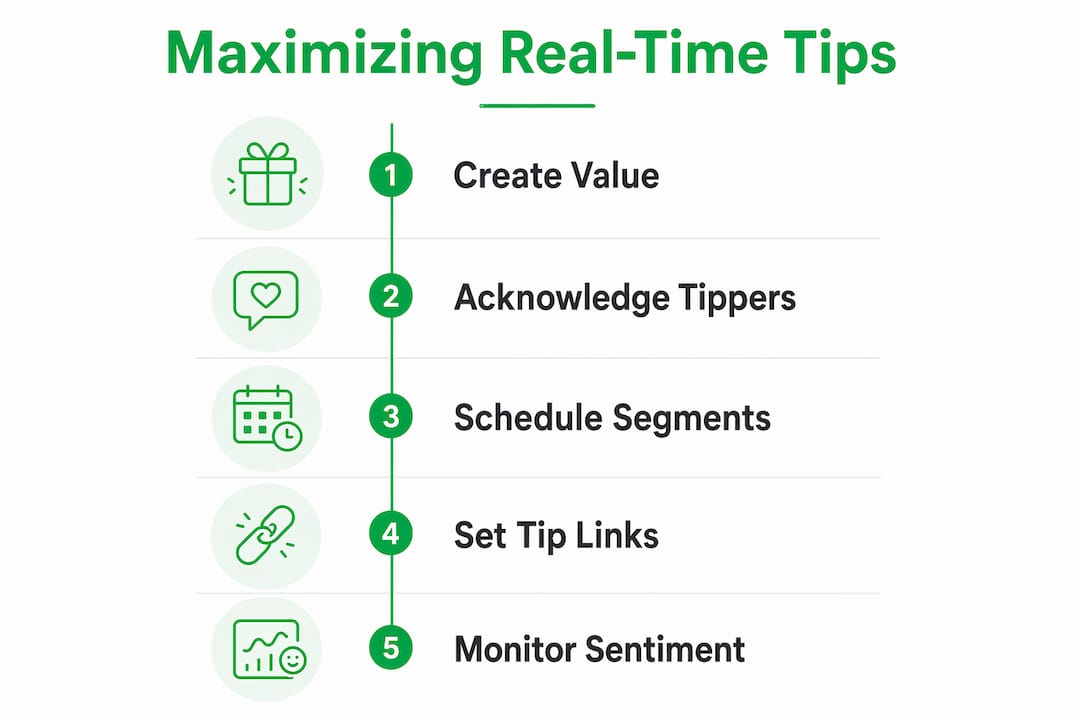
The power of creator acknowledgment
Public recognition is the most underused tip growth tool available. Acknowledging top tippers by name during streams or video intros increases future tipping activity by 40–60%. The reason is social proof. When a viewer sees their name called out and the chat responds positively, they associate tipping with community status. That association drives repeat behavior.
Scheduling also matters. Creators who run dedicated tip segments, such as a two-minute “shoutout break” mid-stream, see higher tip volumes than those who accept tips passively. Consistency trains your audience. If viewers know a shoutout segment is coming, they time their tips to land in that window.
The 90-Second Rule for live streams
Live chat sentiment is real-time feedback. When comments turn negative or engagement drops, creators have roughly 90 seconds to pivot content before viewers start leaving. A pivot can be as simple as switching topics, asking a direct question to the chat, or running a quick poll. Creators who monitor sentiment and act fast maintain higher retention and, by extension, higher tip income.
Stream length also plays a role. Streams lasting 45–75 minutes generate 2.3x higher chat-to-viewer engagement ratios than shorter broadcasts. Longer engagement windows give viewers more time to feel connected and more opportunities to tip.
Top engagement strategies that consistently boost tipping:
- Call out top tippers by name within 60 seconds of receiving the tip
- Run a dedicated shoutout segment at a consistent point in every stream
- Ask open questions that invite chat participation before tip-heavy moments
- Use educational content formats: tutorials, walkthroughs, and live Q&A sessions
- Monitor chat sentiment and pivot within 90 seconds of any negative shift
- Post a thank-you note or short video to top tippers after the stream ends
Pro Tip: Pin a comment or on-screen graphic that explains why you accept tips. A single sentence like “Tips help me keep this content free and ad-free” converts significantly better than a generic “Support me” message.
What technical setup do creators need for real-time tips?
The technical side of real-time tipping is simpler than most creators expect, but small setup errors cause big revenue losses. The most common mistake is offering too many payment options at once. A simple, mobile-friendly tip page with a clear reason for tipping outperforms a cluttered page with five payment methods every time. Choice overload kills conversion.
Step-by-step setup for a working tip system
- Create one tip destination. Use a single link that leads to a clean, mobile-responsive page. Tipper, Stripe, or PayPal each work well. Avoid sending viewers to multiple links.
- Write a clear “why” statement. One sentence explaining what tips support. Place it at the top of your tip page.
- Integrate alert software. Connect your tip page to OBS or Streamlabs so tips trigger on-screen alerts during live streams. Test this before going live.
- Place your tip link everywhere. Stream description, pinned chat comment, video description, and bio link. Visibility drives volume.
- Test the full payment flow. Send yourself a test tip and confirm the alert fires, the payment processes, and the payout lands correctly.
- Set alert moderation rules. Filter tip message alerts to prevent inappropriate content from appearing on screen during live broadcasts.
Tip page tools and their key differences
| Tool | Platform Fee | Mobile-Friendly | Alert Integration | Account Required (Tipper) |
|---|---|---|---|---|
| Tipper | 0% | Yes | Yes | No |
| Streamlabs | 2.5% | Yes | Yes | Yes |
| Ko-fi | 0% (free tier) | Yes | Limited | Yes |
| PayPal.me | 2.9% + $0.30 | Yes | Manual | Yes |
Pro Tip: Run a full test stream with a friend before your first monetized broadcast. Have them send a test tip and confirm every step works: payment, alert, and payout. Finding a broken link during a live stream costs you real money.
How do legal and financial considerations affect real-time tips in 2026?
Tax treatment of tips changed meaningfully in april 2026. April 2026 IRS guidance draws a clear line between voluntary tips and paywalled payments. Voluntary tips made after a viewer has already accessed your content are treated more favorably than payments that gate access to content. The distinction matters because misclassifying a paywall payment as a tip creates audit risk.
The practical implication is straightforward. Design your tip page so that tipping is clearly optional and comes after content delivery. Language like “enjoyed the video? Leave a tip” signals voluntary intent. Language like “tip to unlock the full tutorial” signals a paywall and triggers business income treatment.
Recording net income accurately is the other key requirement. If YouTube takes 30% of a Super Chat, you record the net amount you actually receive, not the gross amount the viewer paid. Keeping detailed records of platform fees, payout dates, and payment processor statements protects you during tax filing and reduces audit exposure.
Moving tips to direct payment rails like Stripe or PayPal also simplifies bookkeeping. One payment processor, one fee structure, one monthly statement. That clarity is worth more than most creators realize when tax season arrives.
Repeat revenue is the financial stability factor that most creators underestimate. 41.5% of recurring supporters return for multiple transactions. Building a base of repeat tippers, rather than chasing one-time spikes, creates the kind of predictable income that supports a full-time creator career.
Key Takeaways
Real-time tips work best when creators combine educational content, consistent acknowledgment, a single clean tip page, and accurate financial recordkeeping to build predictable, repeat income.
| Point | Details |
|---|---|
| Platform fees reduce net income | YouTube and Twitch take 29–30%; direct tools like Stripe keep fees under 3%. |
| Educational content tips highest | Tutorial and how-to content earns 5–10x more in tips than entertainment streams. |
| Acknowledgment drives repeat tips | Naming top tippers publicly increases future tipping activity by 40–60%. |
| Simple tip pages convert better | One mobile-friendly page with a clear “why” statement outperforms cluttered multi-option pages. |
| Voluntary framing matters for taxes | April 2026 IRS guidance requires tips to be clearly optional and post-access to receive favorable tax treatment. |
Why I think most creators are leaving tip money on the table
Most creators I have watched build their income treat tipping as a passive feature. They turn on Super Chat, mention it once at the start of a stream, and then wonder why the numbers stay flat. The creators who actually earn serious money from tips treat it as an active system, not a passive one.
The acknowledgment piece is where I see the biggest gap. Calling out a tipper by name, reading their message out loud, and thanking them genuinely takes 20 seconds. That 20 seconds is worth more than any tip page redesign or payment tool upgrade. Community recognition is the engine. Everything else is just plumbing.
The other mistake I see constantly is overcomplicating the setup. Creators add five payment options, write a paragraph explaining each one, and then wonder why conversion is low. One link. One sentence. That is the formula that works.
Live chat sentiment is also massively underused as a feedback tool. Most creators glance at chat occasionally. The ones earning consistently treat chat like a dashboard. When the tone shifts, they shift. That responsiveness keeps viewers in the stream longer, and longer streams mean more tips.
The realistic outlook: tips will not replace ad revenue overnight. But for creators who build educational content, acknowledge their community, and keep their setup clean, tips become a meaningful and growing income layer within six months of consistent effort.
— Steve
Tipper makes real-time tipping simple for creators
Creators who want to collect tips without losing a third of every payment to platform fees have a direct solution in Tipper. Tipper gives you a personalized tip link that works on any device, accepts Apple Pay and Google Pay, and requires no account from the person tipping. Supporters send money in seconds, and you keep 100% of every tip.
Tipper also lets you send thank-you notes or short videos back to tippers, which feeds directly into the acknowledgment loop that drives repeat tipping. If you are ready to put a real tip system in place without the fee drain, Tipper is the most direct path to doing it. You can also learn more about collecting tips without signup friction to see how zero-barrier tipping changes conversion rates.
FAQ
What are real-time tips for content creators?
Real-time tips are voluntary payments viewers send to creators during or immediately after content delivery. Platforms like YouTube Super Chat, TikTok Tips, and Twitch Bits all facilitate this, as do direct tools like Stripe and PayPal.
How much can creators earn from real-time tips?
Earnings vary widely. The top 1% of streamers earn over $50,000 monthly from Super Chats alone, while most creators in the $1,000–$10,000 monthly range combine platform tips with direct payment tools.
Does tipping content count as taxable income?
Yes. April 2026 IRS guidance confirms that voluntary tips are taxable income. Creators should record net amounts after platform fees and use clearly optional tip language to avoid misclassification as paywall payments.
What content type earns the most tips?
Educational and tutorial content earns 5–10x more in voluntary tips than general entertainment. Viewers tip creators who deliver immediate, practical value.
How do I set up a tip page that actually converts?
Use one mobile-friendly link, write a single sentence explaining what tips support, and integrate on-screen alerts through OBS or Streamlabs. A simple, clear page consistently outperforms multi-option tip pages.
Recommended

Cashless Tipping Small Business Setup Made Easy
Cashless tipping is defined as a digital gratuity system that lets customers tip service staff via QR codes, NFC devices, or web-based links without handling physical currency. The cashless tipping small business setup process is faster and more affordable than most owners expect, with platforms like GratifID, Tipmee, and Tipper getting businesses live in as little as 24 to 72 hours. The urgency is real: 80% of consumers carry less than $20 in cash, and physical currency is projected to fall below 10% of global point-of-sale transactions by end of 2026. That shift has already produced a 30% drop in tip income for service staff at businesses still relying on cash. Moving to a digital tipping solution is no longer optional for businesses that want to retain good employees and stay competitive.
What tools do you need for cashless tipping small business setup?
Three core technologies power most digital tipping deployments: QR codes, NFC wearables, and standalone web-based apps. Each fits a different business model, budget, and customer interaction style. Understanding the differences before you buy hardware or sign a subscription saves time and money.
QR codes are the most accessible entry point. You print or display a code at the point of service, the customer scans it with their phone camera, and a tipping page opens instantly in their browser. No app download required on either end. This is the format most small businesses start with because the cost is minimal and setup takes hours, not days.

NFC wearables and tap devices are a step up. Staff wear a badge or wristband embedded with a chip. A customer taps their phone to the device and the tipping page opens automatically. This format works especially well in environments where a QR code display is impractical, such as mobile service providers, event staff, or hotel housekeeping.
Standalone web-based apps sit at the center of most modern deployments. Simple, standalone solutions that require no app installation or POS integration consistently outperform complex enterprise systems for small businesses. Customers tip through a mobile browser using Apple Pay or Google Pay, which means no account creation and no friction at the payment step.
| Technology | Typical cost | Best for | Key limitation |
|---|---|---|---|
| QR code (printed) | Near zero | Cafés, salons, countertop service | Requires visible display placement |
| NFC wearable/badge | $10–$30 per device | Mobile staff, hotel housekeeping | Small upfront hardware cost |
| Standalone web app | $2.90–$99/month | Most small businesses | Subscription ongoing cost |
| POS-integrated tipping | Varies by POS vendor | Restaurants with existing POS | Complex setup, higher cost |
Pro Tip: Choose a platform that accepts Apple Pay and Google Pay natively. Customers who can tip with a single thumb tap convert at significantly higher rates than those asked to enter card details manually.
How to prepare your small business and staff for digital tipping
Preparation determines whether your cashless tipping system gets embraced or ignored. The most common mistake is deploying the technology without auditing where tipping actually happens in your business first.
Start by walking your space as a customer would. Identify every moment where a tip is natural: checkout counters, service chairs, delivery handoffs, hotel room turnover. These are your “tipping touchpoints,” and each one needs a physical or digital prompt. Businesses that skip this audit often place QR codes where customers never look, then wonder why adoption is low.
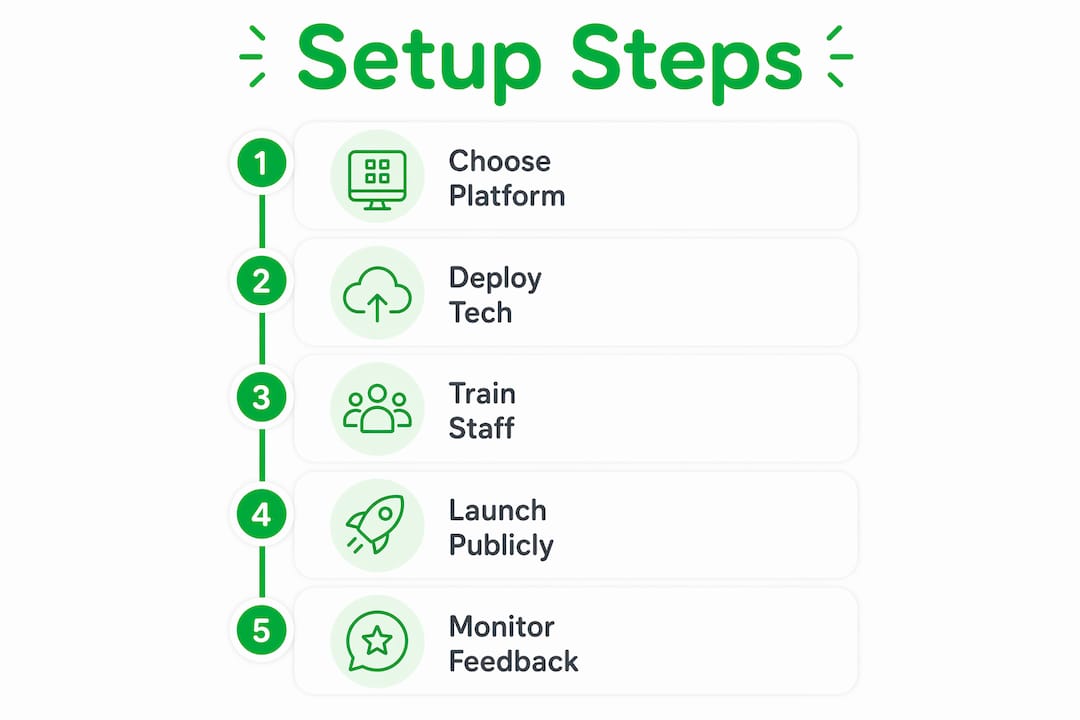
Next, register each staff member with a payout profile. Most platforms allow direct bank transfers or digital wallet payouts so tips reach employees the same day. 78% of service staff report increased motivation when they receive instant tip access rather than waiting for a weekly cash envelope. Frame this to your team as a pay upgrade, not a monitoring system.
Here is a practical preparation checklist for small business owners:
- Map every customer touchpoint where tipping is appropriate
- Choose a platform that matches your tip distribution model (individual or pooled)
- Create a staff profile for every tipped employee with verified payout details
- Set tip amount presets that reflect your industry norms (10%, 15%, 20%, custom)
- Order or print QR code displays and NFC devices before your launch date
- Brief your team on how the system works and what customers will see
Pro Tip: When introducing the system to staff, show them the real-time earnings dashboard first. Transparent earning visibility builds trust immediately and removes the fear that the employer is skimming or monitoring their income.
Step-by-step guide to launching your cashless tipping system
A structured launch prevents the two most common failures: confused staff and invisible tipping prompts. Follow these five steps in order.
Step 1: Choose the right platform for your labor model. If your business pools tips across a team, you need a platform with configurable tip distribution. Platforms that match your existing labor model avoid staff disputes and improve acceptance from day one. If staff keep individual tips, a simpler per-profile link system like Tipper works perfectly.
Step 2: Deploy your chosen technology. Print QR codes and place them at every mapped touchpoint. If using NFC devices, distribute them to staff and confirm each device links to the correct employee profile. Test every code and device yourself before opening.
Step 3: Train staff and run a test transaction. Have each employee complete a test tip using their own phone. This takes five minutes and eliminates the “I don’t know how it works” response when a customer asks. Staff who have personally used the system explain it confidently.
Step 4: Launch with visible guest communication. Place table tents, counter cards, or digital signage that explains the tipping option clearly. A simple message like “Tap or scan to leave a tip” outperforms elaborate explanations. Customers act on clear, low-effort cues.
Step 5: Monitor analytics and gather staff feedback in the first two weeks. Most platforms provide dashboards showing tip volume, average tip size, and peak tipping times. Use this data to reposition underperforming QR codes or adjust tip preset amounts.
| Common pitfall | What causes it | Fix |
|---|---|---|
| Low scan rate | QR code placed out of sightline | Move to eye level at point of payment |
| Staff resistance | No payout transparency | Show real-time dashboard during onboarding |
| Guest confusion | No signage or verbal cue | Add table tent and train staff to mention it |
| Tip pooling disputes | Wrong platform architecture | Switch to configurable distribution |
What are the most common challenges in cashless tipping setups?
Even well-planned deployments hit friction. Knowing the most frequent problems in advance lets you solve them before they affect staff morale or customer experience.
Guest friction is the top barrier. Any step that requires a customer to download an app, create an account, or enter card details manually will cut your conversion rate sharply. The solution is choosing a platform that opens in a mobile browser and accepts Apple Pay or Google Pay with a single tap. Avoiding app-based guest requirements is the single most effective way to maximize adoption.
Staff privacy concerns surface in almost every rollout. Employees worry that digital tracking means employer surveillance of their earnings. The answer is giving staff their own dashboard access from day one. When employees can see their own earnings in real time, the concern dissolves. Automated payout systems that transfer funds directly to staff accounts also remove the employer as a financial middleman, which builds trust structurally rather than just rhetorically.
Tax and compliance anxiety affects owners more than staff. The good news is that digital tipping automates IRS-compliant reporting with real-time dashboards, which is a significant improvement over the honor-system tracking most businesses use for cash tips. You gain more transparency, not less control.
Here are the most common challenges and their practical solutions:
- Guest won’t scan: Add a verbal prompt from staff and reposition the QR code to the payment moment, not before
- Staff distrust: Grant individual dashboard access on day one and explain the direct payout flow
- Low tip amounts: Set default presets at 18% or higher; customers tend to select the middle option
- Tax confusion: Use a platform with automated tax reporting to generate records automatically
- High staff turnover undermining setup: Build onboarding into your standard new-hire process so the system scales with your team
“Digital tipping platforms are no longer amenities. They are retention tools.” Industry leaders now treat cashless gratuity infrastructure the same way they treat health benefits: as a factor in whether good employees stay or leave.
My take: why simple beats sophisticated every time
I have watched dozens of small business owners overcomplicate this. They spend weeks evaluating enterprise platforms with POS integrations, tip pooling algorithms, and payroll sync features, then delay launch by two months because the IT setup is too complex. Meanwhile, the business next door put up a QR code linked to a Tipper profile, trained staff in an afternoon, and started capturing tips the same week.
The research backs this up. Annual turnover in housekeeping often exceeds 70%, and businesses that give staff reliable, fast tip access see that number drop. The motivation gain is not about the technology. It is about the signal the technology sends: your earnings matter and you get them now.
My honest advice is to start with the simplest deployment that covers your actual touchpoints. A web-based link that opens in a browser, accepts Apple Pay, and pays out directly to your staff’s bank account solves 90% of the problem. You can add NFC hardware or POS integration later once you know your volume and staff preferences. Complexity added before you understand your own tipping patterns is just expensive guesswork.
The businesses I have seen get this right share one trait: they treated the launch as a staff benefit announcement, not a technology project. That framing changes everything about how employees receive the change and how enthusiastically they mention it to customers.
— Steve
Start accepting digital tips with Tipper today
Tipper gives small businesses a fast, no-friction path to accepting digital tips without complex hardware or POS integration requirements.
Setting up a Tipper profile takes minutes, not days. Customers tip through a personalized link using Apple Pay or Google Pay with no account required on their end. Your staff keeps 100% of every tip, paid out directly. Tipper works for any business model, whether tips go to individual staff members or a shared pool. For small business owners who want to capture more gratuities, improve staff retention, and remove the cash-handling headache, Tipper is the place to start.
Key takeaways
A cashless tipping small business setup succeeds when you choose a simple, app-free platform, match it to your labor model, and launch with clear staff training and visible guest prompts.
| Point | Details |
|---|---|
| Cash is declining fast | Physical currency will fall below 10% of transactions by 2026, making digital tipping a necessity. |
| Setup is fast and affordable | Most platforms go live in 24 to 72 hours with costs starting under $3 per month. |
| Match platform to labor model | Choose individual or pooled tip distribution before signing up to prevent staff disputes. |
| Staff transparency drives adoption | Real-time earning dashboards remove privacy fears and increase staff motivation by 78%. |
| Simplicity beats complexity | App-free, browser-based solutions consistently outperform complex POS-integrated systems for small businesses. |
Steve’s perspective on cashless tipping for small businesses
I have spent years watching the service industry struggle with the gap between what customers want to do (tip generously) and what the infrastructure lets them do (find exact change). The cashless tipping shift closes that gap permanently, and the businesses that move first are the ones retaining their best staff while competitors keep losing people to higher-paying roles elsewhere.
The piece most owners miss is that this is a retention investment, not a payment feature. Digital tipping as a retention tool changes the calculus entirely. When your staff knows tips arrive same-day and every cent is accounted for, the job becomes more attractive without you raising base wages. That is a meaningful competitive advantage in a tight labor market.
— Steve
FAQ
What does cashless tipping mean for small businesses?
Cashless tipping means customers leave gratuities digitally via QR codes, NFC devices, or web links instead of physical currency. For small businesses, it captures tips that would otherwise be lost as cash-carrying declines.
How long does a cashless tipping setup take?
Most small businesses go live within 24 to 72 hours. Basic plans start at approximately $2.90 per month, making the barrier to entry low for businesses of any size.
Do customers need to download an app to leave a cashless tip?
No. The best digital tipping solutions open in a mobile browser and accept Apple Pay or Google Pay with a single tap, requiring no app download or account creation from the customer.
How does cashless tipping handle tax reporting?
Digital tipping platforms automate IRS-compliant tracking with real-time dashboards, replacing the manual honor-system records most businesses use for cash tips and reducing compliance risk for owners.
Will staff accept a switch to digital tipping?
Yes, when the rollout is framed correctly. Giving staff access to a real-time earnings dashboard from day one and using automated direct payouts removes the two main concerns: surveillance and delayed access to earnings.
Recommended

Service Business Tipping Etiquette Examples for 2026
Tipping etiquette in service businesses is defined as the set of social norms that govern when, how much, and how customers offer gratuity to workers across different service contexts. According to Pew Research data cited in 2026, 70% of Americans always tip sit-down restaurant servers, while only 9% always tip home repair professionals. That gap tells you everything about how uneven tipping expectations are across industries. For service business owners, understanding these norms is not optional. Clear service business tipping etiquette examples help you set customer expectations, protect staff income, and build the kind of trust that drives repeat business.
1. Standard tipping rates across service industries
Tipping guidelines for services vary significantly by industry, and knowing the benchmarks gives you a foundation for educating your customers.
Restaurants and bars follow the most established norms. The 2026 standard for full-service restaurants is 18 to 20% for good service, 15% for adequate service, and 22 to 25% for exceptional service. Restaurant gratuity is considered non-negotiable due to the labor model in full-service dining, where servers often earn below minimum wage and depend on tips for the bulk of their income. Bartenders follow a separate rule: $1 to $2 per drink for simple orders, or 15 to 20% on a full tab, with more expected for complex craft cocktails.
Personal care services like hair salons and barbershops carry a 15 to 20% standard. This applies whether the stylist owns the salon or works as an employee. The Emily Post Institute consistently recommends tipping personal care providers at the same rate as restaurant servers, recognizing the skilled, personalized nature of the work.

Delivery drivers require a minimum floor, not just a percentage. A $5 minimum tip for small orders is the 2026 recommendation, because percentage-based tips on low-value orders fail to cover driver expenses like fuel and vehicle wear. For larger orders, 15 to 20% applies.
Hotel housekeeping is one of the most overlooked categories. The industry standard is $3 to $5 per night, and tipping daily rather than at checkout matters because staff rotate. A lump sum at the end of a stay may never reach the workers who actually cleaned your room.
| Service Type | Standard Tip Rate | Notes |
|---|---|---|
| Sit-down restaurant | 18 to 20% | 15% for adequate, 22 to 25% for exceptional |
| Hair salon / barber | 15 to 20% | Applies to both employees and owner-stylists |
| Food delivery | 15 to 20% or $5 minimum | Use the minimum for small orders |
| Bartender | $1 to $2 per drink or 15 to 20% | More for craft cocktails |
| Hotel housekeeping | $3 to $5 per night | Tip daily, not at checkout |
| Home services / movers | $10 to $40 per person per day | Not expected, but appreciated for exceptional work |
Pro Tip: If a customer asks your staff how much to tip, train staff to say “We appreciate whatever feels right to you” rather than quoting a number. This avoids awkwardness while keeping the door open.
2. How digital tipping prompts affect customer behavior
iPad tipping fatigue is a documented phenomenon, and it directly affects how customers feel about your business. Digital tipping prompts shown before service in minimal-contact settings reduce customer satisfaction, based on two experiments with over 730 participants published in 2025 by Temple University researchers. The core problem is timing. When a customer is asked to tip before they have received any service, the prompt feels like a toll rather than a reward.
Here is what the research tells service business owners about managing digital prompts effectively:
- Show prompts after service delivery. Prompts displayed post-service align with the psychological expectation that tips reward good work. Pre-service prompts in counter settings feel coercive.
- Reduce the number of preset tip options. Offering three high-percentage presets (20%, 25%, 30%) with a small “custom” button buried at the bottom creates pressure. Include a clearly visible “no tip” option without making it feel shameful.
- Match the prompt to the interaction level. A full-service restaurant with table-side attention justifies a tip prompt. A self-serve kiosk where the customer poured their own coffee does not.
- Test your checkout flow with real customers. Ask a few loyal customers to walk through your payment process and describe how the tip screen made them feel. Their feedback is more reliable than any industry average.
“Service business owners should be strategic with digital tipping prompts to avoid causing negative customer experiences that hurt repeat business even if tips are lost.” — Splitty 2026 Tipping Research
Pro Tip: Platforms like Tipper allow you to send a personalized tip link after the service interaction, completely separating the payment moment from the tipping moment. This removes the pressure of the in-person prompt entirely.
3. How to communicate tipping policies clearly
Transparency about tipping policies prevents customer anxiety and produces more confident, consistent tipping. Customers who understand your tipping culture tip more reliably than those left to guess. This is not speculation. Etiquette authorities in 2026 consistently identify unclear tipping expectations as one of the top sources of friction in service transactions.
Clear communication works through several channels:
- Signage at the point of sale. A small, well-designed card near the register that reads “Our team works hard for you. Tips are always appreciated and go directly to your service provider” removes ambiguity without pressure.
- Staff verbal cues. Train your team to say “Thank you so much, your tip today goes directly to me” when appropriate. Personalizing the tip makes it feel meaningful rather than transactional.
- Digital messaging. If you use booking software or send appointment confirmations, include one line about your tipping culture. Something like “Gratuity is not included in your service price and is always appreciated by your provider” sets expectations before the customer arrives.
- Menu and invoice language. For businesses where tips are standard, noting “Gratuity not included” on receipts removes the guesswork entirely.
Clear tipping policy communication reduces customer confusion and increases tipping confidence, which directly improves staff morale and customer loyalty. Staff who feel financially valued deliver better service. Better service generates more repeat business. The chain is direct and measurable.
Pro Tip: Avoid framing your tipping policy as a rule or obligation. Frame it as context. “Here’s how tipping works here” lands better than “Tips are expected.”
4. When tipping is discretionary or uncommon
Not every service transaction calls for a tip, and tipping etiquette by profession reflects that reality. Movers, for example, receive $10 to $40 per person per day depending on job complexity, but tipping is appreciated rather than expected. Home repair professionals, plumbers, and electricians are tipped by only 9% of Americans, making gratuity a genuine surprise rather than a social obligation in those contexts.
Service types where tipping is optional or less common include:
- Fast food and quick-service counters where no table service is provided
- Takeout orders where the customer picks up their own food
- Owner-operated businesses where the person serving you owns the company
- Home repair and trade services like HVAC, plumbing, and electrical work
- Government or municipal services where tipping can be inappropriate or prohibited
Owner-operators occupy a particularly nuanced position. Tipping a business owner at 20% is accepted but not mandatory. The 2026 consensus among etiquette coaches is that the most valuable thing a customer can give an owner-operator is a positive review or a referral. Both have longer-term business impact than a single cash tip.
For customers who are reluctant or unable to tip, the graceful move is to express genuine appreciation verbally, leave a detailed positive review on Google or Yelp, and return as a repeat customer. Business owners can acknowledge this reality by making it easy for customers to leave reviews directly from their receipt or booking confirmation.
Regional and cultural variability also matters. Tipping norms in New York City differ from those in rural Montana, and international visitors often arrive from countries where tipping is rare or even considered rude. A brief, non-judgmental note in your welcome materials that explains local tipping customs serves both your staff and your guests.
Key takeaways
Effective service business tipping etiquette requires matching gratuity norms to the service type, communicating expectations clearly, and using digital prompts strategically to protect both tips and customer satisfaction.
| Point | Details |
|---|---|
| Know your industry benchmarks | Restaurants expect 18 to 20%; delivery requires a $5 floor; home services are discretionary. |
| Time digital prompts correctly | Post-service prompts increase satisfaction; pre-service prompts in low-contact settings reduce it. |
| Communicate your tipping culture | Signage, verbal cues, and booking confirmations reduce customer anxiety and increase tip frequency. |
| Owner-operators have options | A 20% tip is accepted but not required; positive reviews and referrals carry equal long-term value. |
| Tip daily in hotels | Daily housekeeping tips reach the actual worker; checkout lump sums often do not. |
Why tipping policy is a business decision, not just etiquette
I have worked with dozens of service businesses over the years, and the ones that treat tipping as a passive afterthought consistently leave money on the table. Not because their customers are cheap, but because those customers were never given a clear signal about what was expected or appreciated.
The most common mistake I see is the assumption that customers already know your tipping norms. They do not. A first-time visitor to your salon, spa, or food truck is operating on incomplete information. When you give them context, most people tip generously. When you leave them to guess, anxiety takes over and the tip shrinks or disappears entirely.
What I find genuinely counterproductive is the aggressive preset tip screen. I have watched customers visibly recoil at a tablet showing 25%, 30%, and 35% as the only visible options at a coffee counter. That moment does not just cost a tip. It costs a return visit. The research from Temple University backs this up, but you do not need a study to see it. Watch your customers’ faces at checkout.
The businesses I respect most are the ones that make tipping feel like a natural expression of appreciation rather than a transaction tax. They do this through honest communication, well-timed prompts, and staff who are trained to make the service worth tipping for. That combination is more powerful than any preset percentage.
— Steve
Make tipping effortless with Tipper
Tipper gives service businesses a direct, pressure-free way to receive gratuity from customers. Instead of relying on awkward in-person prompts, you share a personalized tip link that customers can use after the service, on their own time, with Apple Pay or Google Pay. No account required on their end. No platform fees on yours. Tipper lets you keep 100% of every tip, and customers can attach a thank-you note or video, making the exchange feel personal rather than transactional. If you want to integrate tipping into your service workflow without the iPad fatigue, Tipper is the practical next step.
FAQ
What is the standard tip for a sit-down restaurant in 2026?
The standard tip for full-service restaurants is 18 to 20% for good service, with 15% acceptable for adequate service and 22 to 25% for exceptional work.
Should you tip the owner of a hair salon or barbershop?
Tipping a salon or barbershop owner at 20% is accepted but not mandatory. Positive reviews and referrals are considered equally valuable for owner-operators.
Do digital tipping prompts hurt customer satisfaction?
Yes. Research from Temple University involving over 730 participants found that pre-service digital prompts in low-contact settings reduce customer satisfaction. Post-service prompts perform significantly better.
How much should you tip a food delivery driver?
A minimum of $5 is recommended for small delivery orders, as percentage-based tips on low-value orders do not adequately cover driver expenses. For larger orders, 15 to 20% applies.
Is tipping required for home repair or trade services?
Tipping home repair professionals is not expected. Only 9% of Americans always tip in this category. A verbal thank-you, a positive online review, or a referral is the most common and appreciated form of recognition.
Recommended

How to Add a Tipping Option to Your Checkout Process
Adding a tipping option to your checkout process is a direct revenue lever that platforms like WooCommerce, Square, and QuickBooks already support through native settings and plugins. The practice, formally called gratuity integration, lets customers voluntarily add a tip at the point of payment, creating an additional income stream without changing your core pricing. For e-commerce businesses and content creators, this feature can meaningfully increase per-transaction revenue while signaling to customers that the people behind the product deserve recognition. This article walks you through prerequisites, platform-specific setup, UX design decisions, and common troubleshooting fixes so you can implement it confidently.
What you need before you add tipping option to checkout
Before you configure anything, confirm that your platform and payment processor actually support tipping natively. Not every setup does, and discovering that mid-build wastes time.
| Platform | Required tool or plugin | Subscription needed |
|---|---|---|
| WooCommerce | Order Delivery for WooCommerce (Kestrel) or custom plugin | No, but hosting required |
| QuickBooks | GoPayment app | Yes, QuickBooks Payments subscription |
| Square | Square Dashboard + Square Point of Sale app | No, included in free plan |
| Stripe (custom) | Checkout Session API with "submit_type: ‘donate’` | No, pay-per-transaction |

Beyond the technical stack, two business decisions need to happen first. The first is tax treatment. Tips may be taxable income depending on your jurisdiction and business structure, so confirm with your accountant before going live. The second is UI placement. Decide whether the tip prompt appears before or after the customer selects a payment method, since this affects both conversion and the technical implementation path you will follow.
Pro Tip: Test your tipping setup in a staging environment before pushing to production. A misconfigured tip field that adds unexpected charges to live orders creates refund headaches and erodes customer trust fast.
How to add tip options in WooCommerce, QuickBooks, and Square
Each platform handles the checkout tipping feature differently. Here is a direct comparison of the three major implementations, followed by step-by-step instructions for each.
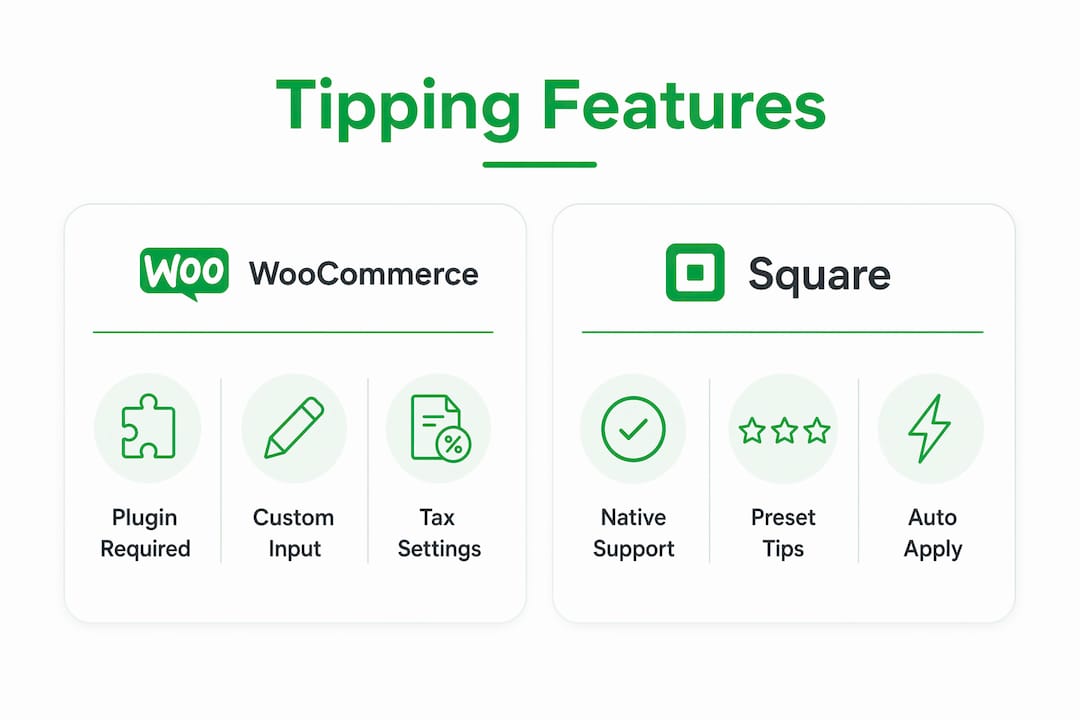
| Platform | Tip display location | Preset format | Custom input | Small transaction behavior |
|---|---|---|---|---|
| WooCommerce | Cart or checkout page | % or fixed amount | Yes, with explicit apply step | Configurable |
| QuickBooks GoPayment | Before or after payment method | % presets | No native custom field | Switches to fixed dollar amounts |
| Square | Customer-facing display or receipt | % or fixed dollar | Yes, signature line option | Fixed dollar for payments under $10 |
WooCommerce step-by-step
WooCommerce adds tips as cart fees with customizable percentages or fixed amounts, and the tip appears as a line item in both the order total and your reports.
- Go to WooCommerce > Settings > Delivery & Pickup Dates.
- Open the Tips tab and toggle tipping to enabled.
- Set your preset options. Common choices are 5%, 10%, and 15%, or fixed amounts like $2, $5, and $10.
- Enable the Custom Amount field if you want customers to enter their own figure.
- Save settings and clear your site cache.
- Place a test order and confirm the tip appears as a line item in the order summary.
When a customer selects the custom option, the UI requires an explicit apply step: the customer selects “Custom,” enters a value, and clicks “Add Tip” before the total recalculates. This two-step flow reduces accidental tip submissions and gives customers clear control.
QuickBooks GoPayment step-by-step
QuickBooks requires a Payments subscription for tipping, which is worth confirming before you start.
- Open the GoPayment app and tap the menu icon.
- Go to Settings > Tips and toggle tips on.
- Choose whether the tip prompt appears before or after the customer selects a payment method.
- Set your percentage presets (typically 15%, 20%, 25%).
- Note that for transactions under $10, QuickBooks automatically switches to fixed dollar tip options rather than percentages. This is built-in behavior you cannot override.
- Run a test transaction to confirm the prompt timing and preset display.
Square step-by-step
Square enables tipping through both the dashboard and the app, with fixed dollar tips for payments under $10 and percentage tips for larger amounts.
- Log into Square Dashboard > Settings > Device Management > Modes.
- Select your device profile and open Tipping.
- Toggle tipping on and set your percentage presets.
- Choose your receipt format: quick-tip checkboxes for digital receipts or a custom-amount signature line for printed receipts.
- Save and sync the settings to your Square Point of Sale device or app.
- Process a test payment above and below $10 to verify that the tip format switches correctly.
How to design an effective tipping UI during checkout
The placement and design of your tip prompt directly affects whether customers use it. Poor placement creates confusion; good placement creates a natural moment of generosity.
- Position the prompt before payment confirmation. Customers are most receptive to tipping after they have committed to a purchase but before they enter payment details. Placing the tip screen after payment method selection but before the final “Pay” button captures attention at the right moment.
- Offer three preset options plus a custom field. Research on customer behavior consistently shows that three choices reduce decision fatigue. Preset and custom tip options together balance simplicity and flexibility for the widest range of customers.
- Match tip format to transaction size. Fixed dollar tips for small totals avoid the confusion that percentage calculations create when the math produces odd numbers. Fixed dollar options for small transactions are the standard approach used by Square and QuickBooks for payments under $10.
- Show the tip as a line item in the order summary. Tip visibility in the order summary reduces customer confusion and prevents disputes at the payment stage. Customers who can see exactly what they are paying are less likely to abandon checkout.
- Label the field clearly. Use “Leave a tip” or “Add a tip for your team” rather than vague labels like “Optional amount.” Specific language sets clear expectations and removes ambiguity.
Pro Tip: If your average order value is under $15, lead with fixed dollar tip options ($1, $2, $3) rather than percentages. A 15% tip on a $12 order is $1.80, which sounds small and feels awkward. A clean $2 button gets clicked far more often.
Common challenges when implementing tipping at checkout
Even a well-planned tipping integration runs into technical friction. Knowing the most common failure points saves hours of debugging.
The most frequent issue is the tip field not displaying at all. This usually traces back to plugin settings that restrict tipping to the cart page only, or a theme layout that pushes the tip field below the fold or outside the checkout container. The fix is to adjust the plugin’s display placement setting and clear all site caches after saving. Display failures from plugin or theme conflicts are the leading cause of tipping features going live but never being seen by customers.
A second common problem is the checkout total not updating after a customer selects a tip. In WooCommerce, fees added via add_fee update dynamically but do not auto-refresh on payment method changes without a manual update_checkout trigger. If your customers switch payment methods mid-checkout and the tip total freezes, a developer needs to hook into woocommerce_review_order_before_payment to force a recalculation.
Refund handling is the third area that catches businesses off guard. On platforms like Scan to Pay, the tip amount cannot be refunded separately from the base transaction. Any refund applies to the entire transaction amount. Build this into your refund policy and communicate it clearly to customers before they complete payment.
Always test your tipping feature with a live payment in your actual checkout environment, not just in a sandbox. Sandbox environments frequently skip tip prompts or handle fee recalculations differently than production, which means bugs only surface after real customers encounter them.
For Stripe-based custom checkouts, tips must be included server-side in the Checkout Session create call. You cannot add them client-side after the session is created. Plan your server logic accordingly before writing any front-end code.
Key takeaways
Adding a tipping option to your checkout process requires platform-specific configuration, deliberate UI placement, and proactive troubleshooting to convert the feature into consistent additional revenue.
| Point | Details |
|---|---|
| Platform prerequisites vary | WooCommerce needs a plugin; QuickBooks requires a Payments subscription; Square includes tipping in its free plan. |
| Tip format should match order size | Use fixed dollar amounts for transactions under $10 to avoid confusing percentage math. |
| UI placement drives conversion | Position the tip prompt after purchase commitment but before the final payment confirmation screen. |
| Refunds apply to full transactions | Most payment gateways cannot separate tip from base amount, so update your refund policy before launch. |
| Test in live environment | Sandbox testing misses real-world fee recalculation bugs; always run a live test transaction before going public. |
Why tipping UX is harder than it looks
I have watched a lot of e-commerce owners treat tipping as a five-minute checkbox. Enable the setting, pick three percentages, ship it. The conversion data tells a different story every time.
The businesses that see real lift from tipping are the ones that treat it as a communication moment, not a technical feature. The label matters. The position in the flow matters. Whether you show a “No tip” button or just let customers skip matters more than most people expect. A “No tip” button with a sad face emoji, which some platforms suggest, creates guilt rather than generosity, and customers remember that feeling.
What I have found actually works is radical transparency. Show the tip as a line item the moment it is selected. Let customers remove it without friction. Give them a reason to tip in the label itself, something like “Support your delivery team” rather than a generic prompt. Customers who feel respected tip more consistently than customers who feel pressured.
The other thing worth saying: tipping is not a substitute for fair pricing. If your margins depend on customers tipping to make the economics work, that is a pricing problem, not a tipping problem. Use the feature to reward exceptional service and build goodwill, not to subsidize a broken cost structure.
— Steve
How Tipper makes adding tips to your checkout simple
If you want to enable tipping during checkout without configuring plugins, managing platform subscriptions, or writing server-side code, Tipper is built for exactly that use case.
Tipper gives creators and businesses a personalized tipping link that works instantly with Apple Pay and Google Pay. No account required from the customer, no complex integration work on your end, and you keep 100% of every tip received. Whether you are a freelancer adding a tip option to your invoice flow or an e-commerce brand looking to reward your fulfillment team, Tipper handles the payment infrastructure so you can focus on the customer relationship. Supporters can also leave thank-you notes or video messages, which turns a simple tip into a genuine connection.
FAQ
What is a tipping option at checkout?
A tipping option at checkout is a feature that lets customers voluntarily add a gratuity to their order total before completing payment. It appears as a preset percentage, fixed dollar amount, or custom input field within the checkout flow.
Which platforms support tipping natively?
WooCommerce, Square, and QuickBooks GoPayment all support tipping natively through their settings or plugins. Stripe supports tip-style payments through its submit_type: 'donate' parameter in the Checkout Session API.
How do I handle tip refunds?
Most payment gateways, including Scan to Pay, apply refunds to the entire transaction rather than separating the tip from the base amount. Update your refund policy to reflect this before enabling tipping, and communicate it clearly at checkout.
Should I use percentage or fixed dollar tip options?
Use fixed dollar tip options for transactions under $10 and percentage presets for larger orders. Both Square and QuickBooks apply this logic automatically, because percentage calculations on small totals produce confusing, odd-cent amounts.
Can I add a tipping option without a developer?
Yes. Square and QuickBooks GoPayment require no coding. WooCommerce requires a plugin like Order Delivery for WooCommerce but no custom code for basic setup. Custom Stripe integrations do require server-side development.
Recommended

The Role of Social Proof Tipping on Tip Amounts
Social proof tipping is the psychological mechanism where individuals adjust how much they tip based on observing others’ behavior and the normative signals embedded in their environment. Psychologist Robert Cialdini identified social proof as one of the six core principles of persuasion, and researchers like Jamie Hyodo and Dr. Snitkovsky have since applied this framework directly to tipping behavior. The role of social proof tipping is especially powerful when norms are unclear. People look to others to determine the “correct” amount, which means the signals you display, whether a default tip amount or a visible average, carry real financial weight for creators and businesses alike.
How does social proof psychologically influence tipping behavior?
Tipping is driven by two distinct psychological forces: informational social influence and normative social influence. Informational influence kicks in when someone genuinely does not know what to tip and uses others’ behavior as a guide. Normative influence operates even when someone does know, pushing them to conform to avoid social disapproval. Both forces shape the final tip amount, often without the tipper realizing it.
Research published in 2026 identifies two core tipping motivations: appreciation and social expectation. Appreciators tip above the average because they genuinely value the service. Conformists match the average because they feel social pressure to do so. This distinction matters enormously for anyone trying to grow tip revenue, because the two groups respond to very different signals.
“Tipping levels rise where social pressure is stronger.” — ScienceDaily, 2026
The interaction between these two groups explains a counterintuitive pattern: tipping norms rise over time not because everyone becomes more generous, but because appreciators pull conformists upward. When a generous tipper sets a new visible benchmark, conformists adjust their baseline to match. This is social proof operating at a macro level, gradually reshaping what counts as “normal.”
Cialdini’s framework also clarifies why social proof reduces uncertainty, functioning through both private acceptance (genuinely changing one’s belief about the right tip) and public compliance (tipping the expected amount to avoid judgment). For content creators and businesses, this means that displaying what others typically tip is not just informative. It is persuasive.
Pro Tip: Display a “most popular tip” label next to a mid-range option. This single label triggers normative influence without requiring any additional copy.
How do digital tipping interfaces use social proof to shape outcomes?
Digital tipping has introduced a new layer of social proof: the default tip amount. Alice Fontana’s 2026 research through the Association for Cultural Economics International found that £20 defaults yield £1.20 more in average tips than £3 defaults. That gap exists not because customers are unaware they can change the amount, but because the default itself signals what is socially appropriate. The default is a normative anchor, not just a convenience feature.

The same research identified an optimal default range of £10 to £15 for digital tipping interfaces. Below that range, the anchor is too low to shift behavior meaningfully. Above it, customers perceive the prompt as aggressive, which triggers resistance rather than generosity. The sweet spot communicates “this is what thoughtful people do” without feeling coercive.
| Default tip amount | Effect on average tip | Customer perception |
|---|---|---|
| Low (£3 or below) | Minimal uplift | Feels optional, low commitment |
| Mid-range (£10–£15) | Strongest average increase | Perceived as fair and normative |
| High (£20+) | Modest uplift, higher resistance | Can feel pushy or non-normative |
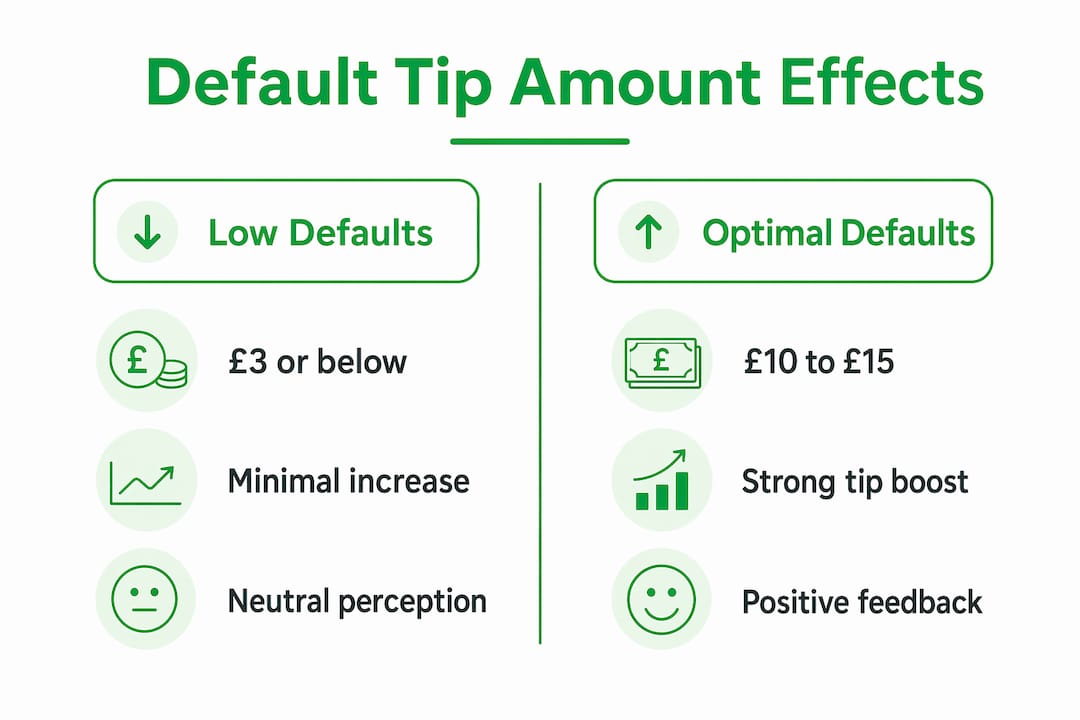
Digital tipping also introduces friction that cash tipping does not. The Edinburgh Fringe Festival research showed that multi-step digital processes and environmental factors like rain significantly reduce tipping engagement. A customer who would drop a coin into a busker’s case without thinking twice may abandon a QR code scan halfway through. Every additional tap is an opportunity for the social proof signal to lose its momentum.
The practical implication is clear: digital tipping platforms that reduce friction while preserving strong default anchors outperform those that prioritize flexibility over simplicity. For creators monetizing content through tips, the interface is not neutral. It is either working for you or against you.
Pro Tip: If you use a digital tipping link, test two default amounts with different audience segments over 30 days. The data will tell you where your audience’s normative anchor actually sits, which may differ from industry averages.
What are the benefits and pitfalls of social proof tipping for businesses?
The benefits of using social proof in tipping contexts are concrete and measurable. Clear normative signals simplify the decision for customers who would otherwise experience decision paralysis. Visible tip averages or suggested amounts reduce the cognitive load of choosing, which increases the likelihood of tipping at all. For content creators, this means that showing what your community typically contributes is not bragging. It is a service to your audience.
The core benefits break down as follows:
- Increased tip frequency: Customers who see others tipping are more likely to tip themselves, even in contexts where tipping was not previously expected.
- Higher average tip amounts: Normative anchors pull conformist tippers toward the displayed benchmark, raising the floor of what people consider acceptable.
- Reduced decision friction: Clear social proof signals eliminate the awkward uncertainty of “how much is appropriate here?”
- Stronger customer connection: When tipping feels like participation in a community norm rather than a transaction, it builds loyalty rather than resentment.
The risks, however, are equally real. Jamie Hyodo’s 2026 research found that tipping prompts in non-normative contexts generate customer reactance, reducing satisfaction and willingness to return. A coffee shop adding a tip prompt at a self-service kiosk violates the customer’s expectation of the interaction. The social proof signal backfires because it conflicts with the established norm for that setting.
“Unclear tipping norms increase negative reactions.” — The Conversation, 2026
The antidote is what researchers call social permission cues. Giving customers an easy, visible way to skip the tip, without guilt or friction, actually reduces reactance and preserves the positive effect of the social proof signal. Paradoxically, making it easier to say no increases the rate of yes.
How to apply social proof tipping strategies to grow engagement
Putting social proof tipping into practice requires more than adding a tip button to your checkout flow. The strategy has to account for context, timing, and the specific audience you are working with. Here is a structured approach that works for both businesses and individual creators:
-
Establish the norm visibly. Display what your community typically tips. A line like “Most supporters contribute $5” does more work than any persuasive copy because it tells the conformist tipper exactly where the benchmark sits. Shopify’s 2026 retail guidance confirms that effective social proof is easy to discover and presented at the moment of decision.
-
Set a mid-range default. Do not leave the tip amount blank. A blank field forces the customer to invent a number, which creates friction and often results in no tip at all. Set your default at a level that feels generous but not aggressive, based on your audience’s context.
-
Use testimonials and visible appreciation. Showing a supporter’s note or a thank-you video from a creator signals that tipping is a normal, valued part of the community. This is social proof in its most human form, and it works because it demonstrates that real people tip and feel good about it.
-
Respect autonomy explicitly. Include a clear “no tip” option that does not require explanation or justification. This is not a concession. It is a trust signal that makes the tipping prompt feel like an invitation rather than a demand.
-
Reduce friction at every step. The fewer taps between intent and completion, the higher your conversion rate. Payment methods like Apple Pay and Google Pay eliminate the friction of entering card details, which is one of the most common abandonment points in digital tipping flows. The interface design research on digital products confirms that reducing steps directly increases completion rates.
| Strategy | Best for | Key risk to avoid |
|---|---|---|
| Visible tip averages | Platforms with established communities | Displaying averages that feel aspirational rather than normative |
| Mid-range defaults | New creators and businesses | Setting defaults too high and triggering resistance |
| Social permission cues | High-friction or non-normative contexts | Making the “skip” option harder to find than the tip option |
| Testimonials and thank-you notes | Content creators and freelancers | Generic messages that feel automated rather than personal |
Pro Tip: Rotate your social proof signals. A single “most people tip $5” message loses impact over time. Pair it with a recent supporter note or a creator thank-you video to keep the normative signal feeling alive and genuine.
Key takeaways
Social proof tipping works because normative signals, whether defaults, visible averages, or community behavior, directly shape what individuals perceive as the appropriate tip amount, making interface design and context as important as the quality of service itself.
| Point | Details |
|---|---|
| Dual tipping motivations | Appreciators and conformists respond to different signals; target both with visible norms and mid-range defaults. |
| Default amounts are normative anchors | Research shows £10–£15 defaults maximize tips without triggering customer resistance. |
| Friction kills digital tipping | Multi-step processes and environmental barriers reduce engagement; minimize taps to maximize conversions. |
| Reactance is a real risk | Tipping prompts in non-normative contexts reduce satisfaction; always include a visible, easy skip option. |
| Permission cues preserve goodwill | Letting customers opt out freely increases trust and maintains the positive effect of social proof signals. |
Why I think most creators are leaving social proof on the table
After years of watching creators and small businesses set up tipping flows, the most common mistake I see is treating the tip prompt as an afterthought. They add a button, set no default, write no context, and then wonder why tips are sporadic. The psychology is clear: without a normative signal, you are asking every customer to invent a social norm from scratch. Most of them will not bother.
The subtler mistake is overreach. I have seen businesses set aggressive defaults or remove the skip option entirely, convinced that friction in the other direction will force generosity. It does not. It generates resentment, and resentment is the one thing that kills repeat engagement faster than anything else. The research on tipping norm backlash is unambiguous on this point.
What actually works is consistency. A creator who shows the same community norm repeatedly, through visible averages, genuine thank-you notes, and a clean interface, builds a tipping culture rather than a one-time transaction. The conformist in your audience needs to see the norm more than once before it feels real. Give them that repetition, and the appreciators in your community will do the rest of the work for you.
The platforms that get this right are the ones that treat social proof as a design principle, not a marketing tactic. That distinction is everything.
— Steve
Start collecting tips the way the research says works
Tipper is built around the exact principles this article covers. You get a personalized tipping link that works instantly, with no account required from your supporters. Payment through Apple Pay or Google Pay removes the friction that research identifies as the biggest barrier to digital tipping. Creators keep 100% of every tip, and supporters can attach a note or video message, creating the kind of personal connection that turns a one-time tipper into a loyal community member. If you are ready to put social proof tipping to work, start with Tipper and see how a well-designed tipping flow changes the numbers.
FAQ
What is social proof tipping?
Social proof tipping is the behavioral pattern where individuals adjust their tip amounts based on observing others’ tipping behavior or normative signals like default amounts and visible averages. It operates through both informational and normative social influence, as defined in Robert Cialdini’s foundational research on persuasion.
How does social proof influence how much people tip?
Social proof sets a perceived benchmark for what is “normal” to tip, which conformist tippers match and appreciators exceed. Research from 2026 shows that tipping levels rise in environments where social pressure and visible norms are stronger.
What is the best default tip amount for digital platforms?
Alice Fontana’s 2026 ACEI research found that £10–£15 defaults produce the strongest average tip increases without triggering customer resistance. Defaults below this range anchor too low; defaults above it feel coercive.
Why do tipping prompts sometimes backfire?
Tipping prompts backfire when they appear in contexts where tipping is not an established norm, generating customer reactance. Jamie Hyodo’s 2026 research found that non-normative tipping prompts reduce satisfaction and return intent, particularly when customers cannot easily skip the prompt.
How can content creators use social proof to increase tips?
Creators can display what their community typically contributes, use mid-range defaults, and share genuine supporter messages as social proof signals. Platforms like Tipper that support frictionless tipping through Apple Pay and Google Pay remove the technical barriers that prevent social proof from converting into actual tips.
Recommended

Receipt-Based Tipping Explained: What You Need to Know
Receipt-based tipping is a tipping process where customers add gratuity directly to an itemized receipt, either printed or digital, with suggested amounts and flexible options to customize the final tip. This method is now standard in restaurants, cafes, and service businesses across the United States, powered by point-of-sale systems like Toast POS. Understanding how receipt-based tipping works matters not just for diners, but for anyone exploring tip-based compensation, including freelancers, creators, and service providers looking to maximize financial support from their audience or clients.
What is receipt-based tipping and how does it work?
Receipt-based tipping, also called gratuity-on-receipt tipping, is defined as a system where suggested tip amounts appear directly on a customer’s itemized receipt, giving them a clear prompt and the option to add, adjust, or skip a tip before finalizing payment. The receipt typically displays two or three preset percentages alongside a blank line for a custom amount. This format removes ambiguity and speeds up the payment process for both customers and staff.
The mechanics are straightforward. When a customer finishes a transaction, the POS system generates a receipt that includes the subtotal, tax, and a dedicated tip section. Customers circle or write in a tip on paper receipts, or tap a tip button on digital or card-reader screens. The chosen amount is then captured and routed to the appropriate staff member or tip pool.

One detail most customers overlook is how the suggested percentages are calculated. Tip calculations can be set to run on the pre-tax subtotal or the post-tax total, and the difference is real. A 20% tip on a $50 pre-tax meal is $10.00. The same 20% on a $54.25 post-tax total is $10.85. Many customers mistakenly tip on after-tax amounts without realizing it, which is why experts recommend tipping on pre-tax subtotals for accuracy.
Here is what the receipt-based tipping process typically looks like from start to finish:
- The customer receives a printed or digital receipt showing the itemized order and subtotal.
- Suggested tip percentages (commonly 15%, 18%, and 20%) appear with pre-calculated dollar amounts.
- The customer selects a suggestion or writes in a custom amount on the tip line.
- For credit card payments, the customer signs or confirms the total including the tip.
- The POS system records the tip and assigns it to the relevant employee or tip pool.
Pro Tip: If you want to tip on the pre-tax amount, look at the subtotal line on your receipt rather than the total. Calculate your tip from that number to avoid unintentionally over-tipping due to post-tax calculation settings.
What is the difference between tips and gratuities on receipts?
The receipt tipping definition gets more nuanced when you separate voluntary tips from mandatory gratuities. A tip is a voluntary payment by the customer, added at their discretion after service. A gratuity, by contrast, is an automatic service charge that the business applies to the bill, most commonly for large parties of six or more, private events, or catered functions.
The distinction carries real financial and legal weight. Voluntary tips are generally considered the property of the employee and are subject to income tax reporting by the worker. Mandatory gratuities are treated as service charges by the IRS, meaning they count as business revenue first and are distributed to employees through payroll. This means gratuities are subject to payroll taxes and withholding in a way that standard tips are not.
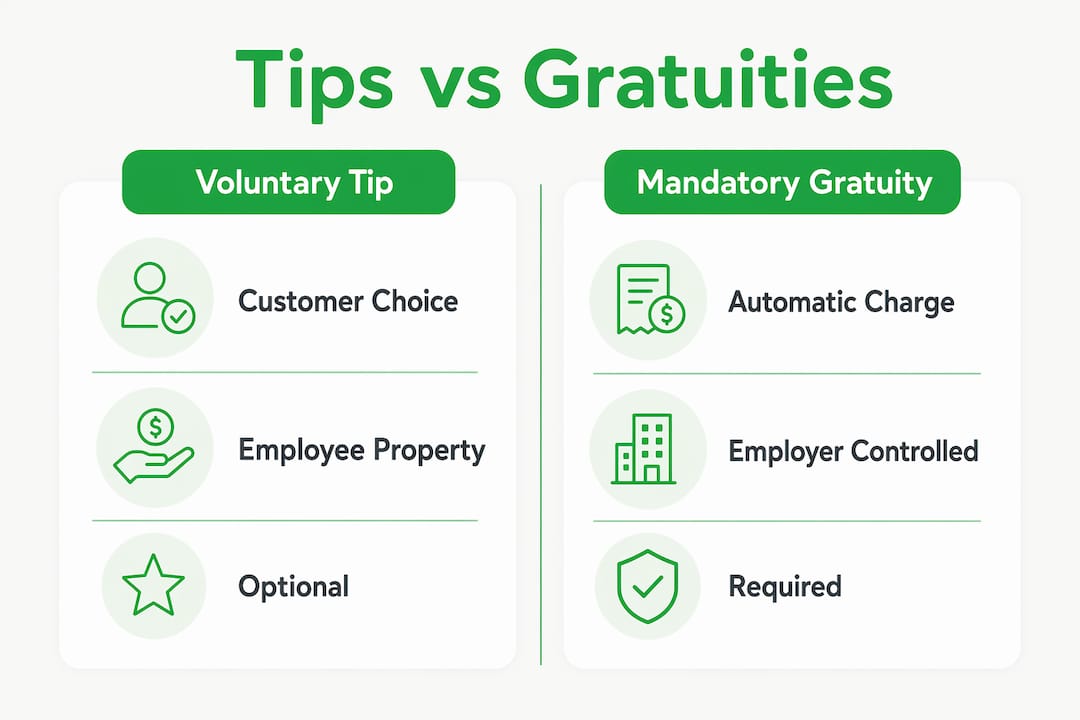
| Feature | Voluntary tip | Mandatory gratuity |
|---|---|---|
| Customer choice | Yes, fully optional | No, automatically added |
| Appears on receipt as | Tip line or blank field | Service charge line item |
| Tax treatment | Employee income, self-reported | Business revenue, payroll-taxed |
| Typical use case | Standard dining, individual service | Large parties, events, catering |
| Refundable by customer | Generally yes, with manager approval | Depends on business policy |
Customers are sometimes surprised to find a gratuity already added to their receipt, especially at busy restaurants during peak hours. Differentiating between voluntary tips and mandatory gratuities is important for managing customer expectations and avoiding the common mistake of double-tipping, where a customer adds a voluntary tip on top of an already-included service charge.
A few practical points worth knowing:
- Gratuities are always itemized separately on the receipt, usually labeled “service charge” or “auto-gratuity.”
- If you see both a gratuity line and a tip line on the same receipt, you are not required to fill in the tip line.
- Businesses must disclose automatic gratuity policies, either on the menu or verbally before the bill arrives.
What are the operational and technological benefits of receipt-based tipping?
Receipt-based tipping does more than simplify the customer experience. It creates a data trail that powers accurate payroll, fair tip distribution, and operational reporting. POS systems like Toast use receipt tip data for tip pooling and payroll integration, generating reports that break down each employee’s collected tips, pooling contributions, and net payout.
The operational advantages are significant for any business managing multiple staff members across shifts.
| Benefit | How it works in practice |
|---|---|
| Tip pooling accuracy | Receipt data assigns tips to specific transactions and employees automatically |
| Payroll integration | Tip totals feed directly into payroll software, reducing manual entry errors |
| Reconciliation reports | Managers review tip math per receipt to catch discrepancies before payroll runs |
| Approval workflows | Managers approve tip distributions before they are finalized and paid out |
| Audit trail | Every tip is tied to a specific receipt, transaction, and employee record |
One operational risk that many businesses underestimate is the connection between tip accuracy and time-tracking data. Accurate tip pooling requires correct time-entry data to assign tip eligibility. If an employee clocks in late or forgets to clock out, the system may miscalculate their share of pooled tips even when every receipt was processed correctly. This is a back-end problem that receipt-based tipping alone cannot solve.
Transparency is another major benefit. When dedicated tip lines and selectable percentages appear on receipts, customers know exactly what they are paying and why. This reduces disputes, builds trust, and gives service providers confidence that their earnings are being tracked and distributed fairly. For businesses using expense management software, integrating receipt tip data into broader financial reporting becomes straightforward.
Pro Tip: If you manage a tipped workforce, audit your time-entry records monthly alongside your tip reports. A single clock-in error can cascade into incorrect tip distributions across an entire shift.
How can receipt-based tipping enhance financial support for creators and service providers?
The logic behind receipt-based tips explained in a restaurant context translates directly to any service environment where compensation depends on voluntary contributions. Clear, easy tipping options increase the likelihood that customers will tip and tip generously. When the path to tipping is obvious and the suggested amounts are reasonable, friction disappears and revenue for service providers rises.
For creators and independent service providers, the principles are identical. A content creator who makes it easy for supporters to send a tip, with a clear prompt and a suggested amount, will consistently earn more than one who buries a donation link in a bio. The receipt-based model teaches a core lesson: visibility and simplicity drive tip volume.
Here is how those principles apply beyond the restaurant floor:
- Show suggested amounts. Whether on a receipt or a digital tip page, preset options like $2, $5, and $10 reduce decision fatigue and increase conversion.
- Make the tip line visible. Customers and supporters who have to search for a way to tip are less likely to follow through.
- Explain what the tip supports. A brief note on a receipt or a creator’s tip page connecting the tip to real work builds motivation to give.
- Offer multiple payment methods. Receipt-based systems that accept credit cards, Apple Pay, and Google Pay capture more tips than cash-only setups.
- Follow up with acknowledgment. A thank-you note or message after a tip reinforces the relationship and encourages repeat support.
Transparency and customer education on tipping calculations reduce confusion and improve trust between customers and service providers. For creators specifically, this means being upfront about how tips are used and what supporters are contributing to. That transparency is not just good ethics. It is good business.
Key takeaways
Receipt-based tipping works best when suggested amounts are visible, calculations are transparent, and tip data integrates directly with payroll or distribution systems.
| Point | Details |
|---|---|
| Core definition | Receipt-based tipping lets customers add gratuity directly on itemized receipts with suggested amounts. |
| Pre-tax vs. post-tax matters | Tip calculations based on post-tax totals produce higher amounts than pre-tax, which confuses many customers. |
| Tips vs. gratuities | Voluntary tips and mandatory gratuities differ in tax treatment, customer choice, and how they appear on receipts. |
| Operational accuracy | POS systems like Toast link receipt tip data to payroll and tip pooling, but only when time-entry records are correct. |
| Creator applications | The visibility and simplicity principles of receipt-based tipping apply directly to digital tip pages for creators and freelancers. |
Why receipt-based tipping is more complicated than it looks
I have spent years watching businesses roll out new POS systems with receipt-based tipping features, confident the technology will handle everything. It rarely does on its own. The most common failure point is not the receipt design or the suggested percentages. It is the gap between what the receipt captures and what actually reaches the employee’s paycheck.
The pre-tax versus post-tax debate is a perfect example of a small technical setting creating outsized confusion. I have seen customers genuinely upset after noticing their 20% tip produced a higher dollar amount than expected, not because they were cheated, but because the POS was calculating on the post-tax total. Businesses that do not communicate this clearly invite distrust, which is the opposite of what a good tipping system should do.
My honest advice to business owners: audit your receipt tip settings before your next busy season. Confirm whether your POS calculates suggested tips on the pre-tax or post-tax amount, and consider adding a single line of text to your receipt explaining the basis. For customers, always check the subtotal line before accepting a suggested tip percentage. The math is simple once you know where to look.
For creators and freelancers adapting these ideas to digital platforms, the lesson is even simpler. Make tipping obvious, make the amounts feel reasonable, and tell people what their support means. That combination outperforms any complicated monetization structure I have seen.
— Steve
How Tipper makes tipping simple for creators and service providers
Tipper is built for creators, freelancers, and service providers who want the same clarity and ease that receipt-based tipping brings to restaurants, applied to their own work. With Tipper, supporters send tips instantly through a personalized link using Apple Pay, Google Pay, or a credit card. No account required. No platform fees cutting into earnings. Creators keep 100% of every tip they receive.
Setting up a tip page on Tipper takes minutes, and the experience for supporters is as frictionless as tapping a button on a digital receipt. Tipper also supports thank-you messages via notes or video, giving creators a direct way to acknowledge support and build the kind of trust that keeps supporters coming back. If you are ready to put receipt-based tipping principles to work for your own income, Tipper is the place to start.
FAQ
What is the receipt tipping definition?
Receipt-based tipping is a system where customers add a gratuity directly on their itemized receipt, typically choosing from suggested tip percentages or writing in a custom amount. It is standard practice in U.S. restaurants and service businesses using POS systems like Toast.
How does pre-tax vs. post-tax affect my tip on a receipt?
When a POS calculates suggested tips on the post-tax total, the dollar amounts shown are higher than if calculated on the pre-tax subtotal. Experts recommend tipping on the pre-tax subtotal to keep tip percentages accurate.
What is the difference between a tip and a gratuity on a receipt?
A tip is voluntary and added by the customer at their discretion. A gratuity is an automatic service charge applied by the business, most often for large parties, and it is taxed differently under IRS rules.
Can receipt-based tipping work for creators and freelancers?
Yes. The core principles, visible suggested amounts, simple payment options, and transparent communication, apply directly to digital tip pages used by creators and freelancers. Platforms like Tipper replicate this model outside the restaurant context.
Why do some receipts show both a gratuity and a tip line?
Some receipts include an automatic gratuity as a service charge and still display a blank tip line. Customers are not required to fill in the tip line when a gratuity is already included. Checking the receipt carefully before signing prevents unintentional double-tipping.
Recommended

How Tipping Links Work for Creators in 2026
If you’ve ever wondered how tipping links work and whether setting one up requires a computer science degree, you’re not alone. Most creators assume the process is complicated, technical, or buried behind fees. The reality is that modern tipping links, sometimes called tip jars or payment links in the industry, have become genuinely simple tools that let supporters send money in seconds without creating accounts or fumbling with wallets. This guide breaks down the mechanics, the user experience, and the strategies that help creators turn casual readers into consistent supporters.
Table of Contents
- Key Takeaways
- How tipping links work: the core mechanics
- Wallet auto-creation and one-click tipping
- Crypto tipping links and non-custodial flows
- Embedded widgets vs. shareable crypto links
- Strategies for maximizing tipping revenue
- My take on where tipping links are headed
- Start earning with Tipper today
- FAQ
Key Takeaways
| Point | Details |
|---|---|
| Tipping links are instant payment gateways | Supporters click once, choose an amount, and pay with Apple Pay or Google Pay without signing up. |
| Wallet auto-creation removes friction | Modern widgets create a supporter wallet on the first tip, making every future tip a one-click action. |
| Crypto tipping links work without gas tokens | Non-custodial links let payers select their preferred chain and pay in stablecoins with no extra setup. |
| Placement and messaging drive results | Where and how you display your tipping link directly affects how often supporters actually use it. |
| Platform choice affects privacy and payouts | Custodial and non-custodial solutions differ significantly in who holds funds and how quickly creators get paid. |
How tipping links work: the core mechanics
A tipping link is exactly what it sounds like. It’s a URL, a button, or an embedded widget that takes a supporter directly to a payment screen where they can send a creator money as a thank-you. Think of it as a digital tip jar sitting at the end of your article, video, or social bio.
The confusion usually comes from lumping tipping links together with complicated donation platforms that require account creation, bank verification, and multi-step checkouts. Modern tipping links skip all of that. Research into tipping behavior shows the main motivations are gratitude and social norms, meaning supporters already want to tip. The tool just needs to get out of their way.
Here’s what a typical tipping link flow looks like from the supporter’s perspective:
- Step one: The supporter sees your tipping link or button at the end of your content, in your social bio, or embedded on your website.
- Step two: They click it and land on a clean payment screen showing tip amount options.
- Step three: They choose an amount and pay with Apple Pay, Google Pay, a credit card, or crypto, depending on what the platform supports.
- Step four: The payment processes and the creator receives the funds, sometimes instantly.
From the creator’s side, setup usually means copying a short code snippet or sharing a personalized URL. Tools like Tipper let anyone create a tipping link in minutes, without technical knowledge. Embedding tipping tools on sites like Substack, Ghost, or WordPress typically requires nothing more than a script tag and a custom element with your author parameters.
The distinction between an embedded widget and a shareable link matters. A shareable link works anywhere you can paste a URL, including a Twitter bio, an email signature, or a YouTube description. An embedded widget lives inside your page and lets supporters tip without ever leaving your content. Both have their place depending on where your audience is most active.
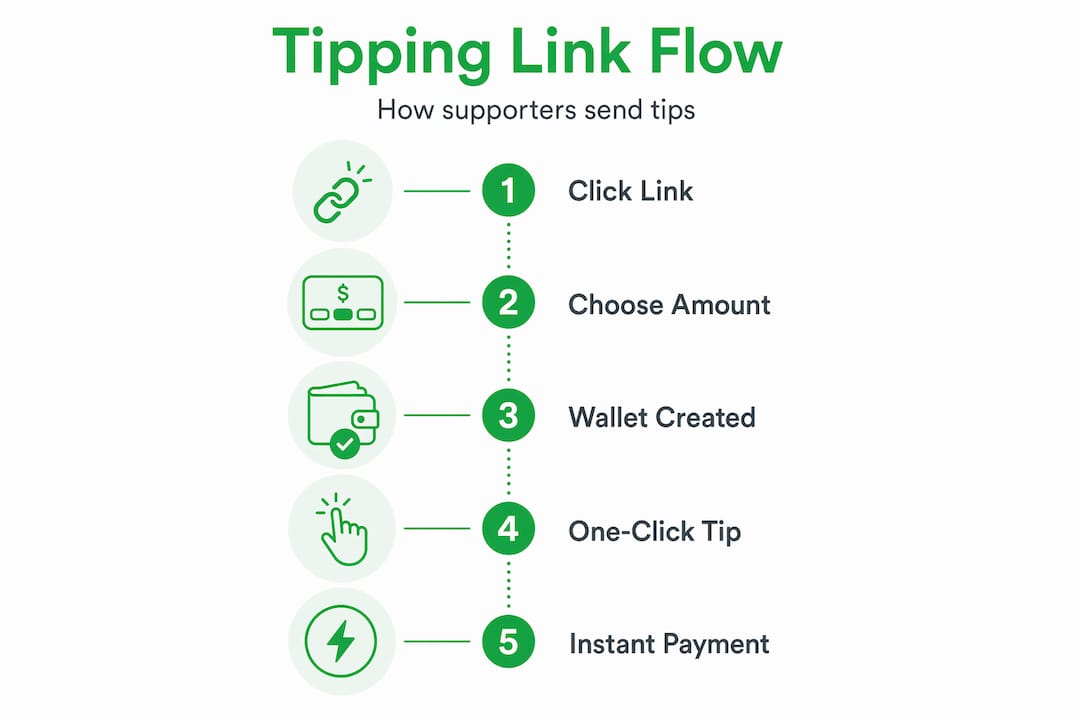
Wallet auto-creation and one-click tipping
This is where tipping link mechanics get genuinely clever, and where most creators don’t realize how much work happens behind the scenes to make their experience feel effortless.
When a supporter clicks your tipping link for the first time, some platforms automatically create an internal wallet for them during the checkout process. They don’t fill out a form or choose a password. The wallet simply exists after that first transaction.

Here’s why that matters. The SimpleTip web component demonstrates the model clearly: it auto-creates a wallet with no signup and uses a popup only for the initial funding step. Every tip after that is a single click with no checkout screen appearing at all. The supporter stays on your page, the tip sends instantly, and nobody had to create an account.
The practical steps behind this experience typically work like this:
- Supporter clicks your tipping button for the first time.
- A lightweight popup appears to collect payment details and fund the new wallet.
- The platform creates a server-side wallet linked to that session or optionally to an email address.
- On every future visit, the platform recognizes the supporter and processes the tip in one click.
- The creator receives the funds minus any platform fees, or in Tipper’s case, the full amount.
Wallet balances in these systems are stored server-side rather than in the browser, meaning supporters don’t lose access if they clear their cookies or switch devices. Optional email linking or identity verification through protocols like ATProto lets supporters recover their wallet across devices. This small detail is the difference between a one-time tip and a habitual supporter.
Some platforms take this further by allowing tip splitting. The SimpleTip widget lets readers decide what percentage of a tip goes to the author versus a subject featured in the content. If you write a profile piece on a musician, your reader can tip you both in a single transaction. That kind of flexibility turns tipping from a simple thank-you into a meaningful gesture.
Pro Tip: Ask supporters to save your page or follow you on a platform that supports persistent login so their wallet auto-link stays active. The easier it is for them to return, the more likely repeat tipping becomes.
Crypto tipping links and non-custodial flows
Crypto tipping links operate on a different philosophy entirely, and that philosophy has real advantages for creators who want to avoid intermediaries.
In a standard tipping link, the platform typically holds your funds until you request a payout. That’s a custodial model. Crypto tipping links, by contrast, can be non-custodial, meaning the payment goes directly from the supporter’s wallet to yours with no middleman holding the money in between.
The user experience for crypto tipping has improved dramatically. Consider how Hash PayLink works: a creator generates a single URL or QR code that carries multiple blockchain addresses. When a supporter opens the link, they select which chain they want to use and complete the payment in stablecoins or tokens. The creator receives the funds directly on the chosen chain.
The specific advantages of this model include:
- No app download required. Supporters open a link in any browser.
- No gas token headache. Multi-chain PayLink URLs eliminate the need for payers to hold gas tokens, which is one of the biggest friction points for crypto newcomers.
- Broader chain support. One link works across multiple networks, so you’re not forcing supporters into a specific ecosystem.
- Direct settlement. Funds arrive in the creator’s wallet without passing through a platform’s treasury.
The use cases extend well beyond the typical “donate to this creator” scenario. Hash PayLink applications include paid subscriptions, course fees, merchandise payments, and in-game purchases, making this model useful for musicians selling track downloads, educators charging for workshops, and gaming creators offering premium experiences.
Pro Tip: If your audience already engages with crypto, a non-custodial tipping link builds trust instantly because supporters can verify on-chain that their payment went directly to you. That transparency is something custodial platforms can’t offer.
Embedded widgets vs. shareable crypto links
Choosing between an embedded widget and a shareable crypto link isn’t about which is better in absolute terms. It’s about which fits your audience, your platform, and your tolerance for setup complexity.
| Feature | Embedded widget (e.g., SimpleTip) | Crypto link (e.g., Hash PayLink) |
|---|---|---|
| Custody of funds | Custodial, platform holds balance | Non-custodial, direct to creator |
| User experience | One-click after first tip | Requires chain selection each time |
| Wallet management | Auto-created, server-side | Supporter uses own crypto wallet |
| Setup complexity | Moderate, requires script embed | Low, just share a URL or QR code |
| Chain support | Single payment rails | Multi-chain out of the box |
| Tip splitting | Supported between author and subject | Not standard, depends on implementation |
| Recovery options | Email or identity-linked wallet | Supporter’s own wallet handles recovery |
| Best for | Blog, editorial, long-form content | Events, courses, social posts, global reach |
The embedded widget wins when your content lives on a page and you want the tipping experience to feel native to that page. Your supporter never leaves. The wallet remembers them. The experience feels like part of your content rather than a detour.
The shareable crypto link wins when you need portability. You’re posting on social media, speaking at an event, or reaching an audience that’s already crypto-literate. You paste one URL everywhere and it works. Non-custodial solutions simplify the payer experience while giving creators full control over their funds from the moment a transaction settles.
The practical advice here: start with whichever format your primary audience already understands. If your readers use Apple Pay and Google Pay, an embedded widget with fiat payment support gets you tipping revenue faster than asking them to set up a crypto wallet. If you’re building in Web3 communities, a non-custodial crypto link signals that you speak their language.
Strategies for maximizing tipping revenue
Understanding how tipping links generate traffic and convert supporters into tippers requires more than just placing a link somewhere on your page. Location, framing, and timing all affect results.
The creators who earn the most from tipping links treat them as part of the content experience rather than an afterthought. Here’s what actually moves the needle:
- Place your tipping link at the emotional peak. For long-form writers, that’s right after a powerful conclusion. For video creators, it’s at the end of a build-up. Supporters tip when they feel something, not when they scroll to a generic footer.
- Use specific language over generic calls to action. “Buy me a coffee” has become invisible through overuse. Telling supporters exactly what their tip supports, whether that’s your recording equipment, your research time, or your team, creates a personal connection that generic phrases don’t.
- Leverage the one-click wallet experience for repeat supporters. Once a supporter has tipped once, remind them in your next piece of content that tipping is now instant for them. That reminder converts occasional supporters into habitual ones.
- Track what works. Most tipping platforms offer basic analytics. Check which pieces of content generate the most tips and double down on that format. If your deep-dive tutorials earn more than your opinion pieces, that’s a signal worth acting on.
- Protect supporter trust above everything else. Don’t over-ask. One clear tipping prompt per piece of content is enough. Popups and aggressive overlays train readers to tune you out entirely.
Integrating your tipping link into a broader monetization strategy means treating it as complementary to subscriptions, digital products, and sponsorships, not a replacement. Tipping captures the spontaneous gratitude that other models miss. It’s the supporter who loved one specific article and wants to say so with $5. Every revenue stream captures a different supporter mindset, and tipping captures one that nothing else does.
For freelancers working with clients, placing a tipping link in your email signature or on your invoice page gives clients a frictionless way to express satisfaction beyond the agreed rate. Tools like those in the PeerFounder directory offer additional resources for freelancers building multiple income streams around their expertise.
My take on where tipping links are headed
I’ve watched tipping tools evolve from clunky PayPal buttons to the genuinely elegant experiences we have today, and my honest observation is that most creators still underestimate what a well-placed tipping link can do for their relationship with an audience.
What I’ve seen consistently is that the friction point is almost never the money. Supporters who care about your work will pay. The friction is always the process. Every extra click, every account creation screen, every “you must download our app” message cuts the conversion rate in half. Reducing supporter friction through wallet auto-creation isn’t a minor UX improvement. It’s the difference between a creator who earns $50 a month in tips and one who earns $500.
My preference has shifted toward combining both models. An embedded widget on your main content channels handles the regular readers who return weekly. A crypto link handles the global supporters, the crypto-native audience, and the use cases where you need portability. Neither one alone is the full picture.
The caution I’d offer is about privacy. Some tipping platforms collect far more supporter data than they need to process a payment. Before you embed any tool, read how it handles the people who tip you. Your supporters trust you by extension when they click your link. That trust is worth protecting. Platforms like Tipper are built around user privacy by design, and that approach earns long-term loyalty from supporters who notice those details.
— Steve
Start earning with Tipper today
If the mechanics above made sense but the setup still feels uncertain, Tipper was built specifically to solve that.
Tipper gives you a personalized tipping link in minutes. Supporters pay with Apple Pay, Google Pay, or a credit card. No account required on their end, and you keep 100% of what they send. You can embed your tipping link on your website, drop it in your social bio, or share it directly with your audience. When a supporter sends a tip, you can respond with a thank-you note or video, which creates the kind of personal connection that turns a one-time tipper into a loyal fan. Tipper handles the technical side so you can focus entirely on your content.
FAQ
What is a tipping link?
A tipping link is a URL or embedded button that lets supporters send a creator money as a thank-you, usually without creating an account or going through a multi-step checkout.
How do tipping links work without account sign-up?
Platforms like Tipper allow supporters to pay using Apple Pay or Google Pay directly from the tipping link, processing the payment without requiring the supporter to register anywhere.
What does wallet auto-creation mean for tipping?
Wallet auto-creation means the platform generates a supporter wallet during their first tip, making every future tip a one-click action with no checkout popup required.
Are crypto tipping links safe for creators?
Non-custodial crypto tipping links are generally very safe because funds go directly to the creator’s wallet rather than sitting in a third-party platform’s account.
Where should I place my tipping link for the best results?
Place your tipping link at the emotional high point of your content, right after your strongest conclusion or most impactful moment, where supporters are most motivated to express appreciation.
Recommended

One-Click Tip Solutions: Top Examples for Creators
If you create content and have ever tried to collect audience tips, you already know the friction is real. A clunky payment page, a required account signup, or a confusing checkout flow can kill a supporter’s impulse before they ever hit “send.” The best examples of one-click tip solutions solve this by collapsing the entire transaction into a single tap or click. These tools, formally known as frictionless micro-payment or instant tip widgets, come in more varieties than most creators realize. This article breaks down the strongest options, compares them honestly, and helps you pick the setup that fits your workflow.
Table of Contents
- Key takeaways
- Examples of one-click tip solutions: what to look for first
- 1. SimpleTip
- 2. Lazortip
- 3. Kit Tips
- 4. UniLink Tips block
- 5. Aurpay crypto tip jar
- 6. WooCommerce or Shopify tip jar products
- 7. Preset tip buttons in website builders and newsletters
- Comparison of key tipping solutions
- My honest take on getting tipping right
- Start collecting tips with Tipper
- FAQ
Key takeaways
| Point | Details |
|---|---|
| Two-phase tipping works best | Auto-provision a wallet or passkey on first use, then every subsequent tip is one click. |
| Preset amounts reduce hesitation | Offering fixed amounts like $5, $10, and $20 cuts decision fatigue and speeds up the transaction. |
| Crypto tips need zero complexity | Gasless transactions and biometric login remove the barriers that make crypto tipping fail. |
| Embed beats external links | Native widgets on your site or newsletter outperform standalone tip page links in conversion. |
| Fees add up faster than you think | Platforms charge anywhere from 0% to 5%+, so your net earnings depend heavily on your choice. |
Examples of one-click tip solutions: what to look for first
Before picking a tool, you need a framework. Not every platform that calls itself “one-click” actually delivers on that promise. The difference between a genuinely fast tipping experience and a rebranded checkout page comes down to a few specific criteria.
Ease of setup and integration matters more than it sounds. Some tools require developer access or API keys. Others give you a shareable link in under two minutes. Your choice should match your technical comfort level.
Frictionless user experience is the core promise. True one-click tipping operates in two phases: a one-time provisioning step where the user’s wallet or payment credentials are saved, and then a single-tap experience for every tip after that. If your audience has to re-enter payment details every time, it is not a real one-click solution.
Payment method breadth determines how many people can actually tip you. Some tools support only credit cards. The best ones accept Apple Pay, Google Pay, PayPal, Venmo, and crypto without forcing users to create accounts.
Security and privacy directly affect whether people trust the process. Platforms that avoid storing sensitive data, skip KYC requirements, or use biometric authentication build credibility with cautious users.
Fees and transaction costs are where many creators get surprised. Use a PayPal fee calculator before committing to any platform that routes payments through PayPal, because fees compound faster than expected on small transactions.
Pro Tip: Look for platforms where the tip button can be embedded directly into your content. Native tip widgets on platforms like Substack, Ghost, or custom HTML sites consistently outperform standalone tip page links in frequency of use.
1. SimpleTip
SimpleTip is an open-source widget that takes a smart approach to one-click tip collection setup. The first time a reader tips, the system auto-creates a wallet and walks them through funding it. After that, every tip is a single click with no checkout popup appearing again.

What makes it particularly useful for creators is the split tip feature. You can configure tips to divide automatically between the content author and the subject of the content, which works well for interview-based creators or collaborative channels. Payment method support is wide: cards, Apple Pay, Google Pay, PayPal, Venmo, Zelle, M-Pesa, and crypto are all on the table.
The open-source nature means you can self-host it and customize the look to match your brand. The tradeoff is that initial setup requires some technical confidence.
2. Lazortip
Lazortip is one of the most interesting quick tip solutions in the crypto space right now. It runs on Solana and removes every piece of friction that normally makes crypto tipping a bad experience for mainstream audiences.
Users tap the tip button and authenticate with FaceID or TouchID. No seed phrases. No wallet extensions. No gas fees. The transaction sends gasless in the background, and the tipper never sees a wallet popup. For creators with a crypto-native audience, this is the cleanest implementation available. The biometric login also doubles as a security layer, which matters for supporters who are cautious about mobile payments.
The limitation is obvious: your audience needs to be at least moderately comfortable with Solana-based transactions. This tool is not the right fit if your community is entirely Web2.
3. Kit Tips
Kit (formerly ConvertKit) built tipping directly into its creator platform, and it is one of the most beginner-friendly one-click tip examples available today. Creators configure preset tip amounts, typically $5, $10, $20, and $50, with an optional custom tip floor set at $5 minimum.
The result is a dedicated tipping page that you can either share as a link or embed using provided code. Supporters pick an amount and pay without creating a Kit account. For newsletter creators already on the Kit platform, this is the path of least resistance because everything lives inside a tool you are already using.
Preset amounts work well because they align with what research shows about decision fatigue. When someone sees four clear options instead of a blank dollar field, they are far more likely to complete the transaction quickly.
4. UniLink Tips block
UniLink’s Tips block is built specifically for casual, frictionless support without the overhead of a donation campaign. Quick-tap buttons let supporters choose $1, $3, $5, or similar amounts. There are no goal trackers, no tiers, and no progress bars.
Payment routing goes through Stripe or PayPal, which means broad compatibility with existing supporter payment methods. The key advantage here is simplicity: minimal steps and a clean interface that does not make the tipping process feel like a fundraiser. For influencers who want a low-pressure “buy me a coffee” feel without signing up for a dedicated platform, this block is worth testing.
5. Aurpay crypto tip jar
Aurpay brings crypto tipping to ecommerce by letting creators set up a tip jar product directly on WordPress or Shopify. Supporters pay through the normal checkout flow using their crypto wallet. No KYC is required and no middleman holds the funds. Aurpay’s fee sits at approximately 0.8%, which is well below most traditional payment processors.
This approach is clever because it piggybacks on checkout infrastructure that already works. If you run a Shopify store alongside your content, adding a tip jar product costs almost no setup time. The checkout flow is familiar to your audience, which reduces the trust barrier that often slows crypto adoption.
6. WooCommerce or Shopify tip jar products
Beyond Aurpay, you can configure a simple virtual tip product on WooCommerce or Shopify without any third-party tipping tool. Create a product called “Tip” or “Support my work,” set a fixed price or allow buyers to enter a custom amount using a price field plugin, and share the product link.
This method works for creators who already manage an ecommerce store and do not want another tool in their stack. The downside is that the checkout flow is longer than a dedicated tip widget, which means slightly more friction. You can offset this by enabling Google Pay one-click checkout in your store settings. With stored credentials active, repeat tippers complete the transaction in one tap on Android.
7. Preset tip buttons in website builders and newsletters
Most major website builders (Squarespace, Webflow, Wix) and newsletter platforms let you create button-linked forms or external redirect buttons. Pairing these with Stripe Payment Links gives you a surprisingly clean tipping setup without dedicated software.
Create separate Stripe Payment Links for three or four fixed amounts. Add them as buttons on your site or newsletter footer. Label each clearly: “Tip $5,” “Tip $10,” “Tip $25.” When a reader clicks, Stripe handles the payment page, and Apple Pay or Google Pay appear automatically on mobile. The setup takes about 30 minutes and costs only Stripe’s standard processing fee. This is one of the best one-click tip methods for creators who want full control without vendor lock-in.
Comparison of key tipping solutions
| Solution | Setup difficulty | Payment types | Unique feature | Fee range | Best for |
|---|---|---|---|---|---|
| SimpleTip | Moderate (self-host) | Cards, wallets, crypto | Split tips, auto wallet | Varies | Tech-comfortable creators |
| Lazortip | Moderate | Solana crypto only | Gasless + biometrics | Gasless | Crypto-native audiences |
| Kit Tips | Easy | Card, PayPal | Built-in to Kit platform | Kit plan fee | Newsletter creators |
| UniLink Tips | Easy | Stripe, PayPal | No campaign overhead | Stripe/PayPal rates | Casual supporter setups |
| Aurpay | Easy (ecommerce) | Crypto | No KYC, no custody | ~0.8% | Store-based creators |
| Stripe Payment Links | Easy | Cards, Apple/Google Pay | Full control, no platform | ~2.9% + $0.30 | Independent creators |
Pro Tip: If your audience is split between Web2 and Web3 users, consider running two parallel options: a card-based widget for general followers and a crypto solution like Lazortip for your Web3 community. You capture both without complicating the experience for either group.
My honest take on getting tipping right
I have worked with enough creator communities to say this clearly: most tipping setups fail not because of the tool, but because of where and how the button is placed.
Creators obsess over which platform to pick and then bury the tip button at the bottom of a page no one scrolls to. I have seen creators generate more in tips after simply moving their button to the top of their newsletter or pinning it in their bio link than after switching tools entirely.
The other mistake I see constantly is over-engineering the first-time experience. Yes, reducing setup friction matters deeply for repeat tipping. But if your first-time flow asks too many questions or requires too many permissions, you lose people before they ever become repeat tippers. Keep the first interaction under 30 seconds, and everything else gets easier.
On the crypto side, I am genuinely impressed by what Lazortip is doing. Eliminating seed phrase complexity is not a minor UX tweak; it is the difference between a feature your audience actually uses and one they abandon after one confused attempt.
The creators I respect most treat tipping like a natural part of their content rhythm, not a fundraising moment. The framing matters as much as the tool.
— Steve
Start collecting tips with Tipper
If you want a one-click tipping setup that works out of the box without technical headaches, Tipper is worth a serious look. Tipper lets you share a personalized tip link, and supporters send tips instantly using Apple Pay or Google Pay without creating an account. You keep 100% of what you earn. Supporters can even send thank you notes or videos, which creates a real connection rather than a transactional exchange.
Whether you are a freelancer, a YouTuber, or a newsletter writer, Tipper makes tipping simple for your audience and transparent for you. No platform cuts, no complicated setup, and full privacy for everyone involved.
FAQ
What are the best one-click tip solutions for creators?
SimpleTip, Kit Tips, UniLink, and Tipper are among the strongest options, each suited to different audience types and technical setups. The best choice depends on your platform, payment preferences, and how much setup time you are willing to invest.
How do one-click tips actually work?
Most effective tools use a two-phase approach: a one-time setup where the user saves payment credentials or creates a wallet, followed by a true single-click transaction for every tip after that.
Are crypto one-click tip tools safe to use?
Platforms like Lazortip use biometric authentication and gasless transactions to make crypto tips secure without exposing users to seed phrase risks. Aurpay avoids custody entirely, so funds go directly to the creator.
Do tip platforms take a cut of my earnings?
Most charge either a platform fee or pass through processor fees from Stripe or PayPal. Aurpay charges approximately 0.8%, while Stripe-based setups run around 2.9% plus $0.30 per transaction. Tipper lets creators keep 100% of their tips.
What payment methods should my tip solution support?
At minimum, look for Apple Pay, Google Pay, and card support. Research shows 84% of shoppers value one-click payment options, and 80% actively use stored credentials, so wallet support directly affects how many tips you actually receive.
Recommended